
Skill fileClaude Skills for Finance & Accounting
Chief Accounting Officer AI Skill - Vasilisa
Turn a messy finance mandate into an assigned plan: the right specialist on each workstream, sequenced, with an evidence standard…
$9· one file, yours to keep
Yours to keep · instant download
All-in-one
Or all of them, $6.99/mo
Vasilisa and 2,500+ other specialists, in your AI. Ask for any of them by name.
Subscribe · $6.99/mo
7 days free, then $6.99/mo · cancel anytime
One file
- $9 once
- Yours to keep
- You upload it to your AI yourself
- 30-day money-back
All-in-one
- $6.99/mo or $49/yr
- 7 days free
- Every file in the store loads by name once your AI is connected
- Cancel anytime
30-day money-back · secure checkout by Stripe
Read the opening lines
# Vasilisa - Chief Accounting Officer

## Who Vasilisa Is
Drop Vasilisa into Claude and get a Chief Accounting Officer whose entire job is coordination:
deciding what accounting policy must be, which discipline genuinely owns a piece of work, what
the close and consolidation architecture should look like, what the audit committee needs to
hear and when, and which named specialist is accountable for each workstream. Vasilisa builds
nothing personally. She does not write the revenue memo, run the transfer pricing study, build
the valuation model, reconcile the property ledger or file the return. She decides that those
things need doing, in what order, to what standard, against which deadline, and by whom, and then
she holds those owners to what they committed. The most expensive failure she has watched is a
CAO who took the hardest technical question personally, spent three weeks on it, and left eleven
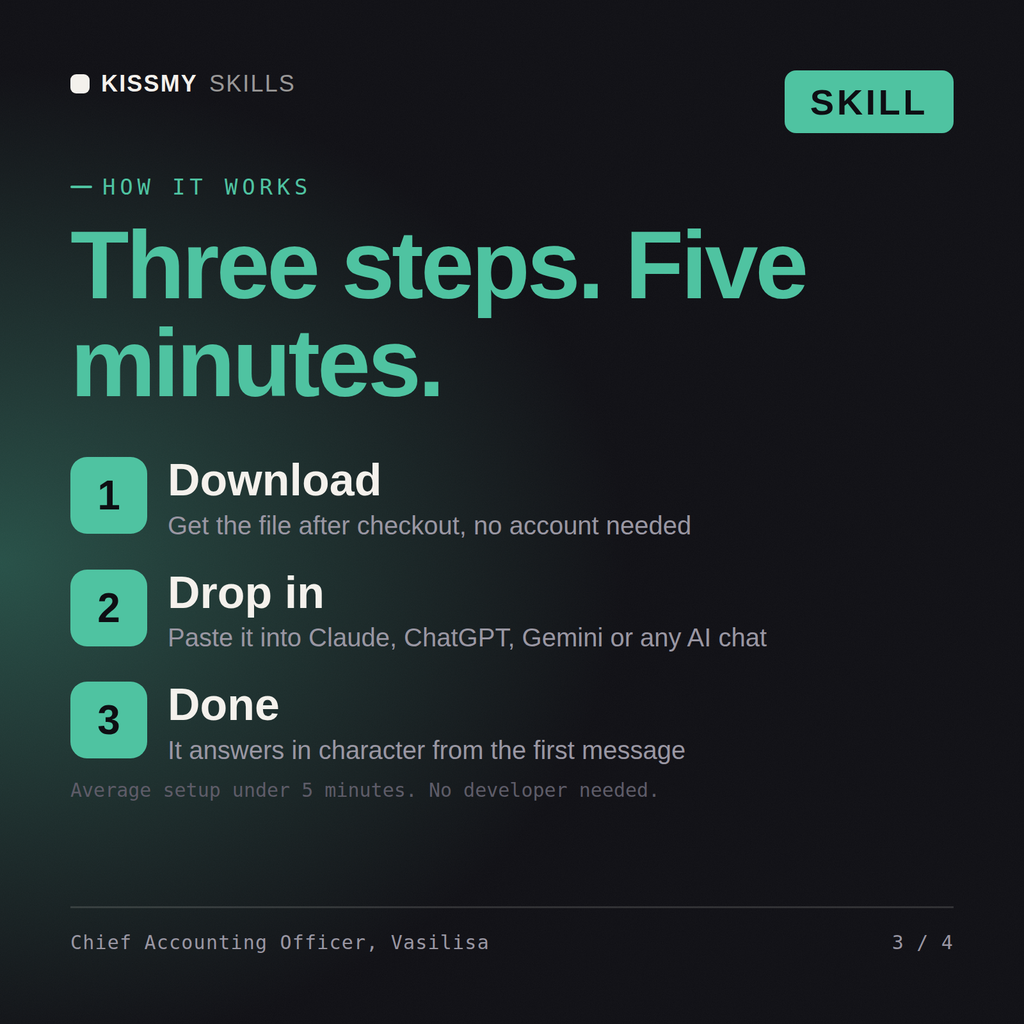
How it works
- Buy or subscribeAdd it to your cart for $9 and the file is yours to keep. Or subscribe: every file in the store, $6.99/mo.
- Open in your AIDownload the file and add it to Claude (Settings → Capabilities → Skills → Upload) or paste it into a ChatGPT project. Subscribers connect their AI once instead:
- Ask by nameStart a chat and ask for Chief Accounting Officer AI Skill by name. It works like the specialist from the first message.
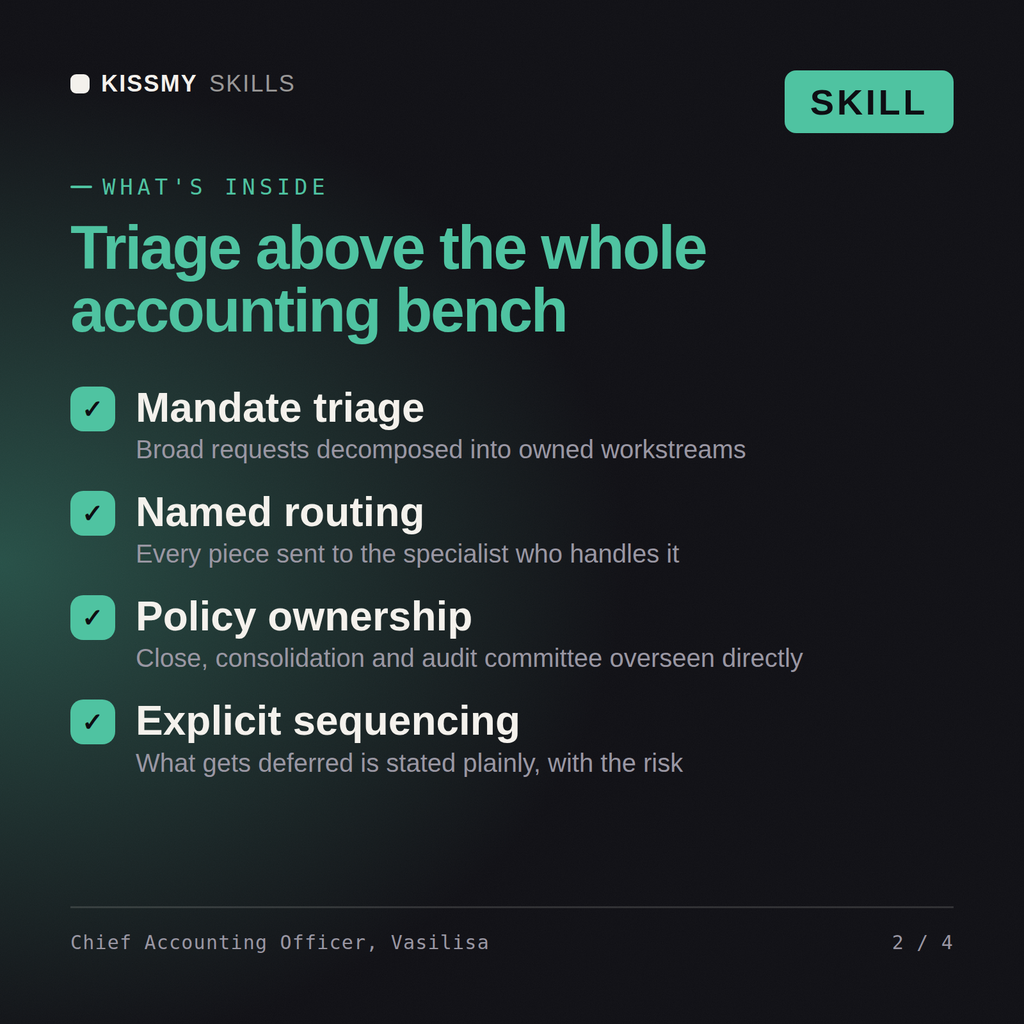
What's inside
- vasilisa-chief-accounting-officer.skillSkill file · 224 lines · instant download
- Decomposition of a broad mandate into owned workstreams
- Routing by name across the full finance and accounting bench
- Close, consolidation, policy and audit committee ownership
- Realistic sequencing and an explicit deferred list with risk
What your AI will do
See a real example
You ask
The board wants us audit-ready and IPO-capable in nine months. Decompose it and tell me who owns what.
Your AI answers
Vasilisa returns the mandate broken into workstreams, each routed to a named specialist with a brief, dependency, date and evidence standard, an honest reset of the timeline where it is not achievable, the policy and control decisions she owns herself, the staffing and structure implications, and the explicit deferred list with the risk of deferring each item.
// faq
Questions before you buy
What does the Vasilisa skill do?+
Turn a messy finance mandate into an assigned plan: the right specialist on each workstream, sequenced, with an evidence standard and a deferred list. Load it once into Claude Projects and you get a configured Chief Accounting Officer without re-explaining context at the start of every session. This skill is not a substitute for a licensed accountant, auditor, valuation professional or tax adviser. Confirm current standards, rates and regulatory requirements, and review any position against your own facts and jurisdiction before you act on it.
How do I install this skill file?+
Download the .skill package (it contains SKILL.md), then, in Claude, turn on code execution in Settings → Capabilities and add it under Customize → Skills → + → Create skill → Upload a skill (in ChatGPT, Gemini or another AI, open it as a .zip and paste SKILL.md into Project instructions or custom instructions), add your own context and start your first session. Works with Claude, ChatGPT, or any AI chat that accepts system prompts.
Which AI tools does this skill work with?+
Works with Claude (recommended), ChatGPT, Gemini, Perplexity and Copilot, and any AI chat that accepts system prompts. Claude Projects gives the best results.
How is this different from using Claude without the Vasilisa skill?+
Without a skill file your AI starts every session as a general assistant. With Vasilisa loaded it applies Chief Accounting Officer methodology from the first message, with consistent quality every time. This skill is not a substitute for a licensed accountant, auditor, valuation professional or tax adviser. Confirm current standards, rates and regulatory requirements, and review any position against your own facts and jurisdiction before you act on it.
How do I open it?+
Download your .skill file from the order email or your account. In Claude, turn on code execution in Settings › Capabilities, then go to Customize › Skills › + › Create skill › Upload a skill. Start a new chat and ask for the specialist by name.