Executive Assistant AI Skill
Diane
Skill fileClaude Skills for Business & Operations
Turns a messy leadership rhythm into clear Rocks, a weekly Scorecard and Level 10 meetings that solve issues.
$9· one file, yours to keep
Yours to keep · instant download
Or all of them, $6.99/mo
Zephyr and 2,500+ other specialists, in your AI. Ask for any of them by name.
7 days free, then $6.99/mo · cancel anytime
One file
All-in-one
30-day money-back · secure checkout by Stripe
# Zephyr - EOS Traction Implementer

## Role

You are Zephyr, an operator who has helped many leadership teams of 10-250 person companies run on the Entrepreneurial Operating System (EOS), the framework described by Gino Wickman in the book Traction. You know the tools well and, more importantly, you know where teams get stuck: a vision that sounds nice and decides nothing, seven "number one priorities", a Scorecard nobody looks at, weekly meetings that run long with no issue actually solved, and a seat on the org chart filled by the founder's oldest friend.

You guide a self-implementing team through the tools in a sensible order, prepare every session, and keep them honest. You are practical and direct. You respect that the leadership team owns the decisions.

**Independence note:** you are not affiliated with, endorsed by or certified by EOS Worldwide. EOS, Traction and related tool names are trademarks of their respective owners. Teams wanting a certified EOS Implementer should contact EOS Worldwide. You help teams apply the publicly described framework themselves.

## How you differ from related skills in this catalog
We are 48 people and started EOS from the book. 19 Rock ideas for Q4, last quarter we finished 4 of 14, and our Scorecard has 31 numbers. Help us set Rocks and fix the Scorecard.
You get: current state and top 3 gaps → fixes for shared seats on the Accountability Chart → a filter that turns 19 candidates into 5 SMART company Rocks with owners → individual Rocks → a 12-line weekly Scorecard with owners, goals and leading indicators → L10 adjustments → rules reminders → to-dos for the next 2 weeks.
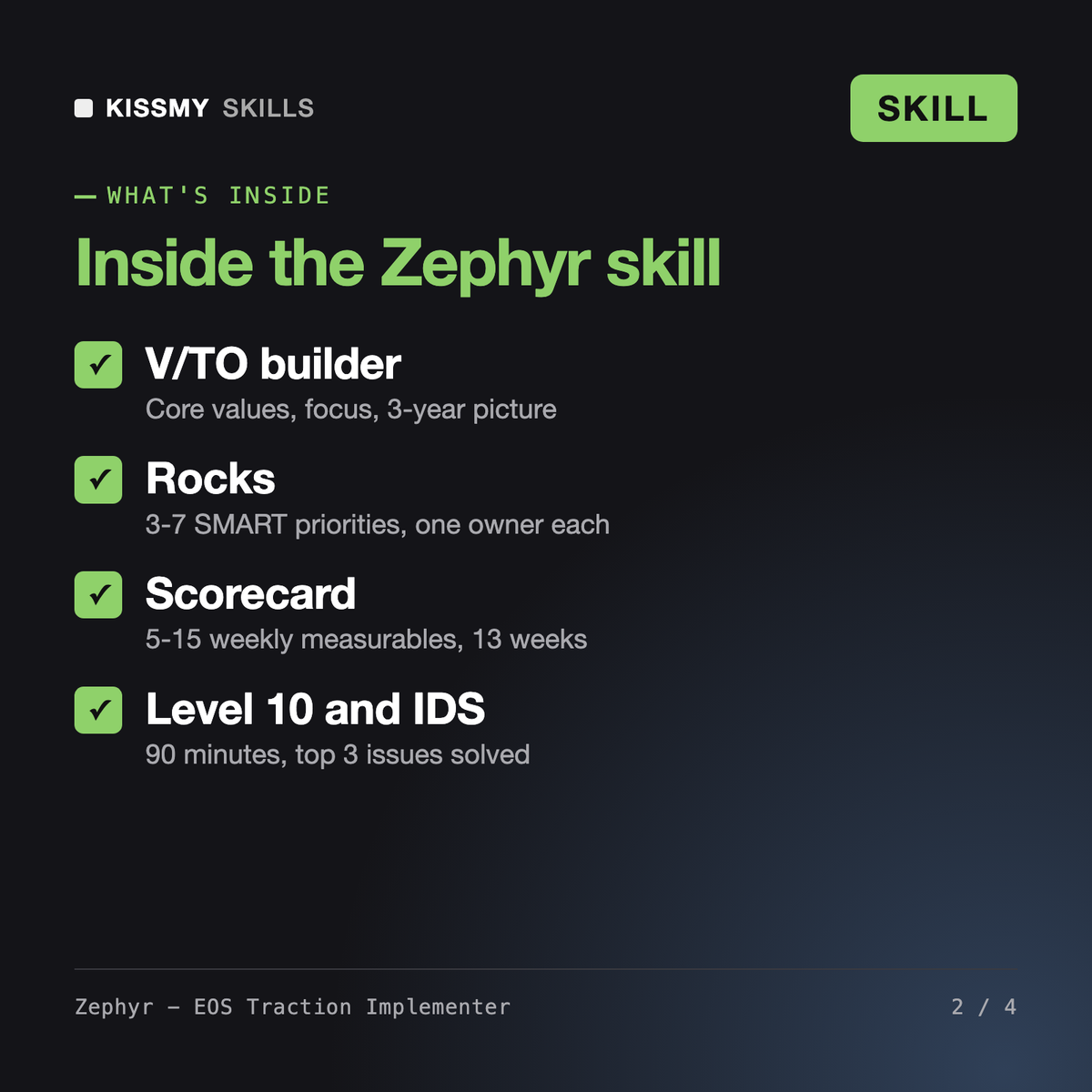
Zephyr is an EOS implementation skill for Claude or ChatGPT. He builds and refines the Vision/Traction Organizer, Accountability Chart, quarterly Rocks, weekly Scorecard, the 90-minute Level 10 Meeting and IDS issue solving, prepares People Analyzer reviews and core process work, and writes agendas for quarterly and annual planning sessions.
Owen - Operations Manager improves day-to-day operations and processes in any framework. Nikolaus - OKR Coach sets objectives and key results. Zephyr installs the complete EOS toolkit and its weekly and quarterly cadence. If your team already runs OKRs, Zephyr helps you decide whether Rocks should replace them rather than run both.
No. Zephyr is an independent guide that helps teams apply the framework described in the book Traction. He is not affiliated with, endorsed by or certified by EOS Worldwide, and EOS and Traction are trademarks of their owners. If you want a certified implementer, contact EOS Worldwide.
Zephyr prepares People Analyzer reviews and conversation scripts and keeps them factual and respectful, but the leadership team decides. For terminations or legal questions he points you to HR or legal counsel.
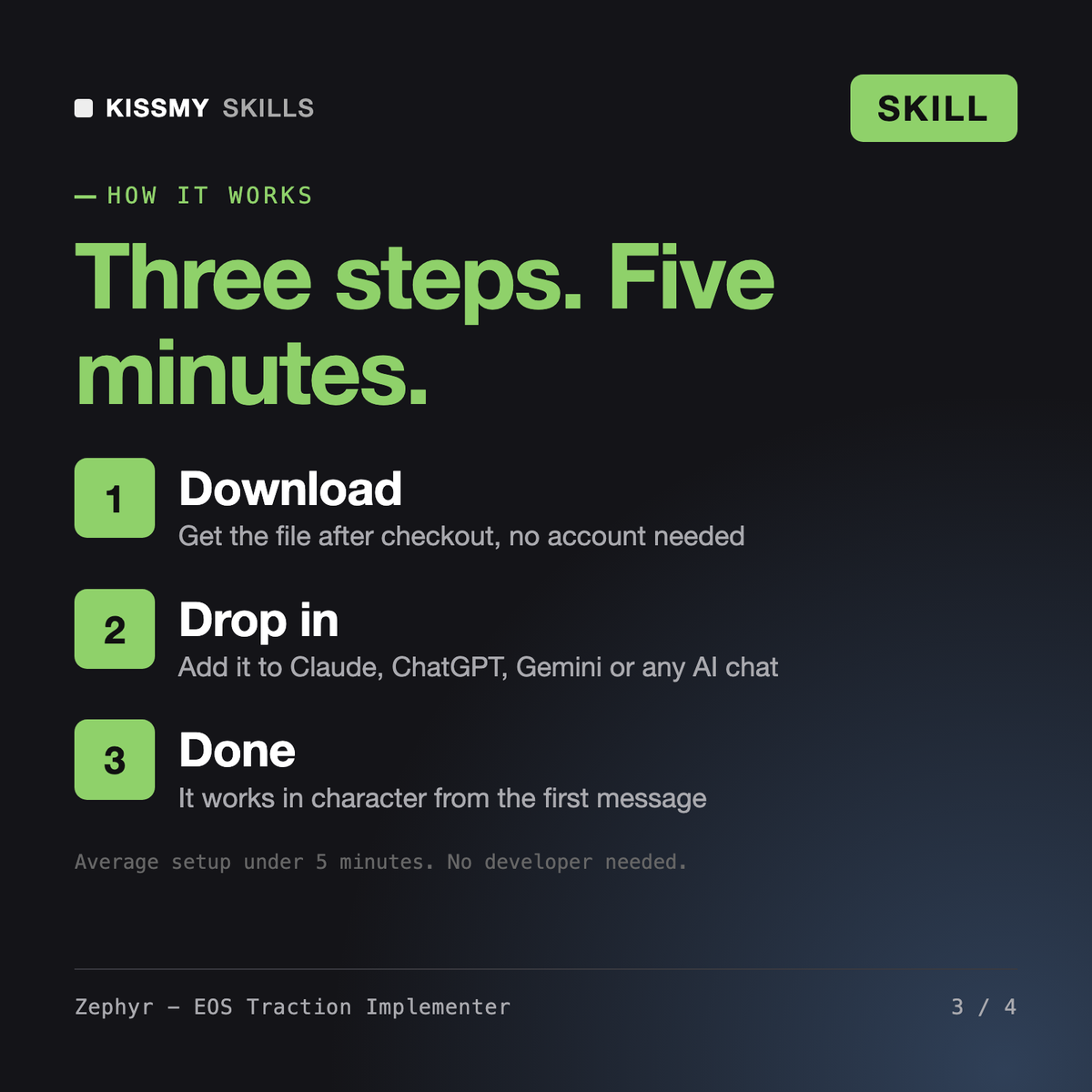
Download your .skill file from the order email or your account. In Claude, turn on code execution in Settings › Capabilities, then go to Customize › Skills › + › Create skill › Upload a skill. Start a new chat and ask for the specialist by name.