

Website Contact Form Auto-Responder Flow Builder Prompt Pack
Web developers, agencies and small business owners who want every contact form message to get the right automatic reply.


提示詞組工作與商業提示詞
Your AI works as a senior Microsoft Access developer who writes clear queries in the Access (Jet/ACE) SQL dialect and…
$9· 單一檔案,永久擁有
黑色星期五:前 6 個月每月 $4.99,之後每月 $6.99;或第一年 $29,之後每年 $49
永久擁有 · 立即下載
================================================================================
  KISSMYSKILLS.COM
  ACCESS QUERY AND REPORT BUILDER
  Prompt pack - Microsoft Access SQL queries, crosstabs, action
  queries and report layouts from plain-language questions
================================================================================


WHAT YOU JUST BOUGHT
--------------------------------------------------------------------------------
A plain-text prompt pack that turns a question like "which customers
have not ordered in 90 days?" into a working Microsoft Access query and,
或者全部,$6.99/月
Access Query and Report Builder Prompt Pack 和另外 2,600+ 位專家,都在你的 AI 裡。直接叫名字就行。
$6.99/月 · 30 天退款保證 · 可隨時取消
單一檔案
All-in-one
30 天退款保證 · 由 Stripe 提供安全結帳
Tables Customers(CustomerID, CompanyName) and Orders(OrderID, CustomerID, OrderDate). Which customers have not ordered in the last 90 days, including ones who never ordered? Access 365.
You get: the SQL in Access dialect with a LEFT JOIN, Max and HAVING → what it returns (one row per customer) → a line-by-line explanation → design grid steps → checks on the row count → traps such as customers with no orders → open questions about your fields.
It gives you a master prompt, an Access SQL cheat sheet and 24 ready-to-run prompts that turn plain-language questions into Access queries, crosstabs, parameter queries, safe action queries and report layouts. Each answer includes the SQL, a line-by-line explanation, design grid steps and checks.
The SQL Query Generator writes general SQL for existing databases. This pack is built for Access: its date delimiters, wildcards, IIf and Nz functions, TOP instead of LIMIT, parenthesized multi-table joins, crosstab syntax and report features. It also covers the design grid and Report tools that a generic generator ignores.
Only if you run it carelessly, so the prompts build in safeguards. Any update, delete or append is first written as a SELECT showing the affected rows, you are reminded to back up, and you are told to compare row counts. Run changes on a copy of the database first.
No. It assumes your tables already exist and uses only the fields you list. If you need to design or normalize tables first, our Access table and relationship designer skill covers that step, and this pack takes over once the design is in place.
從訂單郵件或你的帳戶下載 .skill 檔案。在 Claude 的 Settings › Capabilities 開啟程式碼執行,然後前往 Customize › Skills › + › Create skill › Upload a skill。開啟新對話,用名字叫出專家。
Web developers, agencies and small business owners who want every contact form message to get the right automatic reply.
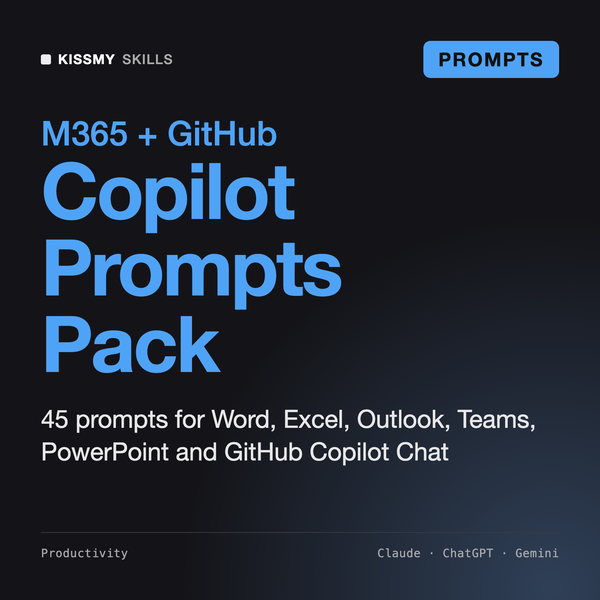
適用於 Word、Excel、Outlook、Teams 與程式碼的 Microsoft 365 和 GitHub Copilot 提示詞
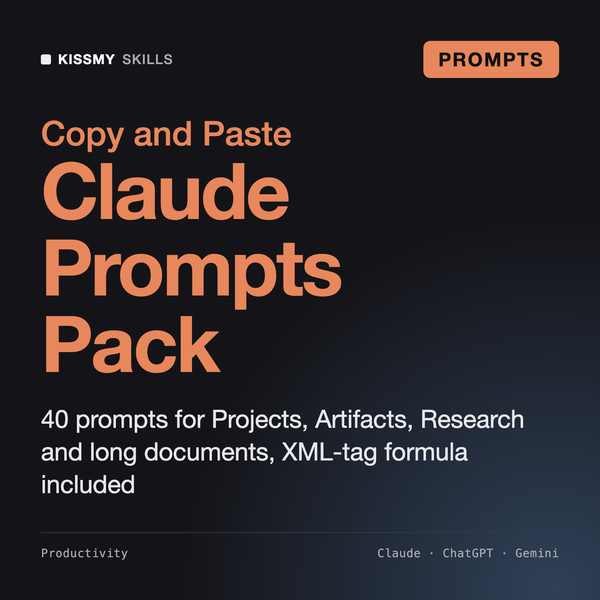
40 個適用於專案、Artifacts、研究與長篇文件的提示詞
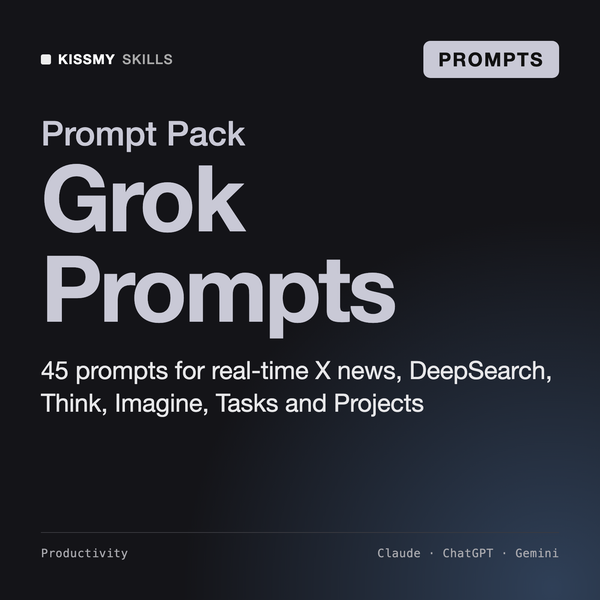
45 個 Grok AI 提示詞與入門指南