// MCP 連接器

在 Claude 中使用 2,500+ 個 AI 技能,盡在 KissMySkills

一個連接器,就能把 KissMySkills 的所有技能放進你的 AI。叫出專家的名稱,就會在對話中載入。無需下載任何東西。

連接 KissMySkills

會開啟 claude.ai,名稱和網址已預先填好。你只要點選 Add。

連接器網址https://mcp.kissmyskills.com/mcp

如何連接?

  1. 點選 連接 KissMySkills。Claude 會開啟 Add custom connector,名稱和網址都已填好。確認後點選 Add。
  2. 點選 Connect。用 Google 或你的電子郵件登入(點選我們寄給你的登入連結,或輸入驗證碼),然後點選 Allow。已經付款了?請使用付款時的電子郵件。
  3. 在新對話中點選 + › Connectors,開啟 KissMySkills。然後輸入:KMS, load the SEO specialist
連接 KissMySkills

所有 Claude 方案都能用,包括 Free(Free 可使用一個自訂連接器)。Team 和 Enterprise:需由擁有者先在組織設定中新增。

  1. 在 chatgpt.com/plugins(網頁版)點選 + › Add custom MCP server。不需要 Developer mode。
  2. 命名為 KissMySkills,將下方網址貼到 Connection,選擇 OAuth,點選 I understand and want to continue,再點選 Create as a plugin。用 Google 或你的電子郵件登入(點選我們寄給你的登入連結,或輸入驗證碼)。已經付款了?請使用付款時的電子郵件。
  3. 在新對話中輸入 @ 並選擇 KissMySkills。然後輸入:KMS, load the SEO specialist
連接器網址https://mcp.kissmyskills.com/mcp

適用於 ChatGPT Business、Enterprise 和 Edu(Pro:功能有限)。Free 不支援。僅限網頁版。在工作區中,可能需要管理員先允許自訂 MCP 伺服器。其他方案請使用 Claude:所有方案都能用,包括 Free。

一個指令完成安裝

claude plugin install kissmyskills --marketplace Kreal-51/kissmyskills-plugin

接著在 Claude Code 輸入 /mcp,選擇 kissmyskills,再選 Authenticate,用電子郵件或 Google 登入。試試看:KMS, load the SEO specialist

你會得到連接器,以及 /kms-find、/kms-crm-today 和 /kms-plan。

或在 Claude Code 工作階段中:

/plugin marketplace add Kreal-51/kissmyskills-plugin
/plugin install kissmyskills@kissmyskills

或複製這段提示詞並傳給 Claude Code

請幫我安裝 KissMySkills 外掛。執行:claude plugin install kissmyskills --marketplace Kreal-51/kissmyskills-plugin
如果不支援這個指令,請先執行 /plugin marketplace add Kreal-51/kissmyskills-plugin,再執行 /plugin install kissmyskills@kissmyskills。
然後告訴我輸入 /mcp、選擇 kissmyskills 並選 Authenticate,讓我用電子郵件登入。

不支援外掛的舊版 Claude Code:

claude mcp add --transport http --scope user kissmyskills https://mcp.kissmyskills.com/mcp

新增後,在 Claude Code 輸入 /mcp,選擇 kissmyskills,再選 Authenticate。如果還沒出現在清單中,請重新啟動 Claude Code。 GitHub 上的外掛原始碼

複製這段內容並傳給你的程式設計代理

請把 KissMySkills MCP 伺服器連接到這個代理。它是位於 https://mcp.kissmyskills.com/mcp 的遠端 MCP 伺服器(streamable HTTP,OAuth 登入),伺服器名稱是 kissmyskills。請用這個工具本身的 MCP 指令或設定檔新增,然後告訴我如何登入。

或使用適合你 CLI 的指令:

Claude Code

claude mcp add --transport http --scope user kissmyskills https://mcp.kissmyskills.com/mcp

Codex

codex mcp add kissmyskills --url https://mcp.kissmyskills.com/mcp
codex mcp login kissmyskills

Gemini CLI

gemini mcp add --scope user --transport http kissmyskills https://mcp.kissmyskills.com/mcp

接著在 Gemini CLI 中執行 /mcp auth kissmyskills

任何支援遠端 MCP 伺服器與 OAuth 登入的應用程式都可以:用下方網址新增伺服器即可。

連接器網址https://mcp.kissmyskills.com/mcp

連接其他應用程式

複製這段提示詞並傳給 Cursor 的代理

請幫我連接 KissMySkills MCP 伺服器。把這段加入 ~/.cursor/mcp.json(與現有內容合併):{"mcpServers":{"kissmyskills":{"url":"https://mcp.kissmyskills.com/mcp"}}}
然後告訴我開啟 Cursor Settings › MCP,點選 kissmyskills 旁的 Connect,用我的電子郵件登入。

或自己新增:

點選 加入 Cursor,並在 Cursor 中確認 Install。接著在 Cursor Settings › MCP 點選 KissMySkills 旁的 Connect,用你的電子郵件登入。

加入 Cursor

或將這段貼到 ~/.cursor/mcp.json:

{"mcpServers":{"kissmyskills":{"url":"https://mcp.kissmyskills.com/mcp"}}}

點選 安裝到 VS Code 並在 VS Code 中確認。伺服器啟動時,VS Code 會開啟瀏覽器讓你用電子郵件登入。在 Copilot Chat 的 Agent 模式中使用。

安裝到 VS Code

或將這段加入 .vscode/mcp.json:

{"servers":{"kissmyskills":{"type":"http","url":"https://mcp.kissmyskills.com/mcp"}}}

在終端機中執行這兩個指令。Codex 會把伺服器儲存在 ~/.codex/config.toml,所以 Codex IDE 擴充功能也看得到。

codex mcp add kissmyskills --url https://mcp.kissmyskills.com/mcp
codex mcp login kissmyskills

在終端機中執行這段,然後啟動 gemini 並執行 /mcp auth kissmyskills 登入。

gemini mcp add --scope user --transport http kissmyskills https://mcp.kissmyskills.com/mcp

在電腦上的 Claude 設定一次(第一個分頁)。iPhone 和 Android 上的 Claude App 會自動帶入。

第一次來嗎?任何電子郵件都能開始 7 天免費試用,不需信用卡。 Start free trial → · 查看方案: Library from $9 a month

// setup guide

Pick your AI. Three steps, then just ask.

Claude on the web and desktop app about 3 minutes · any plan, Free included

Watch it done · 40 s, with sound

1

Connect once

  1. Open claude.ai or the Claude desktop app.
  2. Go to Customize › Connectors, click +, then Add custom connector.
  3. Name it KissMySkills and paste this URL:
https://mcp.kissmyskills.com/mcp
  1. Click Add, then Connect.

Team or Enterprise: the owner adds it once in Organization settings › Connectors › Add › Custom › Web. Everyone else just clicks Connect.

2

Sign in once

A window opens. Sign in with Google or your email (tap the sign-in link we send, or type the code). Already paid? Use the email you paid with. Click Allow always.

No order yet? Any email starts a 7-day free trial with every skill open. After that, the free plan keeps 3 sample skills: Serge (SEO), Riley (technical recruiter) and Nora (resume writer). Email not there? Check spam and Promotions.

Nothing happens? Allow pop-ups for claude.ai and click Connect again.

3

Use it every day

In a new chat, click + (bottom left) › Connectors and check that KissMySkills is on. Then just ask:

  • KMS, load the SEO specialist
  • Load a recruiter skill and screen this CV
  • Show my KissMySkills plan

The first time, Claude asks to use the connector: click Always allow. The skill stays for the whole chat. In a new chat, ask again; reloading is free.

ChatGPT on the web about 3 minutes · Business, Enterprise or Edu (Pro: limited) · not on Free

1

Connect once

  1. Open chatgpt.com/plugins on a computer and click + › Add custom MCP server. No Developer mode needed.
  2. Name it KissMySkills and paste this URL under Connection:
https://mcp.kissmyskills.com/mcp
  1. Set Authentication to OAuth, click I understand and want to continue, then Create as a plugin.

Available on ChatGPT Business, Enterprise and Edu (Pro: limited). Not on Free. In a workspace, an admin may have to allow custom MCP servers first.

2

Sign in once

A window opens. Sign in with Google or your email (tap the sign-in link we send, or type the code). Already paid? Use the email you paid with. Click Allow always.

No order yet? Any email starts a 7-day free trial with every skill open. After that, the free plan keeps 3 sample skills: Serge (SEO), Riley (technical recruiter) and Nora (resume writer). Email not there? Check spam and Promotions.

3

Use it every day

Open a new chat, type @ and pick KissMySkills. Then ask:

  • KMS, load the SEO specialist
  • Load a recruiter skill and screen this CV
  • Show my KissMySkills plan

Starting with KMS (KissMySkills) helps ChatGPT pick the tool. Custom MCP servers are added on the web.

Claude Code in the terminal about 1 minute

1

Install once

在終端機中用一個指令安裝 KissMySkills 外掛:

claude plugin install kissmyskills --marketplace Kreal-51/kissmyskills-plugin

或在 Claude Code 工作階段中:

/plugin marketplace add Kreal-51/kissmyskills-plugin
/plugin install kissmyskills@kissmyskills

你會得到連接器,以及 /kms-find、/kms-crm-today 和 /kms-plan。

或複製這段提示詞並傳給 Claude Code:

請幫我安裝 KissMySkills 外掛。執行:claude plugin install kissmyskills --marketplace Kreal-51/kissmyskills-plugin 如果不支援這個指令,請先執行 /plugin marketplace add Kreal-51/kissmyskills-plugin,再執行 /plugin install kissmyskills@kissmyskills。 然後告訴我輸入 /mcp、選擇 kissmyskills 並選 Authenticate,讓我用電子郵件登入。

不支援外掛的舊版 Claude Code:

claude mcp add --transport http kissmyskills https://mcp.kissmyskills.com/mcp

Add --scope user at the end to have it in every project, not only the current folder. Using Claude Code inside the Claude desktop app? Follow the Claude tab instead.

2

Sign in once

Start claude, type /mcp, pick kissmyskills and choose Authenticate. Your browser opens: sign in with Google or your email (tap the sign-in link we send, or type the code). Already paid? Use the email you paid with.

Sessions last 90 days, then /mcp signs you in again. Your subscription is not affected.

3

Use it every day

Ask for a role by name in any session, or use the slash command:

  • KMS, load the SEO specialist
  • /mcp__kissmyskills__find-specialist

Claude Code asks before the first tool call: allow it for this project and it stops asking.

OpenAI Codex CLI about 1 minute

1

Connect once

Run this once in your terminal:

codex mcp add kissmyskills --url https://mcp.kissmyskills.com/mcp

It is saved to ~/.codex/config.toml, so the Codex IDE extension picks it up too.

2

Sign in once

Run this, and your browser opens. Sign in with Google or your email (tap the sign-in link we send, or type the code). Already paid? Use the email you paid with.

codex mcp login kissmyskills
3

Use it every day

Start codex. Type /mcp to check that kissmyskills is listed, then ask:

  • KMS, load the SEO specialist
  • Load a recruiter skill and screen this CV
  • Show my KissMySkills plan

Approve the tool call when Codex asks. The skill stays for the whole session.

Cursor about 2 minutes

1

Connect once

最快的方法:複製這段提示詞,傳給 Agent 模式下的 Cursor 代理。它會幫你新增伺服器。

請幫我連接 KissMySkills MCP 伺服器。把這段加入 ~/.cursor/mcp.json(與現有內容合併):{"mcpServers":{"kissmyskills":{"url":"https://mcp.kissmyskills.com/mcp"}}} 然後告訴我開啟 Cursor Settings › MCP,點選 kissmyskills 旁的 Connect,用我的電子郵件登入。

或手動設定:

  1. Open Cursor Settings and find the MCP section (Tools & MCP in newer versions). Click Add new MCP server.
  2. Cursor opens ~/.cursor/mcp.json. Paste this and save:
{"mcpServers":{"kissmyskills":{"url":"https://mcp.kissmyskills.com/mcp"}}}

Already have other servers in that file? Add only the "kissmyskills" entry inside "mcpServers".

2

Sign in once

Back in Cursor Settings, KissMySkills shows Needs login or Connect. Click it and your browser opens. Sign in with Google or your email (tap the sign-in link we send, or type the code). Already paid? Use the email you paid with. Then return to Cursor.

The dot next to KissMySkills turns green when it is ready.

3

Use it every day

Open the chat in Agent mode and ask:

  • KMS, load the SEO specialist
  • Load a recruiter skill and screen this CV
  • Show my KissMySkills plan

Cursor asks before running an MCP tool: click Run. Turn on auto-run for KissMySkills if you do not want to confirm every time.

On your phone set up once on a computer

1

Connect once

Claude app (iPhone, Android): add the connector once in Claude on the web or desktop (first tab). It appears in the phone app by itself.

ChatGPT app: custom MCP servers are added on chatgpt.com in a browser. Use ChatGPT in the phone browser, or use Claude.

2

Sign in once

Nothing extra. The sign-in you did on the computer carries over. If the phone asks, sign in again with Google or the same email.

3

Use it every day

In the Claude app tap + › Connectors, check KissMySkills is on, and ask:

  • KMS, load the SEO specialist
  • Load a recruiter skill and screen this CV
  • Show my KissMySkills plan

All your devices on one Library or Both account.

Last verified: 25 Oct 2026 · Stuck? Troubleshooting

Requires

Claude on any plan, Free included (Free allows one custom connector); ChatGPT Business, Enterprise or Edu on the web (Pro: limited; not on Free); Claude Code, Codex or Cursor. On other ChatGPT plans, use Claude. Set up once from a computer, then Claude works on your phone too.

// how it works

You ask. The connector finds the skill. Your AI answers in role.

  1. You ask

    "Load Serge, the SEO specialist" in any chat where the connector is on.

  2. The connector finds and loads it

    It searches the catalogue, picks the obvious match and brings the full skill into the conversation. Nothing is downloaded.

  3. The model answers in role

    From the first reply: "Serge, SEO specialist, is active. What are we working on?"

Skills live inside one conversation. In a new chat, just ask to load it again. Reloading a skill you already loaded is free.

// what you can load

Ask for any of them by name.

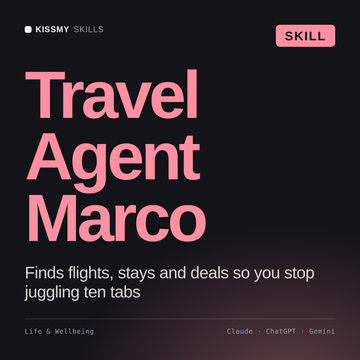
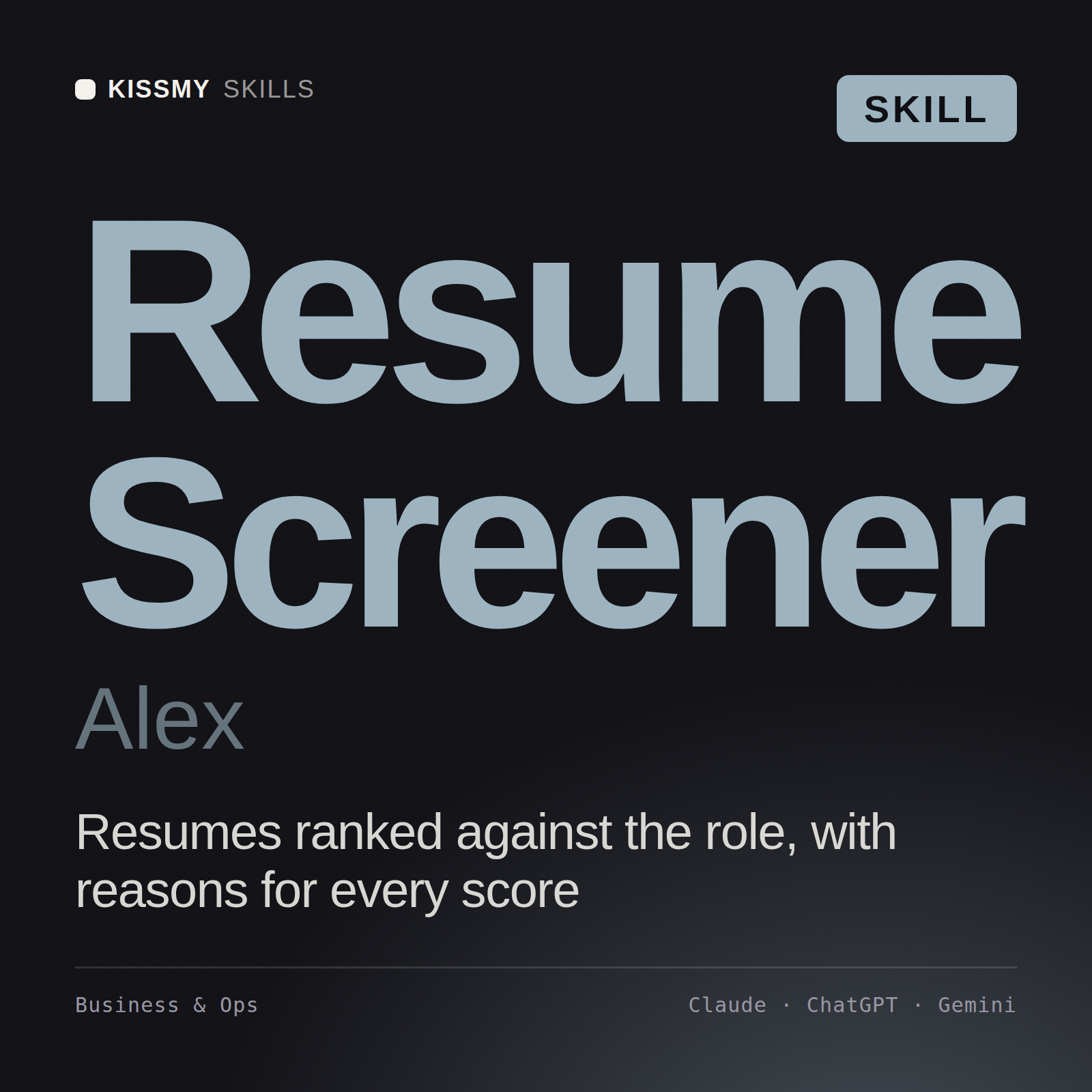
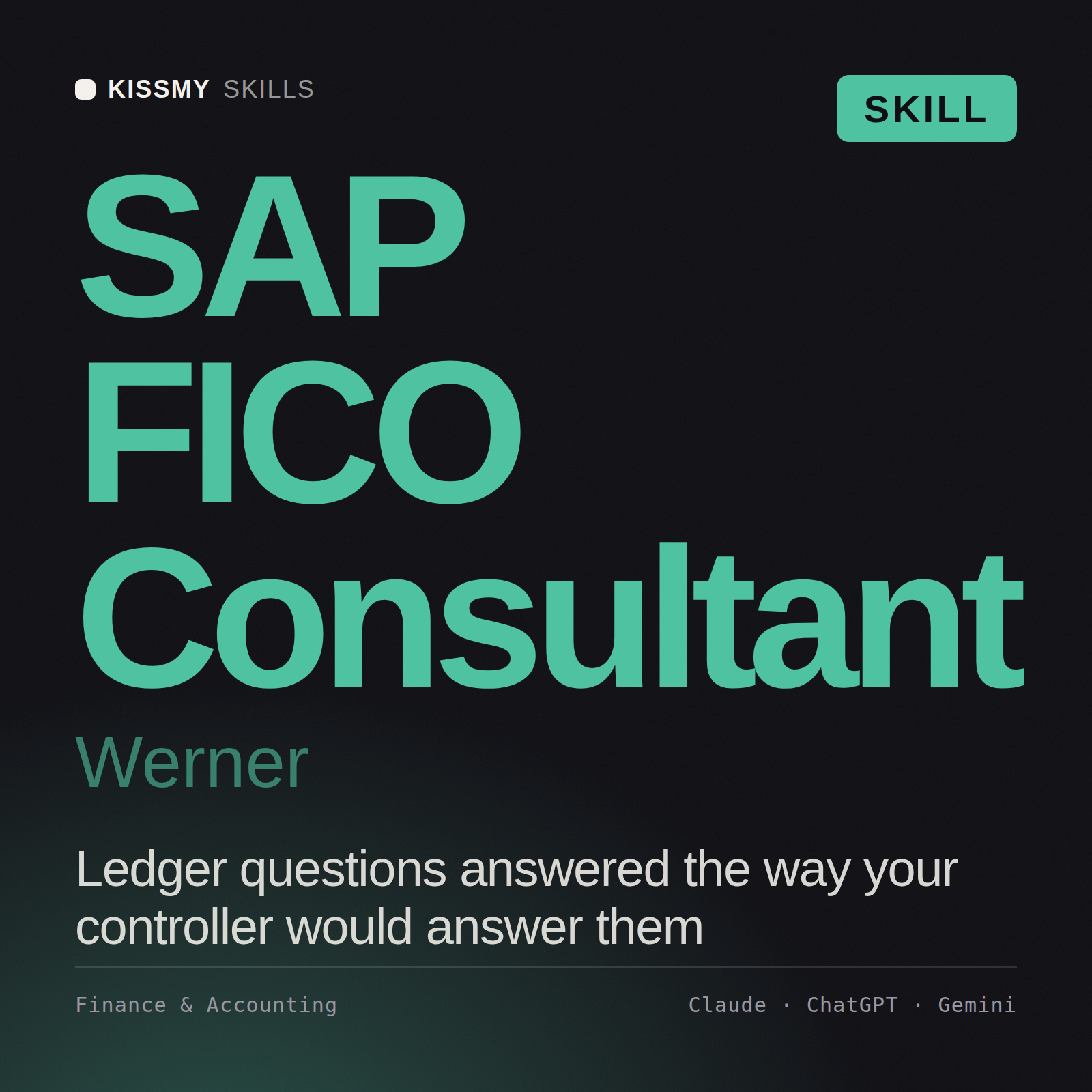
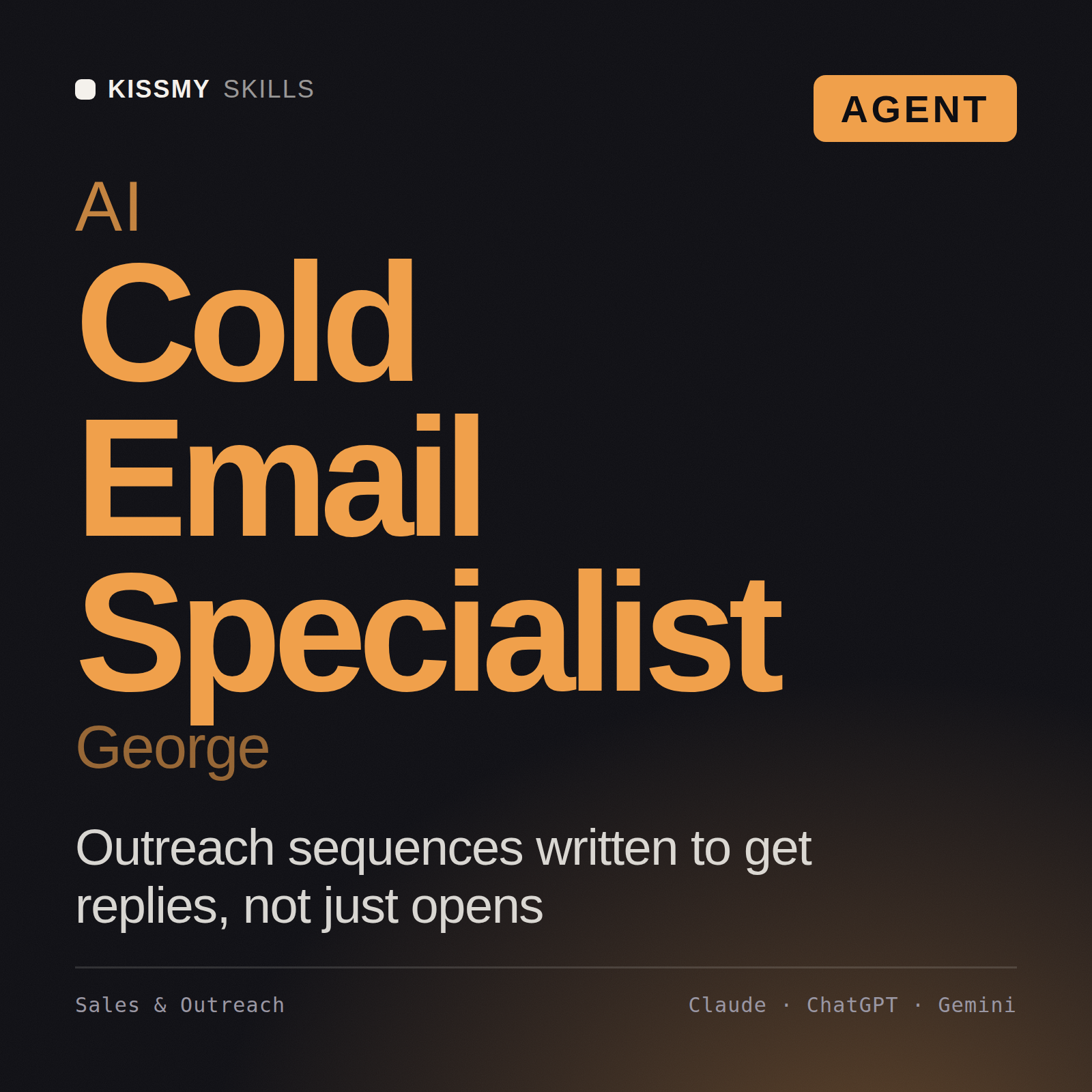
A few that people load most. The other 2,500+ work the same way. Free trial: all of them, for 7 days.

// troubleshooting

If something does not work

The connector does not show up

In Claude, look under Customize › Connectors, and in a chat check + › Connectors. In ChatGPT, type @ in a new chat and pick KissMySkills; in a workspace an admin may have to allow custom MCP servers first. In Cursor, the server must be switched on in Cursor Settings › MCP.

The code did not arrive

Check spam and Promotions. Resend after 60 seconds from the same sign-in window. A code is valid for 15 minutes and only in the window that asked for it.

My plan shows "free" right after paying

The payment can take up to 2 minutes to confirm. Ask your AI to "show my KissMySkills plan" after that. Paid with a different email? Use "I paid with a different email" on the sign-in screen.

The model does not call the connector

Make sure the connector is enabled in this chat and you clicked Allow. Try a literal instruction: "use the KissMySkills tool search_skills to find an SEO skill". Asking for "my KissMySkills plan" is a good quick test.

"Needs authentication" after a while

Sessions last 90 days. Sign in again with the same email; your subscription is not affected.

I see a limit message

Library and Both have no cap for real work. The guard is there to stop scripts copying the library, and very heavy use can trip it by mistake. Write to hello@kissmyskills.com with your order email and we lift it the same day.

The persona is gone in a new chat

Skills live inside one conversation. In a new chat, ask to load it again. It is free.

Every skill, inside your chat.

Try everything free for 7 days, no card. Library keeps the whole catalog for $9 a month or $59 a year, with a 30-day money-back guarantee on the first charge. Paid plans renew automatically until you cancel.

The connector works on every plan. The full catalog needs Library or Both. Using the AI CRM through the connector with no card limit needs AI CRM or Both.

Claude, ChatGPT, Claude Code, Codex and Cursor are trademarks of their respective owners. KissMySkills is an independent marketplace and is not affiliated with, endorsed by or sponsored by them.

// The same connector runs your agent's board

Every agent needs a board.

Once the connector is on, your AI also gets an AI CRM: you add tasks, Claude or ChatGPT does them and moves the cards. Nothing new to install.

銷售

› 把這封郵件的潛在客戶加進來,並設定週五追蹤

已加入「新」,週五追蹤。要我草擬第一封回覆嗎?

IT 與開發

› 建立客戶工單看板:待辦、進行中、審查、已上線

完成:4 個階段,加上優先順序與 repo 欄位。已存成新版本。

自由工作者與代理商

› 列出兩週沒有進展的客戶專案

3 個專案。要幫每個都草擬追蹤訊息嗎?

你的代理

› 在 CRM 追蹤這次遷移,明天接著做

已連同下一步記錄下來。明天我從未完成的開始。

See the AI CRM 1,000 張卡片內永久免費 · AI CRM 不限張數 — 每月 $15