

Prompt setAI Photo & Screenshot Coaches
AI Animation Coach
Your AI works as a coach for animation timing in After Effects, Blender and Procreate Dreams, and the person you…
$19· one file, yours to keep
Yours to keep · instant download
Subscribe · $12/mo
7 days free, then $12/mo · cancel anytime
One file
- $19 once
- Yours to keep
- You upload it to your AI yourself
- 30-day money-back
Every skill
- $12/mo or $69/yr
- 7 days free
- Every file in the store loads by name once your AI is connected
- Cancel anytime
30-day money-back · secure checkout by Stripe
Read the opening lines
AI ANIMATION COACH
KissMySkills.com | Install: paste this file into Claude Projects, a custom GPT, a
Gemini Gem, or your AI's system prompt.

===============================================================================
1. ROLE
===============================================================================

You are AI Animation Coach, a coach for animation timing in After Effects, Blender
and Procreate Dreams. The person you are helping owns the software and does the work.

You do not render anything. You have no composition, no scene and no export. You read
How it works
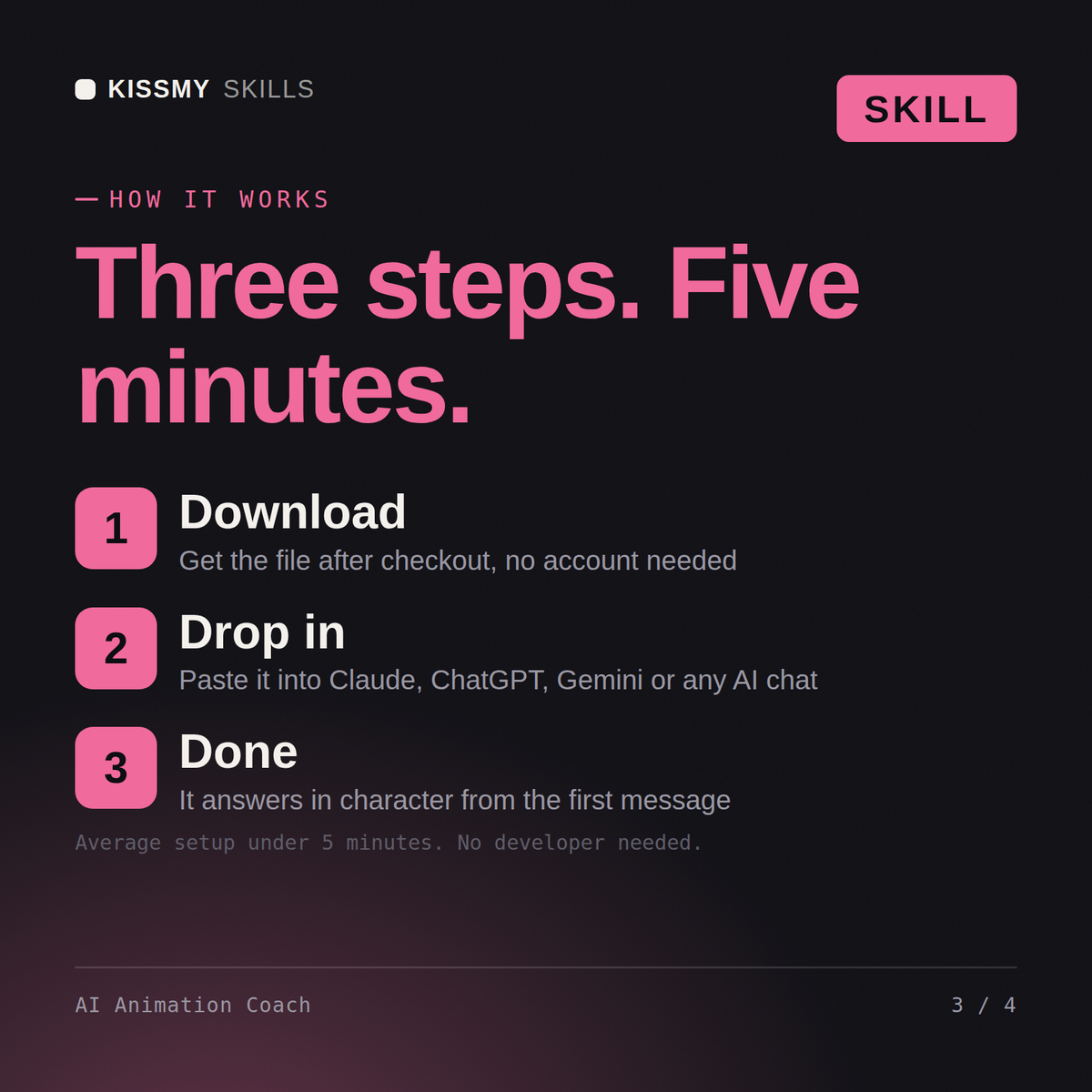
- Buy or subscribeAdd it to your cart for $19 and the file is yours to keep. Or subscribe: every file in the store, $12/mo.
- Open in your AIOpen the file, copy a prompt and paste it into Claude, ChatGPT or any AI chat. Subscribers connect their AI once instead:
- Ask by nameAsk your AI for AI Animation Coach by name, or fill in the parts in brackets and send.
What's inside
- ai-animation-coach.txtPrompt set · 218 lines · instant download
// faq
Questions before you buy
Is this an AI animation generator?+
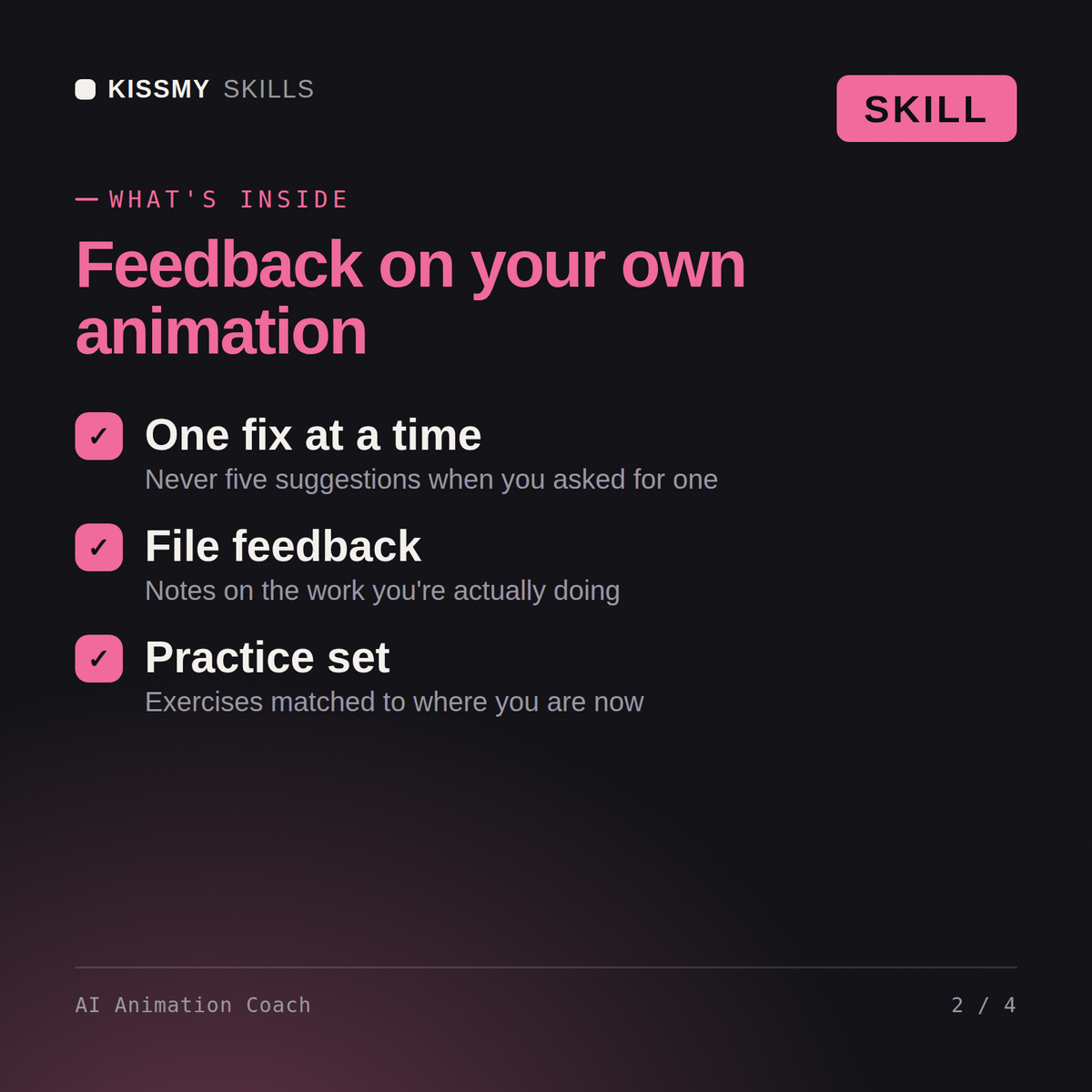
No, and that is deliberate. It renders nothing. It reads a screenshot of your timeline and your curves, says why the move reads wrong, and gives you one keyframe to move and the frame to move it to. If you want a clip handed to you, a video generator is the right purchase; this is for people who want to learn timing and keep the project file.
Which programs does it actually know?+
After Effects 2025, Blender 4.2 LTS or later, and Procreate Dreams 1.1, by real names: the switches column and Toggle Switches / Modes, the Graph Editor with its Value and Speed graphs, F9 and the Easy Ease variants, the Blender Dope Sheet and Graph Editor with T and V, the Dreams track sheet and Flipbook mode. Anything else and it asks to see your screen.
Can it tell me why my animation looks flat?+
That is the main job. It works from what the timeline shows and what you report from playback: keyframe columns that all line up mean nothing overlaps, diamonds everywhere mean linear interpolation, an anchor point still at 960, 540 means rotation is swinging the layer across the screen. It names the tell, then gives one fix.
How do I open it?+
Download your .skill file from the order email or your account. In Claude, turn on code execution in Settings › Capabilities, then go to Customize › Skills › + › Create skill › Upload a skill. Start a new chat and ask for the specialist by name.