
Mental Models & Famous Thinkers Perspective Prompt Pack
Founders, managers, investors and professionals who want to test big decisions with documented frameworks instead of gut feel.
Prompt setWork & Business Prompts
Turns an idea for your iPhone or Mac into a shortcut you can build in the Shortcuts app in minutes.…
$9· one file, yours to keep
Yours to keep · instant download
Or all of them, $12/mo
Apple Shortcuts Builder and 2,500+ other specialists, in your AI. Ask for any of them by name.
7 days free, then $12/mo · cancel anytime
One file
Every skill
30-day money-back · secure checkout by Stripe
================================================================================
  KISSMYSKILLS.COM
  AI Apple Shortcuts Builder: iPhone, iPad and Mac Automations
  Prompt Pack - Instant Use
================================================================================


WHAT YOU JUST BOUGHT
--------------------------------------------------------------------------------
A copy-paste prompt library that makes Claude, ChatGPT or Gemini act like a
patient Apple Shortcuts expert. You describe what you want your iPhone, iPad
or Mac to do, and the AI answers with a numbered build list: which action to
Build a personal automation: when I leave work on weekdays after 4 pm, get driving time home and text my partner 'Leaving now, home in about N min'.
You get: WHAT IT DOES in one sentence → numbered build steps with exact action names (Get Current Date, Format Date, If, Get Travel Time, Round Number, Send Message) → nested If blocks shown with End If → which magic variable goes into each field → SETUP with the Leave trigger, time range and Run Immediately vs Run After Confirmation → PERMISSIONS for location and messages → a 3-step TEST including the weekend and offline case.
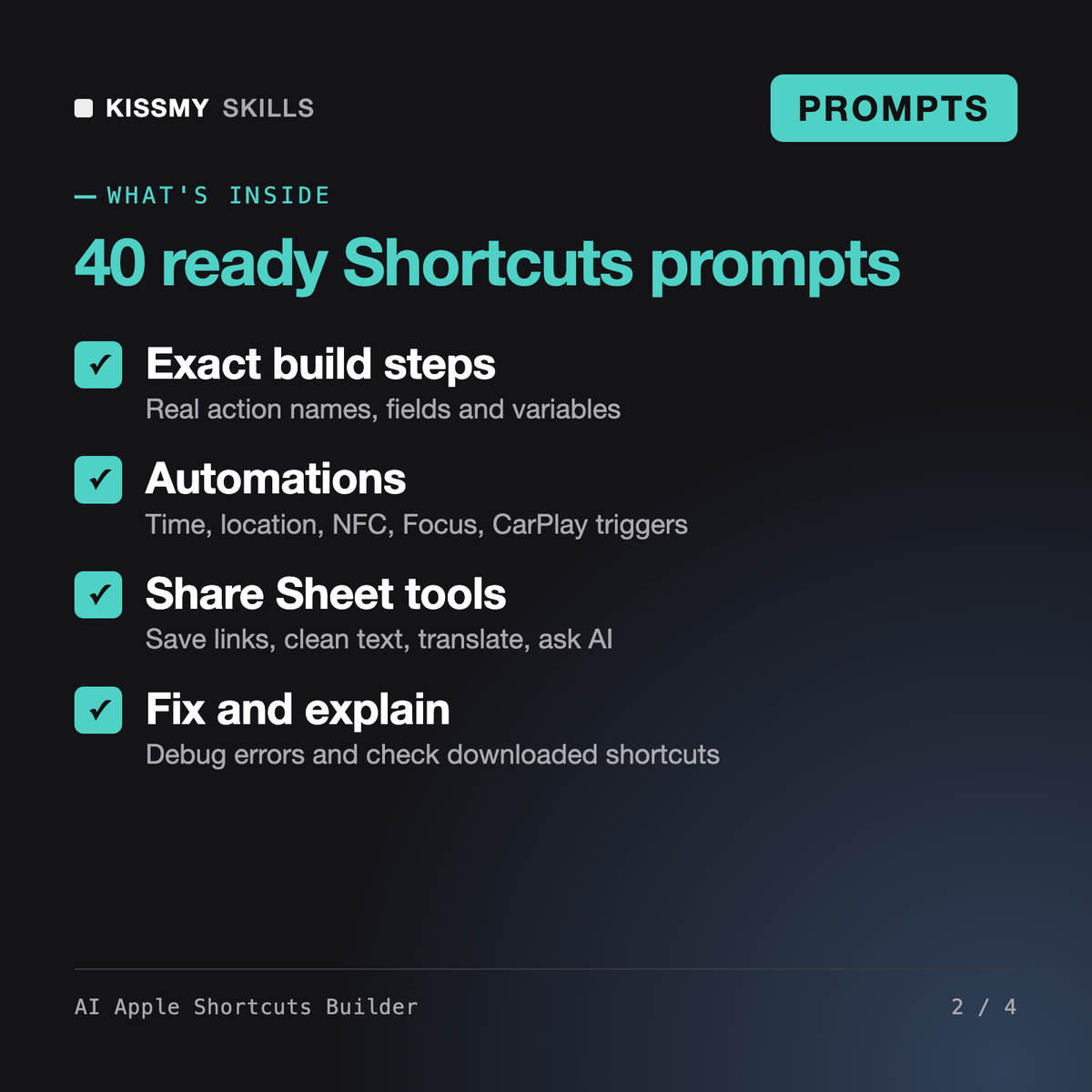
It gives you 40 ready prompts, 2 master formulas and an assistant prompt that make Claude, ChatGPT or Gemini answer with a step-by-step build list for the Shortcuts app: exact action names, field values, variables, If and Repeat blocks, automation triggers, Share Sheet settings, permissions and a short test, so you can build the shortcut on your iPhone, iPad or Mac.
Marnie, our Zapier Expert skill, designs cloud Zaps and Make scenarios between web apps, and Petra, our Power Automate Developer, builds Microsoft cloud flows. This pack is for Apple devices: shortcuts and personal automations that run on your iPhone, iPad or Mac, triggered by Siri, the Action button, the Share Sheet, time, location or NFC.
No. An AI chat cannot create a signed .shortcut file or operate your phone. It gives you the exact recipe and you add each action in the Shortcuts app, usually in 5-15 minutes for a 6-12 step shortcut. Building it yourself also means you can change it later without help.
The assistant prompt asks for your device and OS version and tells the AI to say when a feature needs a newer version, such as Control Center controls or Apple Intelligence actions. Action names shift slightly between versions, so anything the AI is not sure about is marked [CHECK] with a search word.
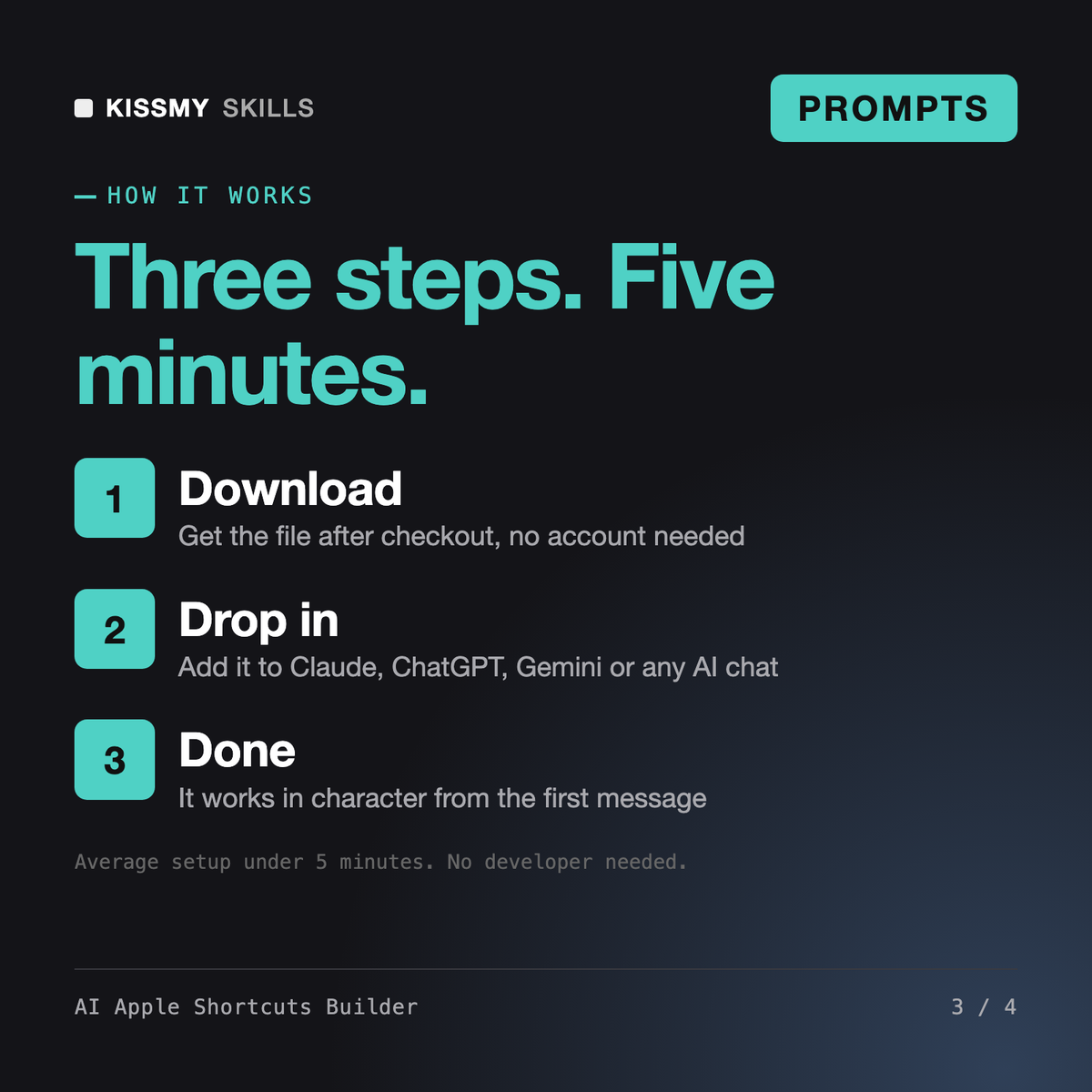
Download your .skill file from the order email or your account. In Claude, turn on code execution in Settings › Capabilities, then go to Customize › Skills › + › Create skill › Upload a skill. Start a new chat and ask for the specialist by name.
Founders, managers, investors and professionals who want to test big decisions with documented frameworks instead of gut feel.
Creators, freelancers and Notion users who want to build a template others will pay for and list it on Gumroad, Etsy or the Notion Marketplace.
Founders, operations managers and team leads who need usable prompts, not guesswork.
Project managers, team leads, consultants and founders who send weekly or monthly status updates to managers, sponsors or clients.