
Business & Operations Prompt Library
Founders, operations managers and team leads who need usable prompts, not guesswork.
Prompt setWork & Business Prompts
Takes a Notion template from niche idea to a clear listing and launch plan without income hype.
$9· one file, yours to keep
Yours to keep · instant download
Or all of them, $6.99/mo
Notion Template Business Coach and 2,500+ other specialists, in your AI. Ask for any of them by name.
7 days free, then $6.99/mo · cancel anytime
One file
All-in-one
30-day money-back · secure checkout by Stripe
================================================================================
  KISSMYSKILLS.COM
  AI Notion Template Business Coach
  Prompt Pack - Instant Use
================================================================================


WHAT YOU JUST BOUGHT
--------------------------------------------------------------------------------
A copy-paste prompt pack that coaches you through how to sell Notion
templates, from a rough niche idea to a listed, launched and improved
product. You paste the prompts into the AI chat you already use (ChatGPT,
I am a wedding photographer. Help me pick a Notion template niche I can sell, design the databases, and write an Etsy listing for it.
You get: a niche scorecard ranking 3 ideas by buyer specificity, job frequency and your credibility → a 4-database structure (Inquiries, Clients, Shoots, Payments) with property types, relations and rollups → dashboard views for 'reply today' and 'unpaid balances' → fictional sample data for screenshots → an Etsy title, tag ideas and description built from your phrase list → [CHECK CURRENT TERMS] notes on Etsy limits and rules → one NEXT STEP.
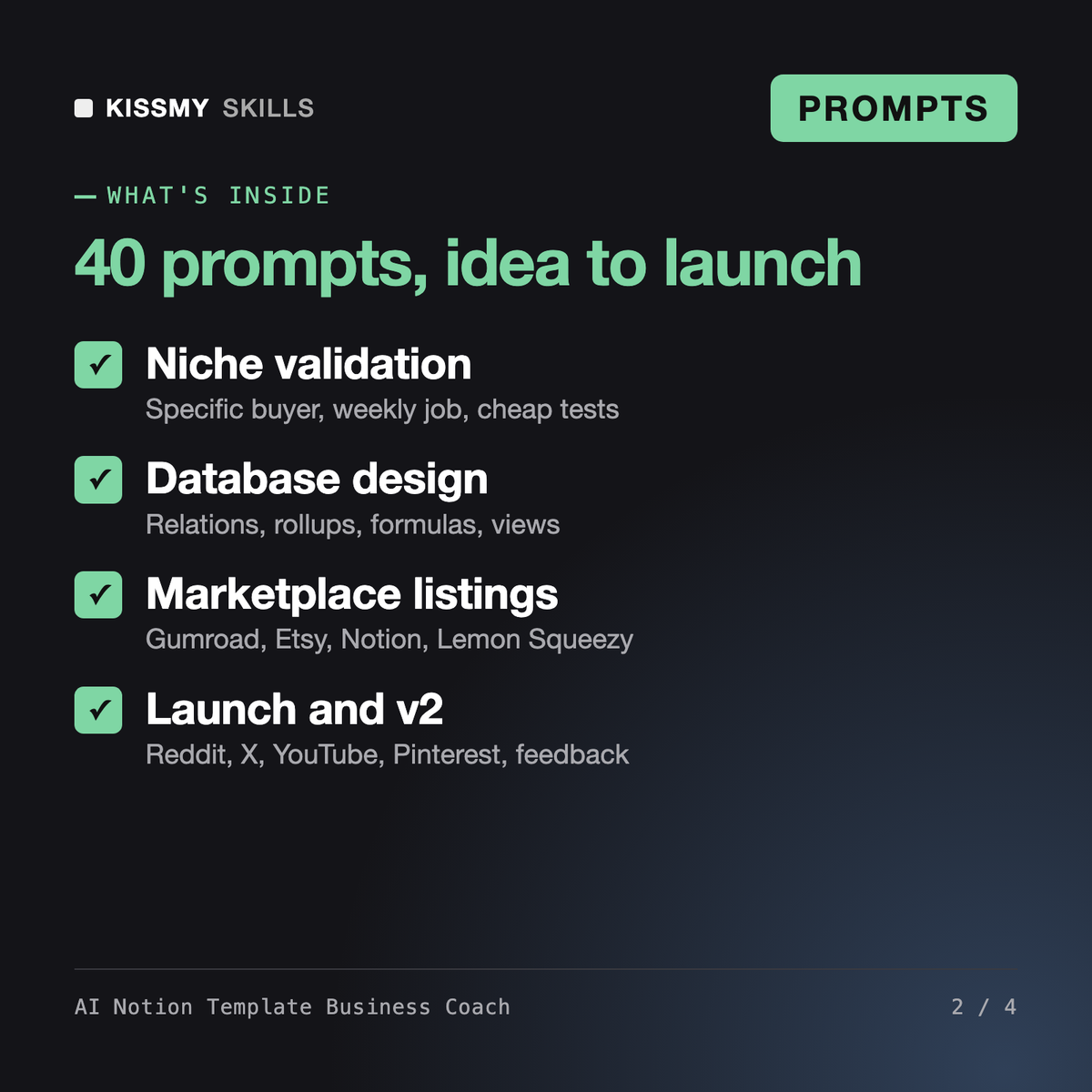
It gives you 40 prompts, 2 master formulas and a coach prompt that take a Notion template from idea to launch: niche research and validation, database and view design, a Start Here onboarding page, pricing tier reasoning, listing copy for Gumroad, Etsy, the Notion Marketplace and Lemon Squeezy, screenshot and mockup briefs, a launch plan, and a feedback and v2 process.
Liesel - Notion Consultant AI Skill designs Notion workspaces for teams, and the Notion Personal Planner Dashboard is a ready template you use yourself. This pack is about the business of selling templates: choosing a niche buyers pay for, building it so it is easy to set up, listing it on marketplaces and launching it honestly.
No. Many templates sell slowly or not at all, and no prompt pack changes that by itself. The prompts help you pick a specific buyer, validate demand cheaply before building, and write clear listings. They never estimate income, sales or search volume, and they do not set prices for you.
No, on purpose. Fees, title and tag limits, review processes and content rules on Gumroad, Etsy, the Notion Marketplace and Lemon Squeezy change. Every platform prompt marks dependent advice as [CHECK CURRENT TERMS] and tells you where to verify it before you list.
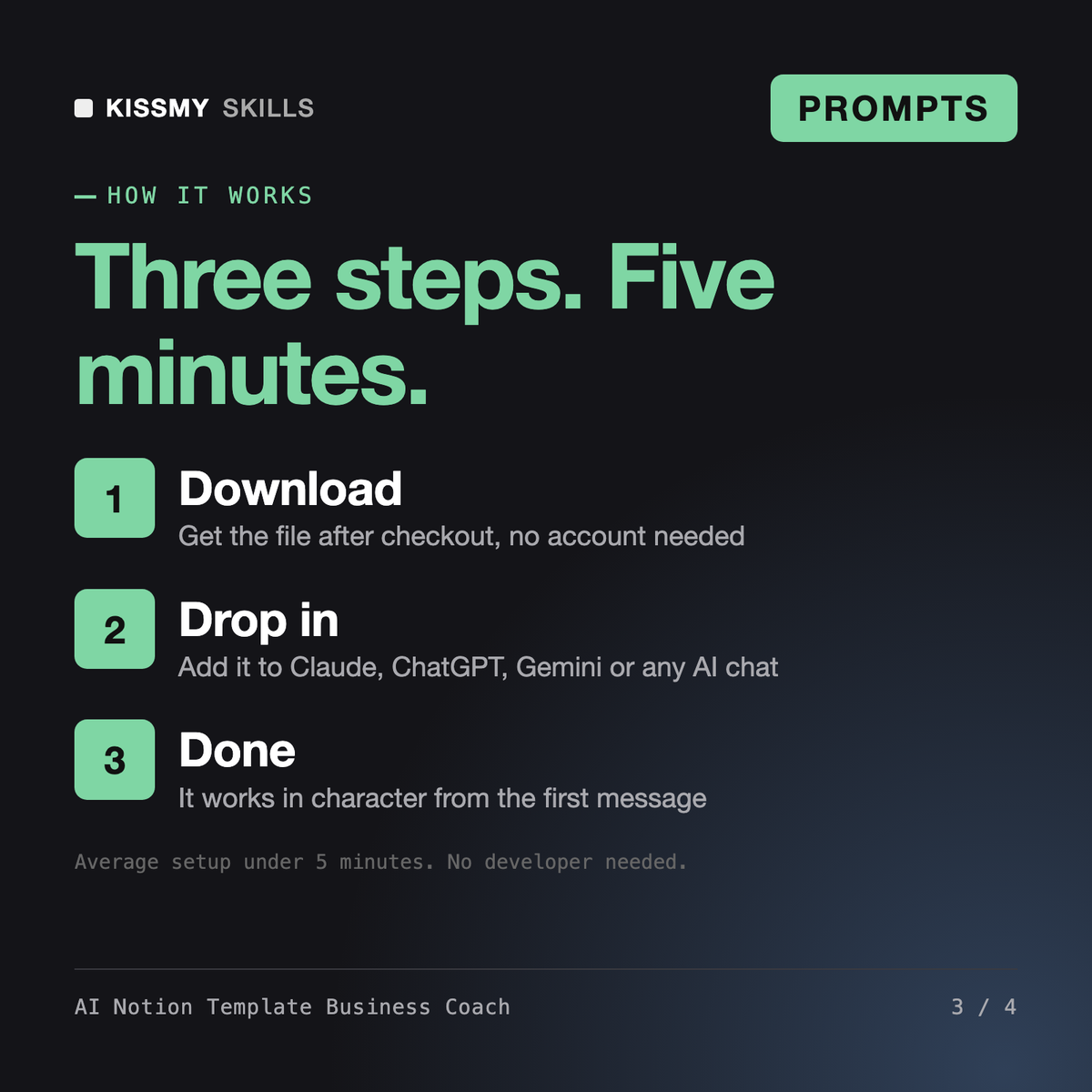
Download your .skill file from the order email or your account. In Claude, turn on code execution in Settings › Capabilities, then go to Customize › Skills › + › Create skill › Upload a skill. Start a new chat and ask for the specialist by name.
Founders, operations managers and team leads who need usable prompts, not guesswork.
Project managers, team leads, consultants and founders who send weekly or monthly status updates to managers, sponsors or clients.
Managers, founders and team leads who run meetings every week and want a clear agenda, prep and minutes in minutes instead of an hour.
Project managers, operations leads, founders and consultants who need a risk register a sponsor, client or board will actually read.