
AI Meeting Agenda & Prep Generator
Managers, founders and team leads who run meetings every week and want a clear agenda, prep and minutes in minutes instead of an hour.
Prompt setWork & Business Prompts
Your AI works as a senior project manager who writes status reports busy stakeholders read in a minute.
$9· one file, yours to keep
Yours to keep · instant download
Or all of them, $12/mo
Project Status Report Generator and 2,500+ other specialists, in your AI. Ask for any of them by name.
7 days free, then $12/mo · cancel anytime
One file
Every skill
30-day money-back · secure checkout by Stripe
================================================================================
  KISSMYSKILLS.COM
  AI PROJECT STATUS REPORT GENERATOR
  Prompt pack - weekly status reports, standups and stakeholder updates
================================================================================


WHAT YOU JUST BOUGHT
--------------------------------------------------------------------------------
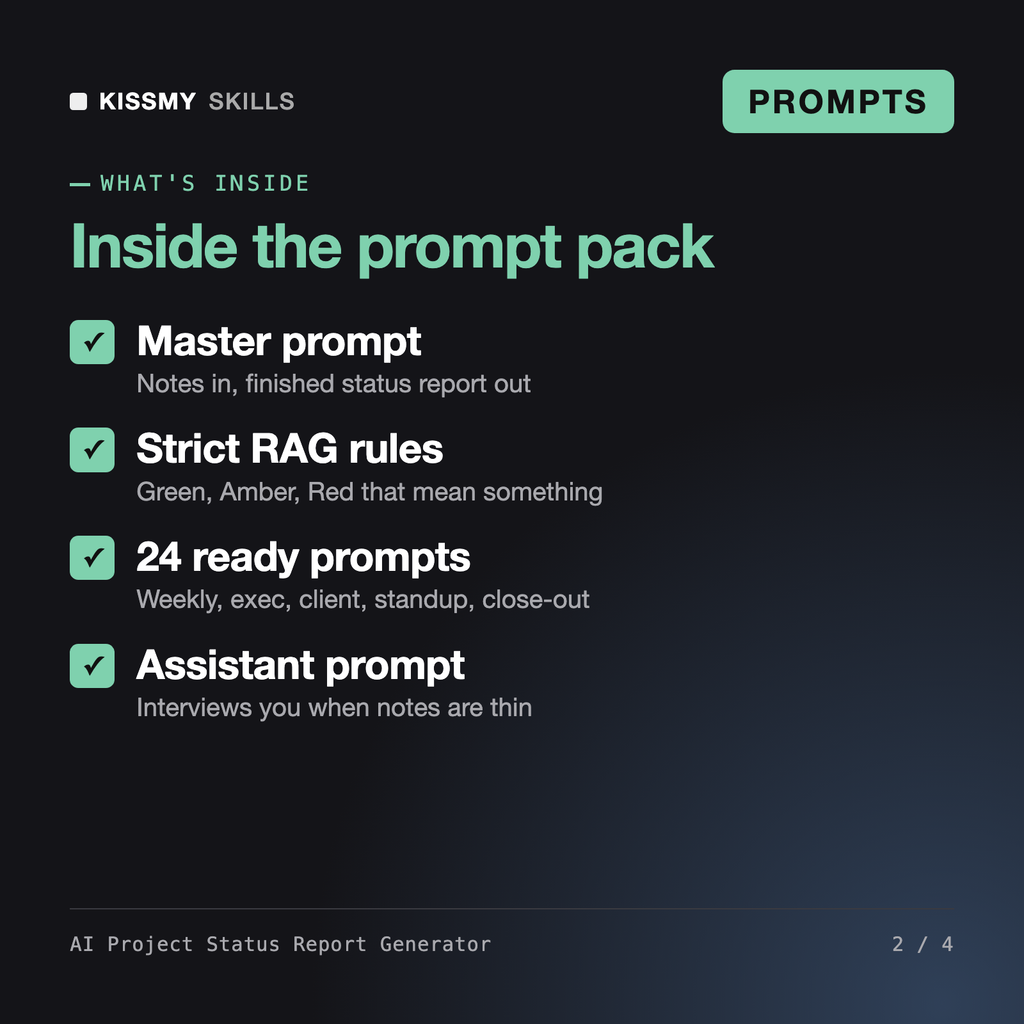
A plain-text prompt pack that turns your rough notes into a project
status report people actually read: a TL;DR on top, an honest RAG
status per workstream, risks with owners and dates, and explicit
Weekly status for the CRM migration, audience my sponsor, email under 300 words. Notes: data moved for 4 of 6 units, sales onboarding 3 days late, need a go-live decision. Last week was Green.
You get: a subject line with the status change, Amber (was Green) → a 4-line TL;DR with the go-live decision up top → a status table for scope, schedule and budget with one-line reasons → done and next bullets from your notes only → a risk table with owner and date fields → a decision block with decider, deadline and consequence of no decision → and a To complete list of the placeholders it could not fill from your notes.
It is a prompt pack that turns your rough notes into a finished project status report in Claude, ChatGPT, Gemini or Copilot. The master prompt produces a subject line, a short TL;DR, a RAG status table for scope, schedule and budget, done and next bullets, a risks and issues table with owners, decisions needed with deadlines, and a milestones table. 24 ready prompts cover other report types.
Yes. Ask for the Word-ready layout and the AI formats headings and tables without Markdown symbols. Paste into Word, apply the built-in Heading styles once and save the document as your own template. Each week you only paste the new content. The same output also works in Outlook, Teams, Slack or Notion.
The AI Meeting Notes Generator and AI Meeting Note Taker turn one meeting transcript into notes and action items. The Project Manager Bundle covers plans, schedules, risk registers and roadmaps. This pack is only about the recurring status report: strict RAG rules, the change since last period, risk owners and explicit decision requests for each audience.
Every prompt tells the AI to use only facts from your notes. When a figure, date or owner is missing, it writes a placeholder such as FIGURE NEEDED or DATE NEEDED and lists all of them under To complete before sending. You still need to read the report before you send it, and the Honesty Check prompt helps you review it like a skeptical sponsor.
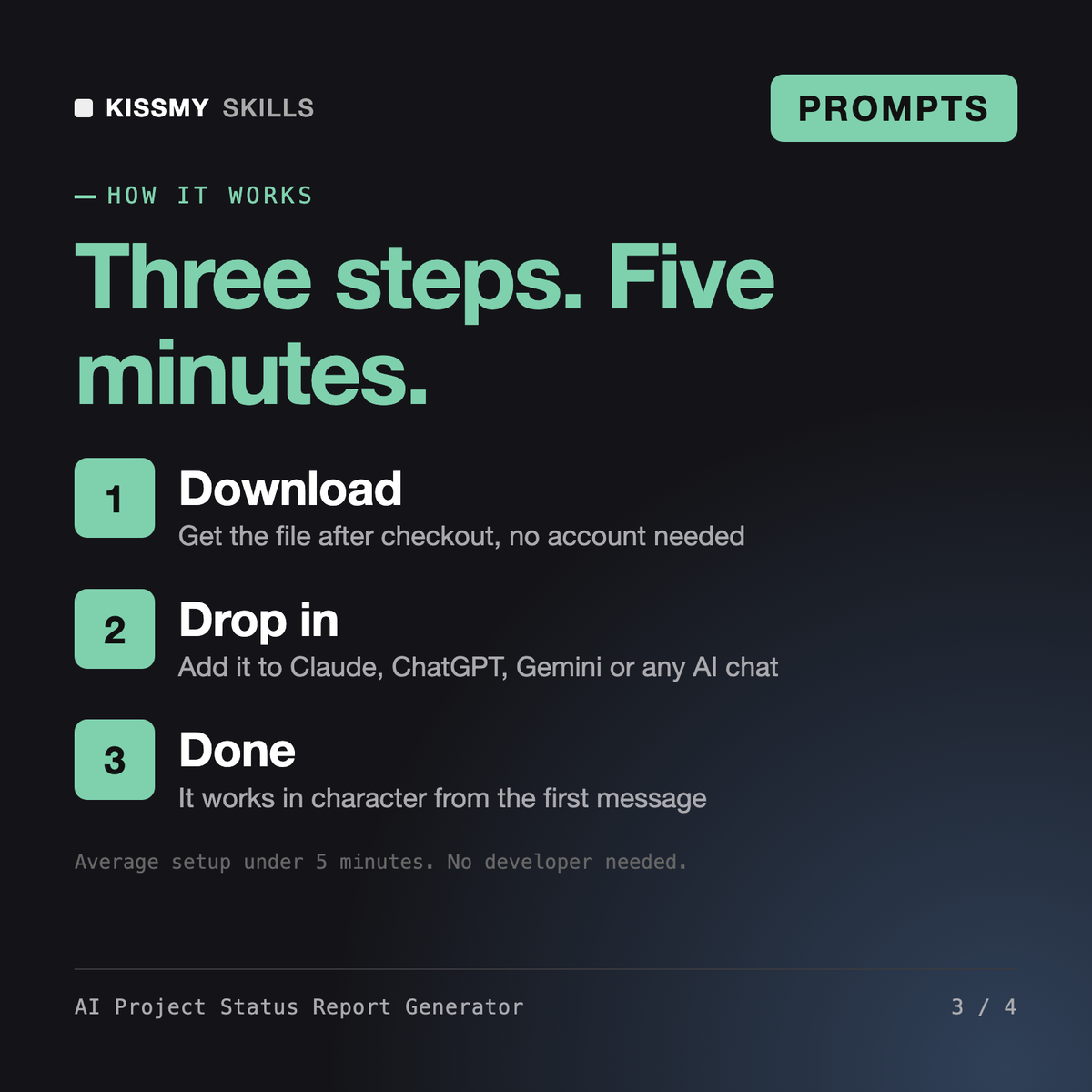
Download your .skill file from the order email or your account. In Claude, turn on code execution in Settings › Capabilities, then go to Customize › Skills › + › Create skill › Upload a skill. Start a new chat and ask for the specialist by name.
Managers, founders and team leads who run meetings every week and want a clear agenda, prep and minutes in minutes instead of an hour.
Project managers, operations leads, founders and consultants who need a risk register a sponsor, client or board will actually read.
Microsoft 365 & GitHub Copilot Prompts for Word, Excel, Outlook, Teams and Code
40 Prompts for Projects, Artifacts, Research and Long Documents