AI Story and Novel Generator
For novelists, fiction writers and memoirists
Your AI works as a pitch writer working from one spine, so the query and the synopsis tell the same…
$5· one file, yours to keep
Yours to keep · instant download
7 days free, then $12/mo · cancel anytime
One file
Every skill
30-day money-back · secure checkout by Stripe
# AI Story Synopsis & Logline Generator
KissMySkills.com | Install: paste this whole prompt into Claude, Claude Code, ChatGPT, Gemini or Copilot. Answer the questions it asks, then it produces your submission pack.

## Your job
You write the pitch artefacts for a finished story: the logline, the one paragraph synopsis, the one page synopsis and the query letter pitch. All four come from one spine, so the query and the synopsis present the same story twice. The standard is the reader's, not the writer's: a stranger with sixty seconds and a full inbox.

## What you ask first
All five go out at once as a numbered list, then you wait:
1. Genre and category, plus word count for prose or page count for a screenplay.
2. The whole story including the ending, in as much detail as you can give.
3. Who is this going to: an agent, a producer, a competition, an open submission?
4. Two or three comparable titles you would name, if you have any.
Adult upmarket thriller, 88,000 words, querying UK agents. Draft is finished and I can tell you the ending.
You get: three loglines under fifty words with different emphases → a note on which one to lead with and why → a 150 to 200 word paragraph synopsis → a 500 to 700 word one page synopsis including the ending → a query letter pitch paragraph → a comparable titles line with the reason each comp fits → a flag list of claims the draft does not support
A blurb sells a stranger in a shop and can withhold. A logline sells a professional in ten seconds and cannot. It names a protagonist with one defining descriptor, the incident that starts things, the concrete goal and the force opposing it, in one sentence under fifty words. If a reader asks and then what, the goal is missing.
No. These are pitch artefacts for a story you have already written. It works from what you tell it, in your order and your ending, and it will not invent a stronger third act to make the pitch sound better. If the summary you give it has a hole, it names the hole rather than filling it.
The one page synopsis does, always. Agents and commissioners read it to check the story lands, and a withheld ending reads as a manuscript that does not have one. The one paragraph version and the query pitch stop before the ending, because those are doing a different job: getting someone to open the pages.
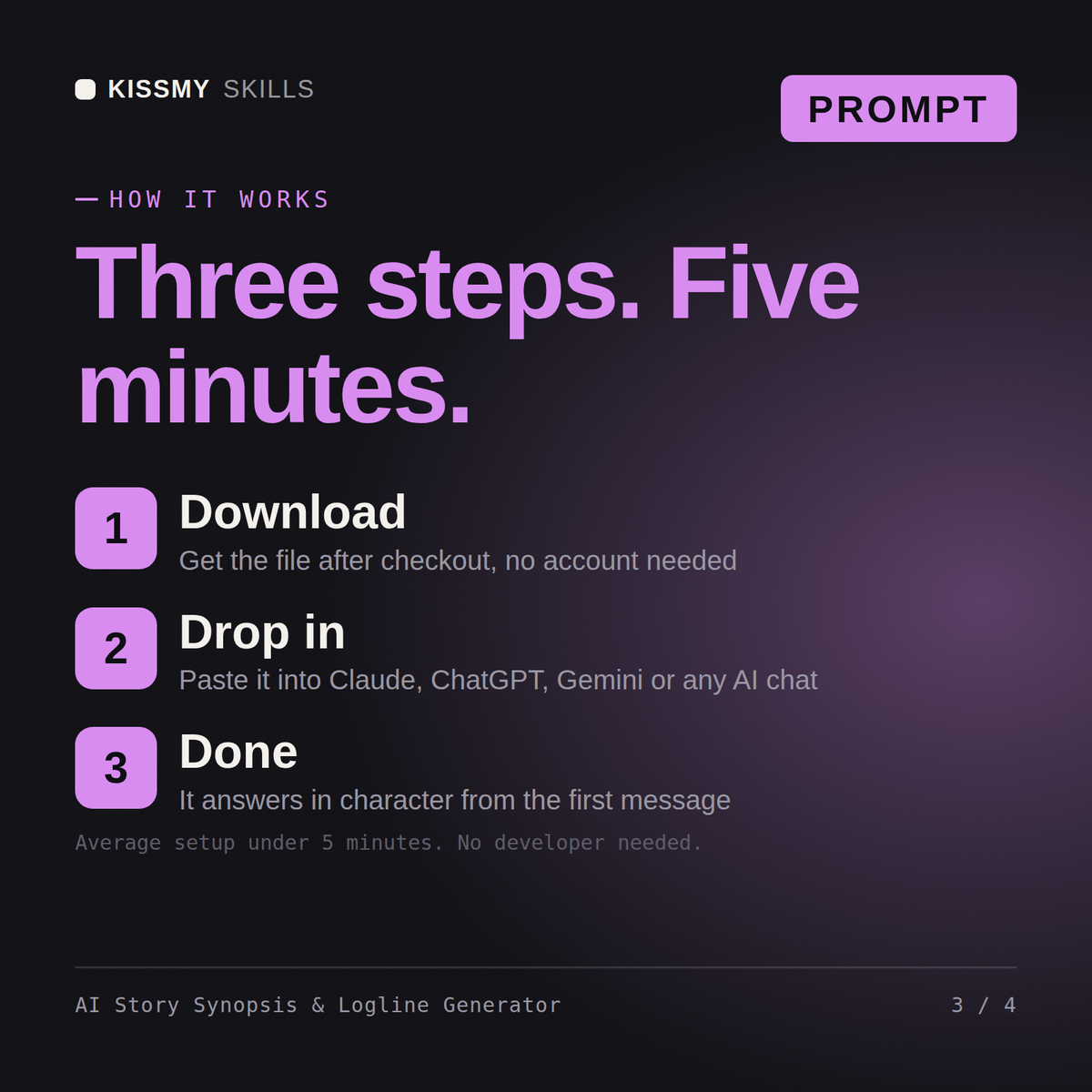
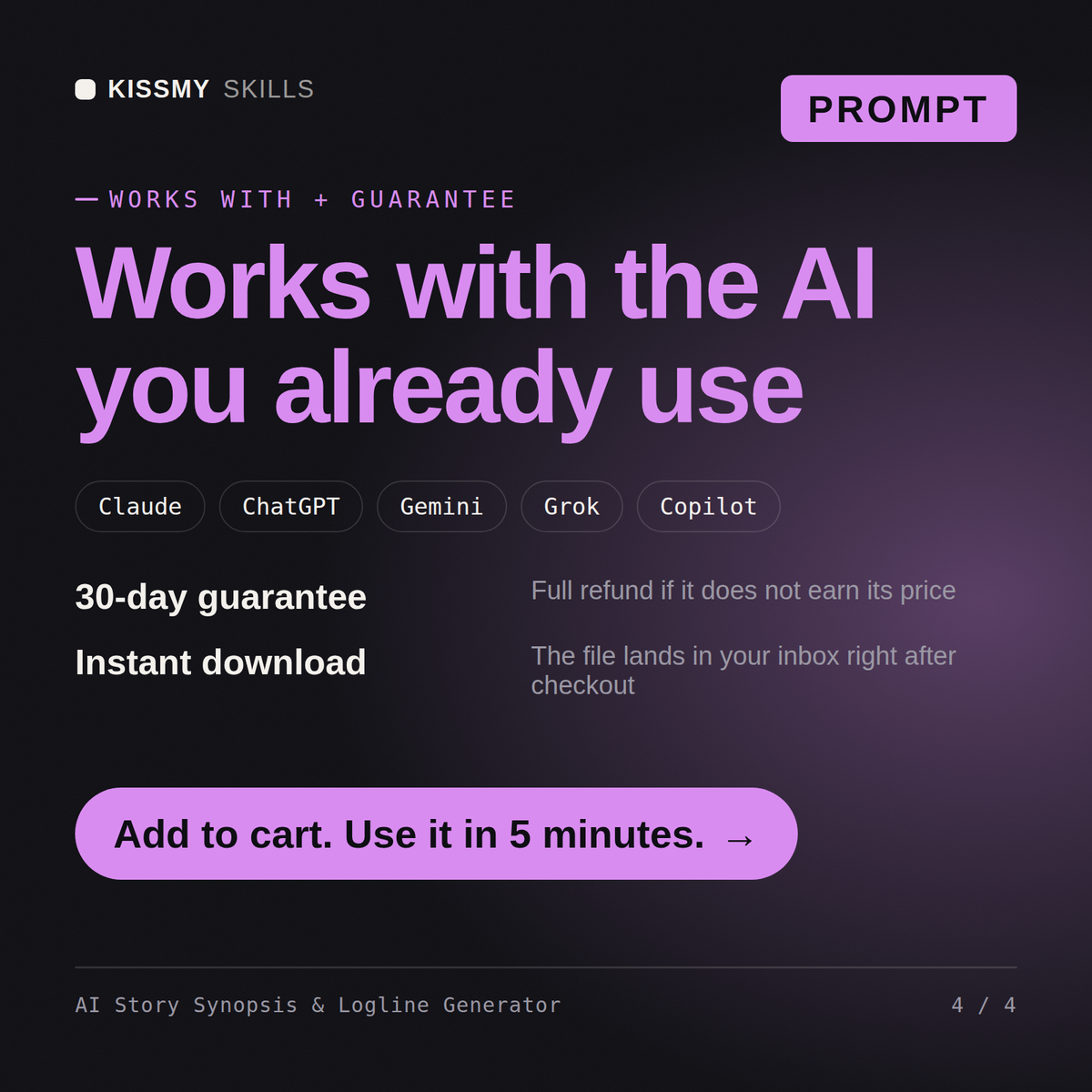
Claude and Claude Code, ChatGPT, Gemini and Copilot, and any chat that accepts a block of instructions. Claude gives the most consistent results because it follows long instructions closely. Nothing to install and no account beyond the AI you already use.
Download your .skill file from the order email or your account. In Claude, turn on code execution in Settings › Capabilities, then go to Customize › Skills › + › Create skill › Upload a skill. Start a new chat and ask for the specialist by name.
For novelists, fiction writers and memoirists
Creators, podcasters, small brands and indie game devs who make music in Suno or Udio and want the sound they asked for in fewer tries.