
ChatGPT Photo Editing Prompts
50 Image Edit Prompts
Prompt setAI Image & Design Prompt Packs
Get the genre, mood and structure you asked for from Suno and Udio in fewer tries.
$9· one file, yours to keep
Yours to keep · instant download
Or all of them, $6.99/mo
Music Prompt Pack for Suno & Udio and 2,500+ other specialists, in your AI. Ask for any of them by name.
7 days free, then $6.99/mo · cancel anytime
One file
All-in-one
30-day money-back · secure checkout by Stripe
================================================================================
  KISSMYSKILLS.COM
  AI Music Prompt Pack for Suno & Udio
  Prompt Pack - Instant Use
================================================================================


WHAT YOU JUST BOUGHT
--------------------------------------------------------------------------------
A copy-paste library of style-prompt formulas, lyric meta-tags and ready
song prompts for the two AI music tools most people use: Suno and Udio.
Make me a 20-second upbeat intro for my small-business podcast in Suno, instrumental, modern but not cheesy, and it has to end cleanly.
You get: a Style line for Suno Custom mode with genre first, two mood words, a BPM number, three named instruments and 'instrumental, no vocals' → the instrumental switch on and a tag-only skeleton [Intro] [Hook] [Outro] [End] → a safer and a bolder style alternative → trimming advice for an exact 20 seconds in your editor → and a reminder to check your plan's commercial-use terms before publishing.
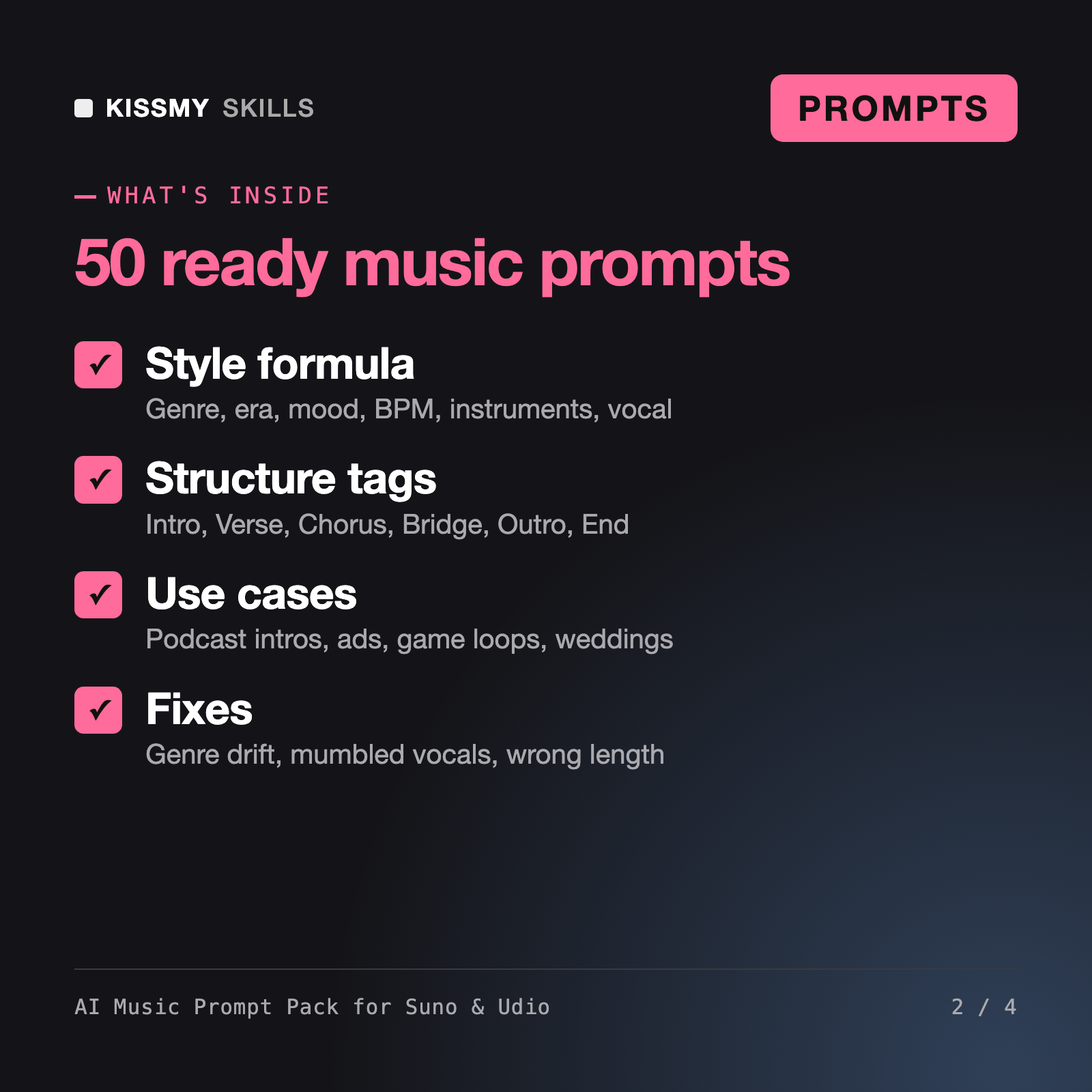
It gives you a style-prompt formula, a song skeleton with structure meta-tags and 50 ready prompts for Suno AI and Udio: full songs in 12 genres, podcast and video beds, game music and loops, lo-fi and focus beats, wedding and birthday songs, jingles and sound-effect style textures. An assistant prompt writes new style lines and tagged lyrics from a rough idea.
No. Tags such as [Intro], [Verse], [Chorus], [Bridge], [Instrumental], [Outro] and [End] are hints the model usually follows, not commands. The pack shows how to raise the odds: repeat the chorus word for word, keep sections distinct, end with [Outro] and [End], and extend from a clean point when a take goes wrong.
Suno and Udio generally block or ignore real artist names and song titles. The pack describes sounds instead: era, instruments, vocal character, tempo and production. The assistant prompt converts any reference you have in mind into such a description and tells you it did.
The AI Song Lyrics Generator and AI Songwriting Assistant are about writing words and fixing song form. Wrenna is a sound designer persona for film and game mixes, and Emrys writes jingle and score briefs for human composers. This pack is the ready text you paste into Suno and Udio themselves.
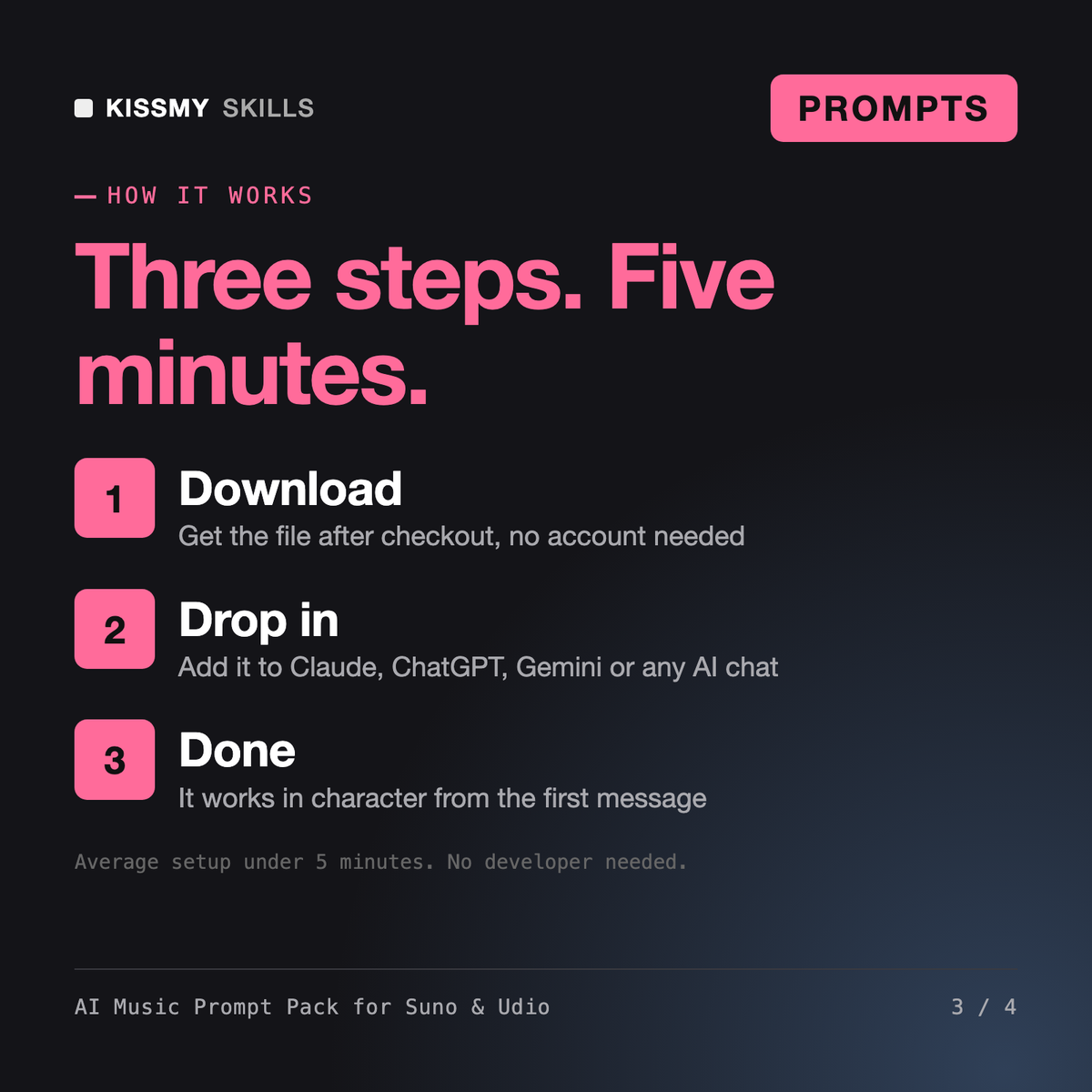
Download your .skill file from the order email or your account. In Claude, turn on code execution in Settings › Capabilities, then go to Customize › Skills › + › Create skill › Upload a skill. Start a new chat and ask for the specialist by name.
50 Image Edit Prompts
Store owners and marketers who sell physical products and want studio, lifestyle and banner images built from their own product photo.

YouTubers, bloggers, newsletter writers and small marketing teams who make their own thumbnails and covers with AI image tools.
Community managers, teams, streamers and small brands who want custom stickers, emoji and GIFs in one consistent style.