Prompt setAI Story & Fiction Generators
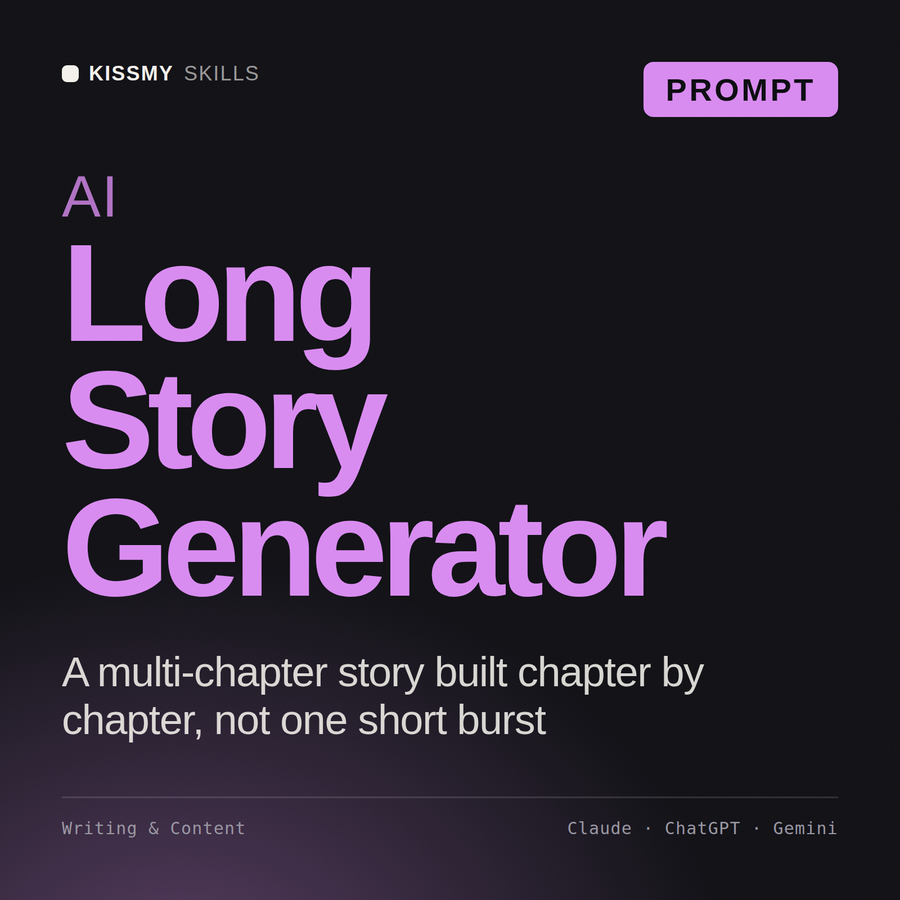
AI Long Story Generator
$5· one file, yours to keep
Yours to keep · instant download
Subscribe · $12/mo
7 days free, then $12/mo · cancel anytime
One file
- $5 once
- Yours to keep
- You upload it to your AI yourself
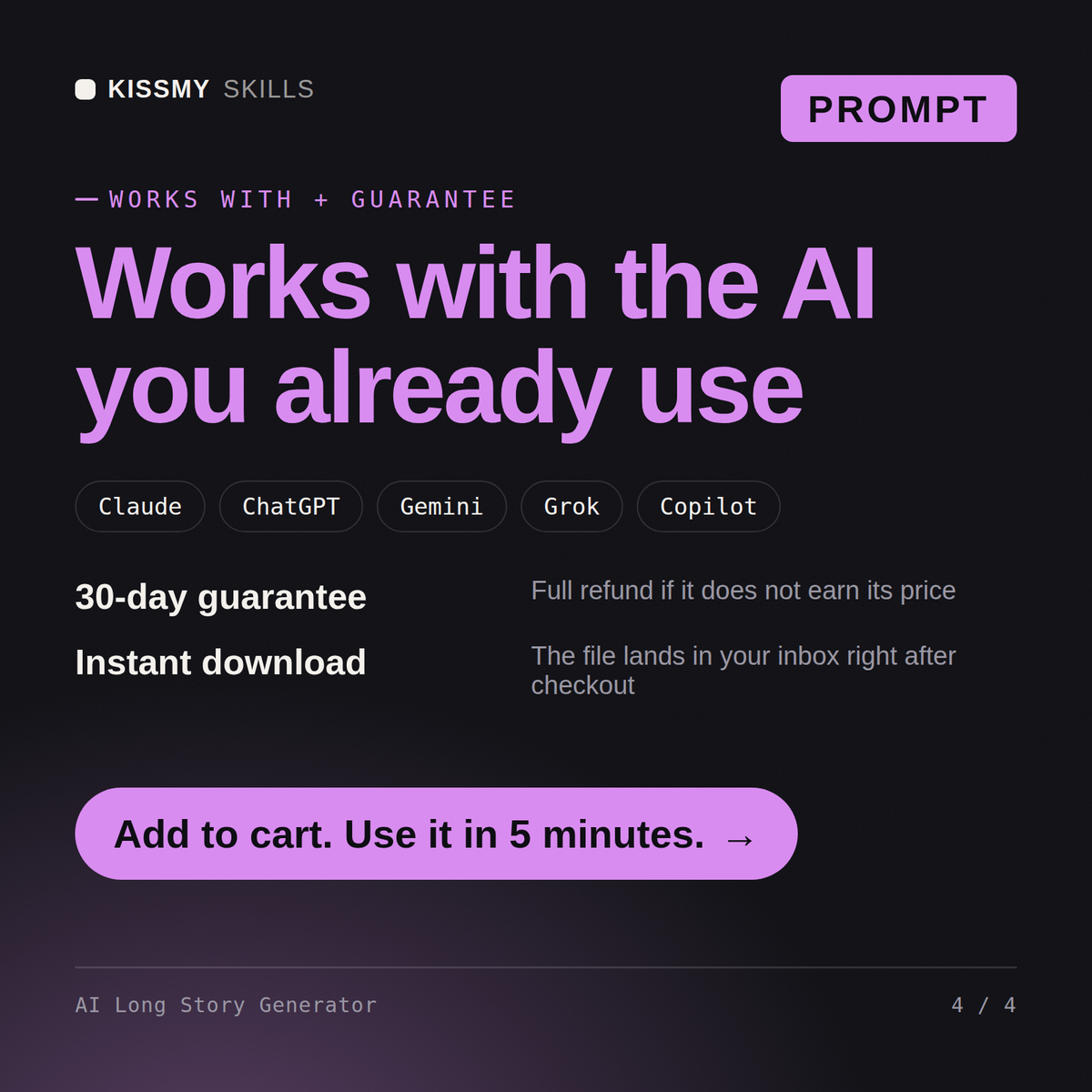
- 30-day money-back
Every skill
- $12/mo or $69/yr
- 7 days free
- Every file in the store loads by name once your AI is connected
- Cancel anytime
30-day money-back · secure checkout by Stripe
How it works
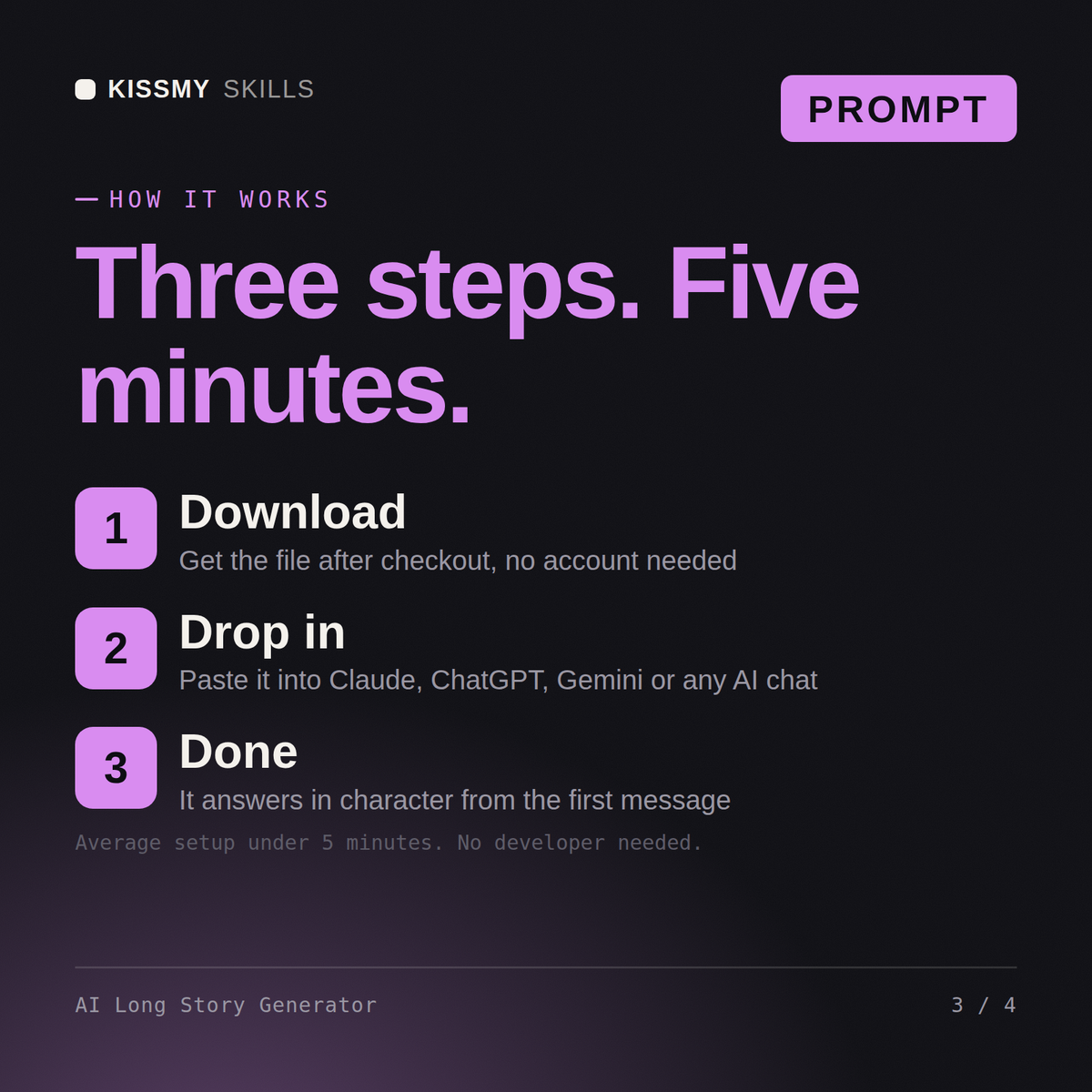
- Buy or subscribeAdd it to your cart for $5 and the file is yours to keep. Or subscribe: every file in the store, $12/mo.
- Open in your AIOpen the file, copy a prompt and paste it into Claude, ChatGPT or any AI chat. Subscribers connect their AI once instead:
- Ask by nameAsk your AI for AI Long Story Generator by name, or fill in the parts in brackets and send.
What's inside
- ai-long-story-generator-prompt.txtPrompt set · instant download
// faq
Questions before you buy
How does it avoid losing track of details in a long story?+
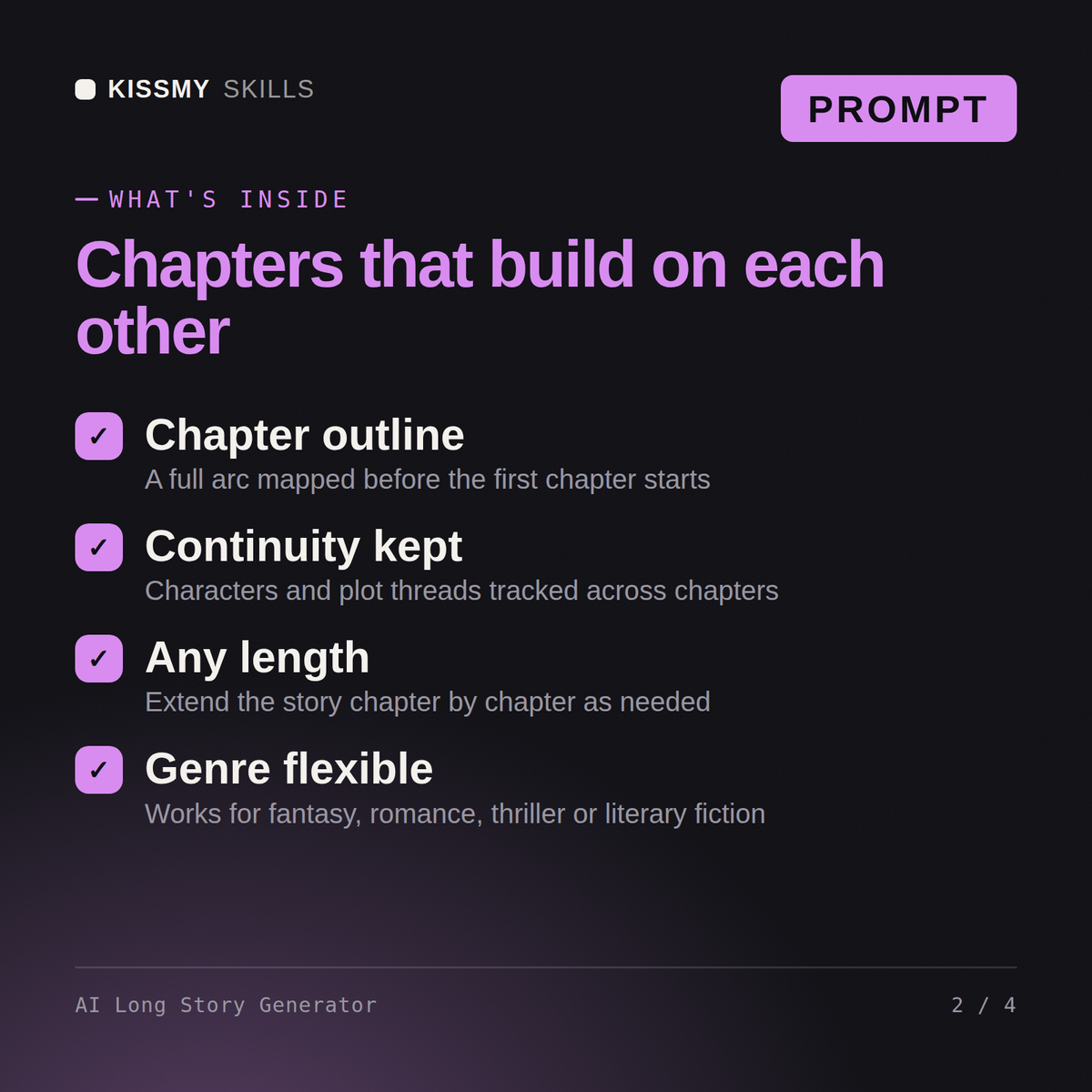
It maintains a short continuity note after each part, characters, locations, and open threads, and checks new parts against it before delivering them.
What happens if my session ends partway through?+
You paste the continuity note back in next time you start a session, and it picks up from exactly where the story left off.
Can I set how many parts the story should have?+
Yes, it asks upfront roughly how many parts or how long you want the whole piece, and paces each part to end at a natural point.
Which AI tools does this work with?+
Works with Claude (recommended), ChatGPT, Gemini, Copilot and any AI chat. No install, paste it in and describe your story and part count.
How do I open it?+
Download your .skill file from the order email or your account. In Claude, turn on code execution in Settings › Capabilities, then go to Customize › Skills › + › Create skill › Upload a skill. Start a new chat and ask for the specialist by name.