
AI Product Photography Prompt Pack
Store owners and marketers who sell physical products and want studio, lifestyle and banner images built from their own product photo.
Prompt setAI Image & Design Prompt Packs
Edit your own photos in ChatGPT and keep the face, product and light looking right.
$9· one file, yours to keep
Yours to keep · instant download
Or all of them, $6.99/mo
ChatGPT Photo Editing Prompts and 2,500+ other specialists, in your AI. Ask for any of them by name.
$6.99/mo · 30-day money-back · cancel anytime
One file
All-in-one
30-day money-back · secure checkout by Stripe
================================================================================
  KISSMYSKILLS.COM
  ChatGPT Photo Editing Prompts: trend edits, portraits, restyles,
  product photos and photo restoration
  Prompt Pack - Instant Use
================================================================================


WHAT YOU JUST BOUGHT
--------------------------------------------------------------------------------
A copy-paste library of ChatGPT photo editing prompts for ChatGPT's built-in
image tool (ChatGPT Images, powered by OpenAI's GPT Image models). You upload
I want to do the action figure trend with my own selfie but make it about my job as a nurse, and I don't want my face to look like someone else.
You get: prompt 1 filled in with your name, a nurse-themed tagline and three accessories (stethoscope, coffee mug, comfy shoes) → a KEEP sentence naming your face shape, hair and glasses → a portrait format and studio product lighting → two follow-up messages, one change each, for the card colour and the lettering → and a tip to restart from the original selfie if the face drifts.
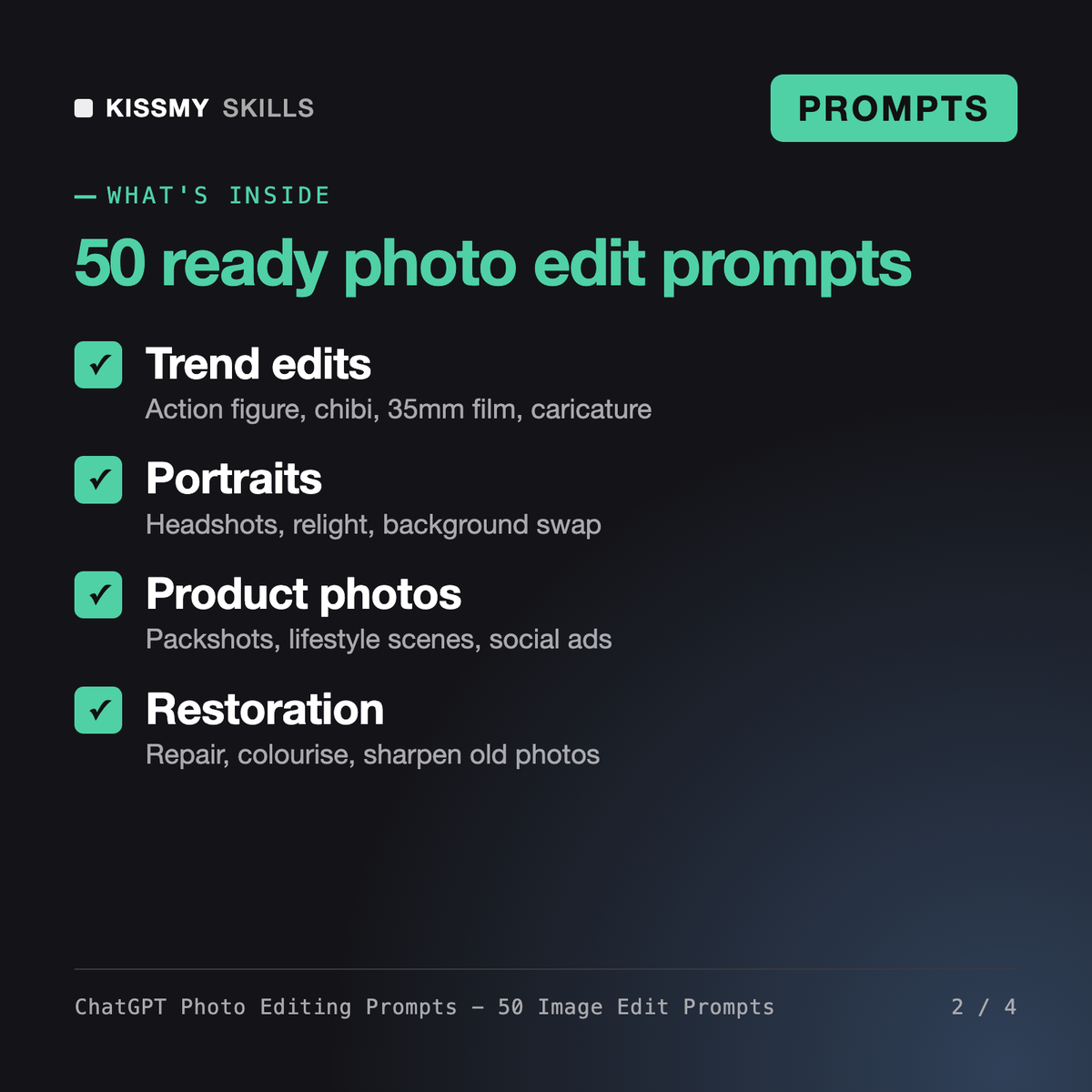
It gives you 50 ready prompts for editing your own photos with the image tool in ChatGPT: 12 trend edits, 8 portrait and headshot prompts, 8 restyles, 8 product photo prompts for shops, 5 restoration prompts for old photos and 9 everyday edits. A 4-part edit formula keeps faces, products and backgrounds stable, and an assistant prompt writes new edits for you.
Group 1 has 12 trend edits: the action figure in a blister pack, 3D chibi figurine, caricature based on your chats, Polaroid with your younger self, 35mm film look, 90s yearbook portrait, hand-painted animated still, miniature diorama, claymation, toy brick minifigure, movie poster and pet portrait. Each one has brackets so your version is personal.
Edit yourself or people who clearly agreed. The pack has a rules section: no impersonation of real people or celebrities, no fake documents or evidence, extra care with children, and honest labelling of AI images where it matters. ChatGPT may also refuse some edits of real people, and the pack explains why.
The AI Image Prompt Pack writes prompts for three tools, Nano Banana, GPT Image and Midjourney, and focuses on creating images. This pack is only about ChatGPT and only about editing photos you upload: trend looks, headshots, product shots and restoration. Our ChatGPT role packs for work and writing are about text, not images.
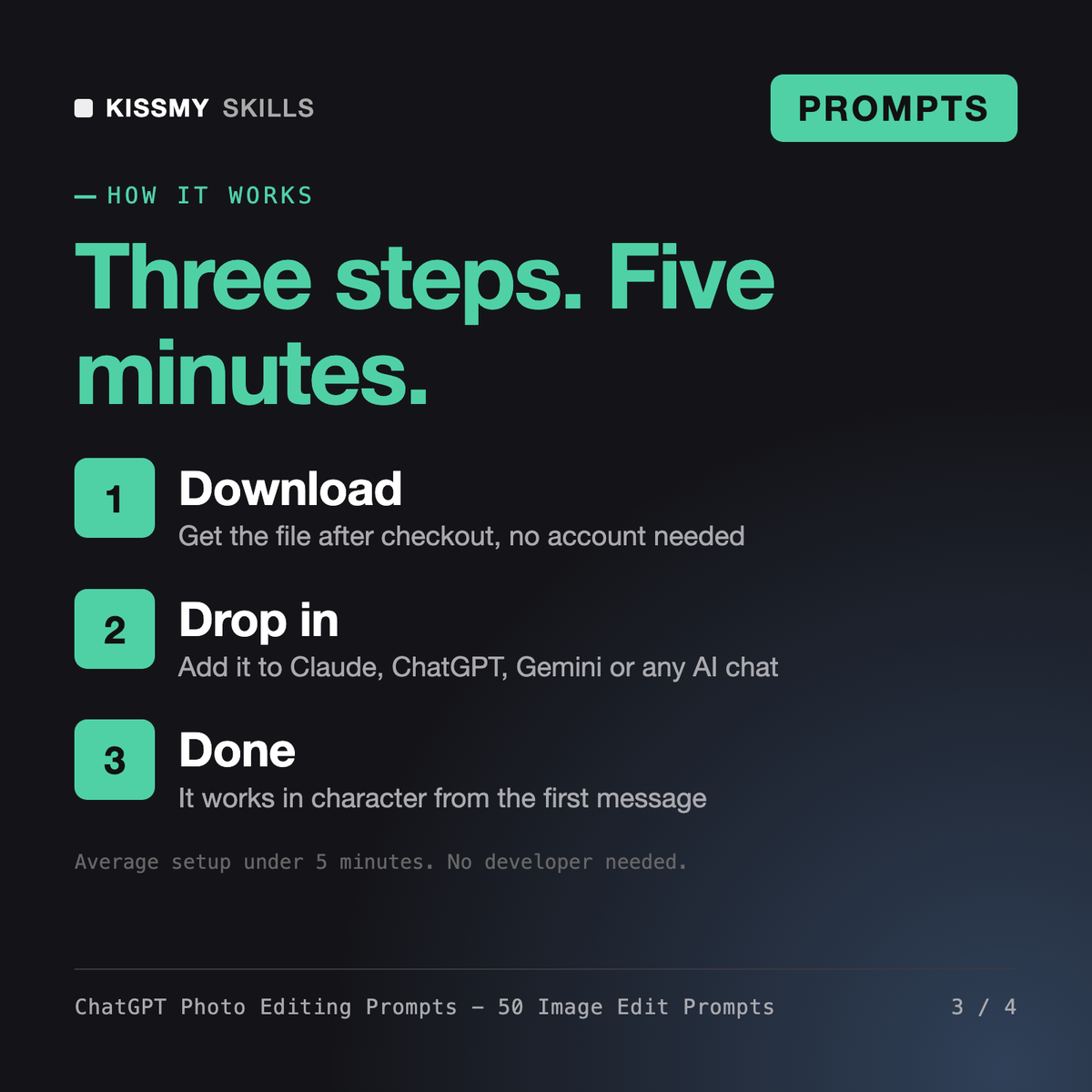
Download your .skill file from the order email or your account. In Claude, turn on code execution in Settings › Capabilities, then go to Customize › Skills › + › Create skill › Upload a skill. Start a new chat and ask for the specialist by name.
Store owners and marketers who sell physical products and want studio, lifestyle and banner images built from their own product photo.

YouTubers, bloggers, newsletter writers and small marketing teams who make their own thumbnails and covers with AI image tools.
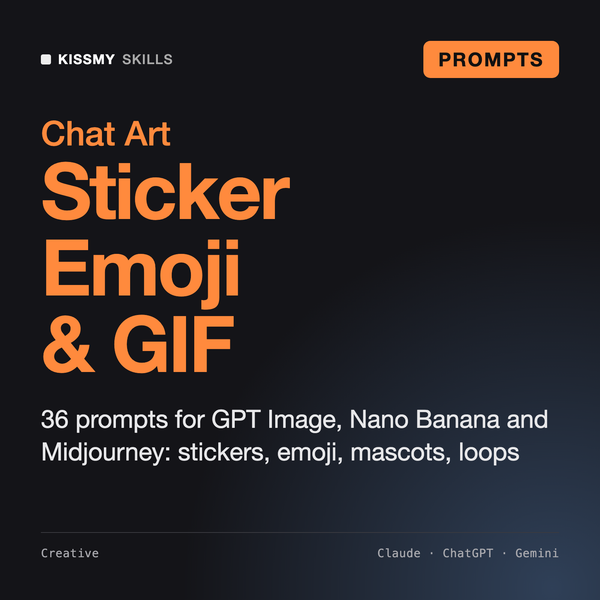
Community managers, teams, streamers and small brands who want custom stickers, emoji and GIFs in one consistent style.

Indie game developers, game jam teams and hobby artists who want pixel art sprites, tiles and icons from AI image tools they already use.