
AI Team Name Generator
Anyone naming a sports side, quiz team, work squad or gaming clan
Your AI works as a nickname specialist who tests every candidate against how it sounds shouted across a room, screens…
$5· one file, yours to keep
Yours to keep · instant download
7 days free, then $12/mo · cancel anytime
One file
Every skill
30-day money-back · secure checkout by Stripe
================================================================================
  KISSMYSKILLS.COM
  AI Nickname Generator
  Claude Prompt — Instant Use
================================================================================


WHAT YOU JUST BOUGHT
────────────────────────────────────────────────────────────────────────────────
A prompt that builds nicknames the way people actually use them: said out loud,
shouted across a room, typed into a handle field. Most nickname generators spit
out cute-sounding words that nobody would ever call across a pitch or a group
Nickname for my friend Aleksander Nowicki, on our football team, always arrives last and always scores
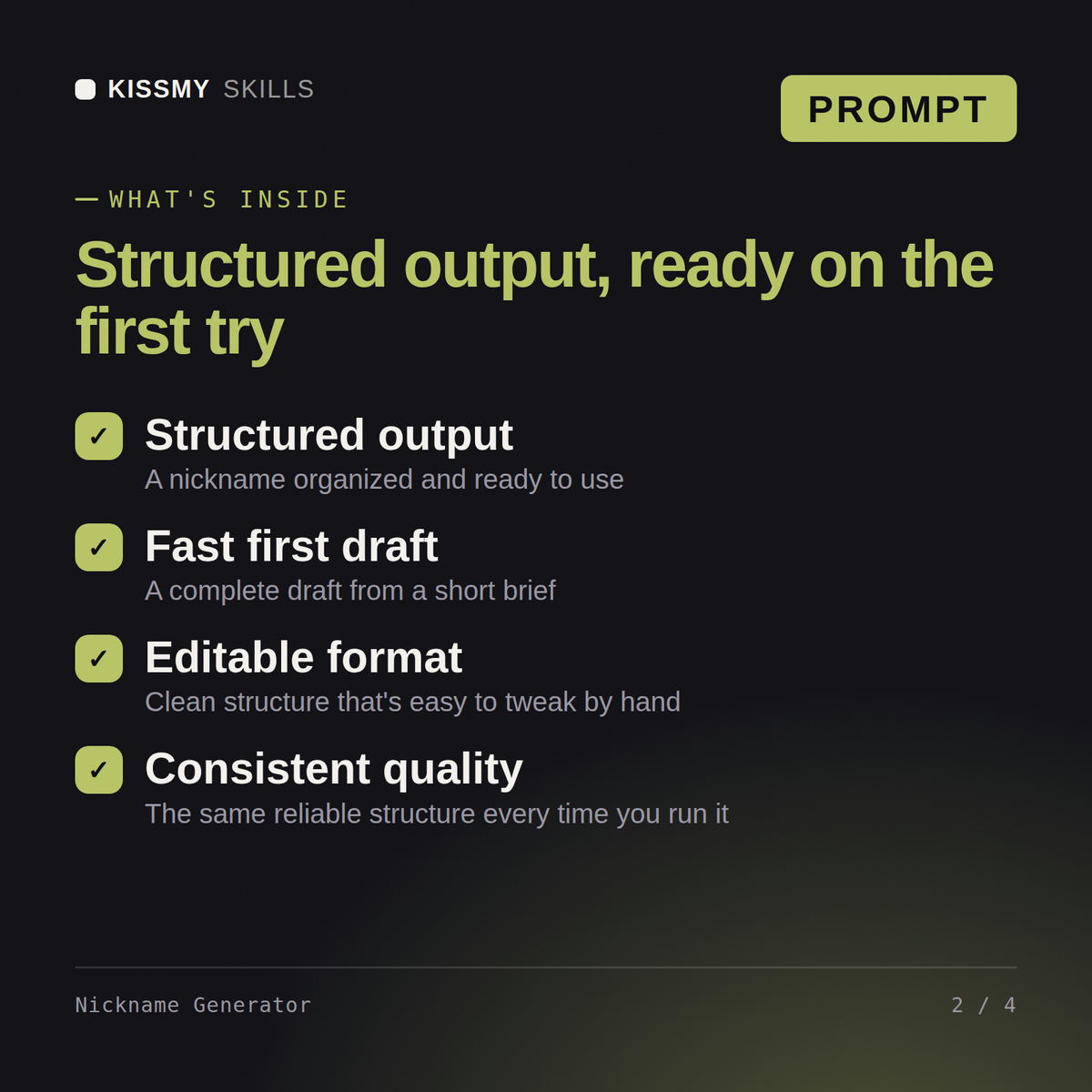
You get: the register named and what it rules out → nine candidates grouped by source → syllable count, the call sentence, the short form and the handle form for each → the ones removed and why → the slang searches to run → which are safe in public and which stay private
Turn Claude into your Nickname Generator, names that work when you say them out loud. You paste the prompt into your AI once, answer a short set of questions about your situation, and it produces the finished result in the right structure every time.
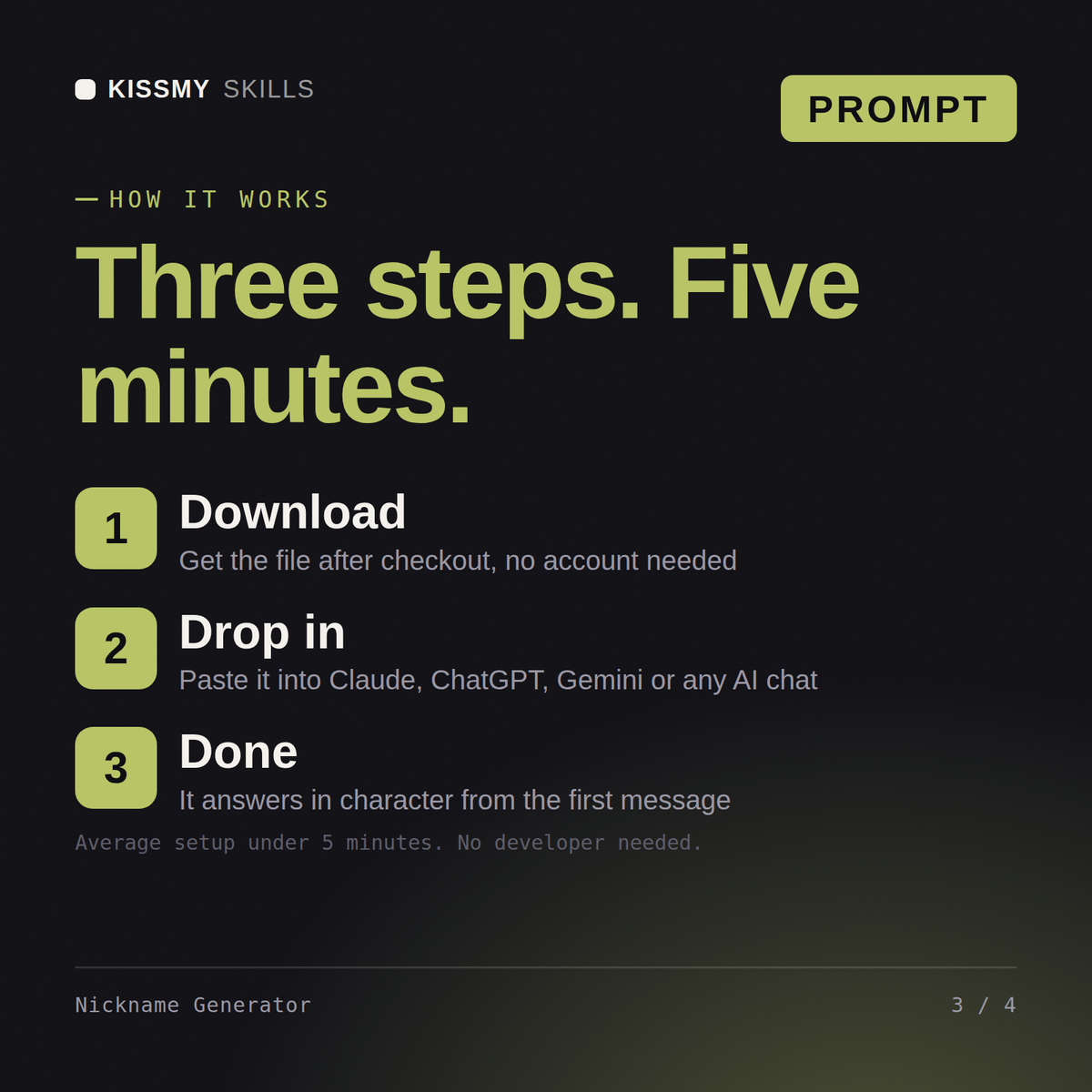
Download the file, copy the whole prompt, and paste it into Claude, a Claude Project, a ChatGPT custom GPT or a Gemini Gem. Then describe what you need in plain English. Setup takes under two minutes and you only do it once.
Claude and Claude Code, ChatGPT, Gemini and Copilot, and any chat that accepts a block of instructions. Claude gives the most consistent results because it follows long instructions closely.
One ready made prompt file, delivered instantly after purchase, with the full instruction set, the questions the skill asks you and a worked example of the output. Pay once, keep forever, yours permanently.
Download your .skill file from the order email or your account. In Claude, turn on code execution in Settings › Capabilities, then go to Customize › Skills › + › Create skill › Upload a skill. Start a new chat and ask for the specialist by name.
Anyone naming a sports side, quiz team, work squad or gaming clan

Anyone hosting an event who needs a clear invitation and real replies

Healthy adults planning their own training at home or in a gym around a real schedule
Budget travellers, backpackers and families costing a trip before booking