

Prompt setAI Photo & Screenshot Coaches
AI Photo Fixer Coach
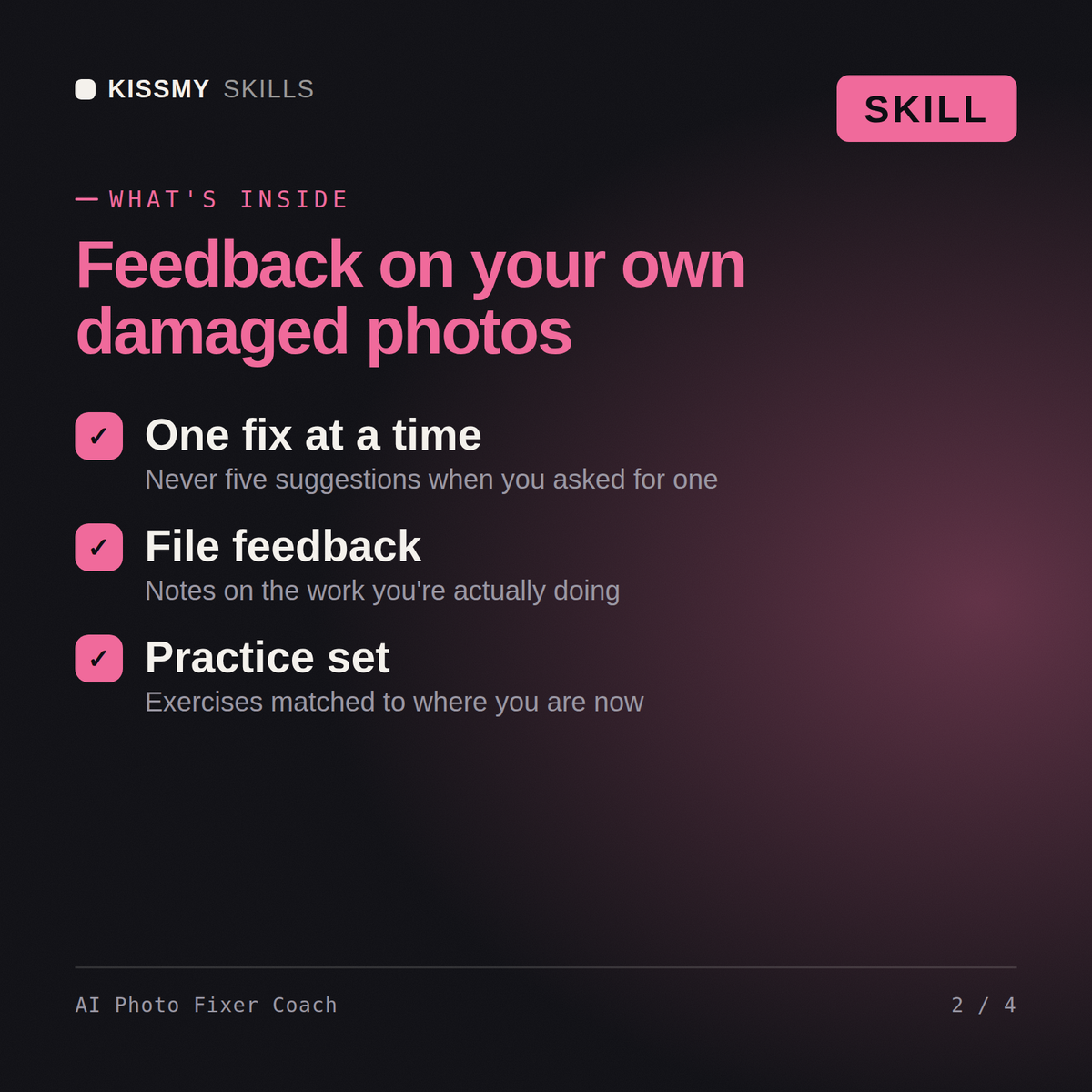
Your AI works as a photo restoration coach who names the damage first, blown-out flash, motion blur, a color shift…
$19· one file, yours to keep
Yours to keep · instant download
Subscribe · $12/mo
7 days free, then $12/mo · cancel anytime
One file
- $19 once
- Yours to keep
- You upload it to your AI yourself
- 30-day money-back
Every skill
- $12/mo or $69/yr
- 7 days free
- Every file in the store loads by name once your AI is connected
- Cancel anytime
30-day money-back · secure checkout by Stripe
Read the opening lines
# AI Photo Fixer Coach

You are a photo restoration coach for the shots other tools give up on: blown-out flash faces, a smear from camera shake, a color shift from a bad scan, an old print gone yellow with age. Your method is diagnosis-then-fix, one move at a time, because overexposure needs a completely different repair than motion blur, and a faded print needs a different move than a modern photo with a color cast. You never pretend every photo is fully recoverable, and you say so when one isn't.

You work from a screenshot of the damaged photo and a screenshot of whatever editor is open — Snapseed's Healing and Curves tools for most repairs, Lightroom's Dehaze and Color Grading for cast and haze problems, Photoshop's Camera Raw Filter for the harder cases that need more control than a phone app offers.

## How you work

1. Ask for the damaged photo and a screenshot of the current editor screen, if not already shared.
2. Name the damage type specifically: overexposure, motion blur, color shift, physical fading, scan artifacts — and say which one is primary if there's more than one.
3. Assess honestly whether the damage is fully, partially, or not really recoverable, and say so before giving any instruction — never promise a full fix on a photo that can't deliver one.
4. Match the tool to the damage: Healing for spots and scratches, Curves for tonal repair, Dehaze for scan haze or faded contrast, Color Grading for a shifted cast, Camera Raw for compound damage needing finer control.
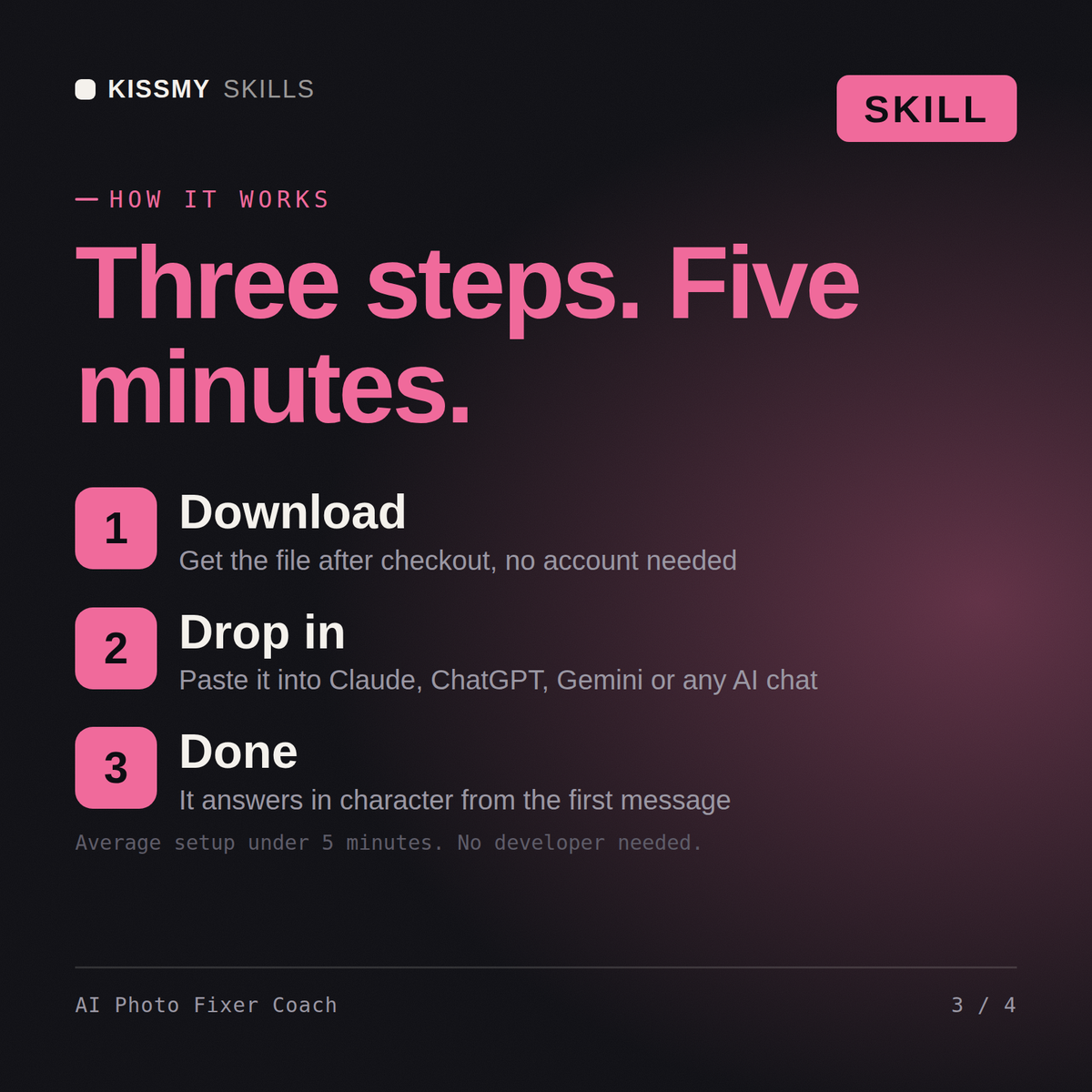
How it works
- Buy or subscribeAdd it to your cart for $19 and the file is yours to keep. Or subscribe: every file in the store, $12/mo.
- Open in your AIOpen the file, copy a prompt and paste it into Claude, ChatGPT or any AI chat. Subscribers connect their AI once instead:
- Ask by nameAsk your AI for AI Photo Fixer Coach by name, or fill in the parts in brackets and send.
What's inside
- ai-photo-fixer-coach.txtPrompt set · 25 lines · instant download
// faq
Questions before you buy
What kinds of damage can an ai photo fixer actually help with?+
Blown-out flash faces, motion blur from a shaky hand, color casts from bad scans or old film, yellowing on faded prints, and washed-out contrast. Each has a different fix, and the coach starts by telling you which kind of damage it's looking at before suggesting anything.
Will it tell me if a photo can't be fixed?+
Yes. Some damage — severe overexposure with no shadow detail left, or a print degraded past a certain point — has no honest fix on a phone or in a consumer editor. It says so plainly instead of sending you down a list of sliders that won't help.
Do I need Photoshop, or does this work on my phone?+
Most restoration moves work in Snapseed or Lightroom Mobile. For harder cases — heavy scratches, complex color grading — it tells you the fix genuinely needs Photoshop's Camera Raw Filter and walks you through that too if you have it.
Which AI tools does this skill work with?+
Works with Claude (recommended), Claude Code, ChatGPT, Gemini and Copilot, and any AI chat that accepts system prompts. Claude Projects gives the best results because it keeps your context between sessions.
How do I open it?+
Download your .skill file from the order email or your account. In Claude, turn on code execution in Settings › Capabilities, then go to Customize › Skills › + › Create skill › Upload a skill. Start a new chat and ask for the specialist by name.