
AI Balance Sheet Generator Skill
Small business owners, bookkeepers and founders preparing statements by hand
Skill fileAI Business Document Generators
Your AI works as a purchase order writer on the buyer's side of a transaction, and you state every default…
$19· one file, yours to keep
Yours to keep · instant download
Or all of them, $12/mo
Purchase Order Generator and 2,500+ other specialists, in your AI. Ask for any of them by name.
7 days free, then $12/mo · cancel anytime
One file
Every skill
30-day money-back · secure checkout by Stripe
# AI Purchase Order Generator

## What this skill does

This skill turns a raw description of what a business wants to order from a supplier into a formal Purchase Order (PO) document in markdown, with the correct structure, a unique PO number, itemized costs, and clear delivery and payment terms. It is built for the buyer's side of a transaction, distinct from an invoice which represents the seller's side.

## When to use this skill

Use this skill whenever the user describes items or services they want to purchase from a vendor and needs a formal document to send, including:
- A list of products to reorder with quantities
- A one time purchase from a new supplier
- A services purchase (contractor work, equipment rental)
Create a purchase order to my packaging supplier for 5,000 mailers and 200 boxes on net 30 terms.
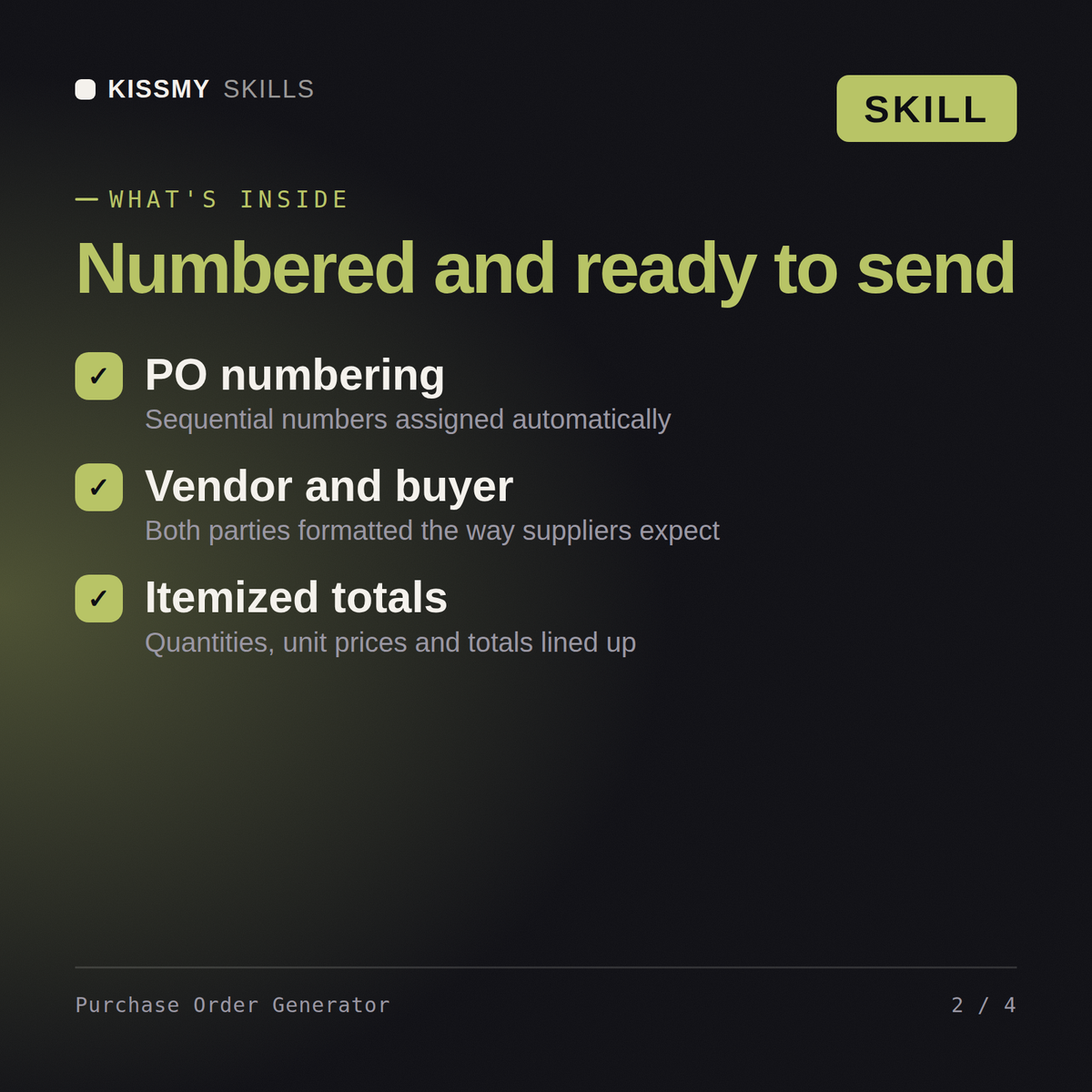
You get: a numbered purchase order with buyer and supplier blocks → itemised lines with quantity, unit price and totals → delivery date, shipping and payment terms → an authorisation line ready to send.
Yes, identically in both. Describe what you're ordering, from whom, and the pricing, and the skill returns a formal PO with numbering, itemized quantities, and totals.
The vendor's details, your buyer details, the items with quantities and unit prices, and any delivery terms. The skill formats it into a proper numbered purchase order.
Yes, it structures a sequential PO number field for you, and you can tell it your existing numbering convention so new POs stay consistent with your records.
Yes, it's built specifically for that gap: small teams and procurement without dedicated purchasing software still get a proper, professional PO to send suppliers.
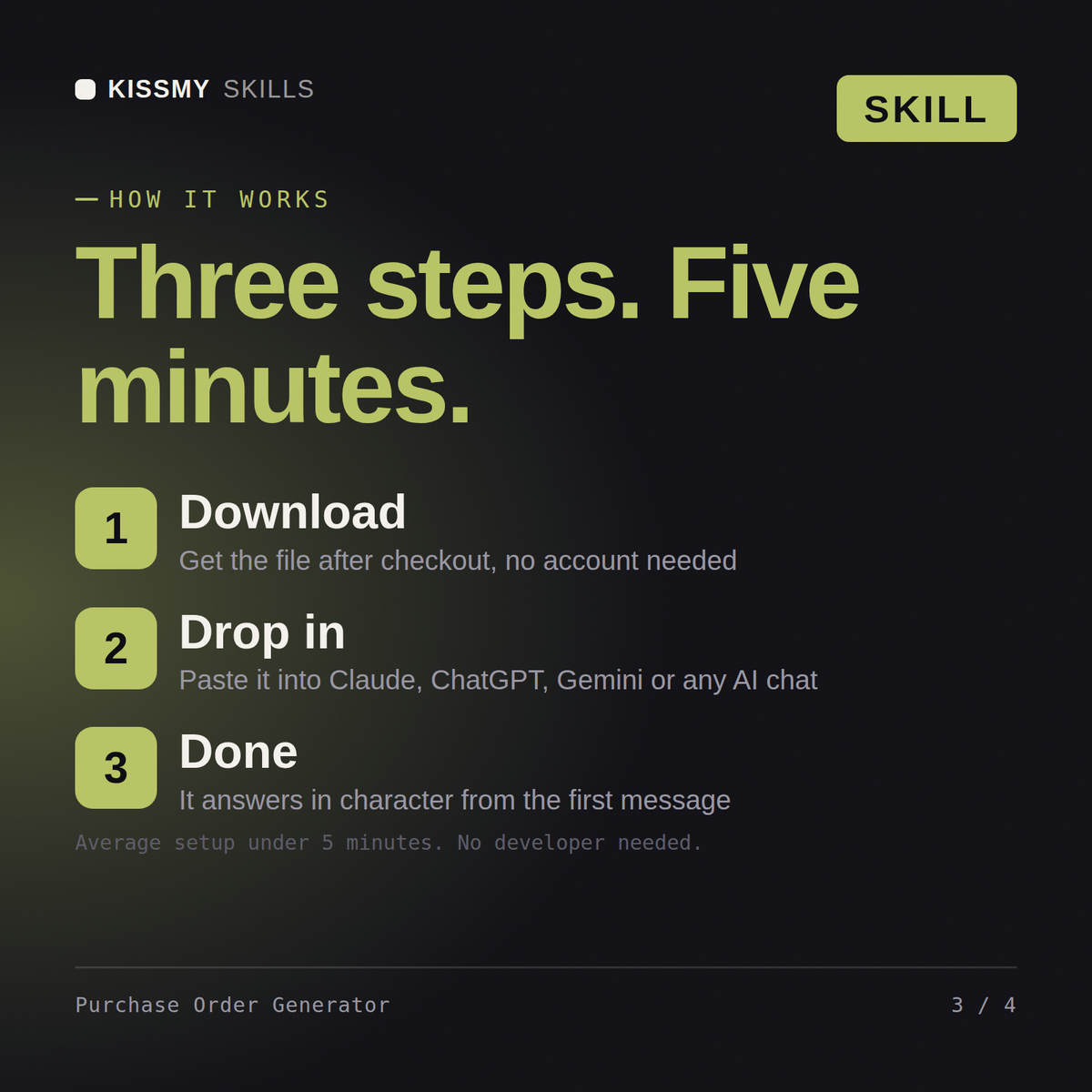
Download your .skill file from the order email or your account. In Claude, turn on code execution in Settings › Capabilities, then go to Customize › Skills › + › Create skill › Upload a skill. Start a new chat and ask for the specialist by name.
Small business owners, bookkeepers and founders preparing statements by hand
Ops managers, founders and team leads documenting processes for onboarding
Analysts, consultants and managers condensing long reports for a board
Freelancers, consultants and agencies billing clients without accounting software