
AI Executive Summary Generator Skill
Analysts, consultants and managers condensing long reports for a board

Skill fileAI Business Document Generators
Your AI works as an SOP writer, and the input is usually a ramble or bullets in the wrong order…
$9· one file, yours to keep
Yours to keep · instant download
Or all of them, $6.99/mo
SOP Writer and 2,500+ other specialists, in your AI. Ask for any of them by name.
7 days free, then $6.99/mo · cancel anytime
One file
All-in-one
30-day money-back · secure checkout by Stripe
# AI SOP Writer

## What this skill does

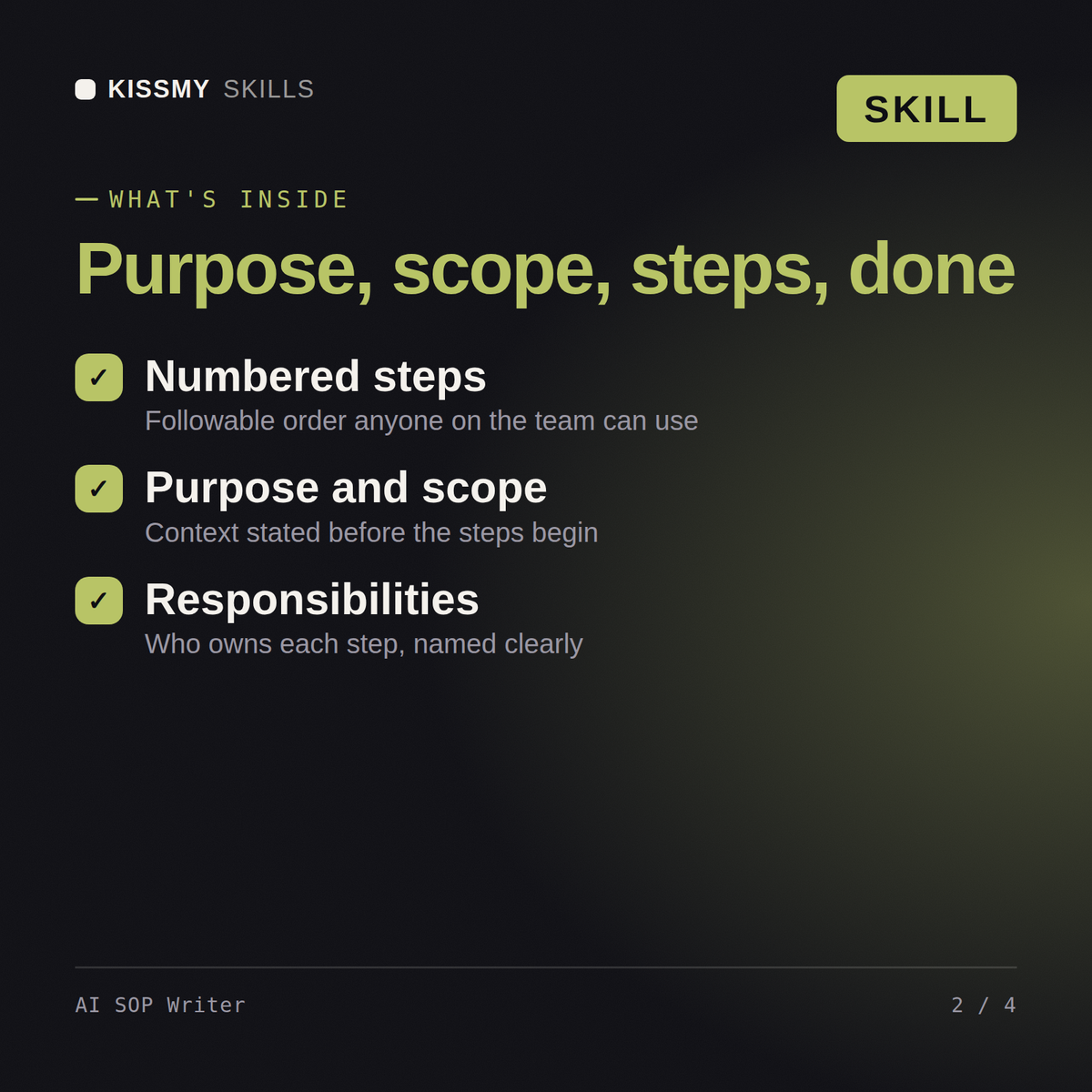
This skill converts a rough, unstructured description of how a task or process is performed into a clear, numbered Standard Operating Procedure (SOP) document. It takes messy input such as a voice-to-text ramble, a bullet list of steps in the wrong order, or a manager's verbal explanation, and turns it into a document an employee could follow without needing to ask clarifying questions.

## When to use this skill

Use this skill whenever the user describes a repeatable business process and wants it documented, including:
- Onboarding steps for a new hire
- A recurring task like closing the register, processing returns, or running payroll
- A safety or compliance procedure
Turn my messy notes on how we onboard a new client into a proper SOP for the team.
You get: a titled SOP with purpose, scope and owner → numbered step-by-step instructions → decision points and exceptions called out → a version number, review date and sign-off block.
Yes. Load the skill file into either tool and describe how a task actually gets done today. Both produce the same structured SOP format: purpose, scope, responsibilities, and numbered steps.
A rough, even messy, description of how the task is currently done: who does it, in what order, and any exceptions. The skill organizes that into a followable procedure.
New hires and anyone unfamiliar with the process. Steps are written to be followed without asking clarifying questions, which makes it useful for onboarding and audit-readiness alike.
Yes. The numbered step structure with clear scope and responsibilities is built to hold up in compliance reviews, though you should have a subject-matter expert verify accuracy before publishing.
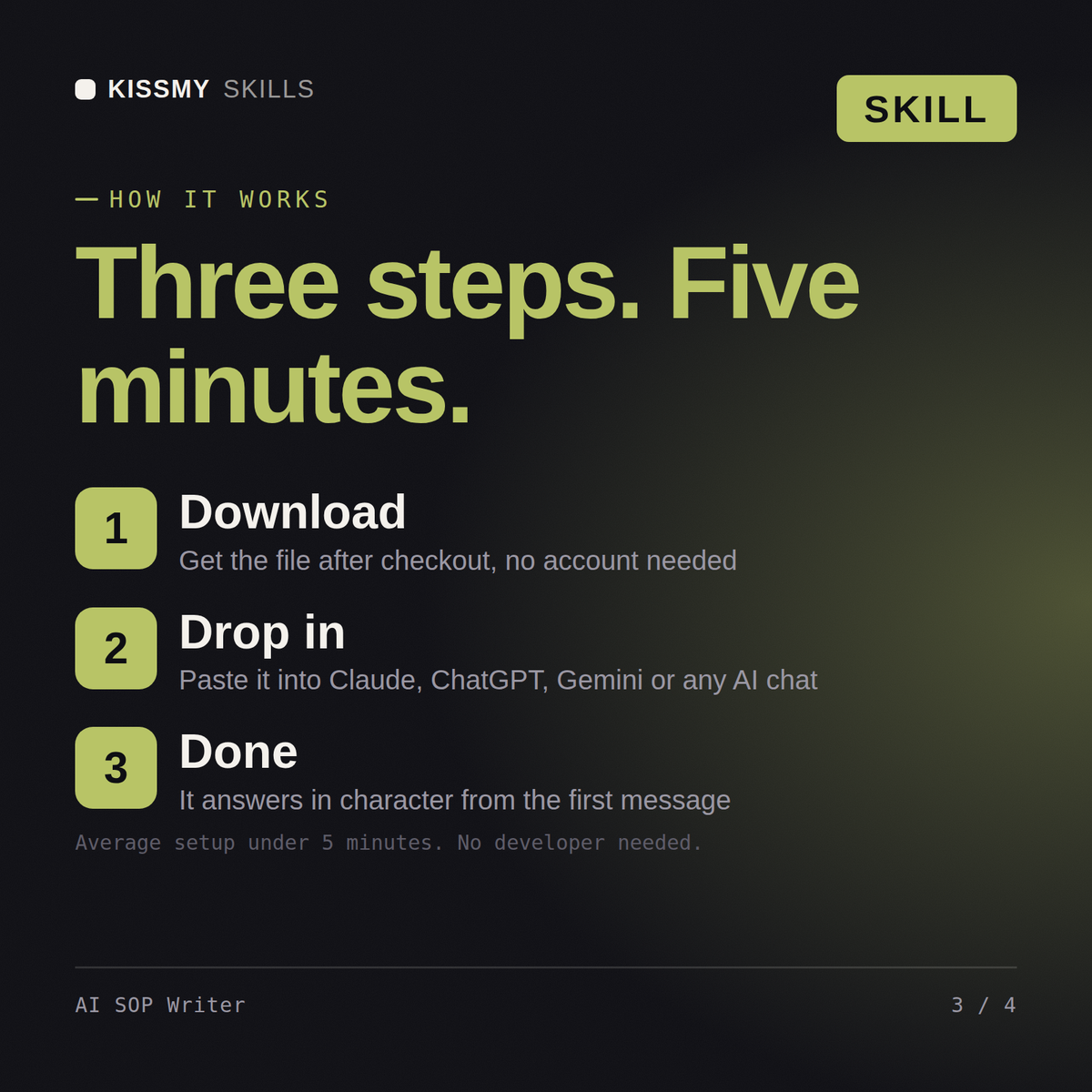
Download your .skill file from the order email or your account. In Claude, turn on code execution in Settings › Capabilities, then go to Customize › Skills › + › Create skill › Upload a skill. Start a new chat and ask for the specialist by name.
Analysts, consultants and managers condensing long reports for a board
Freelancers, consultants and agencies billing clients without accounting software
Hiring managers, recruiters and founders writing roles without an HR department
Consultants, founders and bookkeepers producing a cash flow statement quarterly