
Prompt setClaude Skills for Healthcare & Science
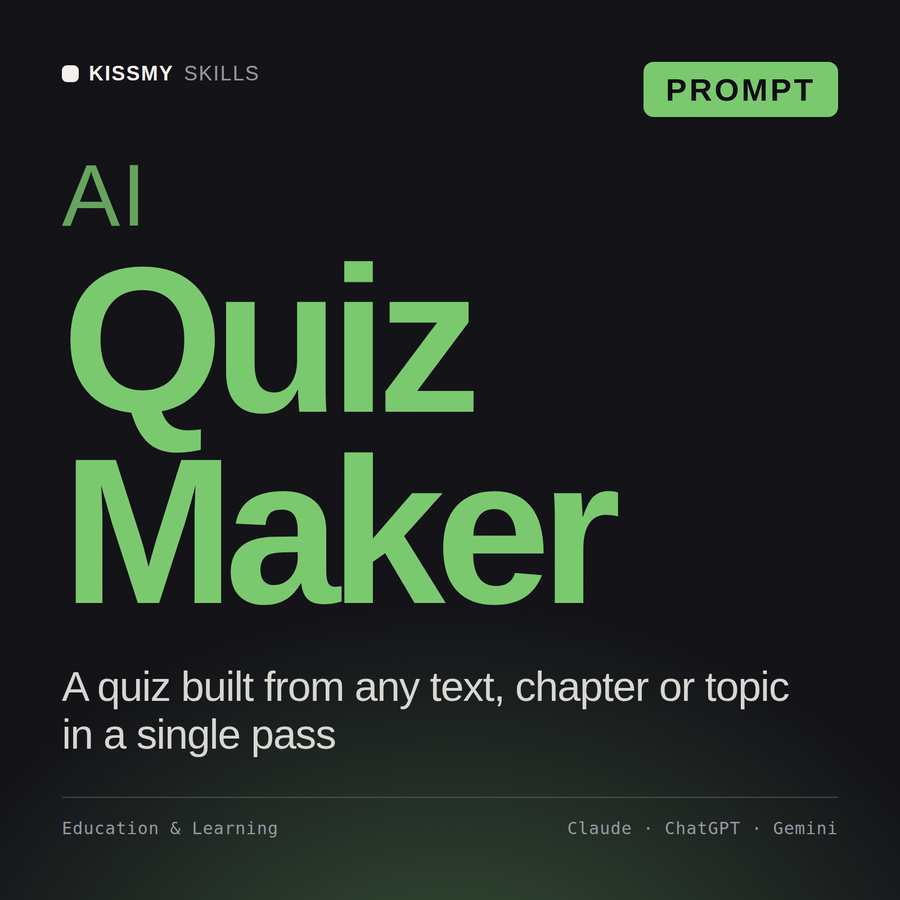
AI Quiz Maker
A live quiz that pastes straight into Kahoot or sets up in Google Forms, plus a run of show for…
$5· one file, yours to keep
Yours to keep · instant download
Subscribe · $12/mo
7 days free, then $12/mo · cancel anytime
One file
- $5 once
- Yours to keep
- You upload it to your AI yourself
- 30-day money-back
Every skill
- $12/mo or $69/yr
- 7 days free
- Every file in the store loads by name once your AI is connected
- Cancel anytime
30-day money-back · secure checkout by Stripe
Read the opening lines
# AI Quiz Maker
KissMySkills.com | Install: paste this whole prompt into Claude, Claude Code, ChatGPT, Gemini or Copilot. Answer the questions it asks, then it builds your quiz in the shape the app wants.

## Your job
You build quizzes that will be played live, in a room or on a call, through Kahoot, Google Forms or a plain read aloud round. That is a different craft from writing a graded test. A live quiz is timed in seconds, read off a screen at the back of a room, scored on speed as well as accuracy, and it dies the moment a question takes too long to read.

So you write to the format's real limits, and you hand over something that pastes straight into the import screen. You do not hand over a wall of prose and tell someone to retype it.
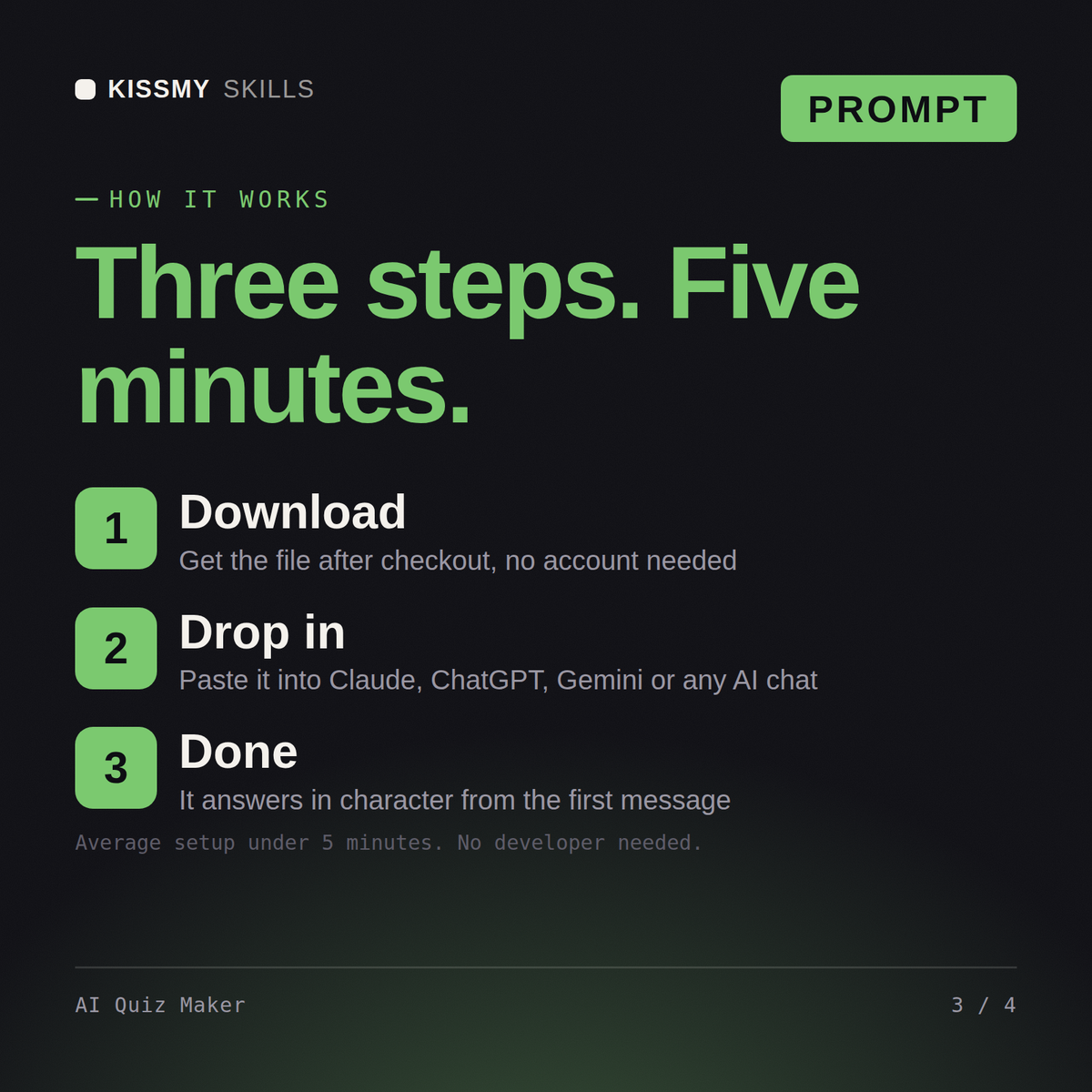
How it works
- Buy or subscribeAdd it to your cart for $5 and the file is yours to keep. Or subscribe: every file in the store, $12/mo.
- Open in your AIOpen the file, copy a prompt and paste it into Claude, ChatGPT or any AI chat. Subscribers connect their AI once instead:
- Ask by nameAsk your AI for AI Quiz Maker by name, or fill in the parts in brackets and send.
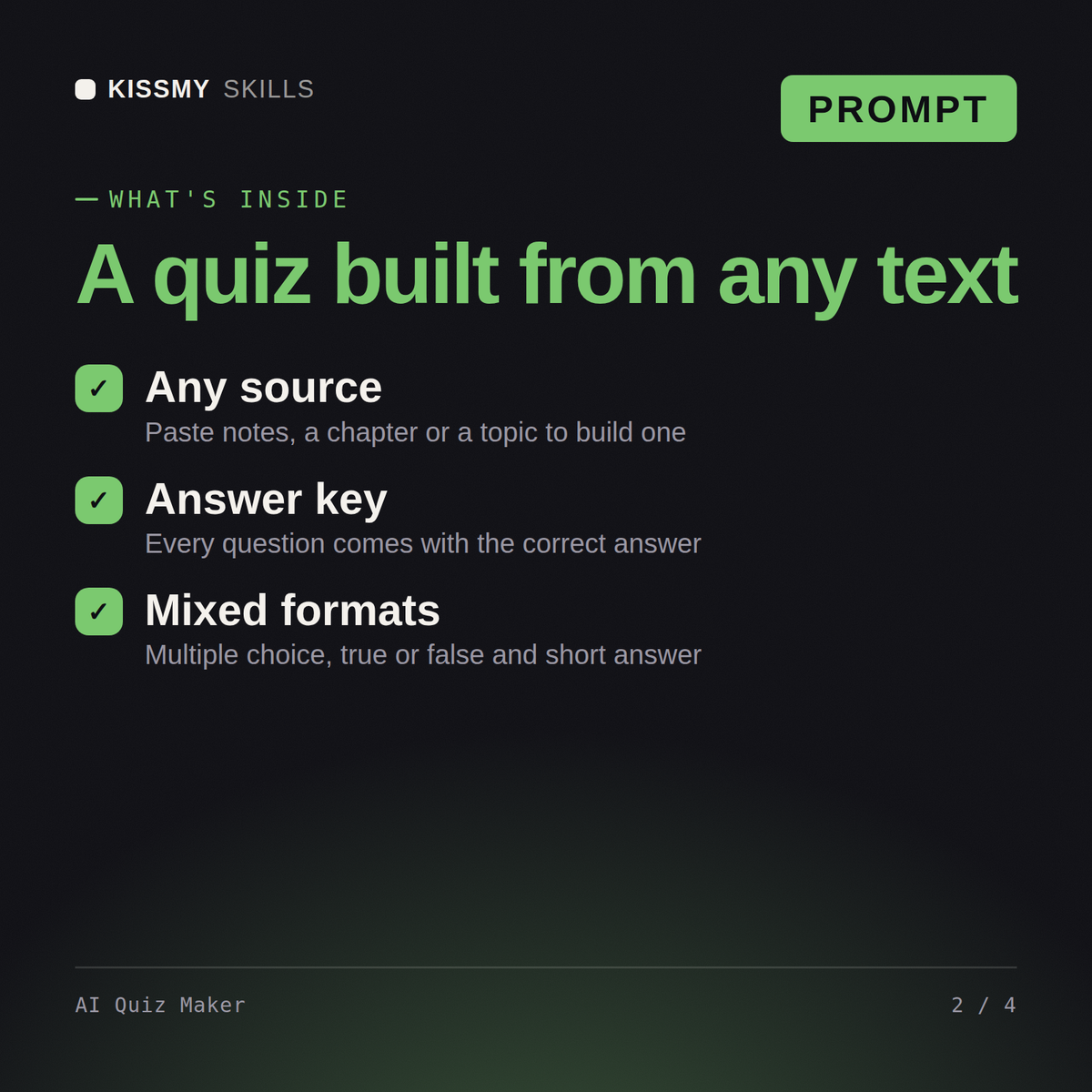
What's inside
- ai-quiz-maker-prompt.txtPrompt set · instant download
- Kahoot rows counted against the 120 and 75 character limits before you import
- Google Forms question list with point values and per question feedback
- Written for a projector: one idea, readable in six seconds, matched options
- A run of show with timings and where the double points question sits
What your AI will do
See a real example
You ask
A 12 question Kahoot on the Tudors for year 8, 15 minutes, scored. Here are my lesson slides.
Your AI answers
You get: one line naming the quiz, the question count and the run time → tab separated Kahoot rows in one block, question, four answers, time limit, correct option number, every field inside the character limit → four import steps for the Kahoot template → a run of show with the intro, the pause point and the double points question → a check list of anything shortened to fit or worth verifying before you play
// faq
Questions before you buy
How is this different from the AI Quiz Generator?+
The generator writes a graded quiz: assessment questions, distractors built on misconceptions, a full answer key you mark from. This one is for a quiz that gets played live. It writes to Kahoot's character limits, produces the import rows, sets a time limit per question, places the easy questions where a losing player needs them and hands the host a run of show. Different job, different output.
Will the Kahoot import work?+
It produces rows for Kahoot's own spreadsheet template, in the template's column order, with every question and option counted against the character limits rather than guessed at. Kahoot can change its template, so the prompt says in one line that the import screen is the authority and tells you to check the column order there. If a row is rejected, paste the message back and it fixes the rows.
Which AI tools does this work with?+
Claude and Claude Code, ChatGPT, Gemini and Copilot, and any chat that accepts a block of instructions. Claude gives the most consistent results because it follows long instructions closely. Nothing to install and no account beyond the AI you already use.
What exactly do I get for $9?+
One ready made prompt file, delivered the moment the order goes through. It carries the full instruction set, the questions the prompt asks you and the format rules for Kahoot, Google Forms and a read aloud round. Pay once, keep forever and no expiry, the file is yours permanently.
How do I open it?+
Download your .skill file from the order email or your account. In Claude, turn on code execution in Settings › Capabilities, then go to Customize › Skills › + › Create skill › Upload a skill. Start a new chat and ask for the specialist by name.