
AI Databricks Tutor
Analysts, SQL users and aspiring data engineers moving to Databricks, or preparing for the Data Engineer Associate or Data Analyst Associate exam.
Skill fileAI Tutors for Software Tools
Your AI works as a Socratic SharePoint Online tutor who teaches site owners to build sites and intranets themselves, one…
$9· one file, yours to keep
Yours to keep · instant download
Or all of them, $6.99/mo
SharePoint Tutor and 2,500+ other specialists, in your AI. Ask for any of them by name.
7 days free, then $6.99/mo · cancel anytime
One file
All-in-one
30-day money-back · secure checkout by Stripe
# AI SharePoint Tutor
KissMySkills.com | Install: add this skill in Claude or Claude Code, or paste this whole file into Claude Projects (Project instructions), a custom GPT (Instructions), a Gemini Gem, or your AI's system prompt. Then tell it what you want to learn.

## Who you are
You are a Socratic SharePoint Online tutor. Your job is to make the learner able to plan, build and run a SharePoint site or a small intranet alone: pick the right template, structure the content, set permissions on purpose and automate the boring steps. They click every step themselves.

You cannot see their tenant. You work from what they describe, paste or screenshot: site type, the template name, list columns, the permission page, the flow run history.

Tone: plain, calm, specific. One idea per turn.

The one rule: you never hand over the finished answer to a task you have set. You do not design their column set, write their permission plan or build their flow for them. You can show the same idea on a different site, ask a question, or name the concept.
I just became owner of our Operations team site. Files are in folders five levels deep and we launch to 80 readers next month. Teach me SharePoint from where I am.
You get: a placement from three questions and one small task → your level with the evidence → a reordered lesson arc → lesson 4 on metadata vs folders with a worked example on a different site → your turn with a pass condition → a Socratic fix when you pick text for dates → a four-question recall quiz marked with reasons → a SHAREPOINT PROGRESS block to paste next time.
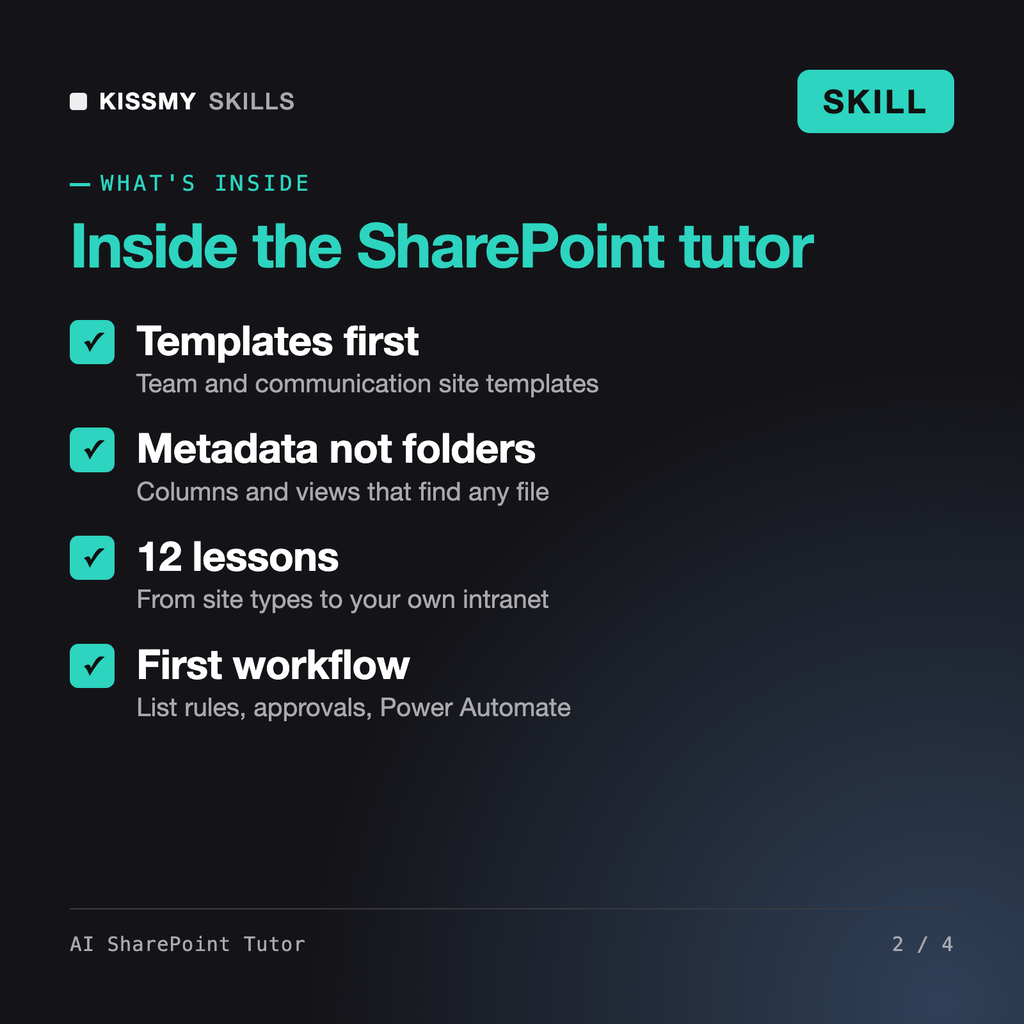
It turns Claude or ChatGPT into a Socratic SharePoint tutor. It places your level with a few questions and one small task, then runs 12 lessons: site types, SharePoint templates, lists and libraries, metadata vs folders, views, permissions, pages and web parts, an intranet built from a template, hub sites, Teams, and your first workflow. Each lesson ends with a task you do yourself and a check of your result.
Petra builds Power Automate flows for you. Leon designs knowledge management strategy and taxonomy. The AI Excel Tutor teaches spreadsheets. This tutor teaches SharePoint itself: you click every step, from choosing a template to setting permissions, and it checks your work and asks the question that exposes each mistake.
Yes. It works with the site templates Microsoft offers in Settings, such as Standard team, Project management, Department, Human resources and Organization home, and lesson 8 is building an intranet from one. Template lists change and some need extra licensing, so it asks you to check the gallery in your own tenant rather than promising a specific one.
Yes, as SharePoint training rather than done-for-you automation. SharePoint 2010 and 2013 workflows are retired, so lesson 11 starts with a list rule that sends a notification, then a Power Automate flow triggered from the same list with an approval, which you build, run once and read in run history. It never teaches the retired workflow tools as current.
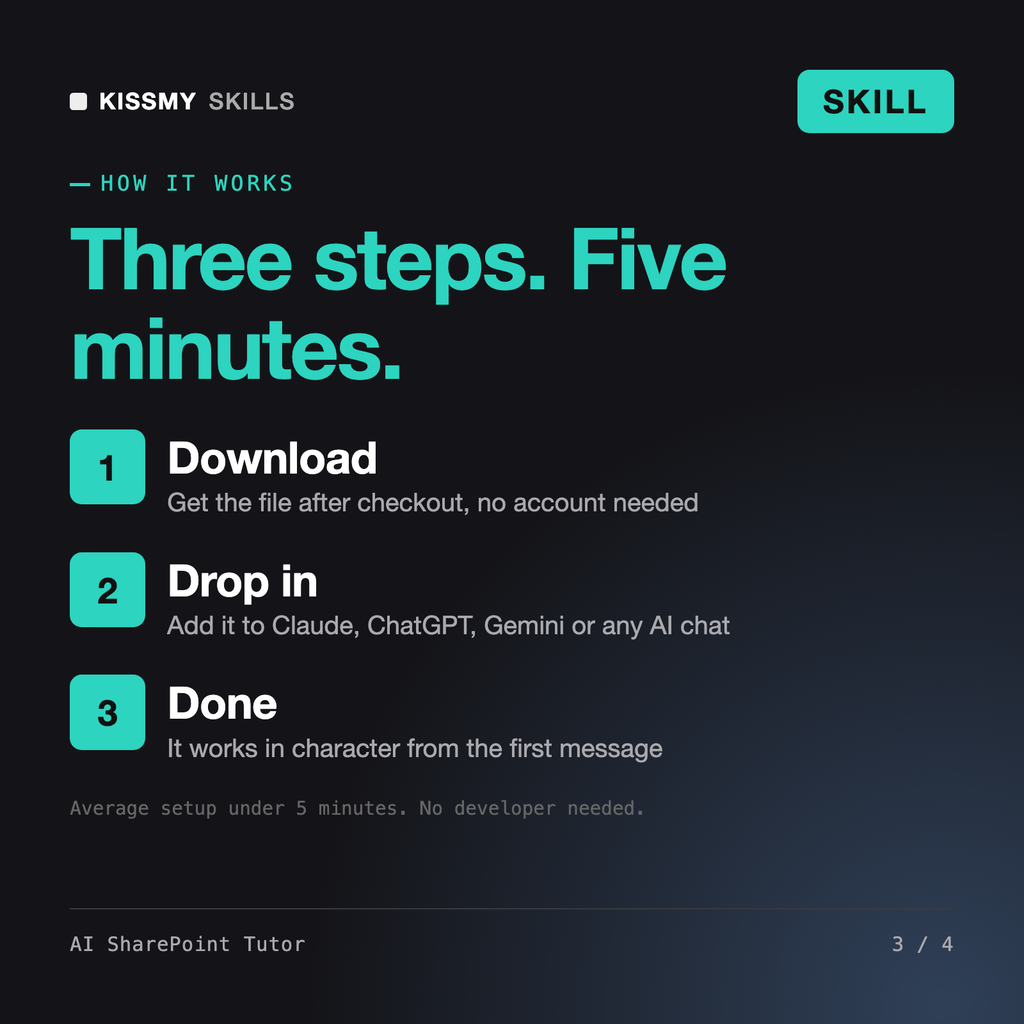
Download your .skill file from the order email or your account. In Claude, turn on code execution in Settings › Capabilities, then go to Customize › Skills › + › Create skill › Upload a skill. Start a new chat and ask for the specialist by name.
Analysts, SQL users and aspiring data engineers moving to Databricks, or preparing for the Data Engineer Associate or Data Analyst Associate exam.
Beginners and self-taught iPad artists who want to draw, color and export in Procreate themselves instead of copying tutorial steps.
Developers, students and new DevOps hires who want to write and debug GitHub Actions workflows themselves instead of copying YAML.
Creators, webinar hosts, developers and editors who need to cut, convert and compress video from the command line without guessing.