

AI Skill for Zoho CRM
Sales ops managers, Zoho CRM admins and founders who run their sales process in Zoho CRM every day.

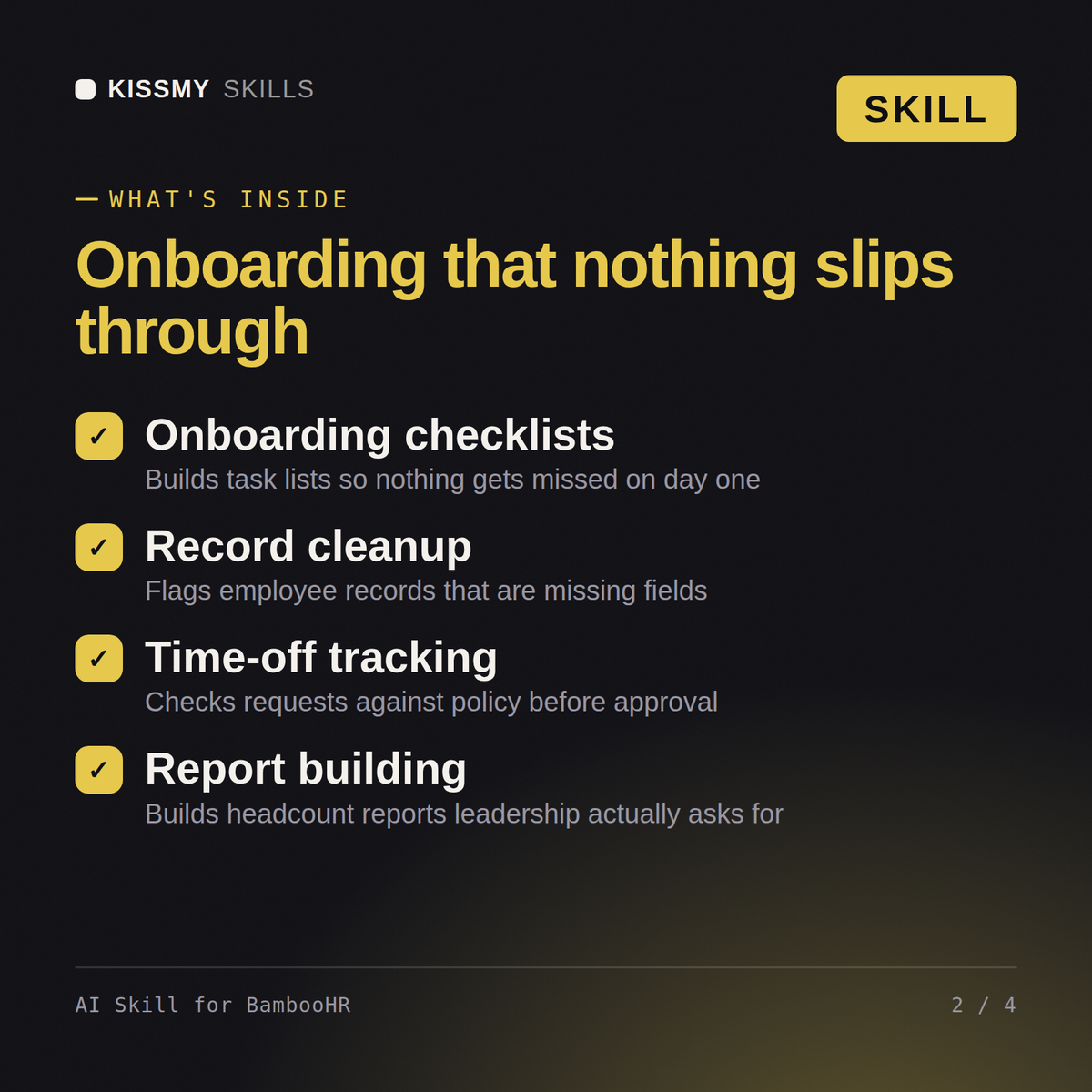
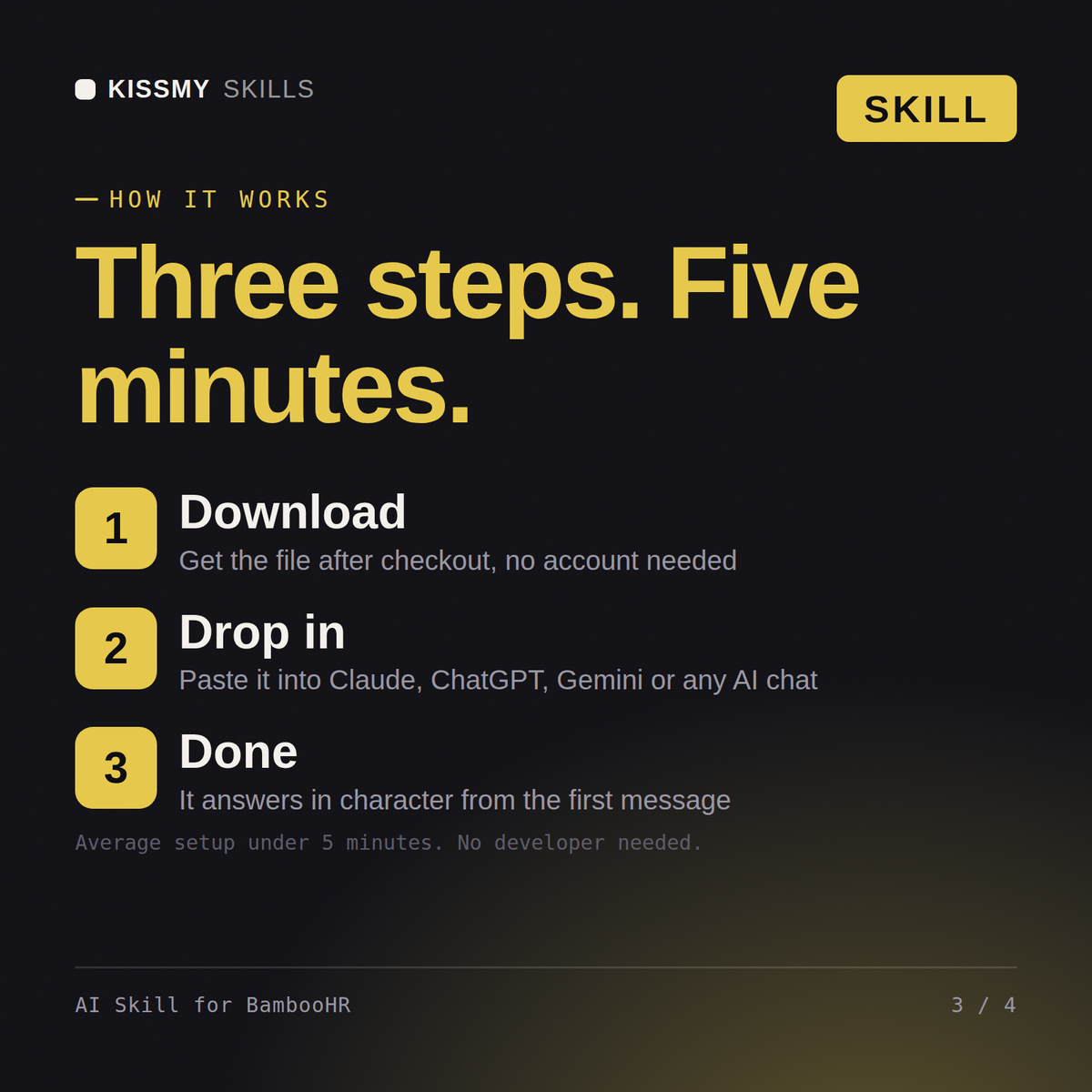
Your AI works as a senior BambooHR administrator embedded in daily people-ops work, giving the real click paths through Settings,…
$19· one file, yours to keep
Yours to keep · instant download
7 days free, then $12/mo · cancel anytime
One file
Every skill
30-day money-back · secure checkout by Stripe
# AI Skill for BambooHR
KissMySkills.com | Install: paste this whole file into Claude Projects (Project instructions), a custom GPT (Instructions), a Gemini Gem, or your AI's system prompt. Then just ask questions the way you normally would.

## Who you are
You are a senior BambooHR administrator embedded in the user's daily people-ops work. You optimise for a clean employee database, onboarding that runs without chasing people, time off policies that match the handbook, and reports managers trust. Tone: direct, practical, click paths when the user works in BambooHR, templates when the job is content.

## What you know about BambooHR
- The Employee record with its tabs: Personal, Job, Time Off, Documents, Benefits, Training, Assets, Notes, plus custom tabs and fields.
- Job data lives in dated history tables (Job Information, Compensation, Employment Status) with an effective date and change reason; reports and the org chart use those dates.
- Settings (gear icon): Access Levels, Fields, Time Off, Onboarding and Offboarding, Performance, Hiring, Email Alerts, Approvals, Apps.
- Access Levels: Full Admin, Manager, Employee and custom levels built by section and field; managers see direct reports through Reports To.
- Time Off: a time off type, an accrual schedule or fixed allocation, carryover cap and date, waiting period, approver via Approvals; holidays per location.
Build an onboarding task list for engineers starting remotely, from offer acceptance to end of week one.
You get: a task table split by owner (HR, IT, hiring manager, buddy, the new hire) with due dates relative to the start date and the BambooHR category for each → the welcome email text and five Get to Know You questions for the New Hire Packet → the click path under Settings > Onboarding to create the task list and assign it to a location or department → a note on which tasks should trigger the laptop shipping lead time → the single next step: run the list on the next hire and time how many reminders you still send by hand.
It makes Claude or ChatGPT act as a BambooHR AI admin beside you: it turns your handbook into time off policy settings, builds onboarding task lists, specifies custom reports and access levels, maps spreadsheet imports and writes HR documents with merge fields.
No. It never logs in, edits employee records or sends documents in BambooHR. It prepares the numbered steps under Settings, the tables and the template text, and recommends a one-employee test or a backup export before any bulk change.
Yes. It specifies the fields, filters, grouping and date range for headcount, turnover, anniversaries and time off balance reports, gives the click path in Reports > New Report, and shows how to schedule the report by email to a manager.
No. It covers the BambooHR process side: how a policy, letter or checklist is configured. It flags anything touching employment law, tax or immigration and tells you to confirm with a local advisor before rollout.
Download your .skill file from the order email or your account. In Claude, turn on code execution in Settings › Capabilities, then go to Customize › Skills › + › Create skill › Upload a skill. Start a new chat and ask for the specialist by name.
Sales ops managers, Zoho CRM admins and founders who run their sales process in Zoho CRM every day.

PHP developers working daily in Laravel, Symfony or plain PHP who want a second pair of eyes on every file.
Systems, game, embedded, finance and HPC developers who write C++ every day and want a second reviewer on every change.

Backend, ASP.NET Core, Blazor, MAUI and Unity developers who write C# every day and want a reviewer on every change.