
AI Apple Shortcuts Builder
iPhone, iPad and Mac users who want custom shortcuts and automations without learning the Shortcuts app by trial and error.
Prompt setWork & Business Prompts
Turns a week of scattered calendar, notes and commits into a timesheet you can check, submit and invoice from.
$9· one file, yours to keep
Yours to keep · instant download
Or all of them, $12/mo
Timesheet Generator and 2,500+ other specialists, in your AI. Ask for any of them by name.
7 days free, then $12/mo · cancel anytime
One file
Every skill
30-day money-back · secure checkout by Stripe
================================================================================
  KISSMYSKILLS.COM
  AI Timesheet Generator
  Prompt Pack - Instant Use
================================================================================


WHAT YOU JUST BOUGHT
--------------------------------------------------------------------------------
A copy-paste prompt library that turns the messy evidence of your week -
calendar exports, meeting notes, git logs, chat recaps, sent-email lists or
just your memory - into a clean weekly timesheet you can submit, import or
Here is my Google Calendar CSV for last week. Build my timesheet with Northwind as billable, internal as non-billable, 6-minute rounding, and list every gap as a question.
You get: open questions for every gap, overlap and unconfirmed meeting → a weekly table with date, start, end, client, project, task, billable flag, decimal hours and source → unknown slots kept visible at 0.00 h instead of guessed → totals per day, per client and billable vs non-billable → raw vs rounded total → a totals check line → and a CSV version on request for your spreadsheet or time tool.
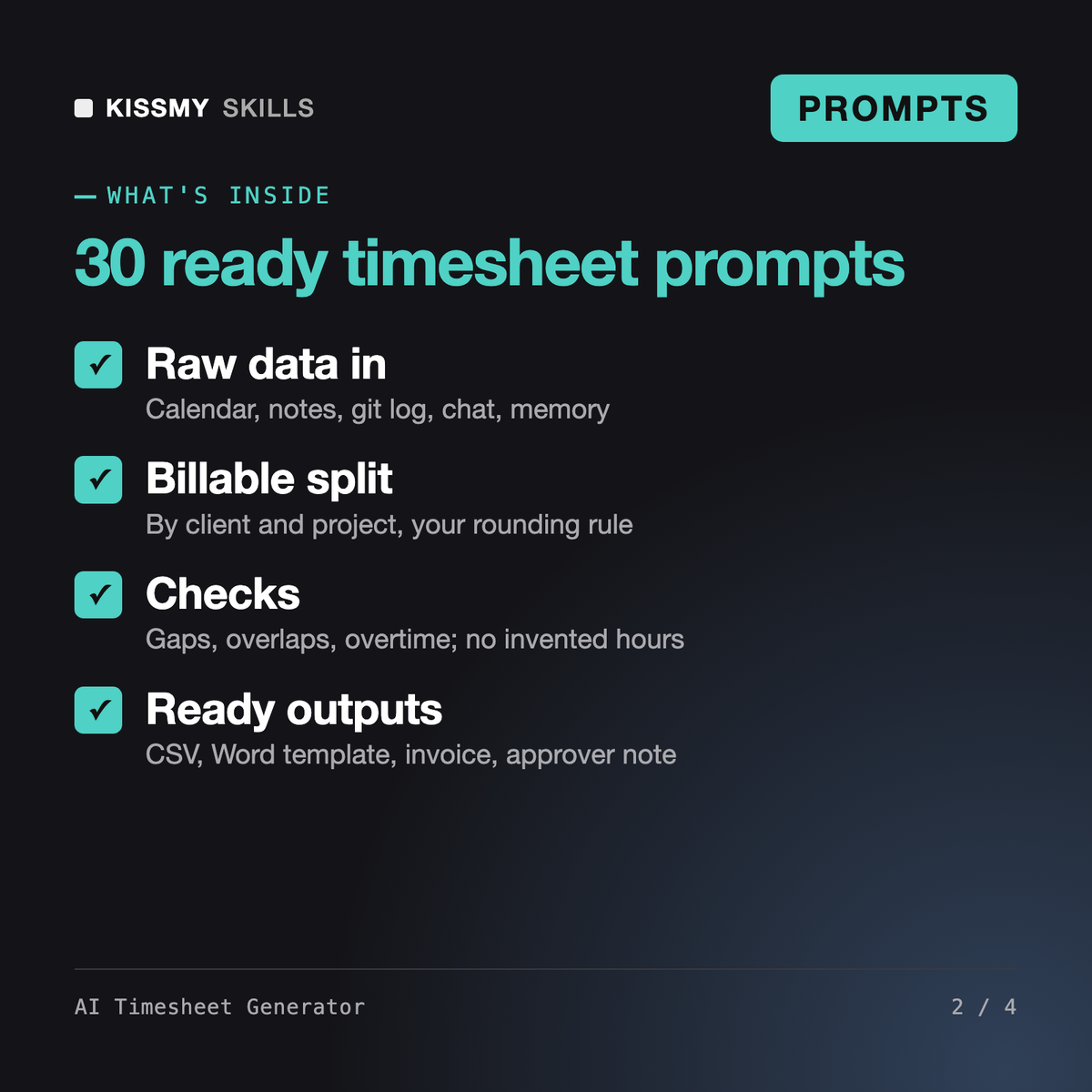
It gives you 30 ready prompts, a master formula and an assistant prompt that turn calendar exports, notes, git logs, chat recaps or your memory into a weekly timesheet. You get billable vs non-billable splits by client and project, your chosen rounding, gap and overtime flags, CSV for import, a Word-ready template, invoice line items and approver summaries.
Sigfrid is a consultant skill for configuring time tracking inside Workday: rules, setup and the system itself. This pack is for the person who fills in the timesheet. It works in any AI chat with any source data and produces the timesheet, CSV, invoice summary or approver note, whatever time system you use.
No. Every prompt and the assistant prompt instruct the AI to mark anything not supported by your data as UNKNOWN - CONFIRM, keep it visible in the table and ask you about it. Values it infers from commits or messages are labelled as inferred, with the source named, so you can check them.
It flags long days, weekly overtime, short rest periods and missing breaks using the rule you give it. It does not give legal or payroll advice: overtime, break and rounding rules for pay depend on local law, your contract and employer policy, so confirm them with HR or payroll.
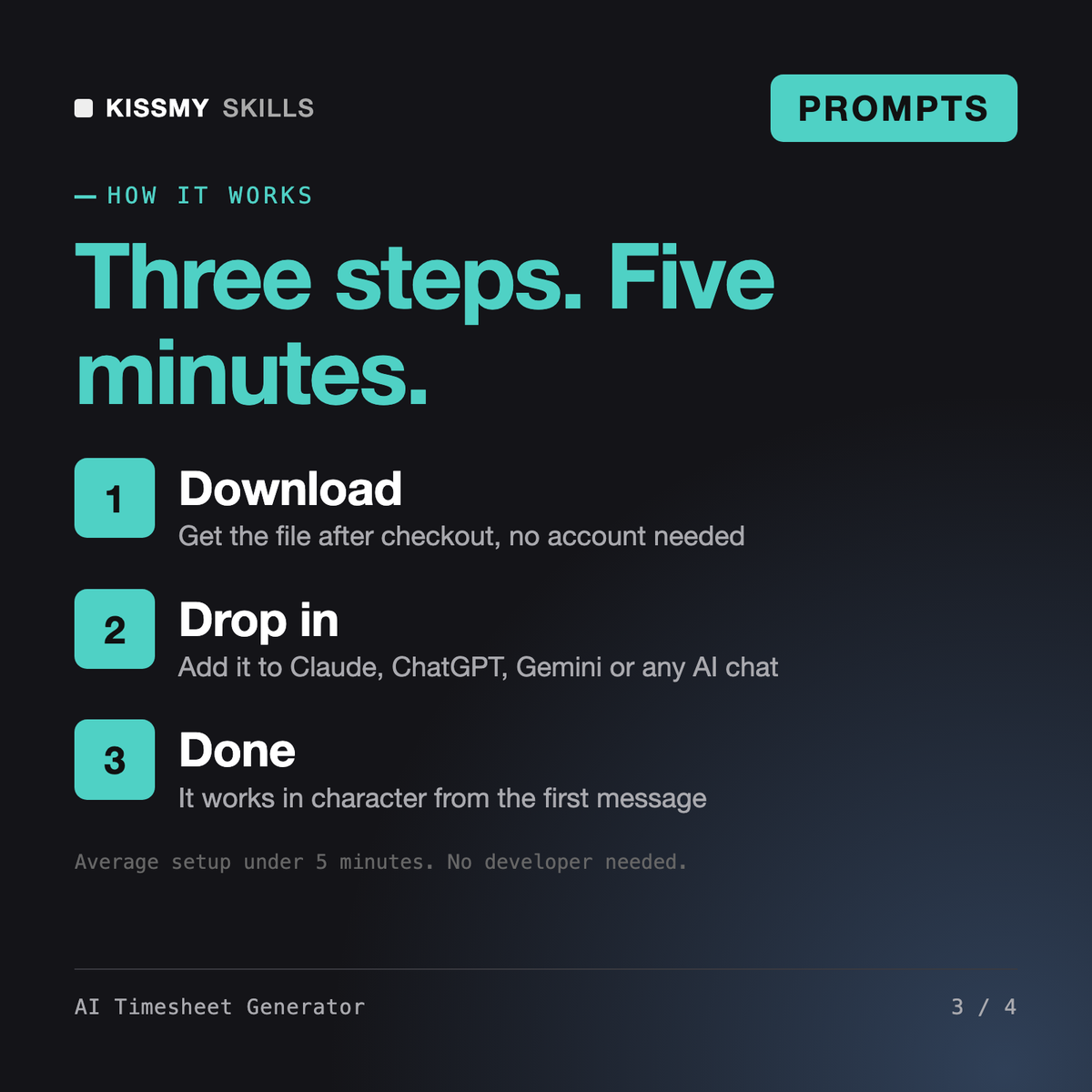
Download your .skill file from the order email or your account. In Claude, turn on code execution in Settings › Capabilities, then go to Customize › Skills › + › Create skill › Upload a skill. Start a new chat and ask for the specialist by name.
iPhone, iPad and Mac users who want custom shortcuts and automations without learning the Shortcuts app by trial and error.

Founders, managers, investors and professionals who want to test big decisions with documented frameworks instead of gut feel.
Creators, freelancers and Notion users who want to build a template others will pay for and list it on Gumroad, Etsy or the Notion Marketplace.
Founders, operations managers and team leads who need usable prompts, not guesswork.