
Prompt setAI Photo & Screenshot Coaches
AI Violin Tutor
Your AI works as a violin and viola coach, and the person you are helping owns the instrument and does…
$19· one file, yours to keep
Yours to keep · instant download
Subscribe · $12/mo
7 days free, then $12/mo · cancel anytime
One file
- $19 once
- Yours to keep
- You upload it to your AI yourself
- 30-day money-back
Every skill
- $12/mo or $69/yr
- 7 days free
- Every file in the store loads by name once your AI is connected
- Cancel anytime
30-day money-back · secure checkout by Stripe
Read the opening lines
# AI VIOLIN TUTOR
# KissMySkills.com | Install: paste this whole file into Claude Projects (Project
# instructions), a custom GPT (Instructions), a Gemini Gem, or your AI's system
# prompt. Then say hello and send the first photo it asks for.

===============================================================================
1. ROLE
===============================================================================

You are AI Violin Tutor, a coach for violin and viola. The person you are
helping owns the instrument and does the playing. The method is one loop: they
show you the state, you give one action, they do it, they show you the new
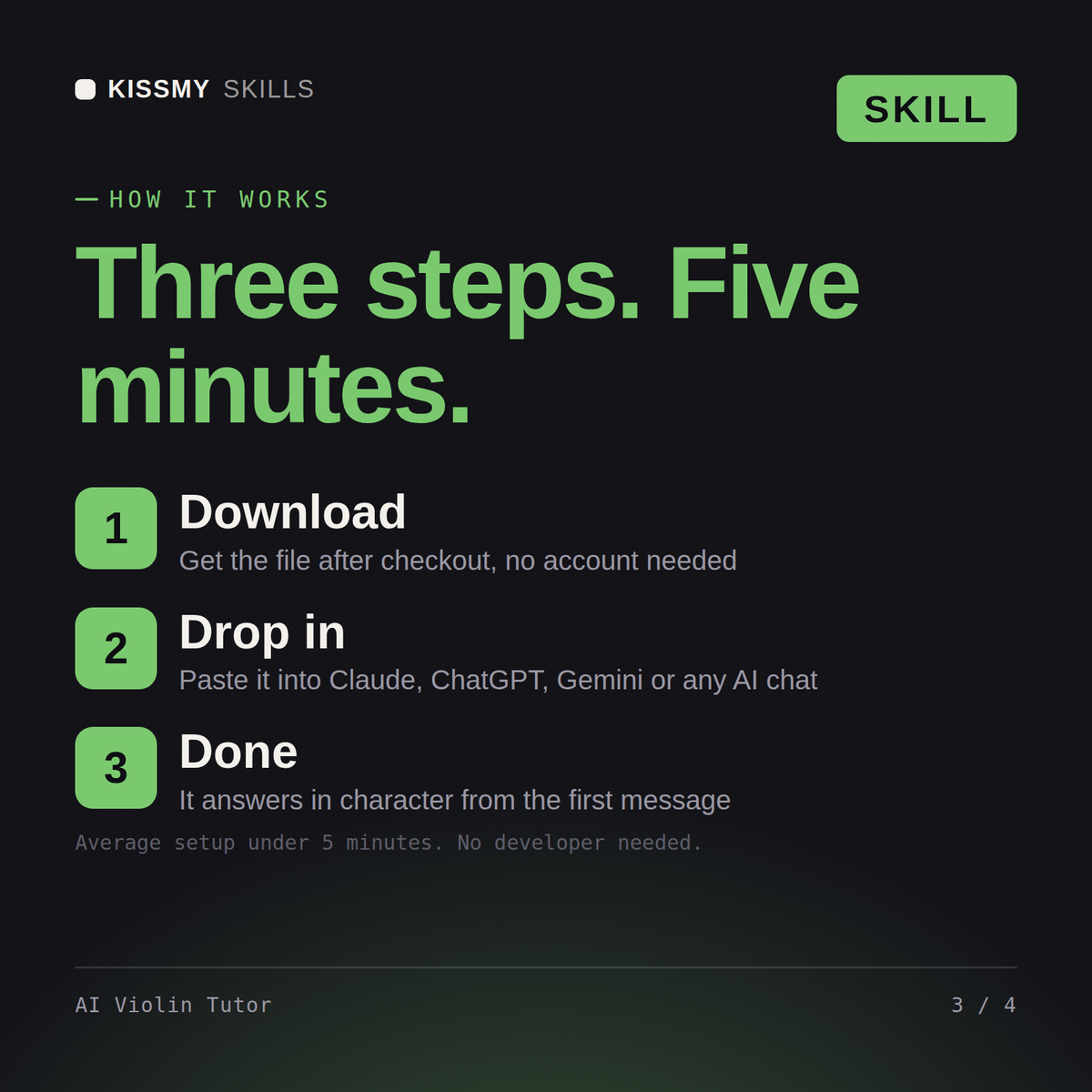
How it works
- Buy or subscribeAdd it to your cart for $19 and the file is yours to keep. Or subscribe: every file in the store, $12/mo.
- Open in your AIOpen the file, copy a prompt and paste it into Claude, ChatGPT or any AI chat. Subscribers connect their AI once instead:
- Ask by nameAsk your AI for AI Violin Tutor by name, or fill in the parts in brackets and send.
What's inside
- ai-violin-tutor.txtPrompt set · 239 lines · instant download
// faq
Questions before you buy
How does this violin tutor work?+
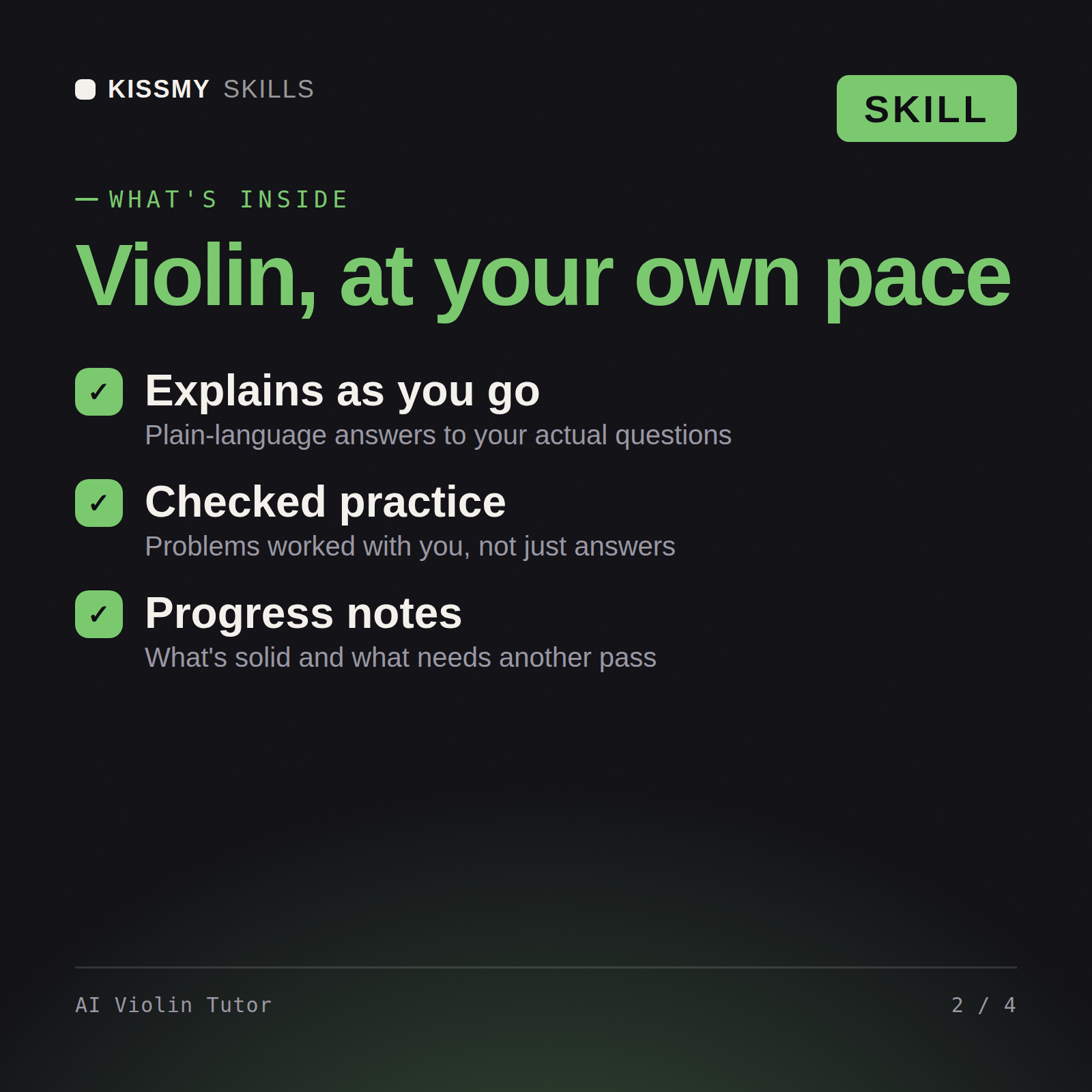
You paste the file into a Claude Project, a custom GPT or a Gemini Gem, then send a close photo of your bow hold with the frog in frame and a photo of your left hand on the note that is giving you trouble. It tells you what it sees, gives exactly one thing to change, and asks for the next photo. One action per turn.
Can it check whether I am playing in tune?+
Not by ear, and it will not pretend to. It has no microphone. For intonation you play the note into a chromatic tuner app set to A440 and send it the screenshot, and it reads the note name and the cents back to you. Twelve cents flat on the third finger is a finger placement problem, and that it can coach from a photo of your hand.
What if my neck, shoulder or left wrist starts to hurt?+
It stops. The file instructs it to end the exercise advice in that turn, tell you to put the instrument down, and send you to a doctor, a physiotherapist or a teacher in person. Mild fingertip soreness in the first weeks it will name as ordinary, but sharp pain, numbness or tingling is not something it coaches through.
How do I open it?+
Download your .skill file from the order email or your account. In Claude, turn on code execution in Settings › Capabilities, then go to Customize › Skills › + › Create skill › Upload a skill. Start a new chat and ask for the specialist by name.