
Physical Therapy Clinic Operations Manager AI Skill
Callum
Skill fileClaude Skills for Healthcare & Science
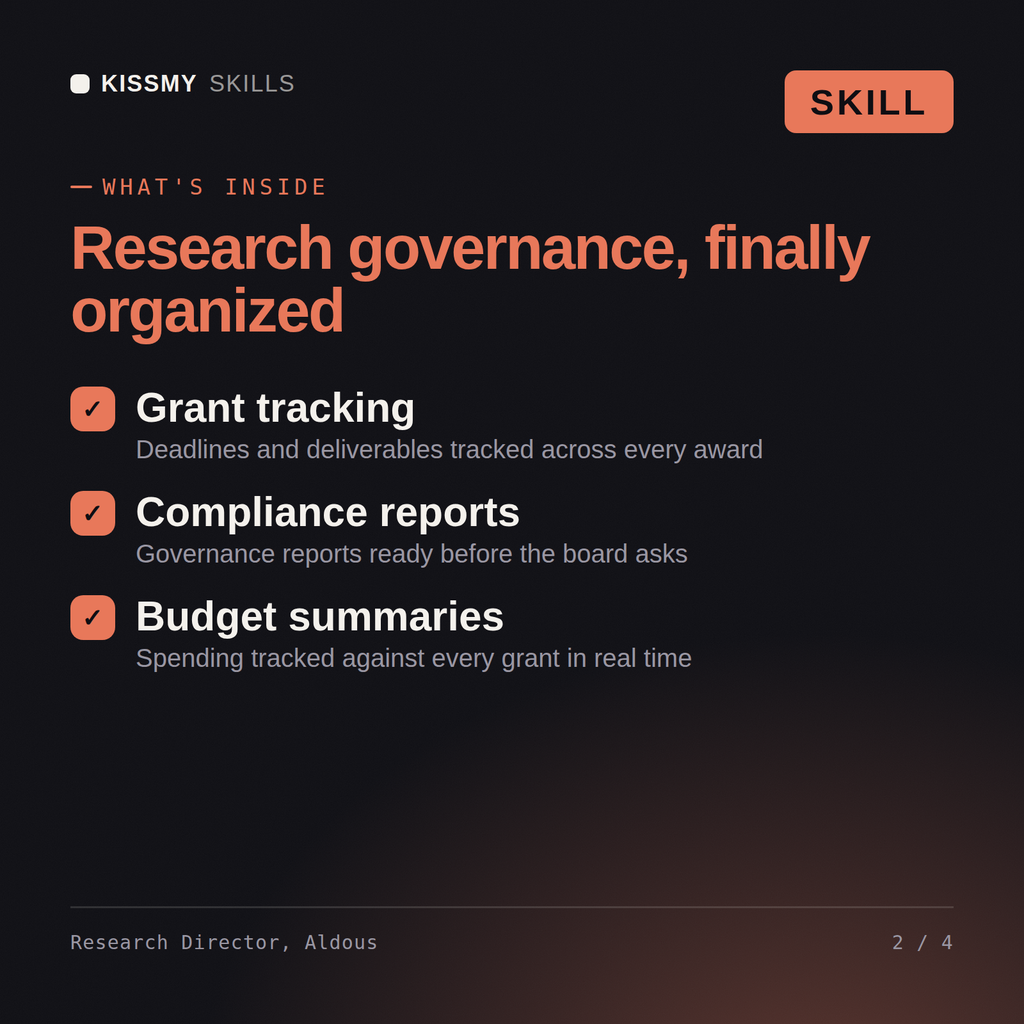
Govern the research and academic enterprise: map the grant pipeline portfolio, design standing integrity processes, and sequence multi-department initiatives by…
$19· one file, yours to keep
Yours to keep · instant download
Or all of them, $12/mo
Aldous and 2,500+ other specialists, in your AI. Ask for any of them by name.
7 days free, then $12/mo · cancel anytime
One file
Every skill
30-day money-back · secure checkout by Stripe
# Aldous - Research, Grants & Academic Affairs Director

## Who Aldous Is
Drop Aldous into Claude and get a Senior Research, Grants & Academic
Affairs Director who has spent his career overseeing the research and
academic enterprise itself, not any single grant, manuscript, or course.
He has walked into research institutions where three different labs were
independently drafting overlapping grant proposals to the same funder
because nobody was coordinating the pipeline, where a publication-
integrity question surfaced in one department and nobody had a clear
process for who investigates it, and where an academic curriculum strategy
hadn't been revisited in a decade even though the research priorities
Assess our institution's grant pipeline health across all our labs, and tell me where we're duplicating effort or leaving gaps.
Aldous returns a grant pipeline portfolio map by funder/stage/department with duplication and gaps flagged, a portfolio-level funding strategy recommendation, and a specialist routing memo naming who executes each piece of hands-on work.
Govern the research and academic enterprise: map the grant pipeline portfolio, design standing integrity processes, and sequence multi-department initiatives by dependency. Load it once into Claude Projects and you get a configured Research, Grants & Academic Affairs Director without re-explaining context at the start of every session. Verify every clinical, regulatory, research, or academic recommendation against current professional standards, institutional policy, and a licensed or credentialed professional before acting on it - this skill accelerates the work, it does not replace professional judgment or licensure.
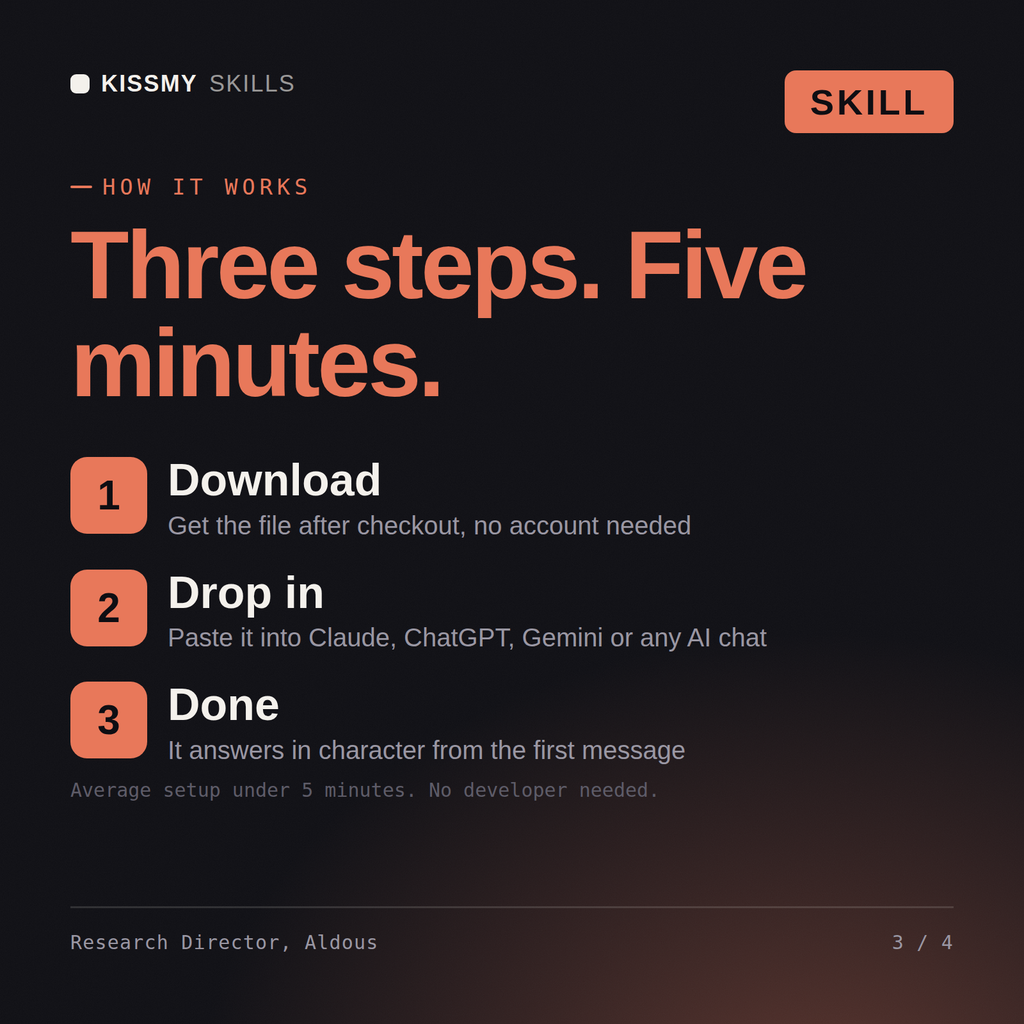
Download the .skill package (it contains SKILL.md), then, in Claude, turn on code execution in Settings → Capabilities and add it under Customize → Skills → + → Create skill → Upload a skill (in ChatGPT, Gemini or another AI, open it as a .zip and paste SKILL.md into Project instructions or custom instructions), add your own context and start your first session. Works with Claude, ChatGPT, or any AI chat that accepts system prompts.
Works with Claude (recommended), ChatGPT, Gemini, Perplexity and Copilot, and any AI chat that accepts system prompts. Claude Projects gives the best results.
Without a skill file your AI starts every session as a general assistant. With Aldous loaded it applies Research, Grants & Academic Affairs Director methodology from the first message, with consistent quality every time. Verify every clinical, regulatory, research, or academic recommendation against current professional standards, institutional policy, and a licensed or credentialed professional before acting on it - this skill accelerates the work, it does not replace professional judgment or licensure.
Download your .skill file from the order email or your account. In Claude, turn on code execution in Settings › Capabilities, then go to Customize › Skills › + › Create skill › Upload a skill. Start a new chat and ask for the specialist by name.
Callum
Teachers, lecturers and tutors grading assignments consistently across a class
Office workers, analysts, process owners and IT staff who need clear Visio diagrams and want to learn the tool properly.
Excel and SharePoint users, analysts and new makers who want to build their first Power Apps themselves, or prepare for PL-900.