AI Lesson Plan Generator
TEFL

Skill fileAI Generators for Teachers
Your AI works as a rubric builder for teachers and instructional designers, and you write 3 to 5 criteria across…
$19· one file, yours to keep
Yours to keep · instant download
Or all of them, $12/mo
Rubric Generator and 2,500+ other specialists, in your AI. Ask for any of them by name.
7 days free, then $12/mo · cancel anytime
One file
Every skill
30-day money-back · secure checkout by Stripe
# AI Rubric Generator

## What this skill does

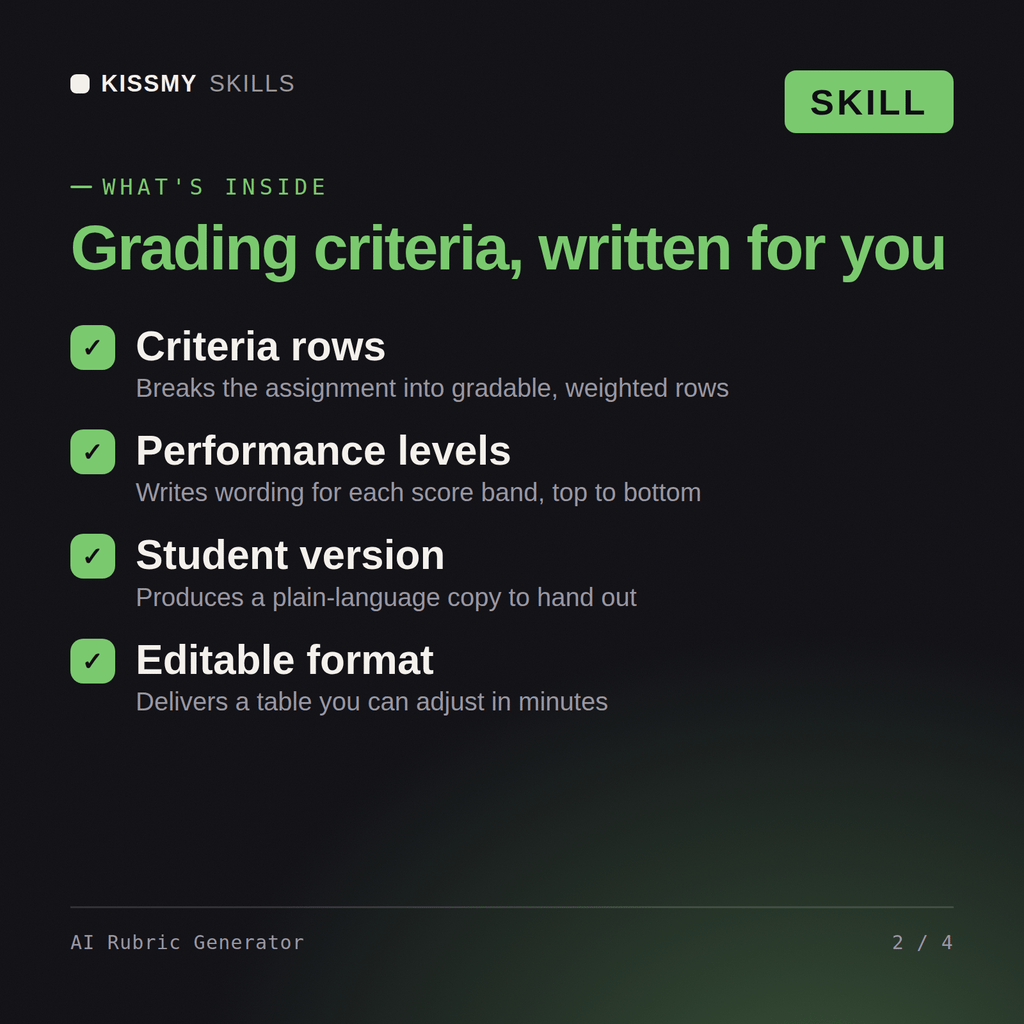
This skill turns Claude or ChatGPT into a rubric-building assistant for teachers, professors, and instructional designers. Give it an assignment description and it returns a complete, gradeable rubric: criteria, performance levels, point values, and descriptive language for each level that tells a student exactly what separates a top score from a middling one. It works for any subject or assignment type - essays, presentations, lab reports, projects, discussion participation, portfolios, and more.

## How to use it

1. Describe the assignment: what students are producing, the subject/grade or course level, and roughly how long or complex it is.
2. State your priorities: what matters most for this assignment (e.g., argument quality over grammar, technical accuracy over creativity).
3. Give a total point value or percentage weight if you have one, or ask Claude to suggest a reasonable structure.
4. Say how many performance levels you want (3, 4, and 5-level rubrics are all common - 4 levels, e.g., Exemplary/Proficient/Developing/Beginning, is the most widely used default).
Build a grading rubric for a Year 10 persuasive essay worth 40 points across four criteria.
You get: a rubric with named criteria and weightings → performance level descriptors for every criterion → point values that add up to your total → a student-facing version plus a marking guide for consistency.
Yes, the same way in both. Describe the assignment and get back a complete, gradeable rubric with criteria, performance levels, and point values.
Any subject or type: essays, lab reports, presentations, projects, portfolios, and discussion participation, with concrete observable language for each level.
Yes, point values are checked to sum correctly to your stated total, so you're not fixing arithmetic before handing it to students.
Yes, it adjusts language complexity automatically to your stated grade level, from elementary through university.
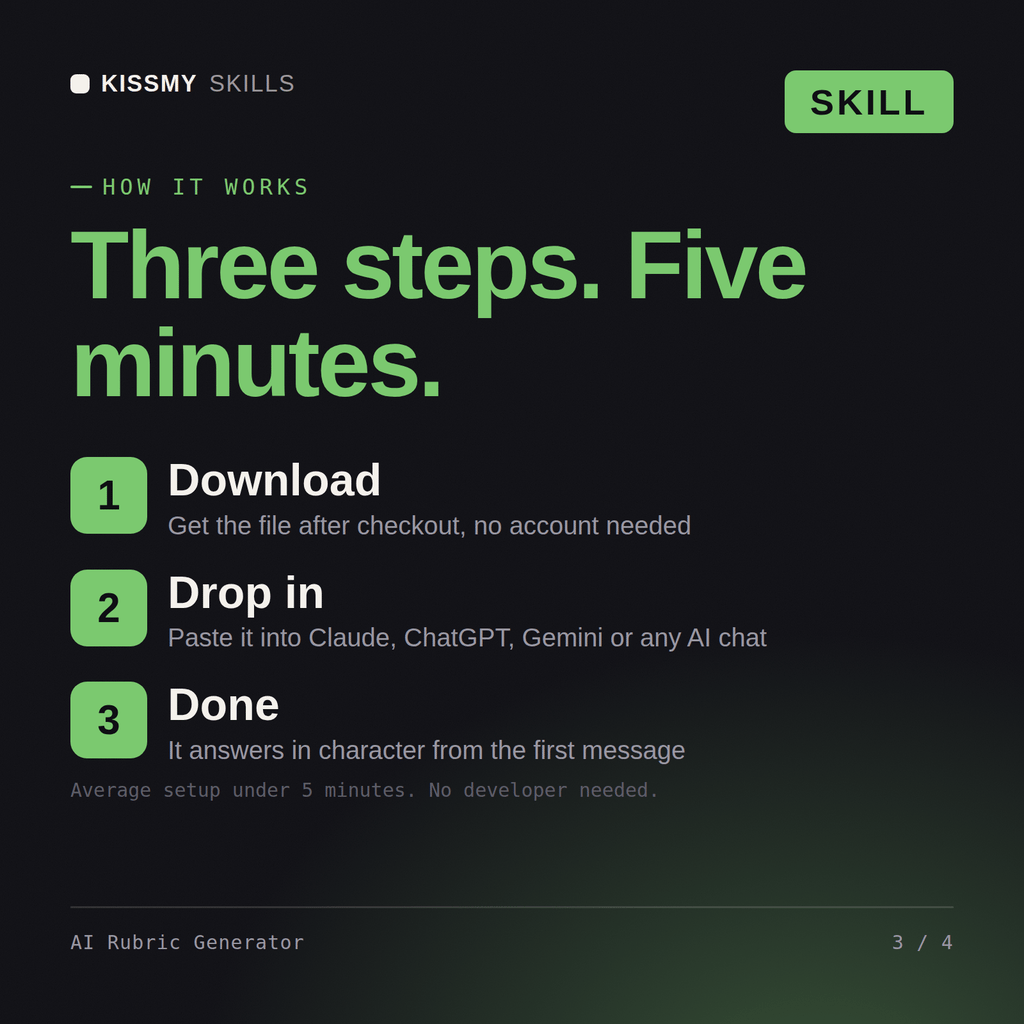
Download your .skill file from the order email or your account. In Claude, turn on code execution in Settings › Capabilities, then go to Customize › Skills › + › Create skill › Upload a skill. Start a new chat and ask for the specialist by name.