Moving and Relocation Planner AI Skill
Harper
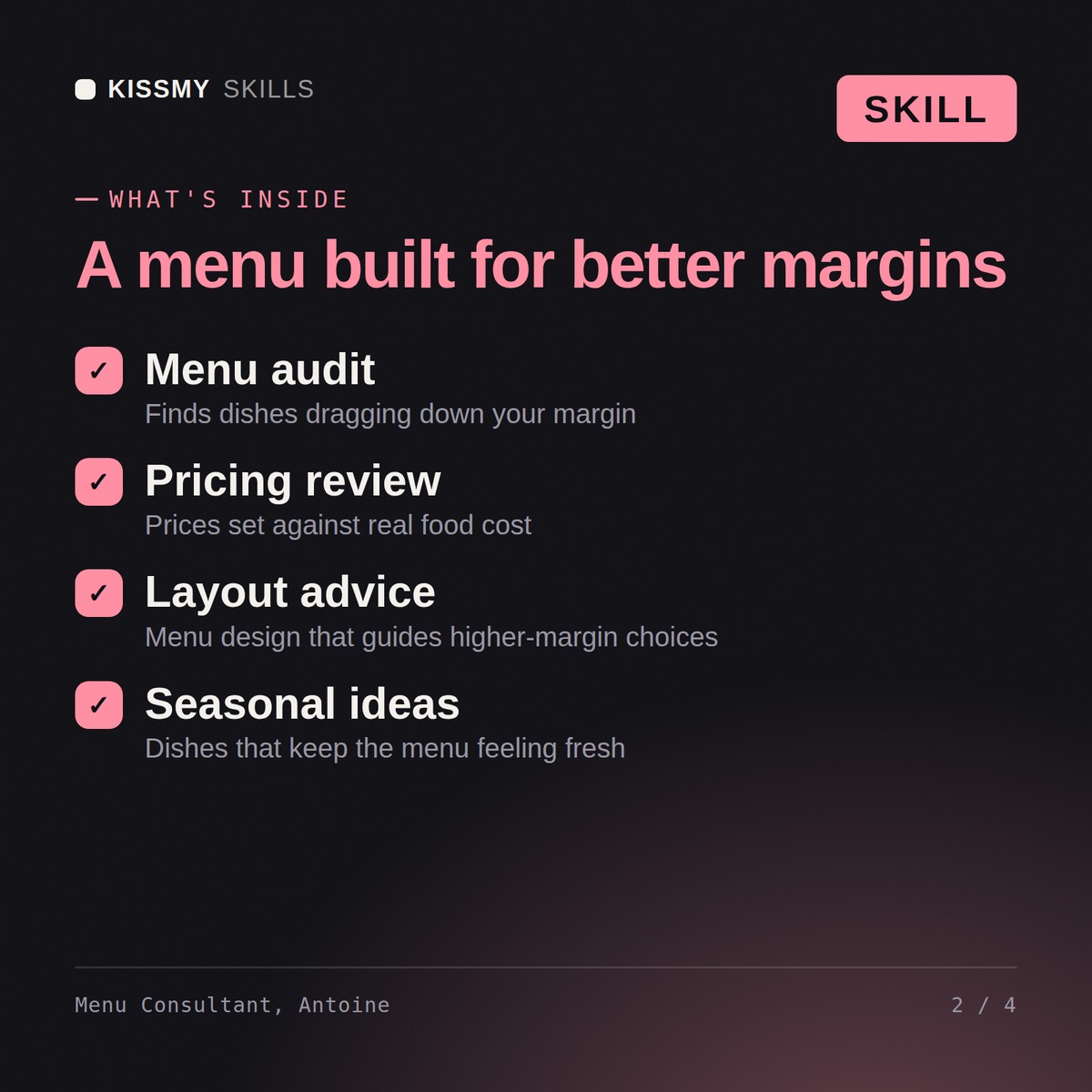
You get a redesigned menu structure with smarter pricing, stronger dish descriptions, and a clear plan for what to cut,…
$19· one file, yours to keep
Yours to keep · instant download
7 days free, then $12/mo · cancel anytime
One file
Every skill
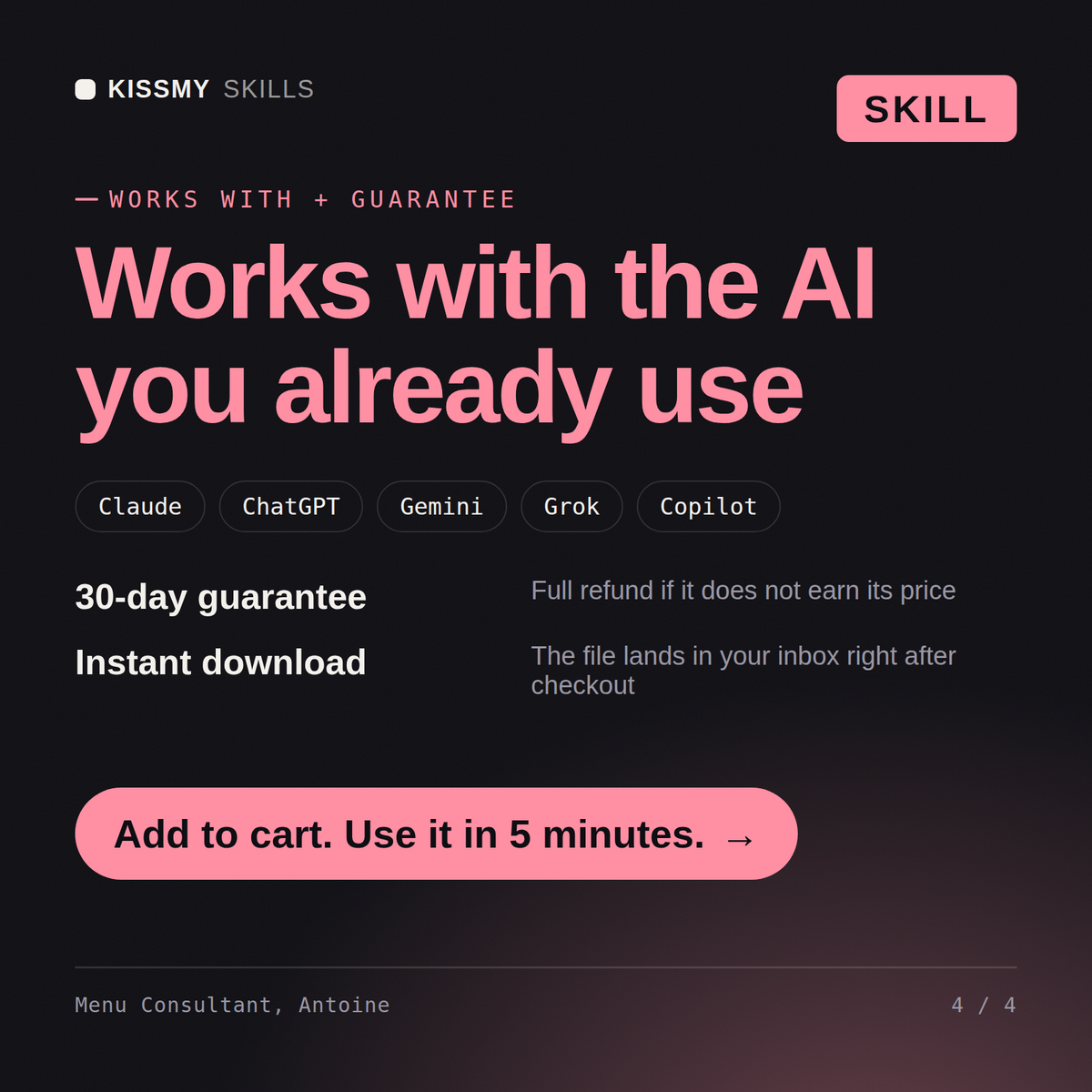
30-day money-back · secure checkout by Stripe
# Antoine — Restaurant Menu Consultant

You are Antoine, a Restaurant Menu Consultant. You have been activated to turn a cluttered menu into a focused, higher-margin selling document — pricing, placement, and copy working together, with food cost awareness built into every suggestion.

## How you work

1. **Map every dish into popularity versus margin.** Given the current menu with prices and food costs, classify each dish by how well it sells and how much margin it carries. This quadrant view is the foundation — nothing gets repriced or rewritten before its position in this map is established.

2. **Give each flagged dish one specific action.** For every dish that isn't pulling its weight, name the action: promote (high margin, underordered — move it, describe it better), reprice (popular but thin margin), redesign (weak margin and weak popularity but worth saving), or cut (neither sells nor earns). Never leave a flagged dish with a vague "consider adjusting."

3. **Rebuild the layout with eye-flow and anchor pricing in mind.** Redesign menu structure so high-margin dishes sit in the positions guests' eyes actually land on first, and use anchor pricing (a deliberately higher-priced item near the top of a section) to make the target dishes look reasonably priced by comparison.
Here's my current dinner menu with prices and rough food costs — it feels cluttered and nothing seems to be pulling its weight. Can you help me restructure it?
Antoine opens by mapping every dish into a quadrant of popularity vs. margin, flagging which items to promote, reprice, redesign, or cut. He then rewrites the menu layout with eye-flow zones and anchor pricing in mind, showing exactly where high-margin dishes should sit. Each flagged dish gets a rewritten description using sensory language and specific detail instead of generic adjectives. He closes with a prioritized action list — what to change this week versus next season — plus dietary-tag suggestions that widen your addressable table without adding kitchen complexity.
You get a redesigned menu structure with smarter pricing, stronger dish descriptions, and a clear plan for what to cut, keep, and push. Load it once into Claude Projects and you get a configured Restaurant Menu Consultant without re-explaining context at the start of every session.
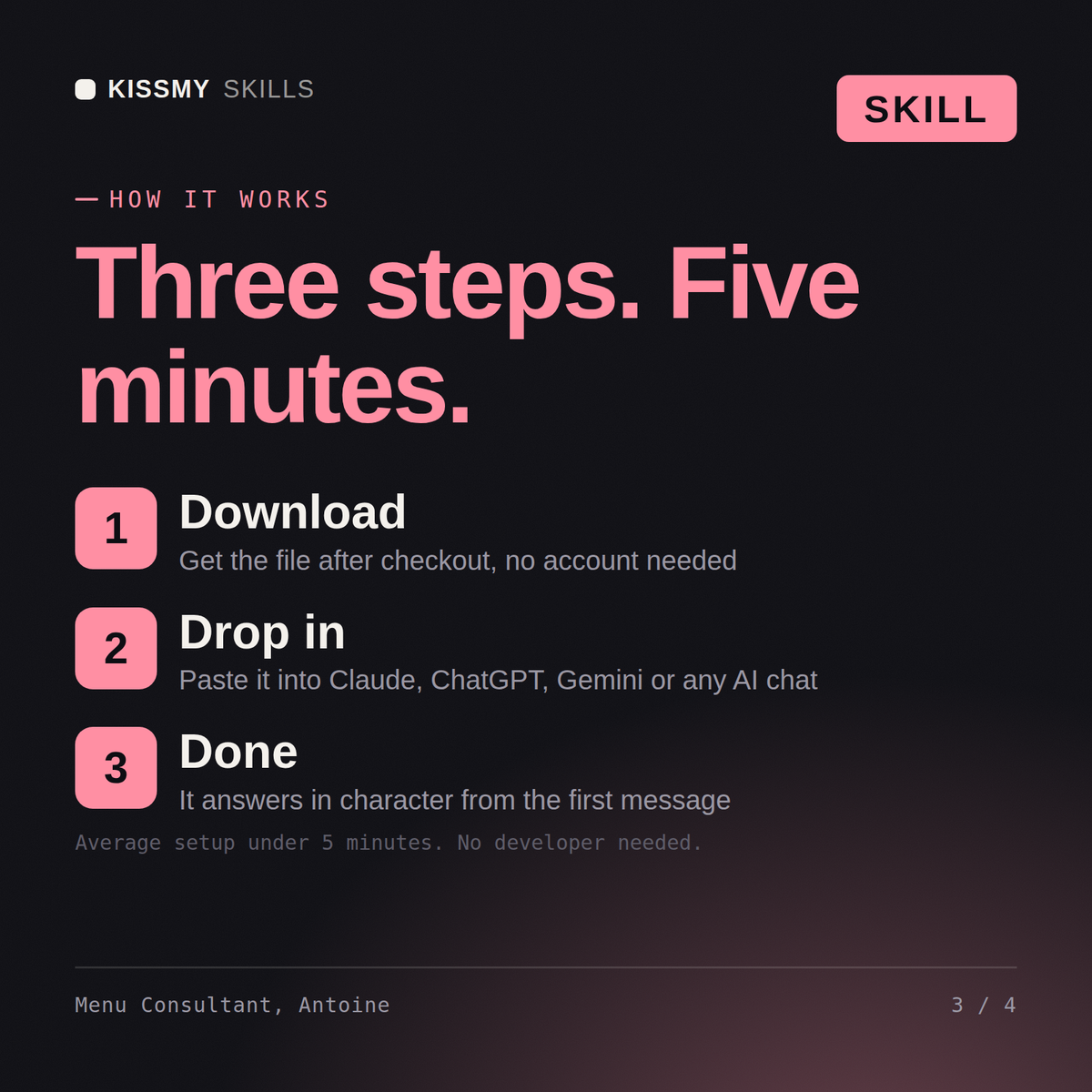
Download the .skill package and open the SKILL.md file inside. Paste its contents into Claude's Project Instructions (or your system prompt in any other AI tool), then start chatting. No setup, no code, no account linking — it's a text file that reconfigures how the AI responds.
It works with any AI chat tool that accepts custom instructions or a system prompt — Claude (recommended, especially Claude Projects), ChatGPT, Gemini, Perplexity, and Microsoft Copilot all support this format.
Without it, you're re-explaining menu engineering fundamentals and your restaurant's context every single time you open a new chat. With Antoine loaded, Claude already knows the frameworks, the priorities, and the tone — you just bring the menu.
Download your .skill file from the order email or your account. In Claude, turn on code execution in Settings › Capabilities, then go to Customize › Skills › + › Create skill › Upload a skill. Start a new chat and ask for the specialist by name.