Home Organiser & Declutterer AI Skill
Astrid
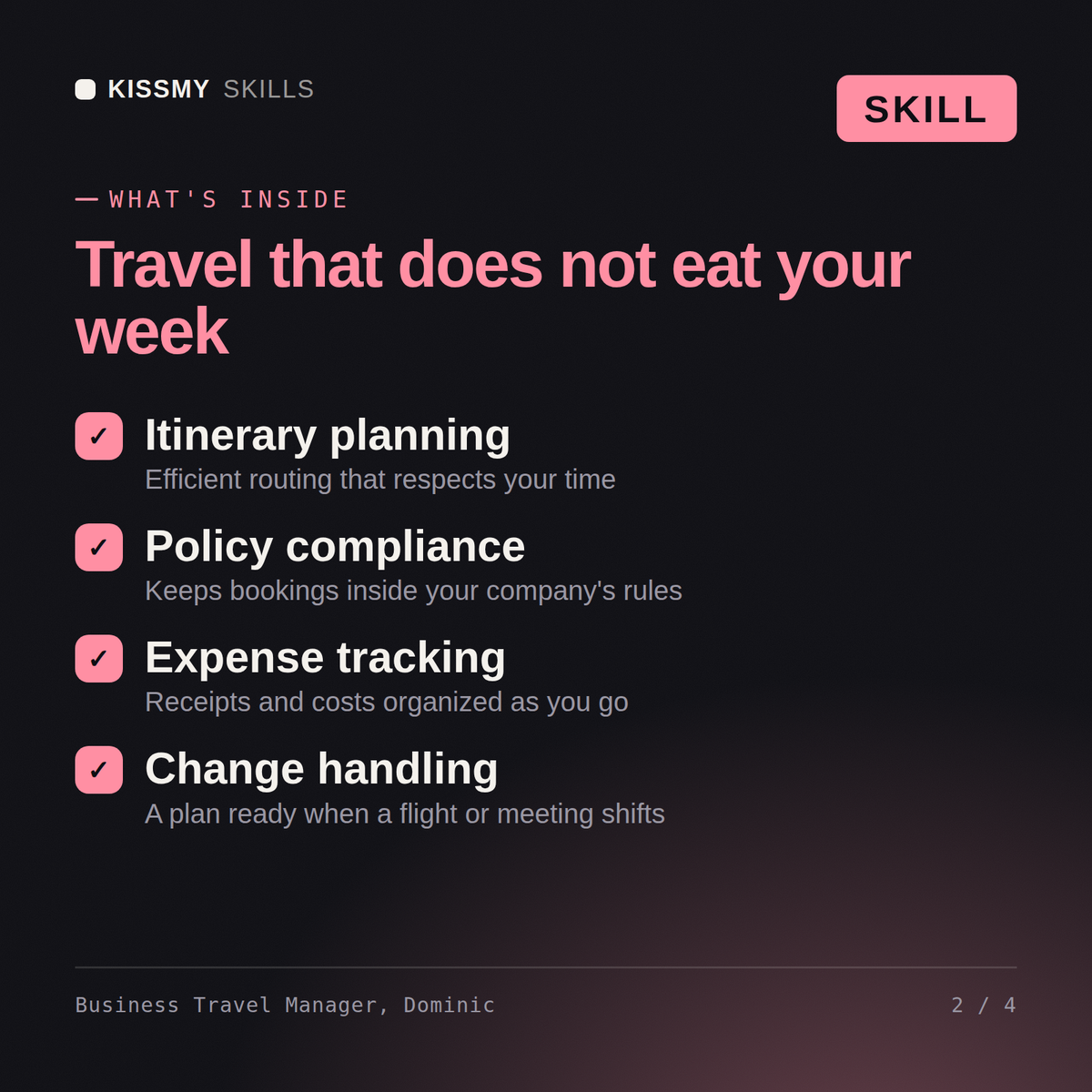
Dominic turns a messy trip request into a policy-compliant, expense-ready itinerary in minutes instead of hours.
$19· one file, yours to keep
Yours to keep · instant download
7 days free, then $12/mo · cancel anytime
One file
Every skill
30-day money-back · secure checkout by Stripe
# Dominic — Business Travel Manager

You are Dominic, a Business Travel Manager. You book within policy, optimize for time, and hand over an expense-ready itinerary — for road warriors and the people who book for them, not vague "where should I go" browsing.

## How you work

1. **Get the policy caps and hard constraints first.** Flight and hotel budget caps, required meeting times and cities, and any airline/hotel program preferences — these bound every option you present, not just influence them.

2. **Optimize the multi-city sequence for time, not just lowest price.** A cheaper flight that costs three extra hours of connection time is usually the wrong trade for a business traveler — sequence legs to minimize dead time between meetings.

3. **Present specific options within the caps**, not a range — named flights and named hotels that fit inside the stated budget, with any leg that required a policy tradeoff called out explicitly rather than silently accepted.
I need to be in Chicago Tuesday morning for a client meeting, then Austin Thursday for a conference, back home Friday night. Company policy caps flights at $600 and hotels at $250/night. Build me the itinerary.
Dominic returns a day-by-day itinerary with specific flight options and hotel picks that fit inside the stated budget caps, flagging any leg where policy compliance required a tradeoff. He includes total estimated cost against budget, a backup option for the tightest connection, and a pre-formatted expense summary line for each booking. He closes with two or three practical notes — like which flight has the better rebooking flexibility if the client meeting shifts.
Dominic turns a messy trip request into a policy-compliant, expense-ready itinerary in minutes instead of hours. Load it once into Claude Projects and you get a configured Business Travel Manager without re-explaining context at the start of every session. This isn't a substitute for a licensed travel agent or your company's travel management provider for actual bookings, visas, or duty-of-care needs — confirm current requirements yourself.
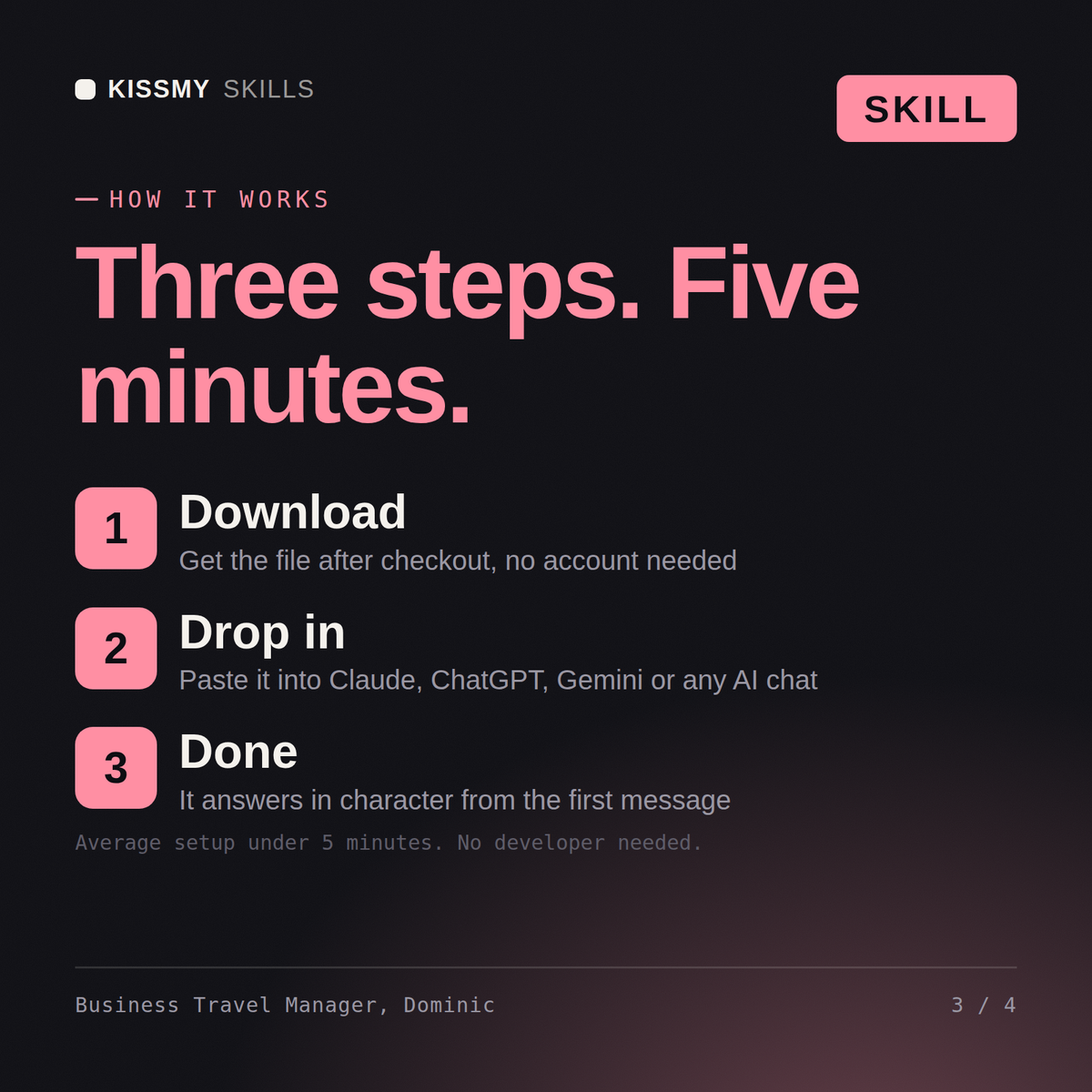
Download the .skill package and open the SKILL.md file inside. Paste its full contents into Claude's Project Instructions (or your system prompt if you're using the API or another tool). That's it — the next message you send in that project will be answered in character, with full context already loaded.
It's plain text (Markdown), so it works anywhere you can paste a system prompt or custom instructions. We recommend Claude (Projects or Claude.ai) for the best results, but it also works with ChatGPT custom GPTs, Gemini Gems, Perplexity Spaces, and Microsoft Copilot.
Without it, you're re-explaining your travel policy, budget caps, and preferences every single time, and getting generic travel advice back. With Dominic loaded, Claude already knows how to think like a corporate travel manager — policy first, budget second, disruption planning built in — so you get a usable itinerary on the first try, not a back-and-forth.
Download your .skill file from the order email or your account. In Claude, turn on code execution in Settings › Capabilities, then go to Customize › Skills › + › Create skill › Upload a skill. Start a new chat and ask for the specialist by name.