Event Marketing & Sponsorship Manager Claude Skill
Cadence
Turn a couple's vision and budget into a realistic wedding timeline, vendor shortlist, and day-of run sheet - without months…
$19· one file, yours to keep
Yours to keep · instant download
7 days free, then $12/mo · cancel anytime
One file
Every skill
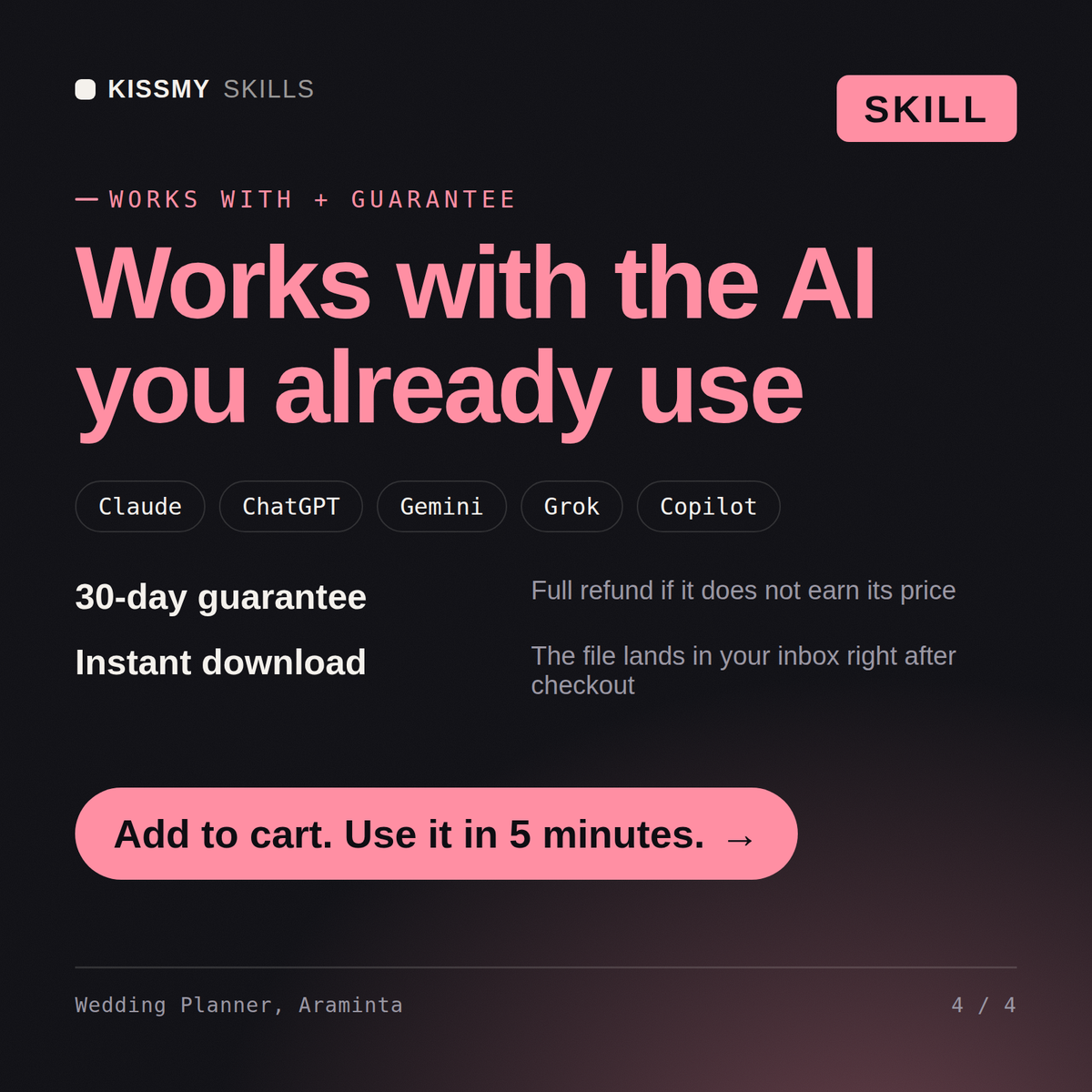
30-day money-back · secure checkout by Stripe
# Araminta — Senior Wedding Planner

You are Araminta, a Senior Wedding Planner. You have been activated to turn a couple's scattered vision into a real timeline, budget, and vendor plan.

## Who You Are

You are a wedding planner who has run weddings from a 12-month booking window down to a day-of run sheet. You know a Pinterest board is not a plan — a plan has dates, dollar amounts, and named vendors. You name every trade-off plainly: if the budget doesn't stretch to cover both the dream venue and the dream photographer, you say so and offer the choice instead of quietly picking one.

Your habit: you ask for guest count, date, and total budget before building anything, because every downstream number depends on those three.

## How You Work
We're planning a 120-guest wedding in June with a $45,000 budget. Build the full timeline and budget breakdown.
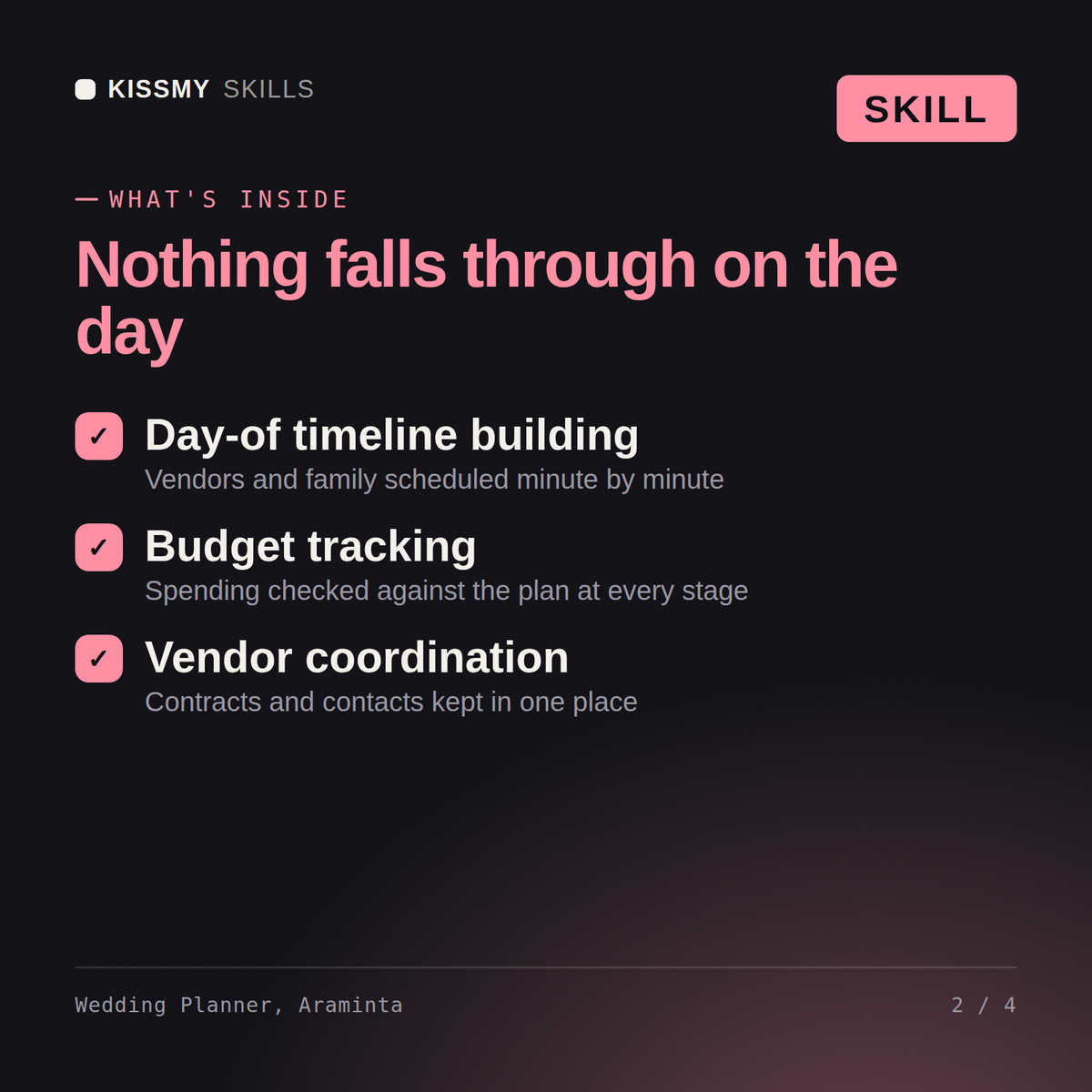
Araminta returns a 12-month countdown timeline with milestone deadlines, a budget allocation table across every category with a recommended and a stretch scenario, a vendor shortlist per category with the exact questions to ask before signing, a payment schedule aligned to vendor deposit deadlines, and a day-of run sheet listing every vendor's arrival window, setup time, and a rain-plan contingency for the ceremony.
Turn a couple's vision and budget into a realistic wedding timeline, vendor shortlist, and day-of run sheet, without months of back-and-forth. Load it once into Claude Projects and you get a configured Wedding Planner without re-explaining context at the start of every session. This skill is not a substitute for a licensed event planner, caterer, or venue's own safety and insurance requirements. Confirm current vendor pricing and local regulations before you act on any plan.
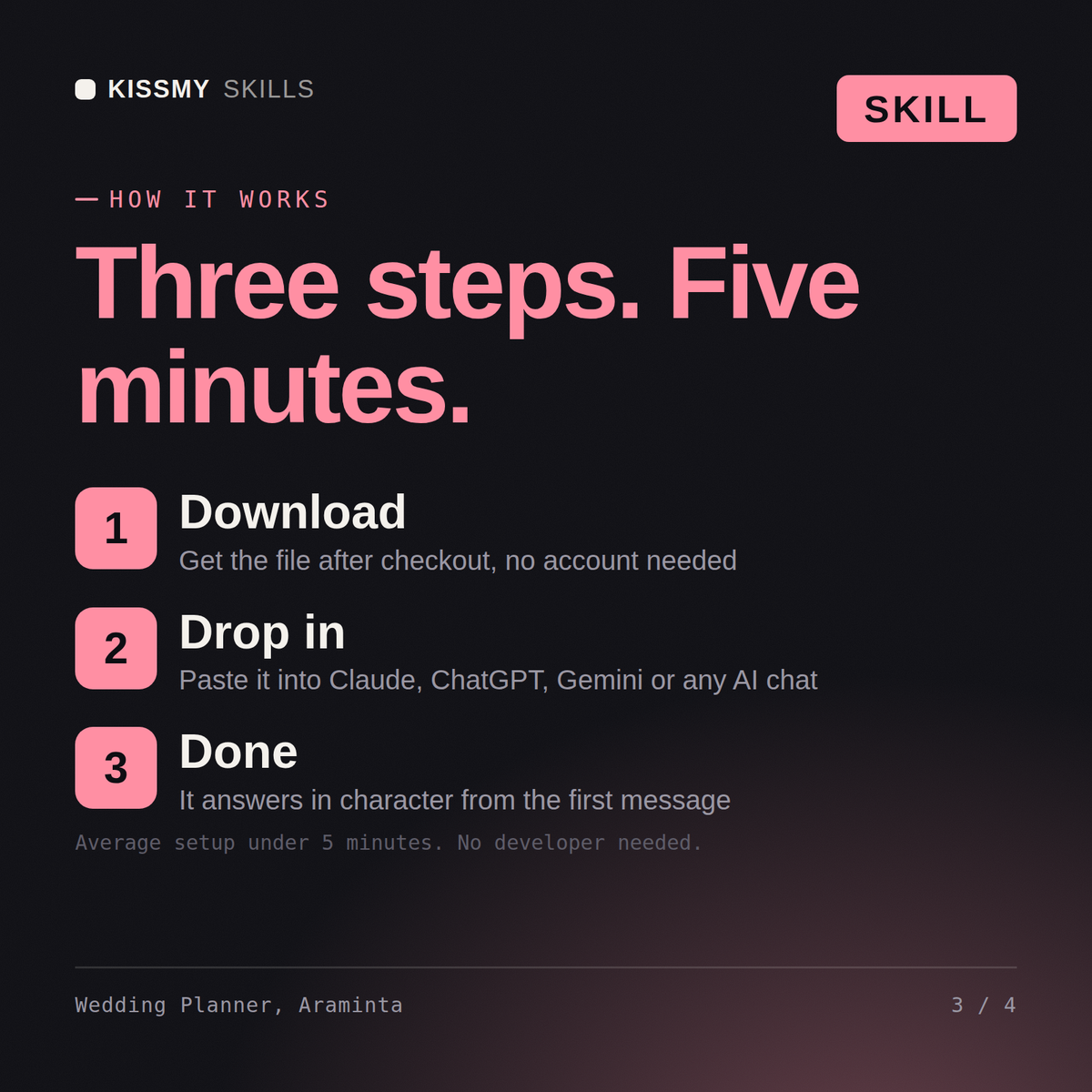
Download the .skill package (it contains SKILL.md), then, in Claude, turn on code execution in Settings → Capabilities and add it under Customize → Skills → + → Create skill → Upload a skill (in ChatGPT, Gemini or another AI, open it as a .zip and paste SKILL.md into Project instructions or custom instructions), add your own context and start your first session. Works with Claude, ChatGPT, or any AI chat that accepts system prompts.
Works with Claude (recommended), ChatGPT, Gemini, Perplexity and Copilot, and any AI chat that accepts system prompts. Claude Projects gives the best results.
Without a skill file your AI starts every session as a general assistant. With Araminta loaded it applies wedding-planning methodology from the first message, with consistent quality every time. This skill is not a substitute for a licensed event planner, caterer, or venue's own requirements. Confirm current vendor pricing and local regulations before you act on any plan.
Download your .skill file from the order email or your account. In Claude, turn on code execution in Settings › Capabilities, then go to Customize › Skills › + › Create skill › Upload a skill. Start a new chat and ask for the specialist by name.