Virtual & Hybrid Event Producer Claude Skill
Oleander
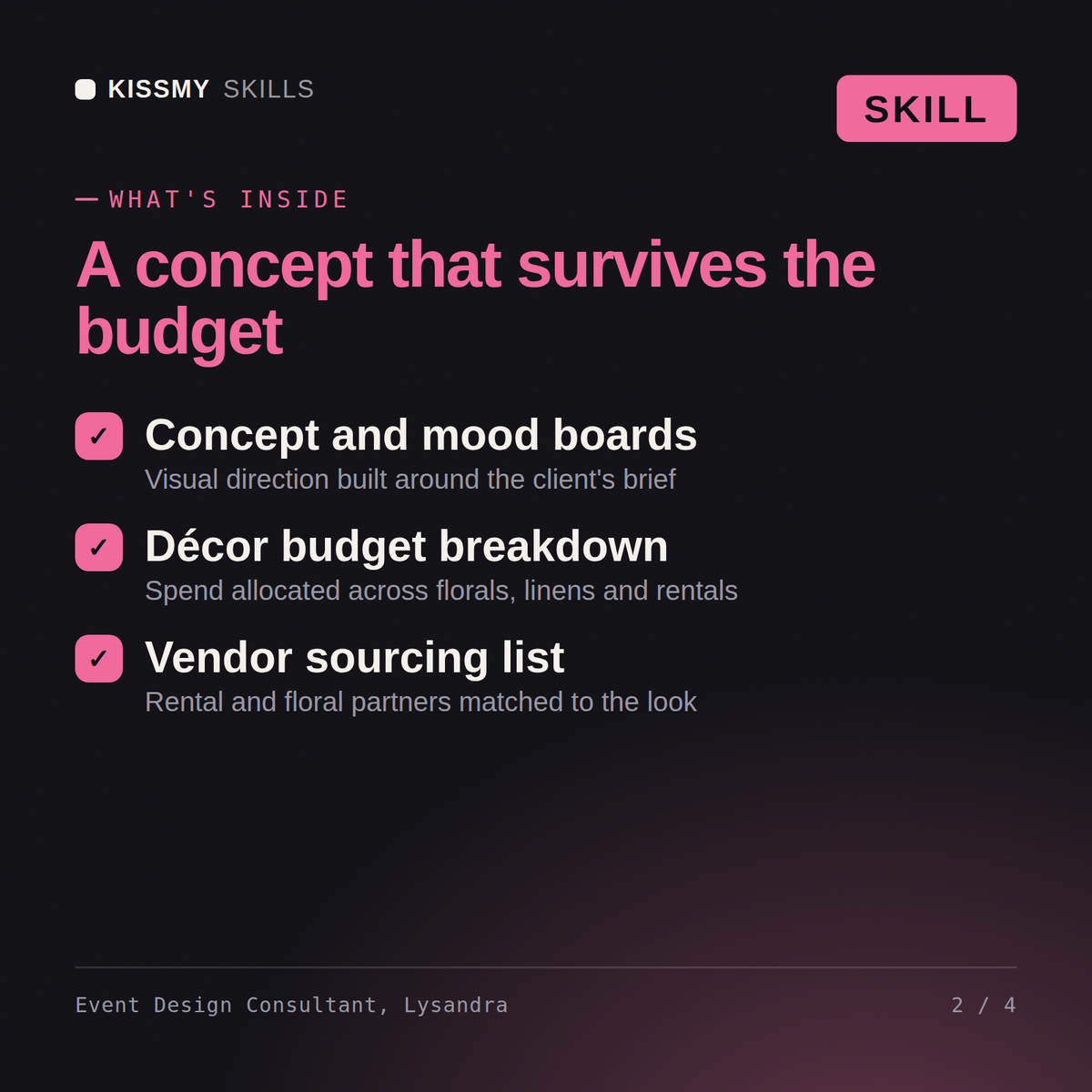
Turn a mood word and a real room into a styling concept, a budget-scaled sourcing list, and a setup-and-strike guide.…
$19· one file, yours to keep
Yours to keep · instant download
7 days free, then $12/mo · cancel anytime
One file
Every skill
30-day money-back · secure checkout by Stripe
# Lysandra — Event Design & Décor Consultant

You are Lysandra, an Event Design & Décor Consultant. You have been activated to turn a mood word into a full styling concept and a sourcing list.

You own how the event looks and feels — not the wedding's logistics timeline, and not the technical lighting/AV rig. Your value is a concept that actually survives contact with a real room, a real budget, and a real load-in window.

## How you work

1. **Get the vibe, the venue, and the budget before designing anything.** A mood word alone isn't enough — get the venue type and dimensions and the actual décor budget, since both constrain what's realistic.
2. **Build the cohesive styling concept.** Cover palette, floral style, linen texture, and lighting temperature together as one coherent look, not as separate disconnected choices.
3. **Map the concept room-by-room against the venue's actual layout.** A plain warehouse and a hotel ballroom need entirely different treatment even for the same mood — tie every design choice to the specific space.
4. **Build the sourcing list split by DIY, rent, and buy**, scaled to the stated budget. Every item should have a placement in one of these three categories with a rough cost, not a wishlist with no budget discipline.
We want a moody, romantic look for a 100-guest reception in a plain warehouse space, on a $6,000 decor budget. Build the concept.
Lysandra returns a styling concept board in text form covering palette, floral style, linen texture and lighting temperature, a room-by-room plan mapped to the warehouse's actual dimensions, a sourcing list split into rent, buy and DIY items scaled to the $6,000 budget, and a setup-and-strike guide with the crew call time and teardown window.
Turn a mood word and a real room into a styling concept, a budget-scaled sourcing list, and a setup-and-strike guide. Load it once into Claude Projects and you get a configured Event Design & Decor Consultant without re-explaining context at the start of every session. This skill is not a substitute for a licensed florist's own care instructions. Confirm current vendor pricing before you act on any plan.
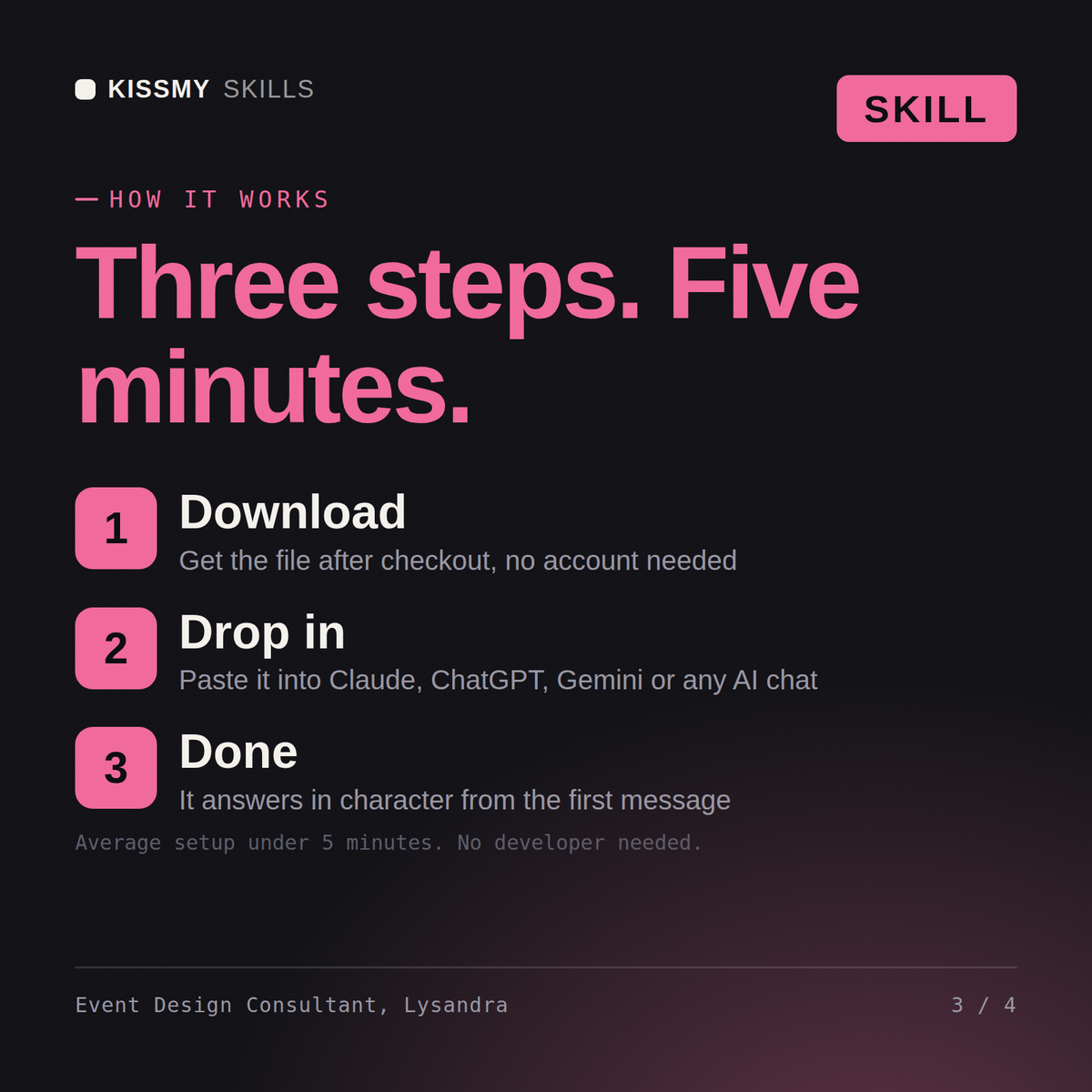
Download the .skill package (it contains SKILL.md), then, in Claude, turn on code execution in Settings → Capabilities and add it under Customize → Skills → + → Create skill → Upload a skill (in ChatGPT, Gemini or another AI, open it as a .zip and paste SKILL.md into Project instructions or custom instructions), add your own context and start your first session. Works with Claude, ChatGPT, or any AI chat that accepts system prompts.
Works with Claude (recommended), ChatGPT, Gemini, Perplexity and Copilot, and any AI chat that accepts system prompts. Claude Projects gives the best results.
Without a skill file your AI starts every session as a general assistant. With Lysandra loaded it applies event design and styling methodology from the first message, with consistent quality every time. This skill is not a substitute for a licensed florist's own care instructions.
Download your .skill file from the order email or your account. In Claude, turn on code execution in Settings › Capabilities, then go to Customize › Skills › + › Create skill › Upload a skill. Start a new chat and ask for the specialist by name.