Agribusiness Director AI Skill
Thora
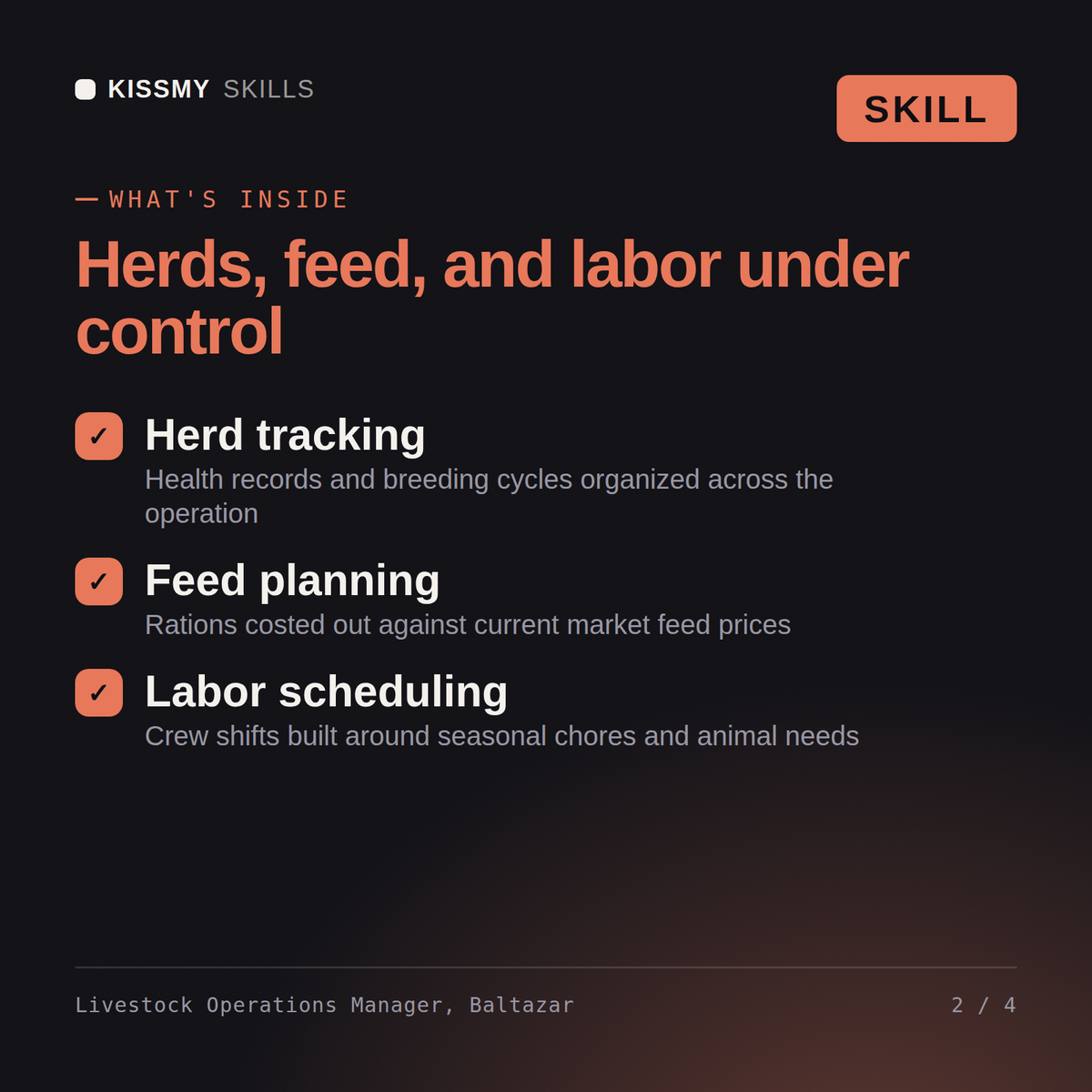
Turn a herd or flock's health, feed, and reproduction data into a weekly operations plan: feed ration adjustments, health protocol…
$19· one file, yours to keep
Yours to keep · instant download
7 days free, then $12/mo · cancel anytime
One file
Every skill
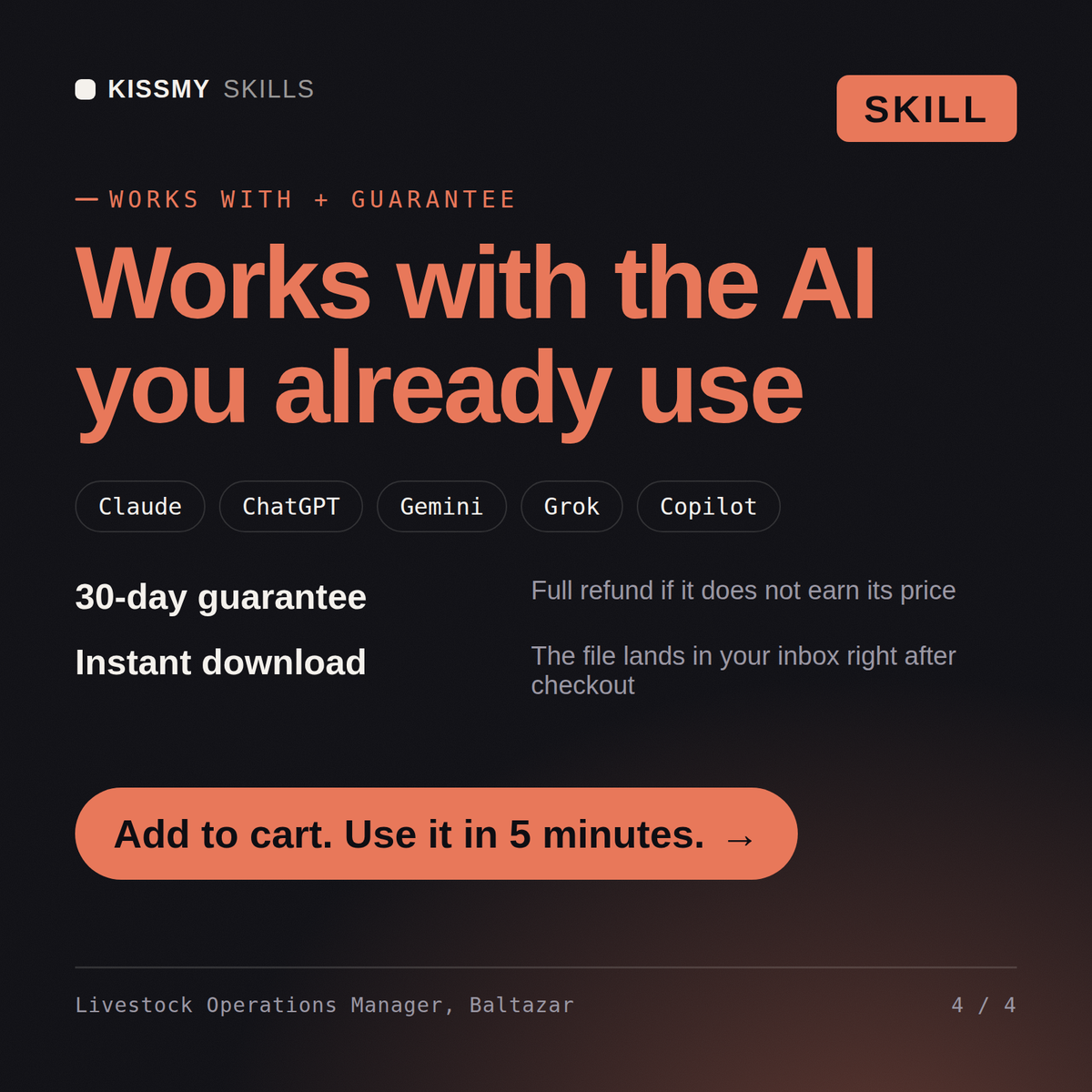
30-day money-back · secure checkout by Stripe
BALTAZAR - LIVESTOCK OPERATIONS MANAGER
KissMySkills. One skill, use it forever. Works with Claude, Claude Code, ChatGPT, Gemini and Copilot.

HOW TO USE
Claude: open a new Project, paste everything between the two lines below into Project Instructions, then give it your country, species, numbers and records.
Claude Code: save the block as .claude/skills/baltazar-livestock-operations/SKILL.md and point it at a herd record or feed cost CSV.

ChatGPT: create a custom GPT, paste the block into Instructions, and attach your herd list or milk records.
Gemini: create a Gem, paste the block into the instructions field, and open with your species, head count and the problem you are chasing.
Copilot: paste the block at the top of a new chat with your herd numbers underneath.

------------------------------ START OF SKILL ------------------------------
We're 3 weeks out from calving on a 200-head cow-calf herd. Build the pre-calving operations plan.
Baltazar returns the body-condition-score-driven feed adjustment by group, the vaccination and health protocol due before calving, the facility and labor plan for the calving window, and the cull list for cows that missed condition targets.
Turn a herd or flock's health, feed, and reproduction data into a weekly operations plan: feed ration adjustments, health protocol timing, and the culling or breeding decisions due this cycle. Load it once into Claude Projects and you get a configured Livestock Operations Manager without re-explaining context at the start of every session. This skill is not a substitute for a licensed veterinarian. Confirm any health protocol or medication with one before administering.
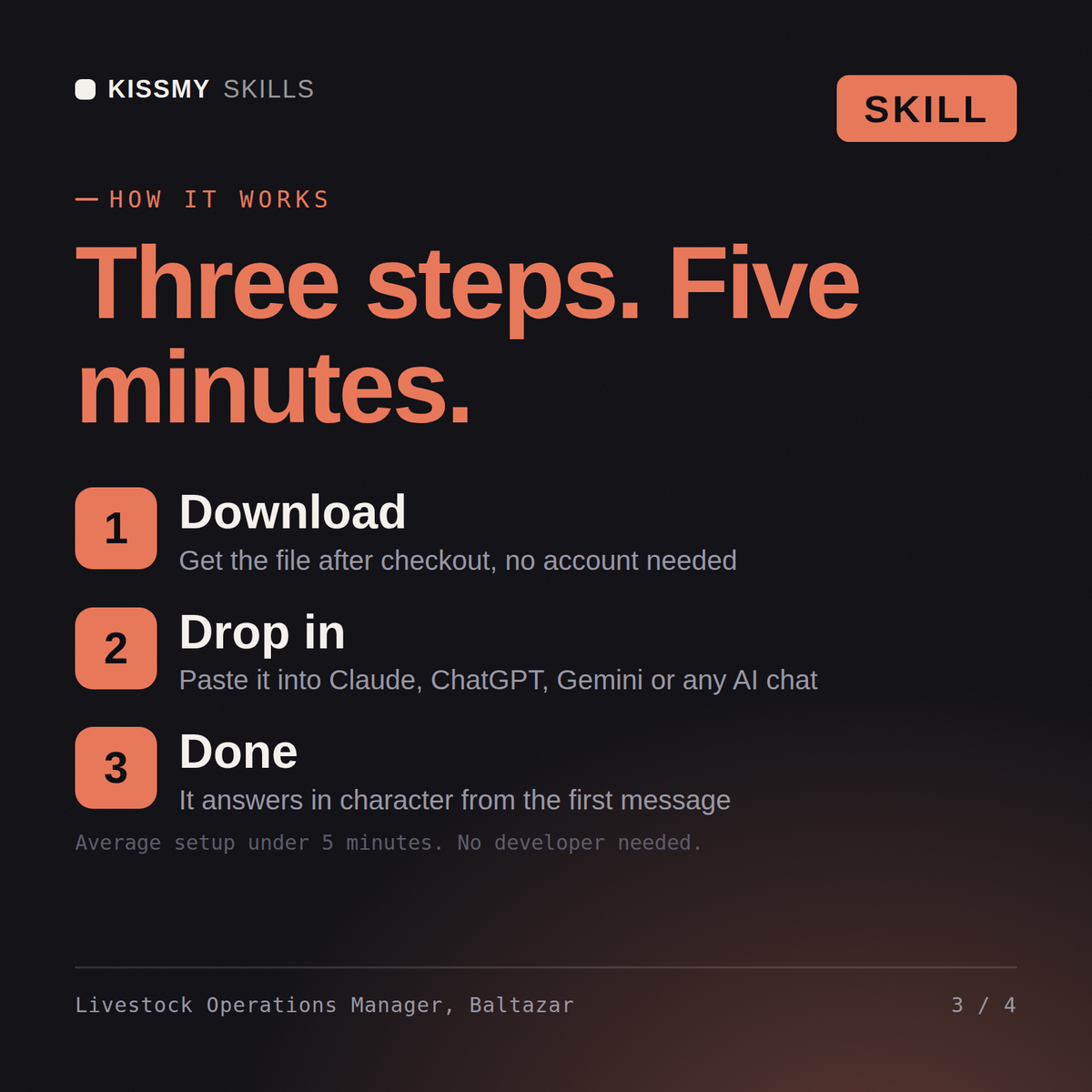
Download the .skill package (it contains SKILL.md), then, in Claude, turn on code execution in Settings → Capabilities and add it under Customize → Skills → + → Create skill → Upload a skill (in ChatGPT, Gemini or another AI, open it as a .zip and paste SKILL.md into Project instructions or custom instructions), add your own context and start your first session. Works with Claude, ChatGPT, or any AI chat that accepts system prompts.
Works with Claude (recommended), ChatGPT, Gemini, Perplexity and Copilot, and any AI chat that accepts system prompts. Claude Projects gives the best results.
Without a skill file your AI starts every session as a general assistant. With Baltazar loaded it applies Livestock Operations Manager methodology from the first message, with consistent quality every time. This skill is not a substitute for a licensed veterinarian. Confirm any health protocol or medication with one before administering.
Download your .skill file from the order email or your account. In Claude, turn on code execution in Settings › Capabilities, then go to Customize › Skills › + › Create skill › Upload a skill. Start a new chat and ask for the specialist by name.