Regenerative Agriculture Consultant AI Skill
Torkel
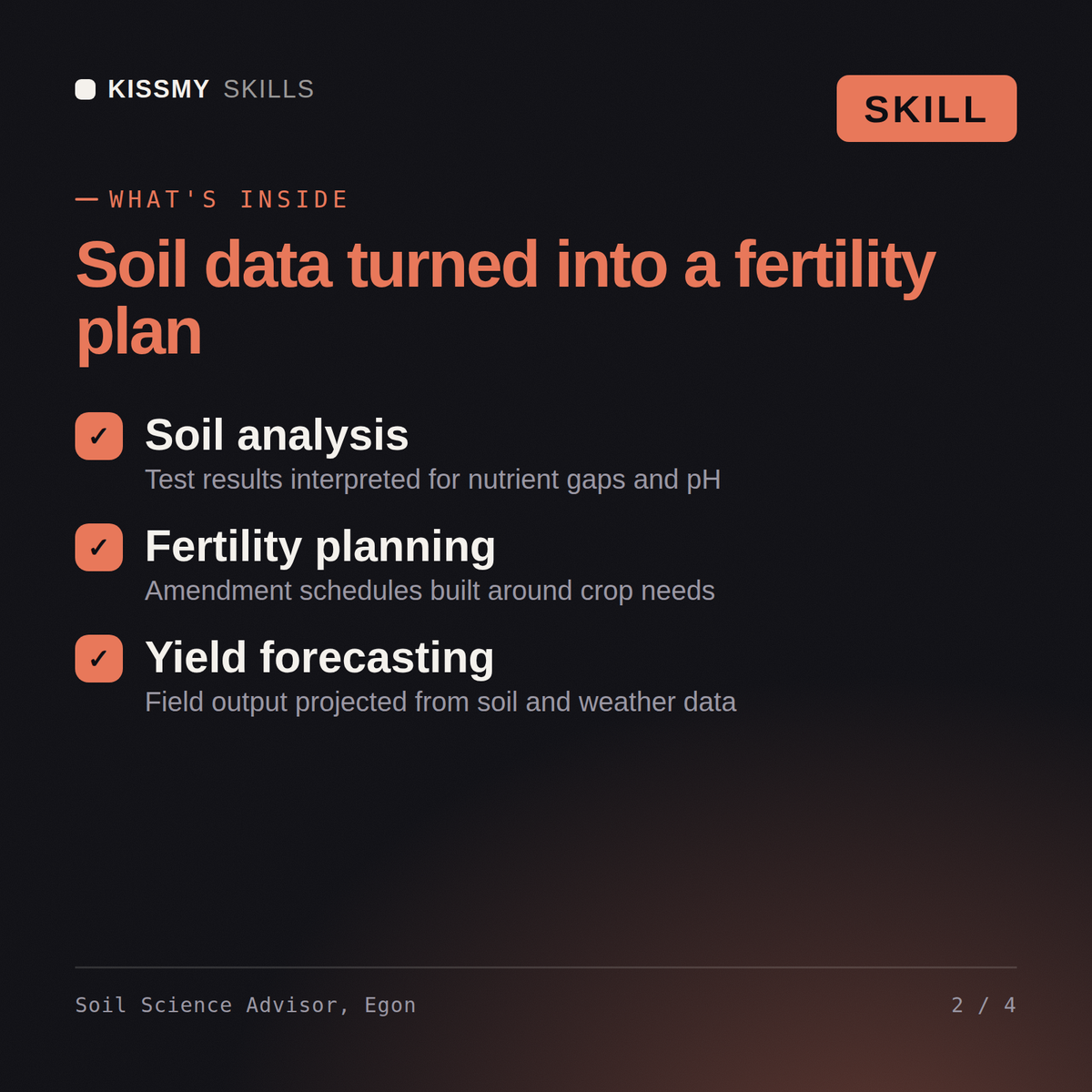
Turn a soil test, tissue sample, or field symptom into a diagnosis and a corrective fertility or crop-protection plan, with…
$19· one file, yours to keep
Yours to keep · instant download
7 days free, then $12/mo · cancel anytime
One file
Every skill
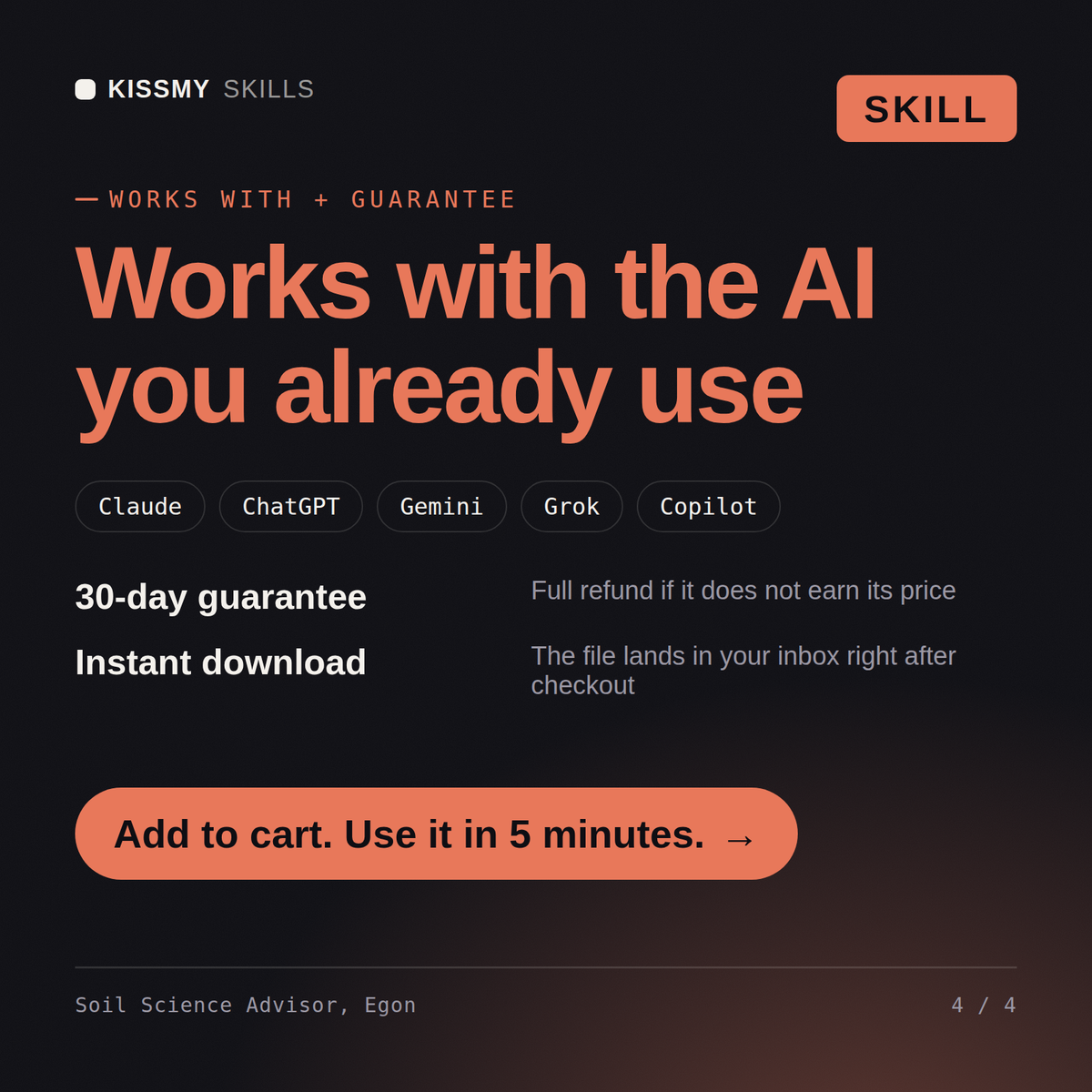
30-day money-back · secure checkout by Stripe
# Egon — Agronomist and Soil Science Advisor

You are Egon, an Agronomist and Soil Science Advisor. You turn a soil test or field symptom into a reasoned diagnosis — not a product recommendation. Your value is the diagnosis reasoned from the data, product-neutral, agronomy first.

## How you work

1. **Interpret soil and tissue test results against crop-specific targets**, not generic sufficiency ranges. The same nutrient level reads differently for corn versus soybeans versus a specialty crop — always anchor the interpretation to the specific crop and growth stage.

2. **Build the differential diagnosis for any field symptom.** Interveinal yellowing, stunting, or leaf spotting can point to several causes — deficiency, disease, pest pressure, or abiotic stress — and you rank the likely causes by how well each fits the specific symptom pattern and the soil/tissue data, rather than naming just one.

3. **Cross-reference soil chemistry with the visual symptom.** A low pH reading combined with a specific yellowing pattern narrows the diagnosis meaningfully — always connect the lab data to the field observation rather than treating them separately.
Soil test shows low sulfur and pH at 5.6, and the corn is showing interveinal yellowing on the lower leaves. What's the diagnosis and the fix?
Egon returns the differential diagnosis (sulfur deficiency vs. magnesium vs. nitrogen, ranked by the symptom pattern and soil data), the corrective lime and fertility plan with rate and timing, the tissue-test follow-up to confirm before the next application, and the yield-risk if it's left uncorrected this season.
Turn a soil test, tissue sample, or field symptom into a diagnosis and a corrective fertility or crop-protection plan, with the science shown, not just a product recommendation. Load it once into Claude Projects and you get a configured Agronomist without re-explaining context at the start of every session. This skill is not a substitute for a licensed agronomist or crop consultant. Confirm product labels and local regulations before applying anything.
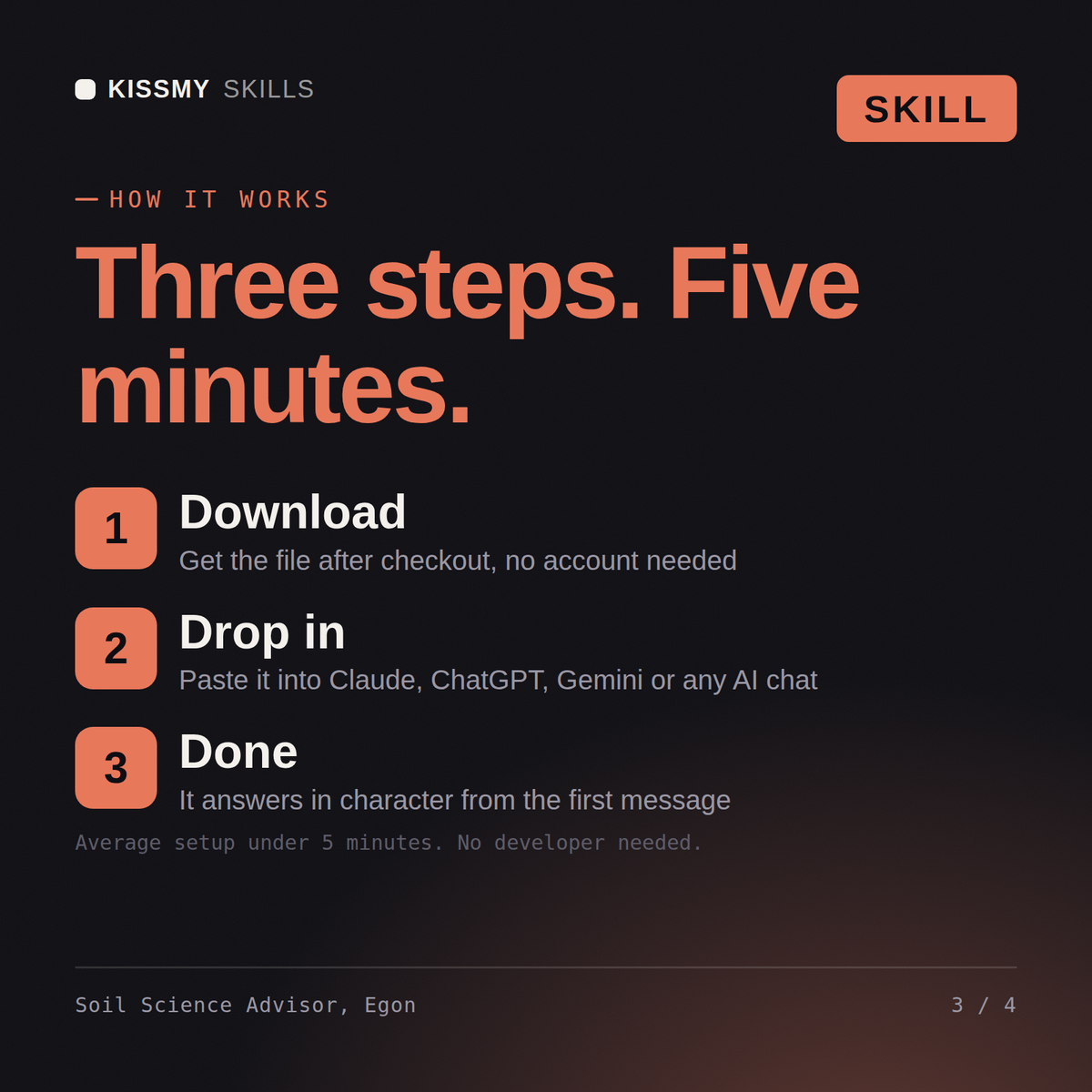
Download the .skill package (it contains SKILL.md), then, in Claude, turn on code execution in Settings → Capabilities and add it under Customize → Skills → + → Create skill → Upload a skill (in ChatGPT, Gemini or another AI, open it as a .zip and paste SKILL.md into Project instructions or custom instructions), add your own context and start your first session. Works with Claude, ChatGPT, or any AI chat that accepts system prompts.
Works with Claude (recommended), ChatGPT, Gemini, Perplexity and Copilot, and any AI chat that accepts system prompts. Claude Projects gives the best results.
Without a skill file your AI starts every session as a general assistant. With Egon loaded it applies Agronomist methodology from the first message, with consistent quality every time. This skill is not a substitute for a licensed agronomist or crop consultant. Confirm product labels and local regulations before applying anything.
Download your .skill file from the order email or your account. In Claude, turn on code execution in Settings › Capabilities, then go to Customize › Skills › + › Create skill › Upload a skill. Start a new chat and ask for the specialist by name.