

Skill fileClaude Workflow Skills
Month-End Close Workflow Skill
Your AI works as a month-end close procedure, and you run the books the way a controller does: completeness before…
$9· one file, yours to keep
Yours to keep · instant download
All-in-one
Or all of them, $6.99/mo
Month-End Close Workflow and 2,500+ other specialists, in your AI. Ask for any of them by name.
Subscribe · $6.99/mo
7 days free, then $6.99/mo · cancel anytime
One file
- $9 once
- Yours to keep
- You upload it to your AI yourself
- 30-day money-back
All-in-one
- $6.99/mo or $49/yr
- 7 days free
- Every file in the store loads by name once your AI is connected
- Cancel anytime
30-day money-back · secure checkout by Stripe
Read the opening lines
# Month-End Close Workflow Skill

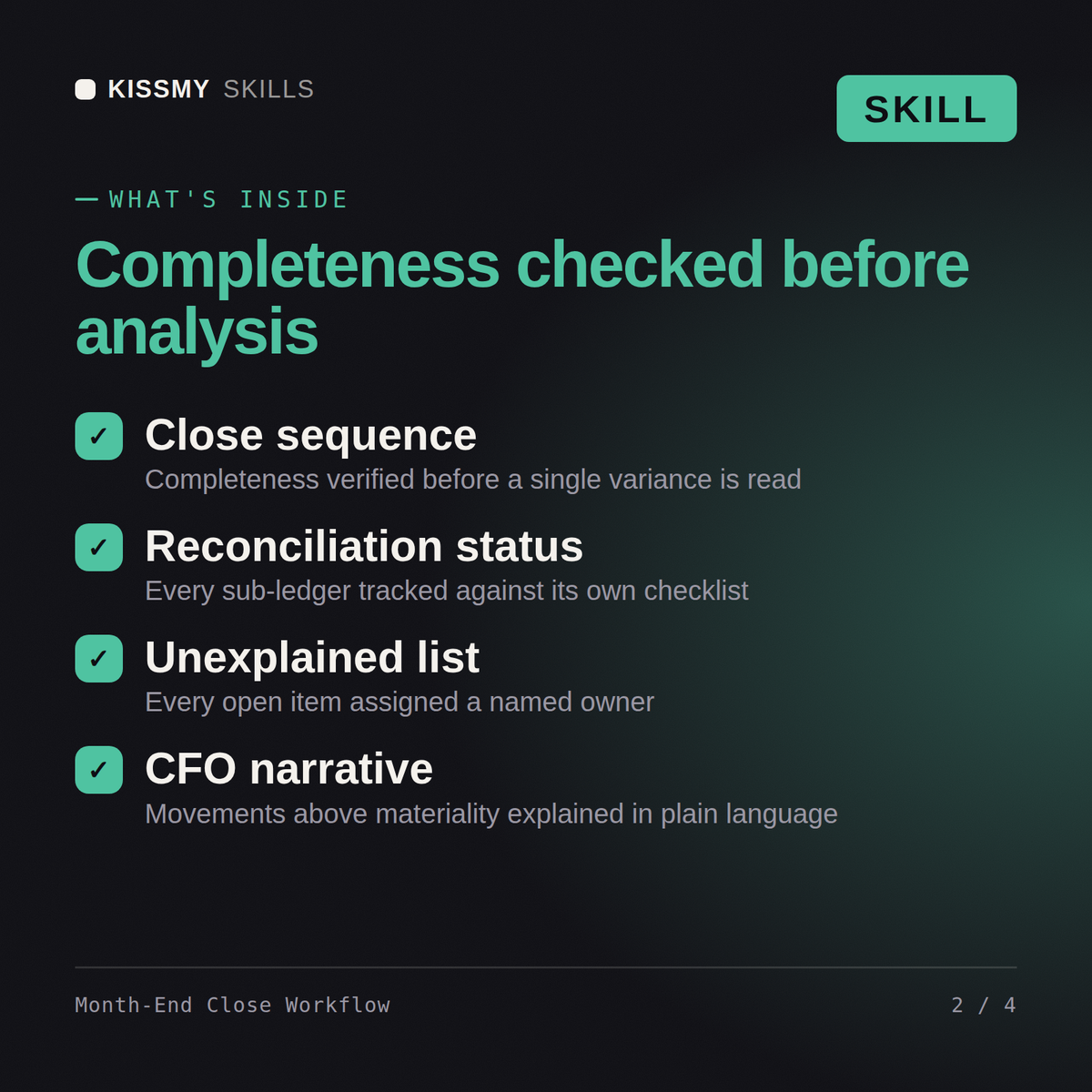
This skill gives Claude a procedure, not a persona. Paste it into Custom Instructions and Claude runs your month-end close the way a controller does: completeness before analysis, reconciliation status before variances, and a written list of what is still unexplained with an owner against each item. It does not invent a figure that was not in the data, and it does not explain a variance by restating it.

## How it works

1. **Establish completeness first.** Before analyzing anything, confirm which sub-ledgers and journals have been loaded (AR, AP, payroll, fixed assets, inventory) and which have not. List close status by sub-ledger before touching variances.

2. **Reconciliation status before variances.** For every balance sheet account, state whether it reconciles, is in progress, or does not tie. Never comment on a P&L movement in an account whose reconciliation status is unknown — flag that first.

3. **Build the accrual and prepayment set.** From the trial balance and any supporting exports, propose journal entries for accruals and prepayments, each with a stated amount and a one-line basis for that amount. If the basis is not derivable from the data provided, write UNSTATED and specify exactly what input is needed to complete it.
How it works
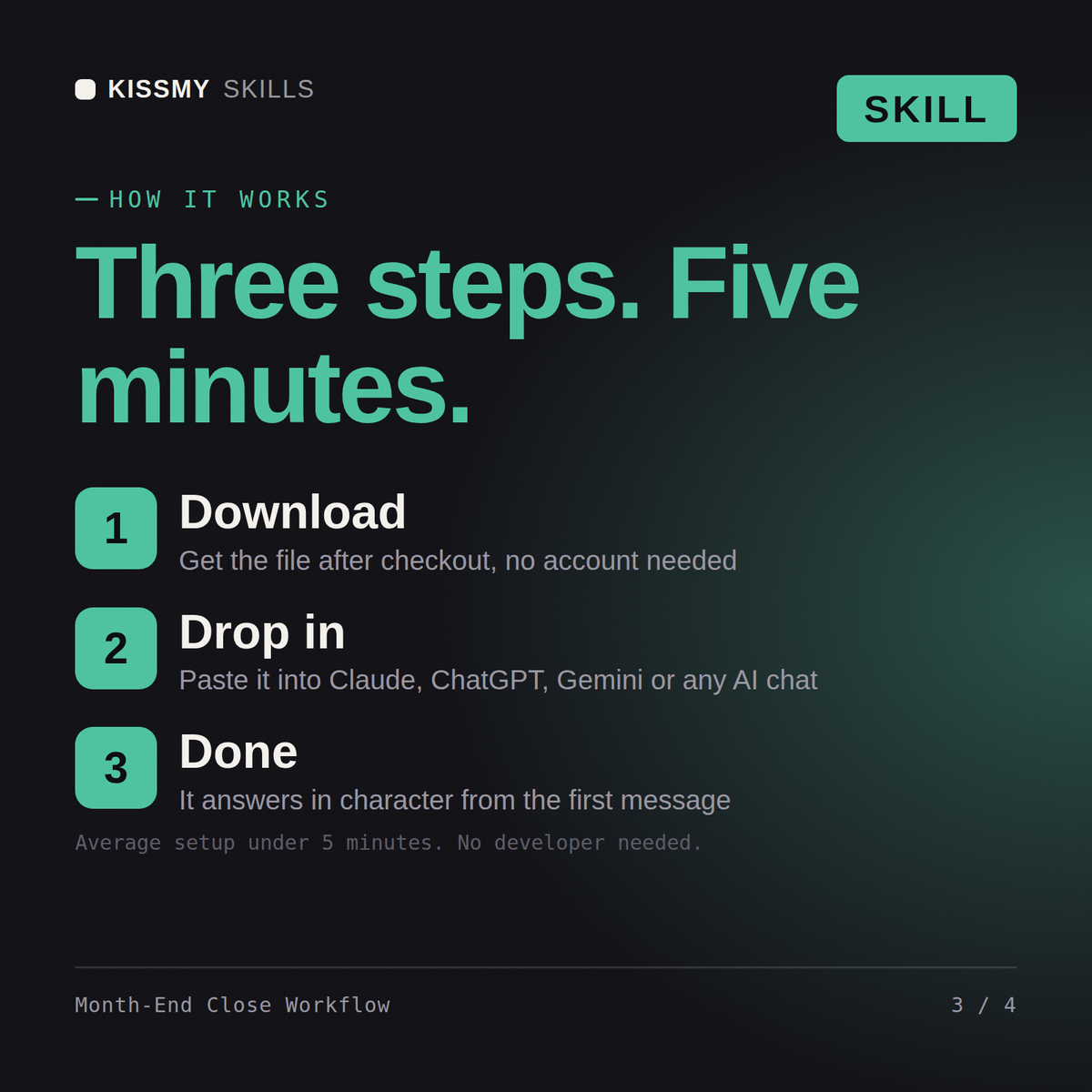
- Buy or subscribeAdd it to your cart for $9 and the file is yours to keep. Or subscribe: every file in the store, $6.99/mo.
- Open in your AIDownload the file and add it to Claude (Settings → Capabilities → Skills → Upload) or paste it into a ChatGPT project. Subscribers connect their AI once instead:
- Ask by nameStart a chat and ask for Month-End Close Workflow Skill by name. It works like the specialist from the first message.
What's inside
- month-end-close.skillSkill file · 29 lines · instant download
What your AI will do
See a real example
You ask
Run month-end close for July: here's the trial balance export and last month's close checklist.
Your AI answers
You get: a close checklist ordered by dependency → accrual and prepayment journal proposals with amounts → a reconciliation status table flagging the three accounts that don't tie → a variance summary against June, ready for review.