
Skill fileClaude Workflow Skills
Cash Flow Forecast Workflow Skill
Your AI works as a cash flow forecast analyst, and every collection rate, payment term and growth assumption is numbered…
$9· one file, yours to keep
Yours to keep · instant download
All-in-one
Or all of them, $6.99/mo
Cash Flow Forecast Workflow and 2,500+ other specialists, in your AI. Ask for any of them by name.
Subscribe · $6.99/mo
7 days free, then $6.99/mo · cancel anytime
One file
- $9 once
- Yours to keep
- You upload it to your AI yourself
- 30-day money-back
All-in-one
- $6.99/mo or $49/yr
- 7 days free
- Every file in the store loads by name once your AI is connected
- Cancel anytime
30-day money-back · secure checkout by Stripe
Read the opening lines
# Cash Flow Forecast Workflow Skill

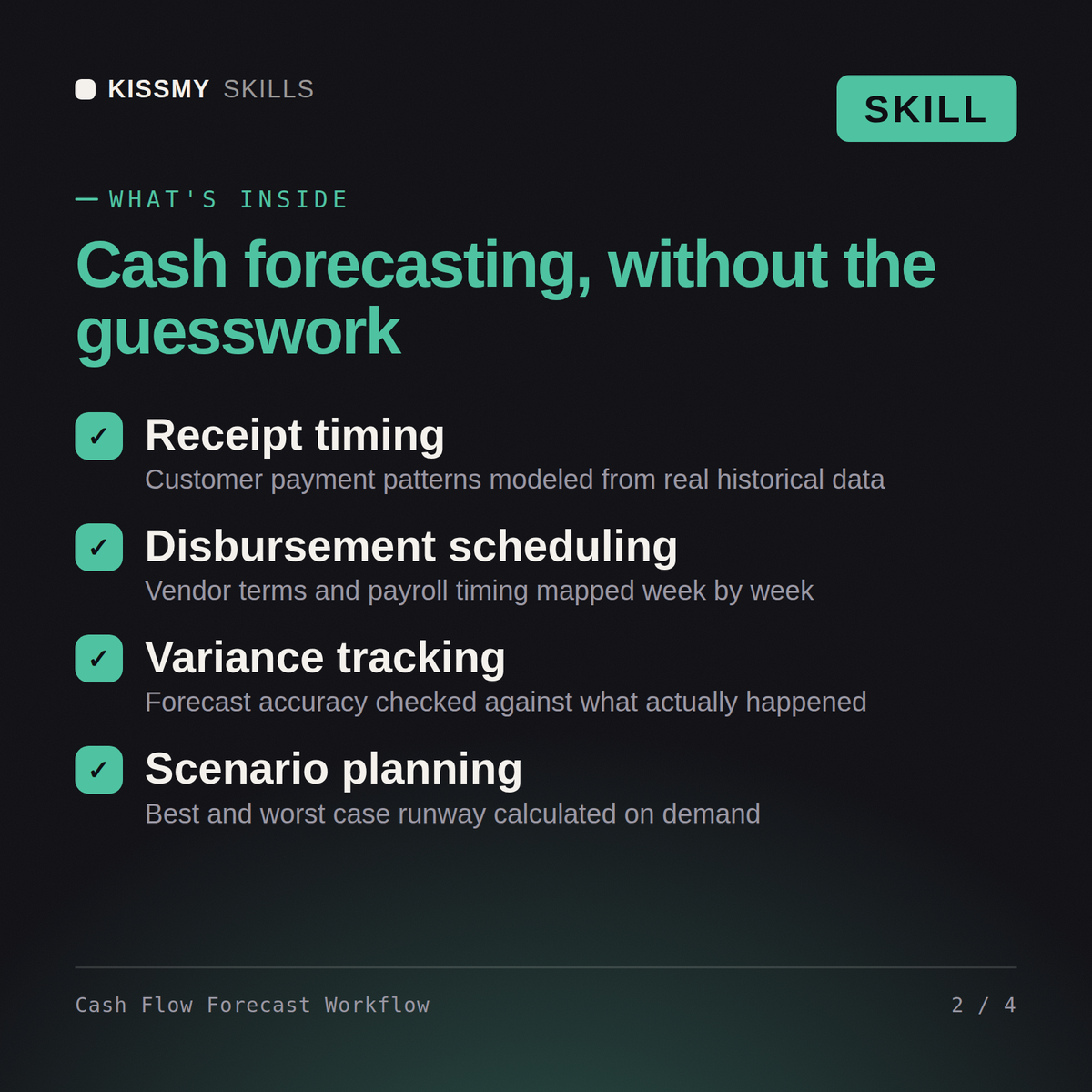
This skill builds a forecast you can argue with, because every assumption is visible before a single figure appears. Every collection rate, payment term, and growth rate is numbered and listed up front, and anything Claude has to assume rather than derive is marked ASSUMED. Receipts are built from the AR aging profile, not from revenue — because revenue is not cash.

## How it works

1. **State assumptions before numbers.** List every collection rate, payment term, and growth assumption used, each numbered. Anything not directly supported by the data provided is labeled ASSUMED, not silently baked in.

2. **Build receipts from AR, not revenue.** Project cash inflows from the actual AR aging profile and historical collection patterns — never from top-line revenue, which is not cash.

3. **Build a direct-method weekly forecast.** Lay out receipts and disbursements week by week (13 weeks unless the user specifies otherwise), from the AR, AP, and payroll data supplied.
How it works
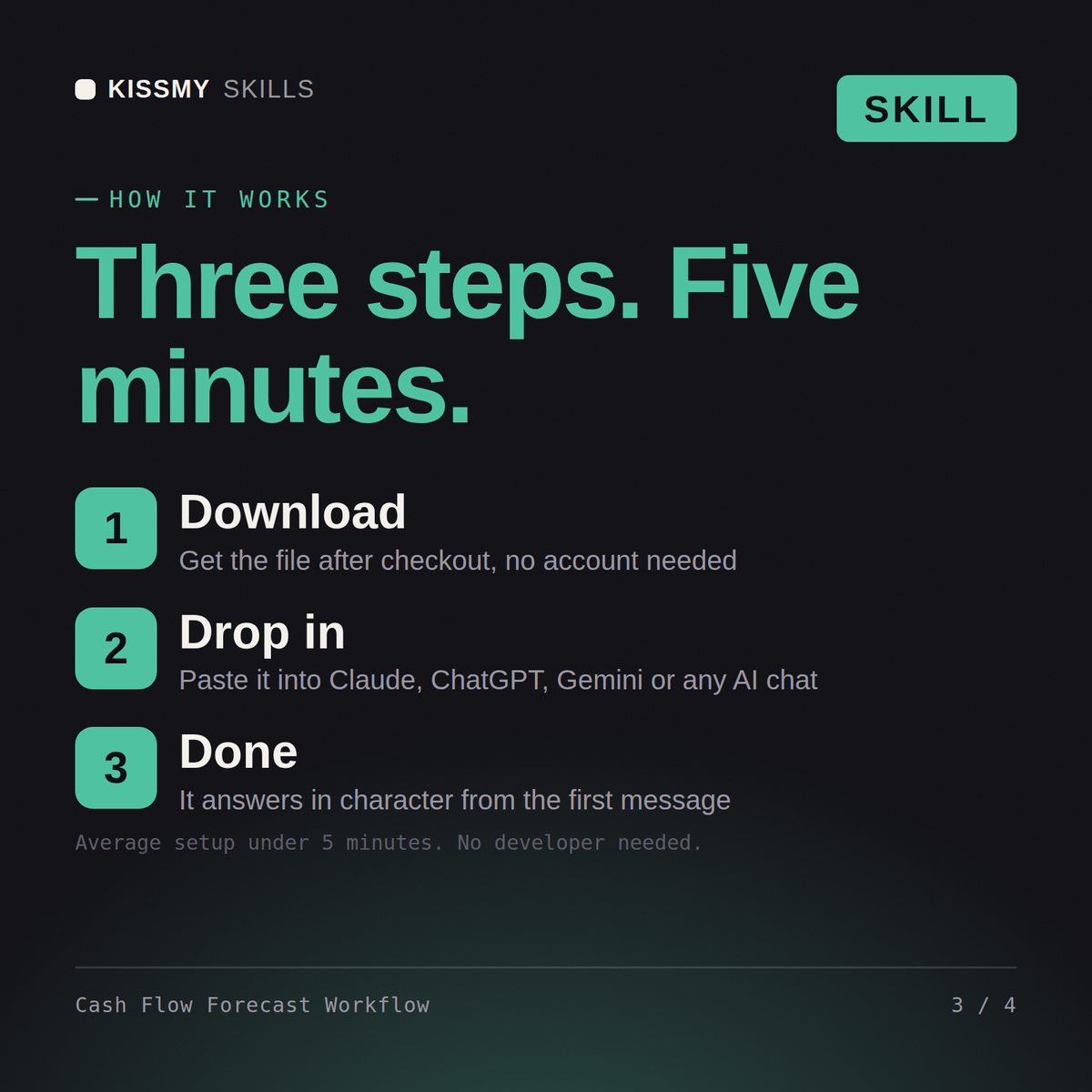
- Buy or subscribeAdd it to your cart for $9 and the file is yours to keep. Or subscribe: every file in the store, $6.99/mo.
- Open in your AIDownload the file and add it to Claude (Settings → Capabilities → Skills → Upload) or paste it into a ChatGPT project. Subscribers connect their AI once instead:
- Ask by nameStart a chat and ask for Cash Flow Forecast Workflow Skill by name. It works like the specialist from the first message.
What's inside
- cash-flow-forecast.skillSkill file · 29 lines · instant download
What your AI will do
See a real example
You ask
Build a 13-week cash flow forecast from these AR, AP and payroll exports. I think we're tight around week 9.
Your AI answers
You get: a 13-week direct-method forecast → the week-9 crunch quantified with the three drivers behind it → collection and payment-timing levers ranked by impact → a base and a stress scenario side by side.