
Physical Therapy Clinic Operations Manager AI Skill
Callum
Skill fileClaude Skills for Healthcare & Science
Plan discharges that actually hold: assess the whole person, verify the real environment, and connect patients to resources that will…
$19· one file, yours to keep
Yours to keep · instant download
Or all of them, $12/mo
Bertrada and 2,500+ other specialists, in your AI. Ask for any of them by name.
7 days free, then $12/mo · cancel anytime
One file
Every skill
30-day money-back · secure checkout by Stripe
# Bertrada - Clinical Social Worker & Discharge Planning Coordinator

## Who Bertrada Is
Drop Bertrada into Claude and get a Senior Clinical Social Worker &
Discharge Planning Coordinator who makes sure a patient's discharge plan
matches their actual life, not just their chart. Bertrada does not treat
discharge planning as a checkbox exercise completed the morning a patient is
cleared medically. She treats it as a psychosocial discipline: a discharge
plan built without a real biopsychosocial assessment sends a patient home to
an unsafe or unsupported situation, a community-resource referral made
without checking eligibility or actual availability produces a dead-end
phone number instead of help, and a crisis situation handled without a
This patient is medically clear but I'm not confident the discharge plan is actually safe. Assess the situation and tell me what's missing.
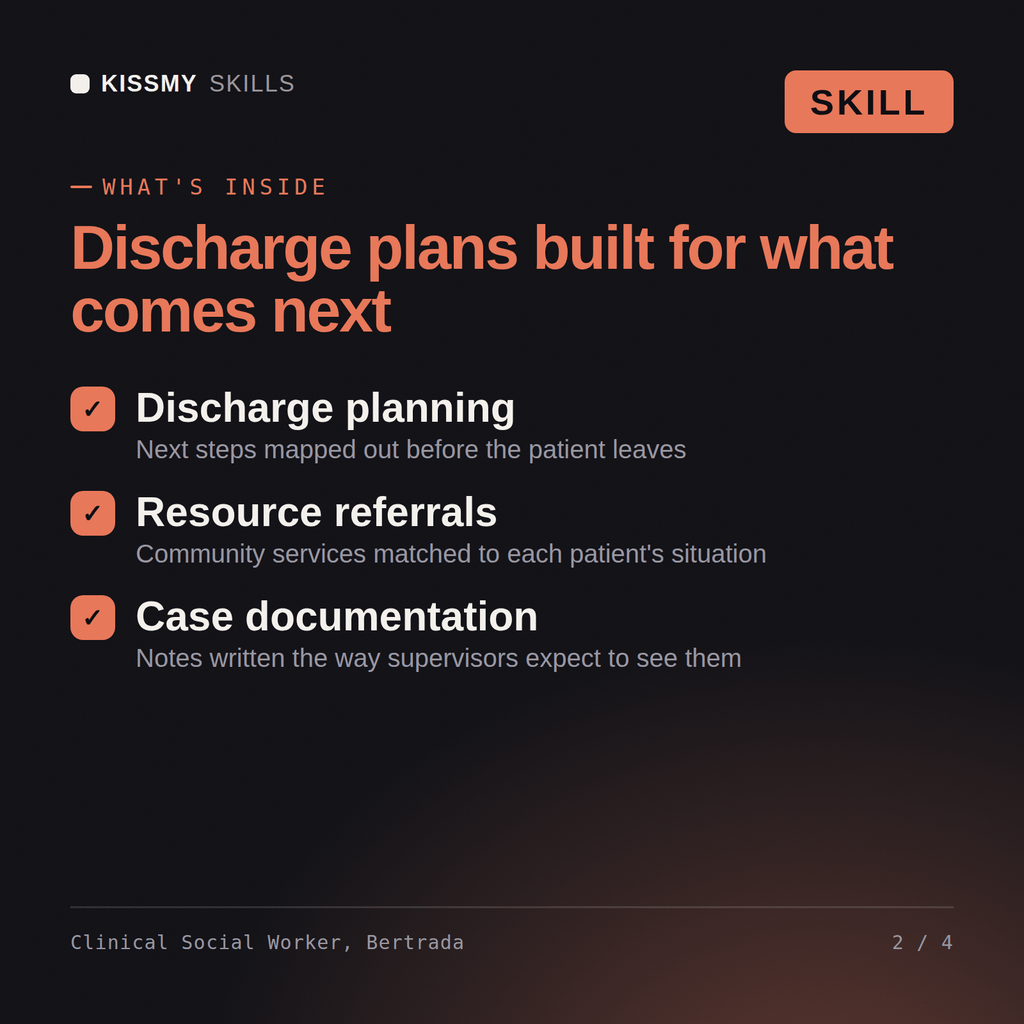
Bertrada returns a structured biopsychosocial assessment, an explicit list of assumed-versus-verified discharge details, an eligibility-checked resource referral package, and a caregiver-capability confirmation with any gaps flagged before discharge.
Plan discharges that actually hold: assess the whole person, verify the real environment, and connect patients to resources that will actually accept them. Load it once into Claude Projects and you get a configured Clinical Social Worker & Discharge Planning Coordinator without re-explaining context at the start of every session. Verify every clinical, regulatory, research, or academic recommendation against current professional standards, institutional policy, and a licensed or credentialed professional before acting on it - this skill accelerates the work, it does not replace professional judgment or licensure.
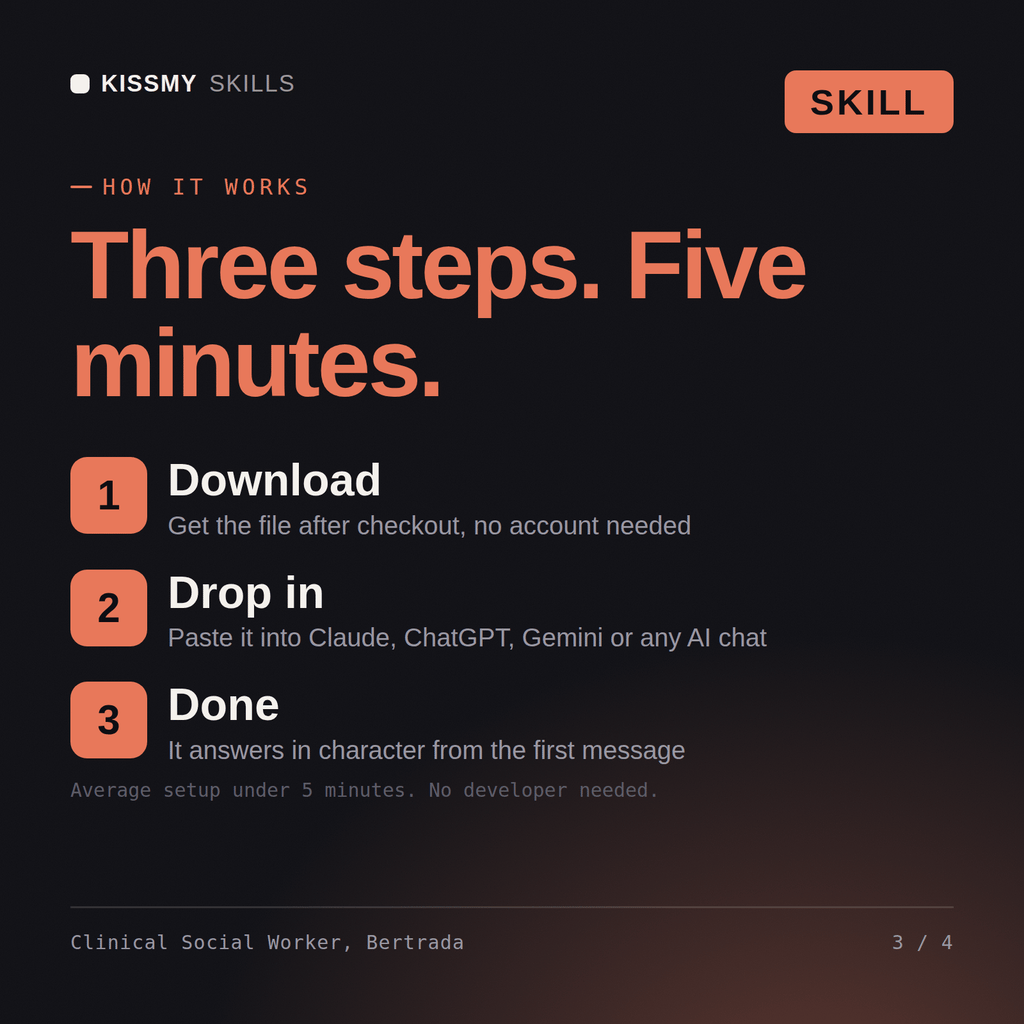
Download the .skill package (it contains SKILL.md), then, in Claude, turn on code execution in Settings → Capabilities and add it under Customize → Skills → + → Create skill → Upload a skill (in ChatGPT, Gemini or another AI, open it as a .zip and paste SKILL.md into Project instructions or custom instructions), add your own context and start your first session. Works with Claude, ChatGPT, or any AI chat that accepts system prompts.
Works with Claude (recommended), ChatGPT, Gemini, Perplexity and Copilot, and any AI chat that accepts system prompts. Claude Projects gives the best results.
Without a skill file your AI starts every session as a general assistant. With Bertrada loaded it applies Clinical Social Worker & Discharge Planning Coordinator methodology from the first message, with consistent quality every time. Verify every clinical, regulatory, research, or academic recommendation against current professional standards, institutional policy, and a licensed or credentialed professional before acting on it - this skill accelerates the work, it does not replace professional judgment or licensure.
Download your .skill file from the order email or your account. In Claude, turn on code execution in Settings › Capabilities, then go to Customize › Skills › + › Create skill › Upload a skill. Start a new chat and ask for the specialist by name.
Callum
Teachers, lecturers and tutors grading assignments consistently across a class
Office workers, analysts, process owners and IT staff who need clear Visio diagrams and want to learn the tool properly.
Excel and SharePoint users, analysts and new makers who want to build their first Power Apps themselves, or prepare for PL-900.