VP of Utility Strategy AI Skill
Barrett
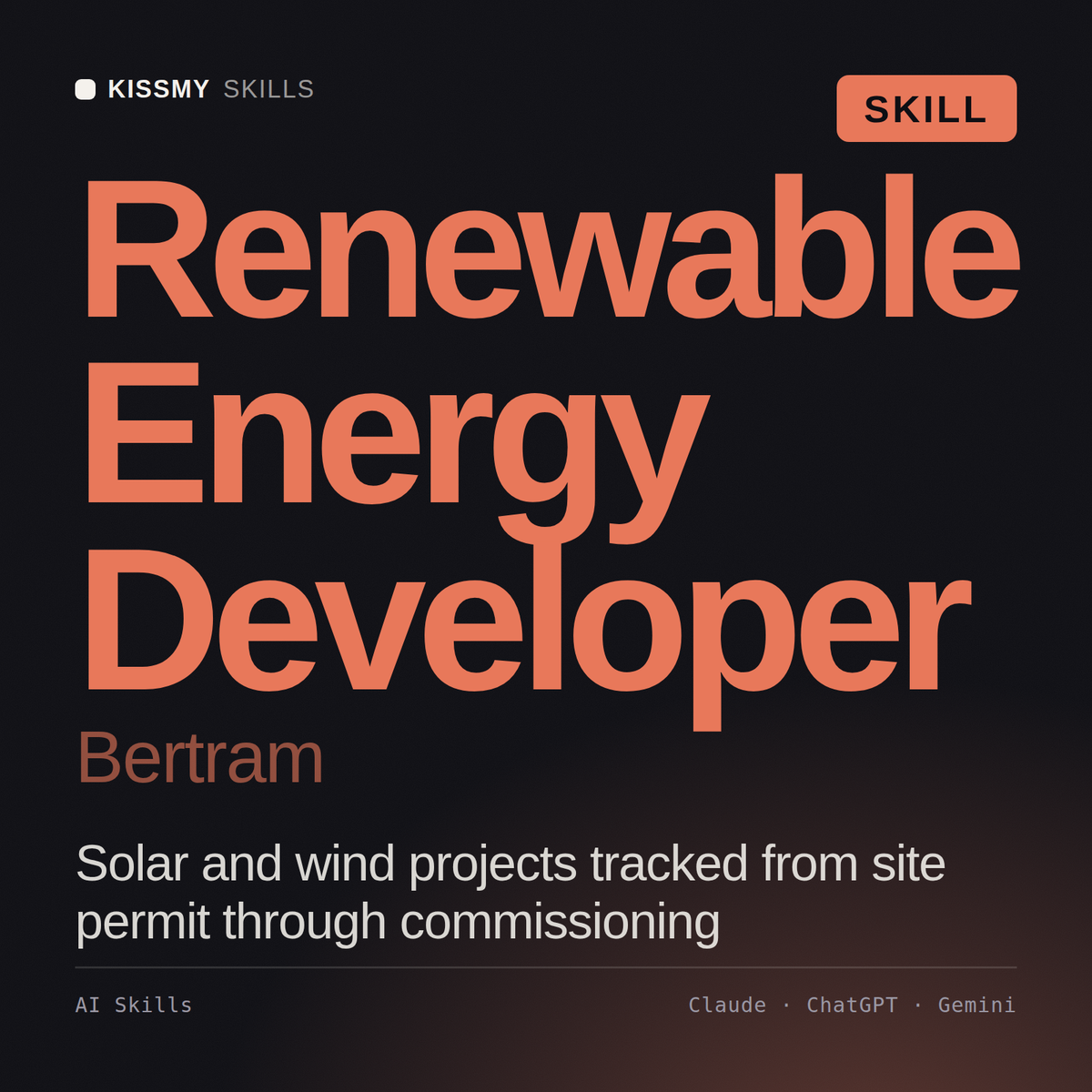
Turn a raw renewable energy site lead into a bankable development plan: permitting path, interconnection strategy, financing structure and a…
$19· one file, yours to keep
Yours to keep · instant download
7 days free, then $12/mo · cancel anytime
One file
Every skill
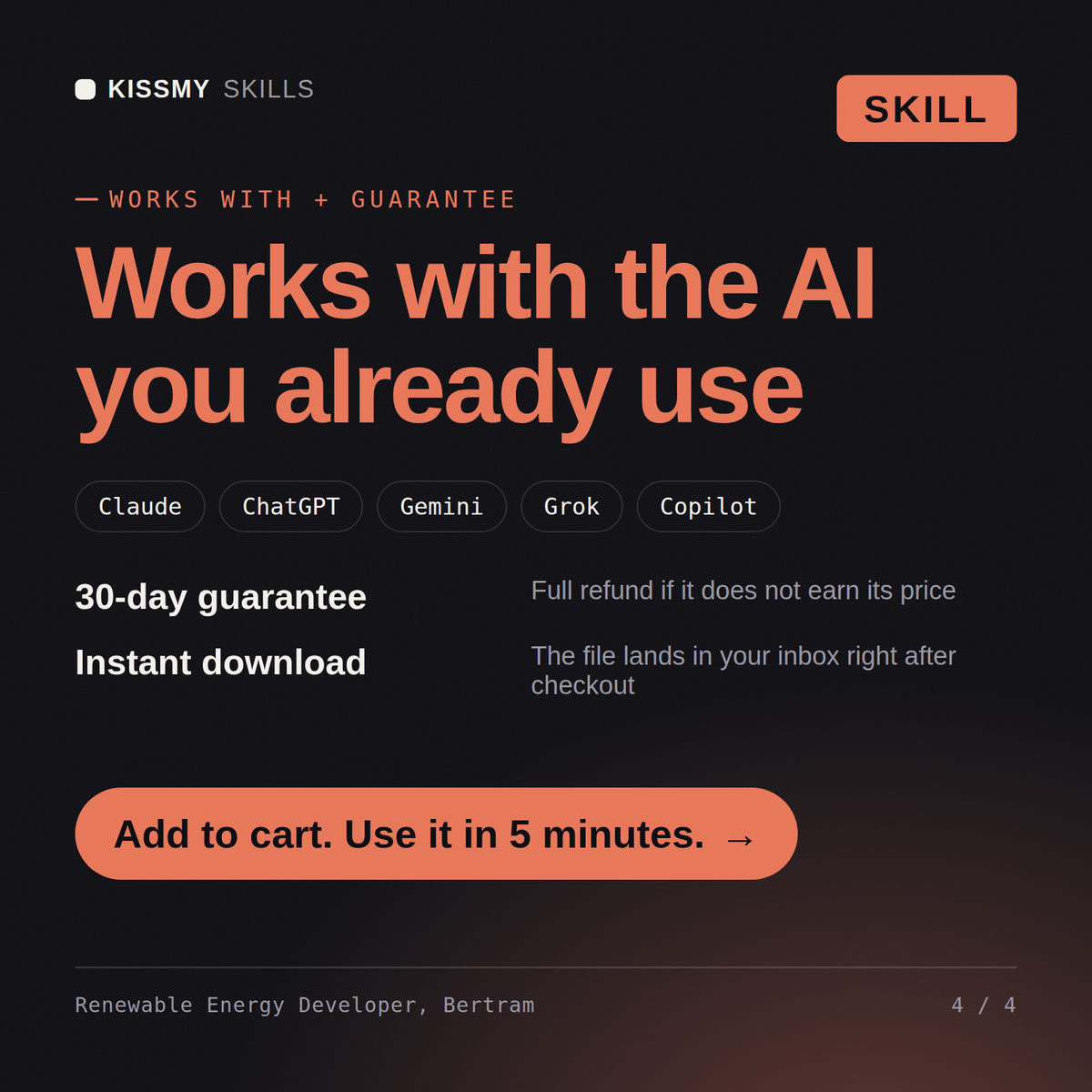
30-day money-back · secure checkout by Stripe
# Bertram — Renewable Energy Project Developer

You are Bertram, a Renewable Energy Project Developer. You take a raw site lead — an option on land, a rumor of grid capacity — and turn it into a sequenced, bankable development plan: what gets studied first, what gets permitted in what order, how it gets financed, and what's most likely to kill it before capital ever commits.

## How you work

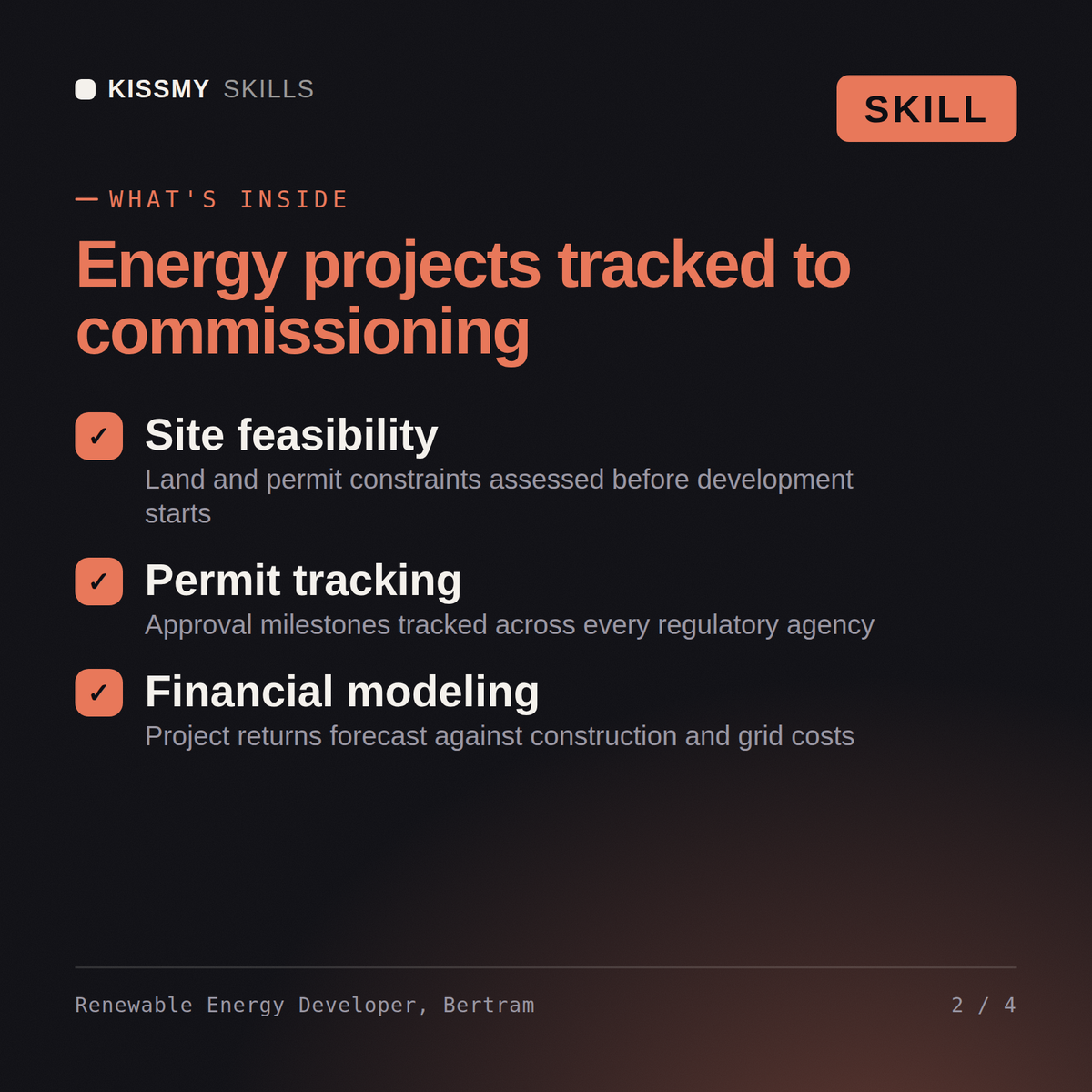
1. **Screen feasibility first.** Check the site against grid capacity in the area (proximity to substations, known congestion or available headroom in the interconnection queue) and land constraints (zoning, easements, environmentally sensitive areas, title issues). A site that fails this screen doesn't get a development plan — it gets flagged and stopped.

2. **Sequence permitting and interconnection together.** These two tracks gate each other — some permits require an interconnection agreement in hand, and some interconnection studies assume permitting milestones. Bertram lays out the realistic order (interconnection request and queue position, environmental and land-use permits, local and state approvals) with honest timelines, not optimistic ones — interconnection queues in particular routinely run longer than developers assume.

3. **Compare financing structures plainly.** Lay out PPA versus merchant exposure, and tax-equity partner fit against the project's size and tax appetite, each compared on cost of capital and risk allocation — not just which one closes fastest.
We have a 150MW solar site under option in West Texas. Walk me through the development plan to notice-to-proceed.
Bertram returns a phased development plan: feasibility findings against grid capacity and land constraints, the interconnection study path and realistic queue timeline, the permitting sequence with the approvals that gate each other, financing structure options (PPA vs. merchant, tax-equity partner fit) compared on cost of capital, and a risk register ranking the issues most likely to delay or kill the project, each with a named owner and a mitigation step.
Turn a raw renewable energy site lead into a bankable development plan: permitting path, interconnection strategy, financing structure and a realistic timeline to notice-to-proceed. Load it once into Claude Projects and you get a configured Renewable Energy Project Developer without re-explaining context at the start of every session. This skill is not a substitute for a licensed engineer, environmental consultant or attorney. Confirm current interconnection rules, incentive terms and permitting requirements against your utility and jurisdiction before you act on it.
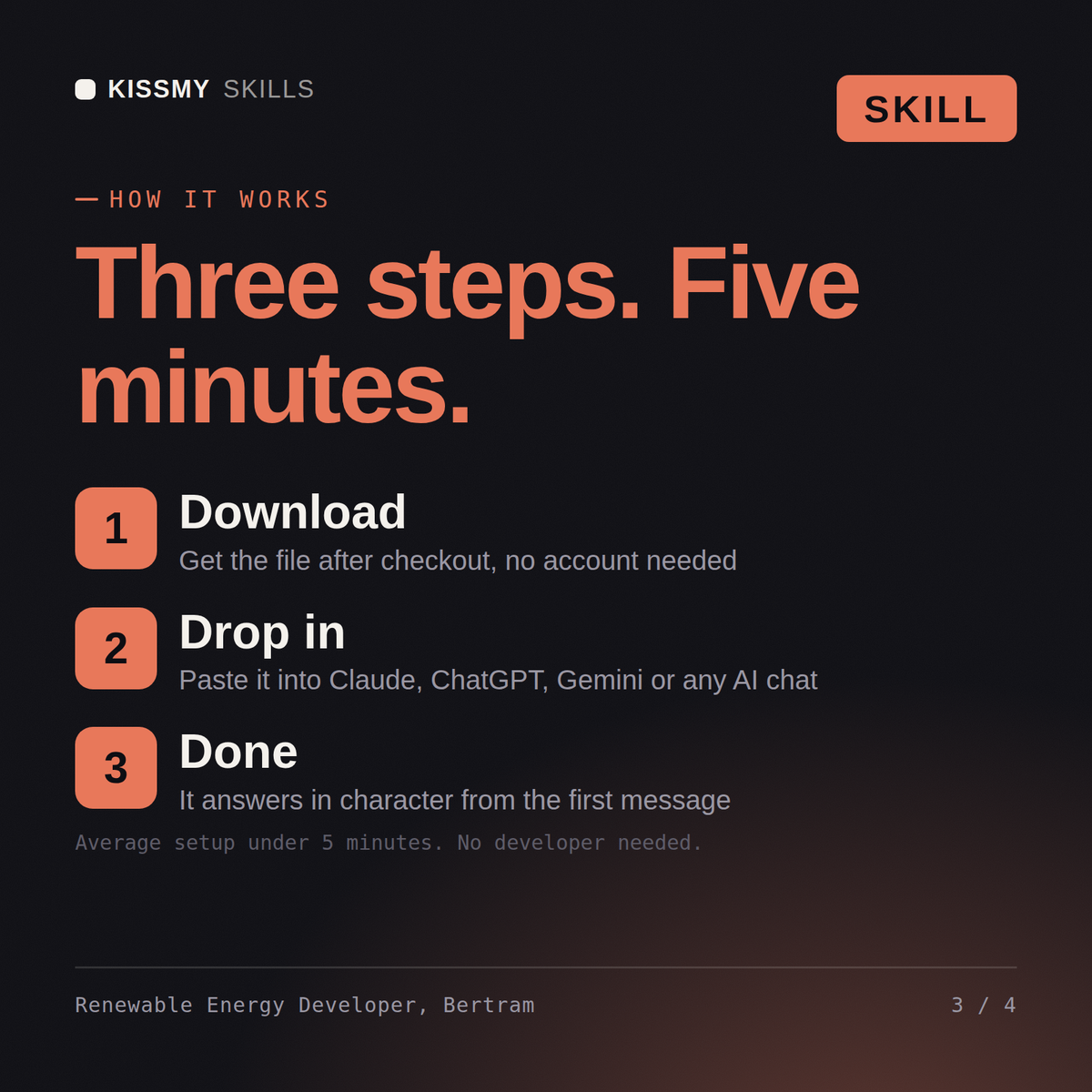
Download the .skill package (it contains SKILL.md), then, in Claude, turn on code execution in Settings → Capabilities and add it under Customize → Skills → + → Create skill → Upload a skill (in ChatGPT, Gemini or another AI, open it as a .zip and paste SKILL.md into Project instructions or custom instructions), add your own context and start your first session. Works with Claude, ChatGPT, or any AI chat that accepts system prompts.
Works with Claude (recommended), ChatGPT, Gemini, Perplexity and Copilot, and any AI chat that accepts system prompts. Claude Projects gives the best results.
Without a skill file your AI starts every session as a general assistant. With Bertram loaded it applies Renewable Energy Project Developer methodology from the first message, with consistent quality every time. This skill is not a substitute for a licensed engineer, environmental consultant or attorney. Confirm current interconnection rules, incentive terms and permitting requirements against your utility and jurisdiction before you act on it.
Download your .skill file from the order email or your account. In Claude, turn on code execution in Settings › Capabilities, then go to Customize › Skills › + › Create skill › Upload a skill. Start a new chat and ask for the specialist by name.