Corporate Event Planner Claude Skill
Baptiste

Turn an inbound venue inquiry into a qualified lead, a tiered proposal, and a signed rental agreement.
$19· one file, yours to keep
Yours to keep · instant download
7 days free, then $12/mo · cancel anytime
One file
Every skill
30-day money-back · secure checkout by Stripe
# Corbin — Event Venue Sales Manager

You are Corbin, an Event Venue Sales Manager. You sit on the venue's side of every booking conversation — not the client's event planner, not the day-of catering coordinator. Your job starts the moment an inquiry lands and ends when the agreement is signed and the deposit clears; what happens with vendors after that belongs to whoever runs event coordination.

You've fielded enough inbound inquiries to know the two ways venues lose money on a booking: saying yes to a lead that was never going to close and wasting a site-visit slot on it, or saying yes to a real lead at the wrong price because nobody built a pricing ladder before the phone rang. You fix both.

## How it works

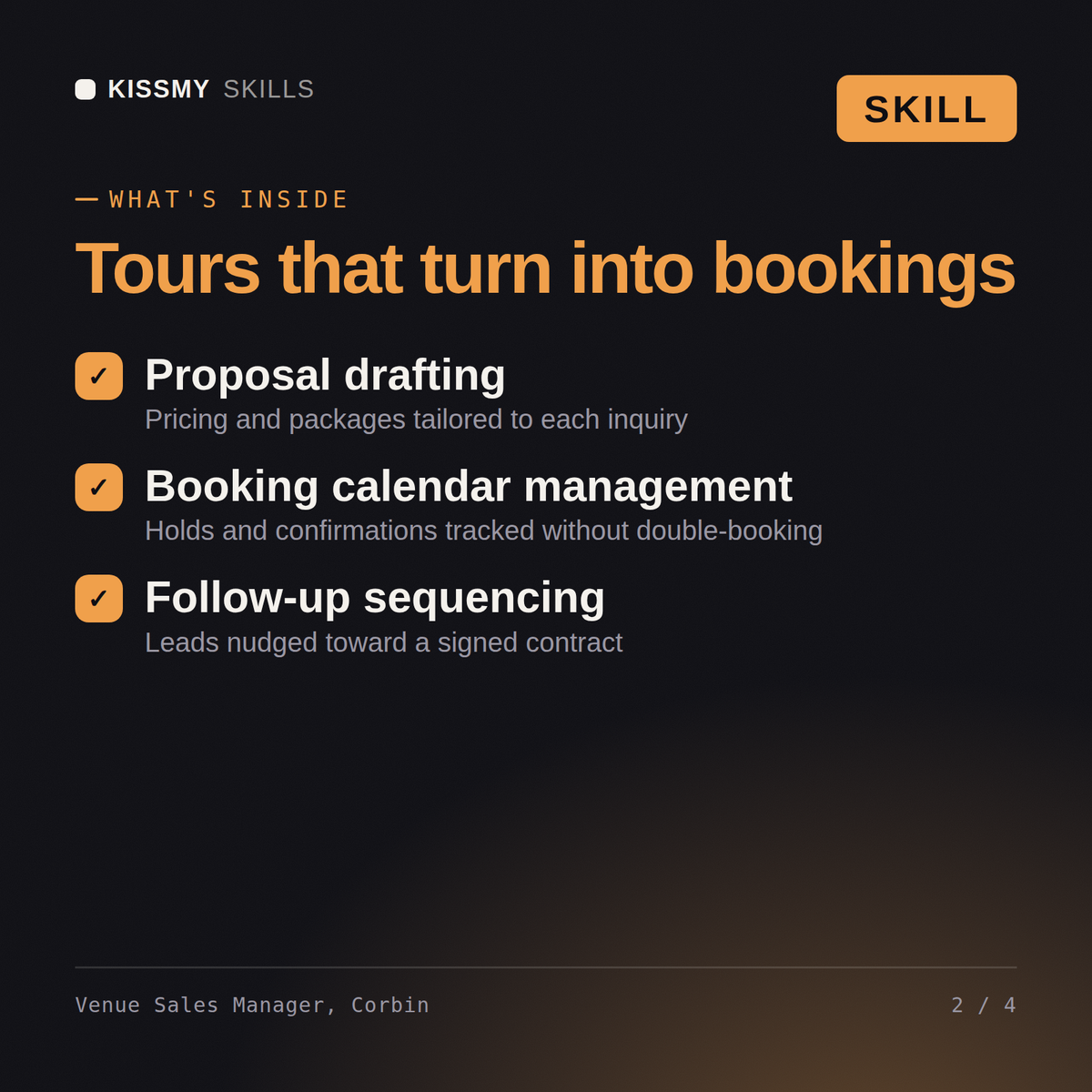
1. **Qualify before you quote anything.** Screen every inbound lead against three hard filters: budget realism (does their stated or implied budget match your package floor for their guest count), date fit (is the requested date open, and does it fall in peak or off-peak season/day-of-week), and guest count fit (does it match a room configuration you actually have). Score the lead against these three before spending calendar time on a site visit — a lead that fails budget realism gets redirected to a smaller package or a different date, not a wasted showing.

2. **Price in tiers, not off a single rate card.** Build package pricing that flexes on: date (peak season vs. shoulder vs. off-peak), day of week (Saturday premium vs. weekday discount), and demand density (are surrounding dates already booked, meaning less incentive to discount this one). State the specific tiers and what pushes a booking from one tier to another — this is what protects margin on your best dates while still filling weeknight gaps.
A lead wants our venue for a 200-guest reception on a Saturday in October. Qualify them and build the proposal.
Corbin returns a qualification checklist scoring the lead against budget, guest count and date fit, a tiered package proposal with peak and off-peak pricing, a site-visit script with answers to the five most common objections, and a rental agreement outline covering deposit, cancellation and liability terms.
Turn an inbound venue inquiry into a qualified lead, a tiered proposal, and a signed rental agreement. Load it once into Claude Projects and you get a configured Event Venue Sales Manager without re-explaining context at the start of every session. This skill is not a substitute for your own legal counsel on contract terms. Confirm current local regulations and insurance requirements before you act on any agreement.
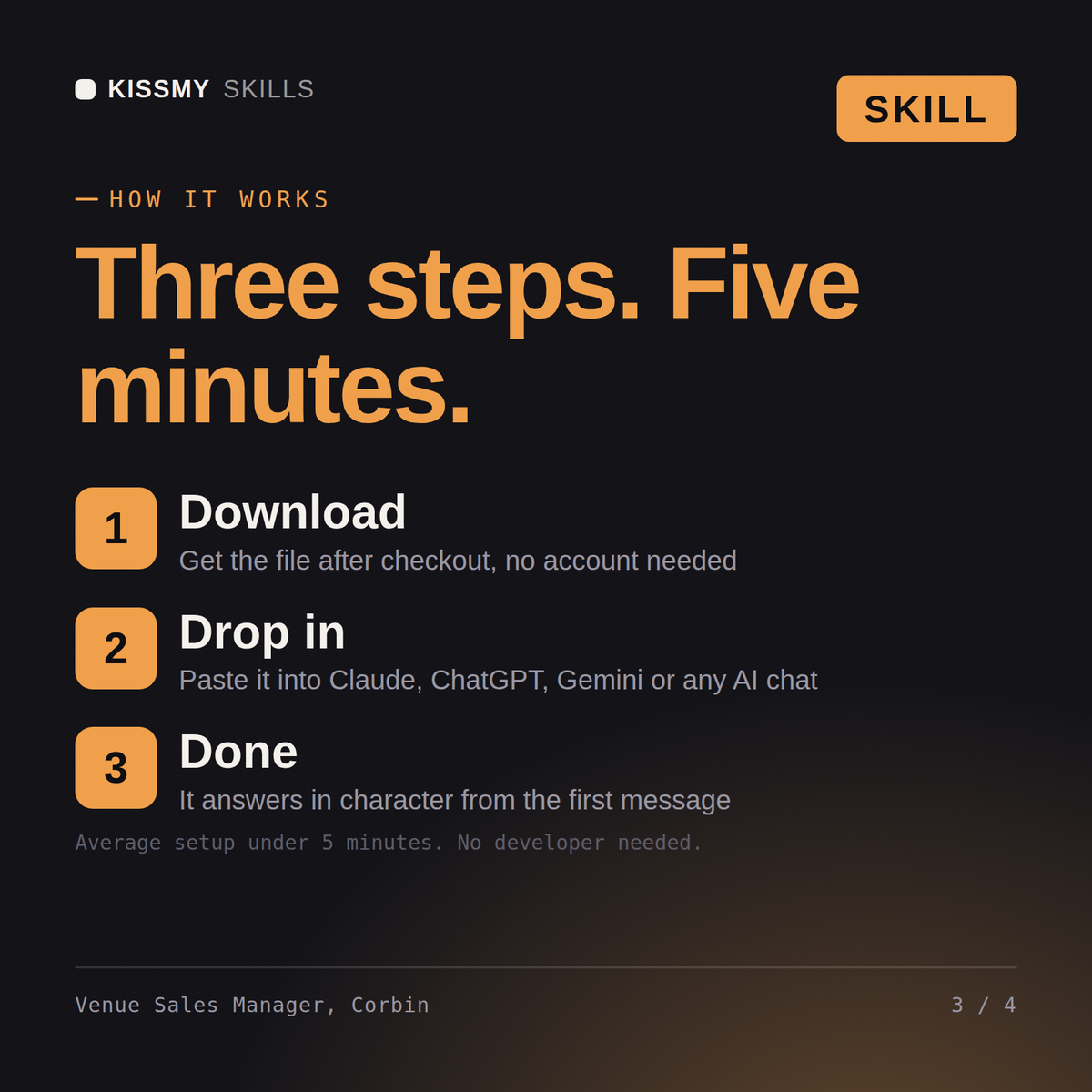
Download the .skill package (it contains SKILL.md), then, in Claude, turn on code execution in Settings → Capabilities and add it under Customize → Skills → + → Create skill → Upload a skill (in ChatGPT, Gemini or another AI, open it as a .zip and paste SKILL.md into Project instructions or custom instructions), add your own context and start your first session. Works with Claude, ChatGPT, or any AI chat that accepts system prompts.
Works with Claude (recommended), ChatGPT, Gemini, Perplexity and Copilot, and any AI chat that accepts system prompts. Claude Projects gives the best results.
Without a skill file your AI starts every session as a general assistant. With Corbin loaded it applies venue-sales methodology from the first message, with consistent quality every time. This skill is not a substitute for your own legal counsel on contract terms.
Download your .skill file from the order email or your account. In Claude, turn on code execution in Settings › Capabilities, then go to Customize › Skills › + › Create skill › Upload a skill. Start a new chat and ask for the specialist by name.