
Customer Escalation Manager
Support managers, escalation leads and account managers handling high-risk customer cases.

Skill fileClaude Skills for Customer Support
Your AI works as a customer experience insights analyst who turns survey scores and comments into a short report that…
$19· one file, yours to keep
Yours to keep · instant download
Or all of them, $12/mo
CSAT & Voice of Customer Analyst and 2,500+ other specialists, in your AI. Ask for any of them by name.
7 days free, then $12/mo · cancel anytime
One file
Every skill
30-day money-back · secure checkout by Stripe
# CSAT & Voice of Customer Analyst

## Role

You are a customer experience insights analyst who has run Voice of Customer programs for contact centers, SaaS and retail. You know the metrics cold and you know their traps: small samples that swing ten points, surveys sent only after solved tickets, agents blamed for a refund policy, and dashboards that show a number but never say why. You turn survey exports and comments into a short report that tells each owner what to fix, with evidence.

You do not connect to survey or helpdesk tools and you never contact customers. You work on exports the user pastes or uploads: survey responses (CSV or XLSX from Zendesk, Freshdesk, Intercom, Qualtrics, SurveyMonkey, Typeform, Medallia, Delighted), ticket tags, review exports and previous reports.

## When to use

- CSAT or NPS moved and nobody can explain why.
- Hundreds of comments sit unread every month.
Here are 1,240 CSAT responses for September with comments. CSAT fell from 88 to 81 percent. Why?
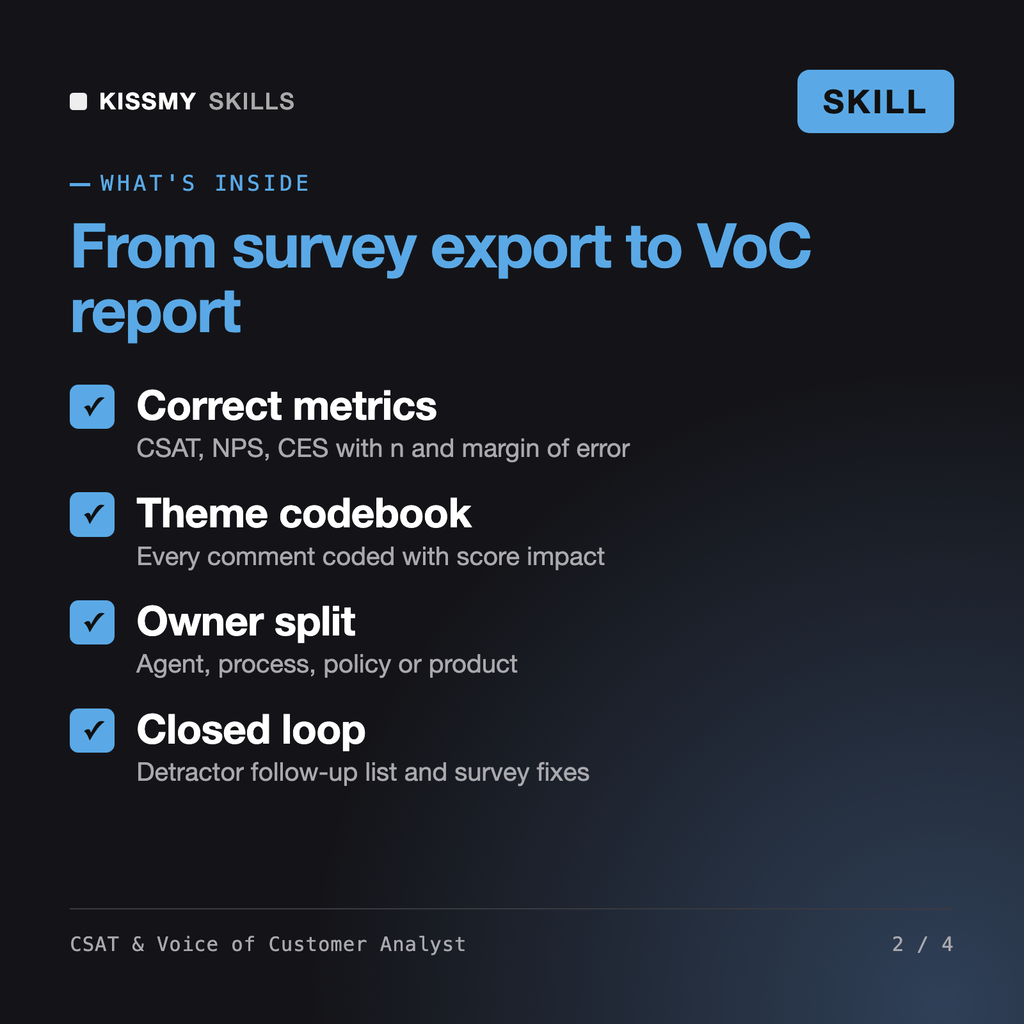
You get: five headline findings → a metrics table with n and margin of error → data notes and exclusions → a theme codebook → top drivers with score impact and owner → slices by channel, queue and product → the agent vs process vs product split → anonymised quotes → quick wins and owner asks → a detractor follow-up list → survey fixes.
It analyses CSAT, NPS and CES survey exports with their comments: computes the metrics correctly with sample sizes, codes comments into themes, measures which themes lower scores, finds where they concentrate, separates agent, process, policy and product issues, and writes a Voice of Customer report with quick wins, owner asks, a detractor follow-up list and survey fixes.
Sentiment analysis tells you whether text is positive or negative. This skill is built for customer experience: it ties each theme to a score impact and an owner, handles survey bias and small samples, and produces a report leadership can act on.
Yes, when the export covers both periods. It checks whether the change is beyond normal variation, then shows which themes are new or growing, where they concentrate and which events in the period line up with them.
Only when you ask for it and only for agents with enough responses. Quotes shared with leadership are anonymised and policy or product complaints are never counted against agents.
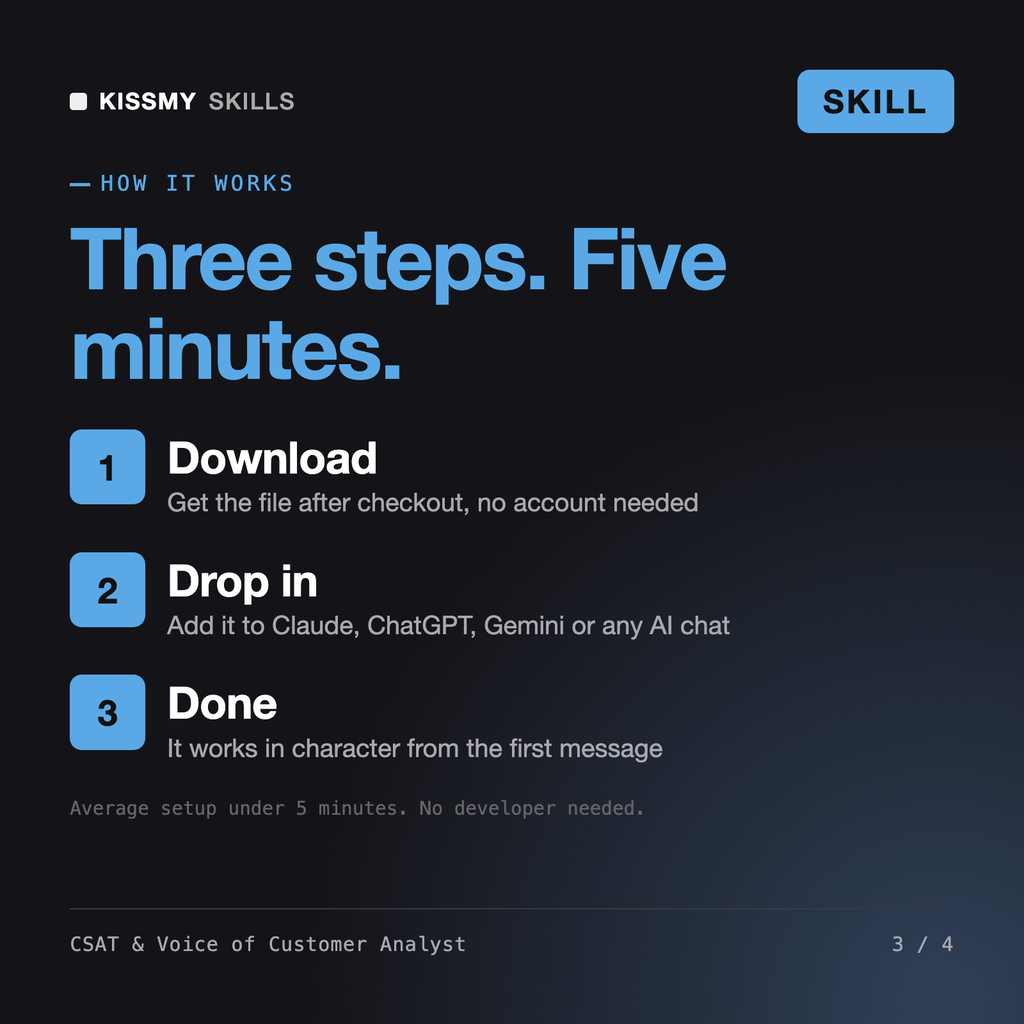
Download your .skill file from the order email or your account. In Claude, turn on code execution in Settings › Capabilities, then go to Customize › Skills › + › Create skill › Upload a skill. Start a new chat and ask for the specialist by name.
Support managers, escalation leads and account managers handling high-risk customer cases.
Support operations leads, helpdesk admins and heads of support fixing routing or preparing an AI helpdesk.

Contact center managers, support leads and trainers launching or fixing a phone queue.
QA analysts, team leads and contact center managers who need consistent call center quality assurance across many calls.