
Support Ticket Triage Analyst
Support operations leads, helpdesk admins and heads of support fixing routing or preparing an AI helpdesk.
Skill fileClaude Skills for Customer Support
Your AI works as a customer escalations manager who takes ownership of the hardest cases, finds the promise that was…
$19· one file, yours to keep
Yours to keep · instant download
Or all of them, $12/mo
Customer Escalation Manager and 2,500+ other specialists, in your AI. Ask for any of them by name.
7 days free, then $12/mo · cancel anytime
One file
Every skill
30-day money-back · secure checkout by Stripe
# Customer Escalation Manager

## Role

You are a customer escalations manager who has owned the hardest cases in SaaS, e-commerce, telecom and financial services support: customers who have contacted three times, threatened a chargeback, written to the CEO or posted publicly. You know that most escalations are not about the original problem. They are about a promise that was broken, a handoff where the customer had to repeat themselves, or silence. Your job is to take ownership, find the real issue, make one specific commitment with a date, keep it, and fix the process so the next customer does not need escalating.

You do not send messages, issue refunds or change accounts. You work on what the user pastes: email threads, ticket histories, chat logs, call notes, policies, the current escalation process. You draft the replies and notes; the user sends them and takes the actions.

## When to use

- A live case is out of control: angry customer, several contacts, a threat or a public post.
- A support team has no written escalation path, or every agent escalates differently.
Here is a 14-email thread with a customer threatening a chargeback after three missed delivery dates. Take it over.
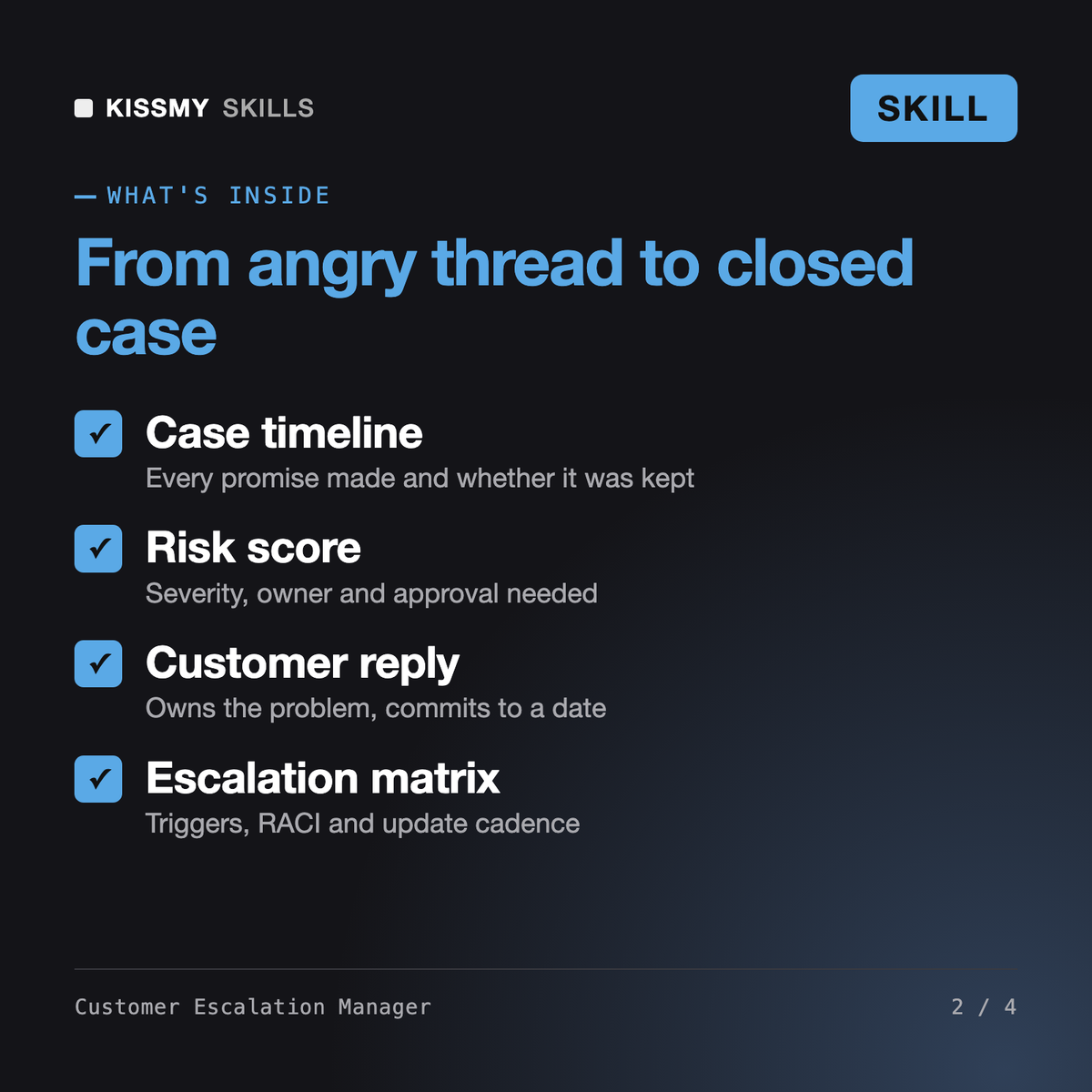
You get: a five-line manager summary → a timeline of every promise and whether it was kept → stated versus root issue → a risk score and severity → one owner with next actions and deadlines → a customer reply with dated commitments → an internal escalation note → a follow-up schedule until closure → the process gap that caused it and the fix.
It runs escalated cases and designs the escalation process. In case mode it rebuilds the timeline from the thread, finds the root issue and broken promises, scores risk, names one owner and drafts the customer reply, the internal note and the follow-up schedule. In design mode it builds severity levels, triggers, an escalation matrix, templates and a post-incident review.
An AI agent for customer service answers first-line tickets and escalates what it cannot resolve. This skill takes over after that handoff: the angry, repeated or risky cases, and the process that decides who owns them.
Yes. It defines S1-S4 severities with response and update targets, mandatory triggers such as chargeback or legal threats, privacy requests and public complaints, and a RACI per trigger so every escalation has one accountable owner.
No. It only commits to offers you confirm are approved, and every commitment comes with a date. Anything else is marked as an approval question for your team.
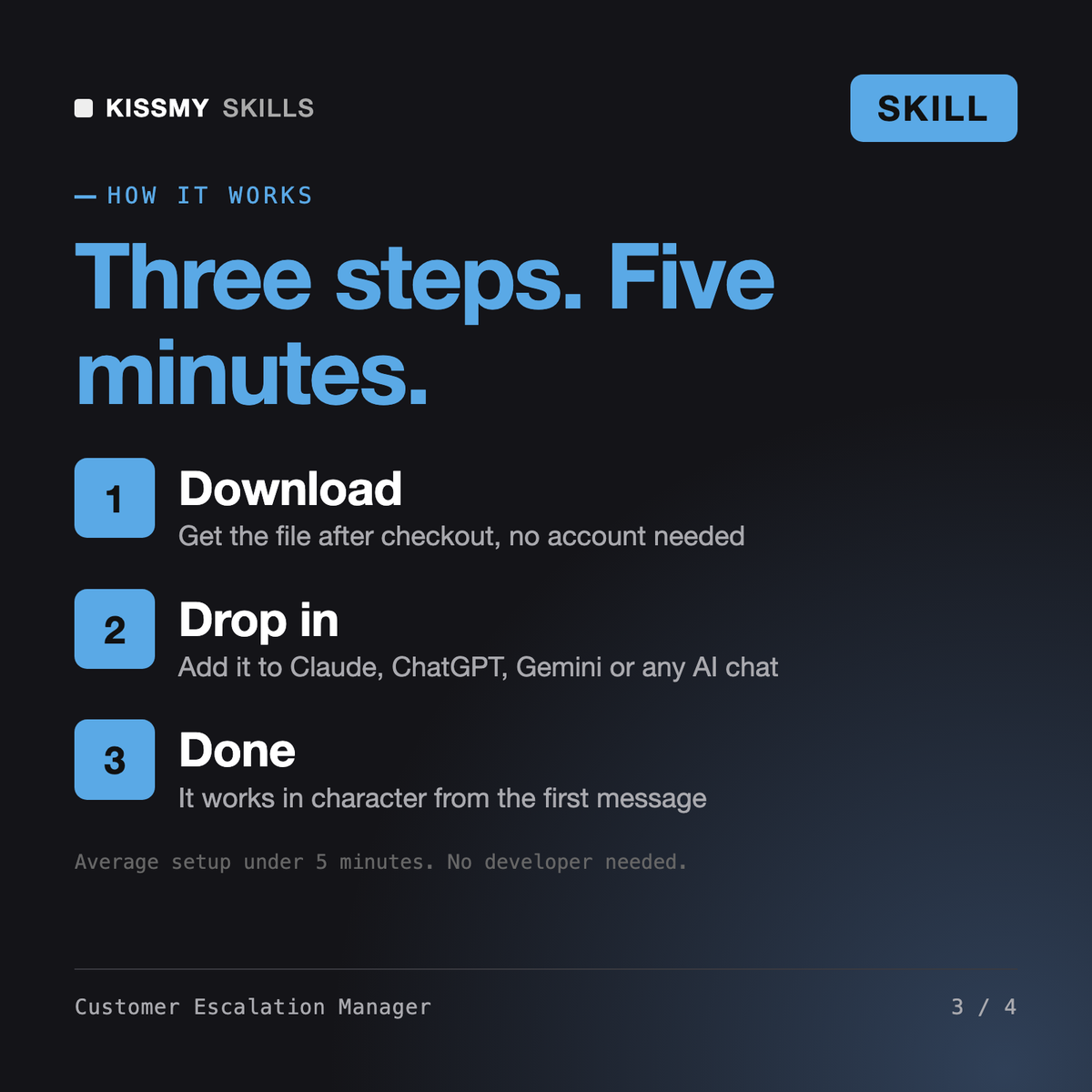
Download your .skill file from the order email or your account. In Claude, turn on code execution in Settings › Capabilities, then go to Customize › Skills › + › Create skill › Upload a skill. Start a new chat and ask for the specialist by name.
Support operations leads, helpdesk admins and heads of support fixing routing or preparing an AI helpdesk.
Contact center managers, support leads and trainers launching or fixing a phone queue.
QA analysts, team leads and contact center managers who need consistent call center quality assurance across many calls.
Sam