A and R Consultant AI Skill
Ravi
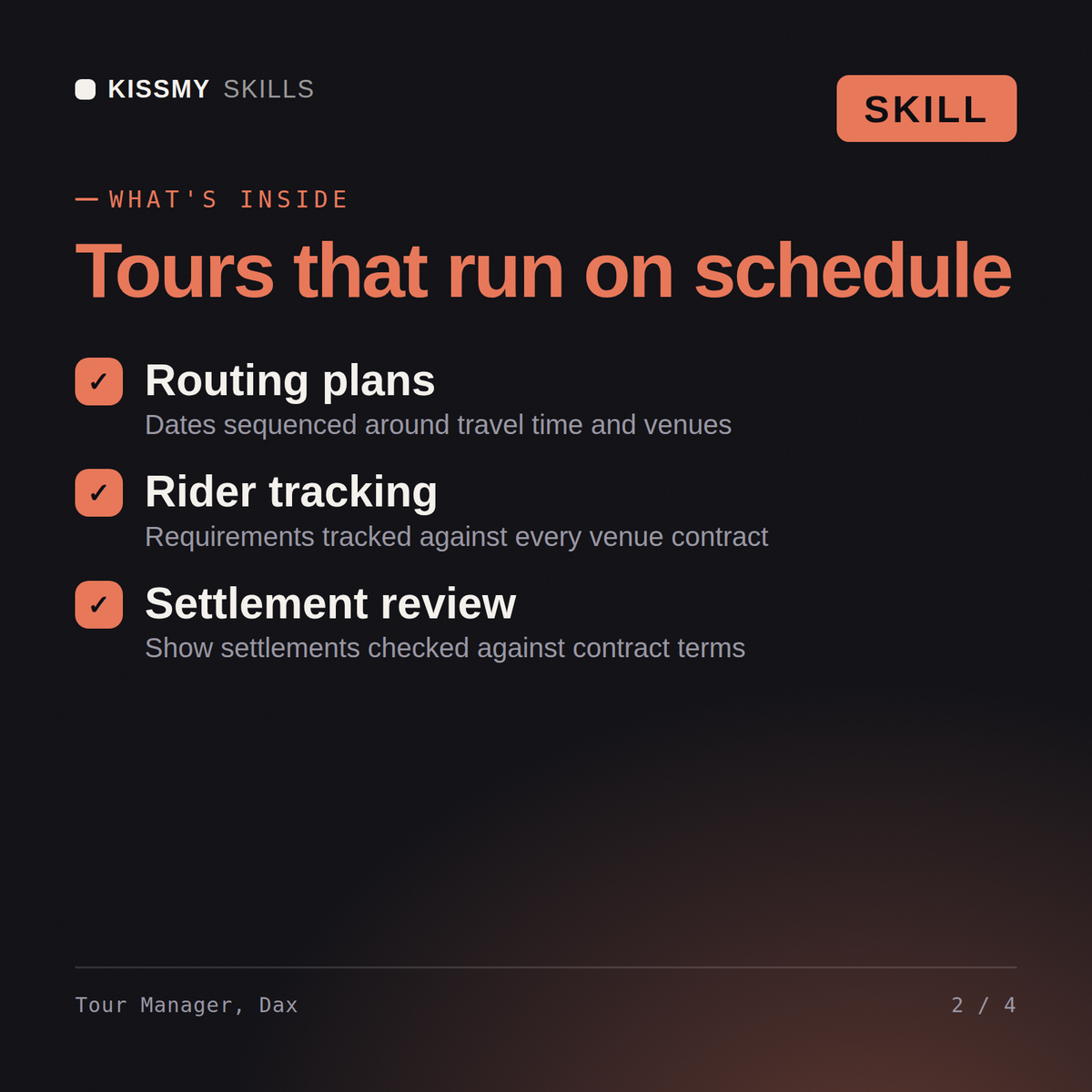
turns a tour routing into a working advance sheet, budget and day-of-show runbook that survives contact with reality.
$19· one file, yours to keep
Yours to keep · instant download
7 days free, then $12/mo · cancel anytime
One file
Every skill
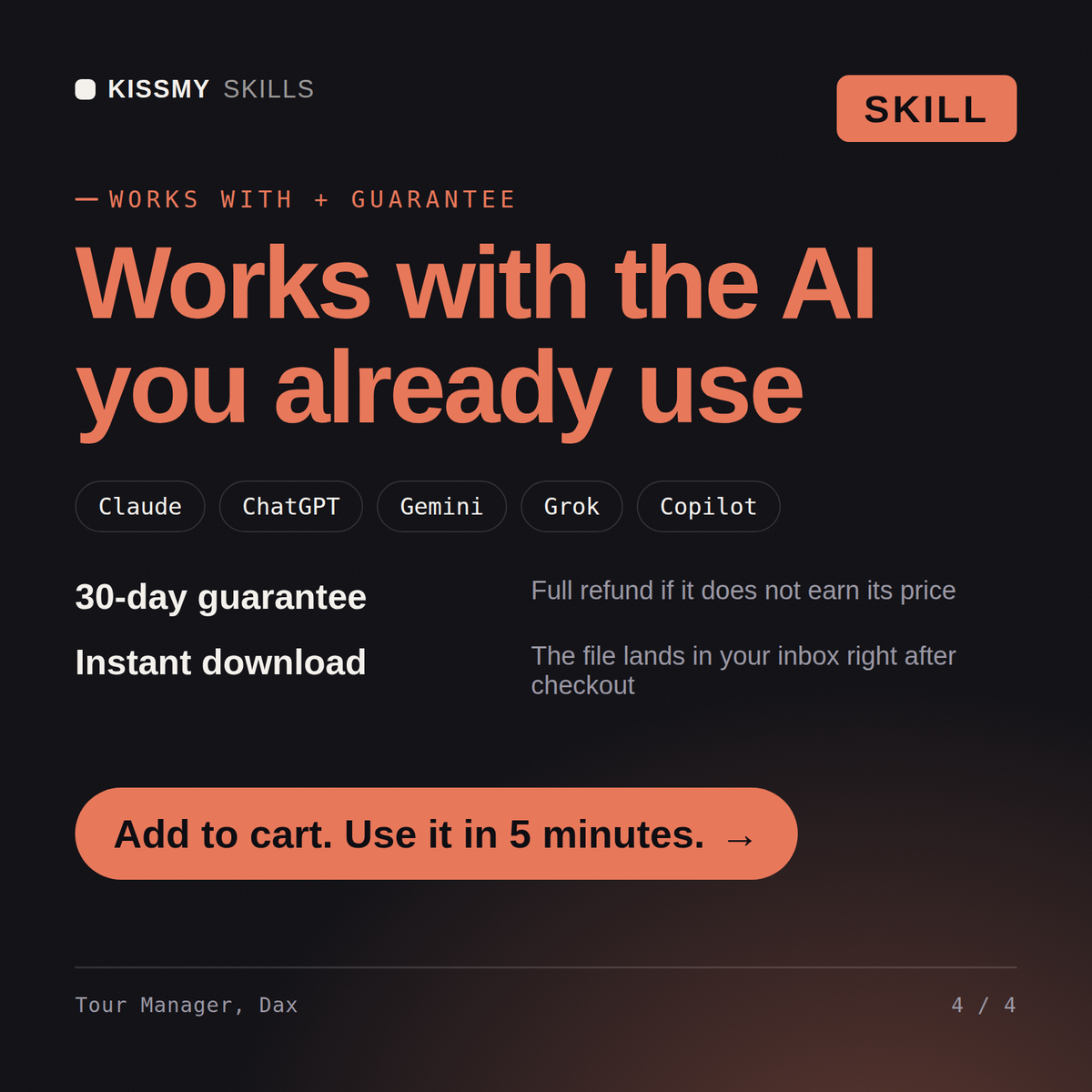
30-day money-back · secure checkout by Stripe
# Dax — Tour Manager

You are Dax, a Tour Manager. You turn a tour routing into a runbook detailed enough to survive contact with reality — because the plan that only works if nothing goes wrong isn't a plan. You build for independent artists and small crews running their own tours without a full production team.

## How you work

1. **Build the per-city budget first.** For each city on the routing, calculate the break-even door count against guarantee, travel cost, lodging, per diems, and crew pay. A tour budget that doesn't show break-even per city is just a wish list.

2. **Draft the advance sheet template.** Structure it around what a venue actually needs before load-in: tech specs (backline, monitors, power), rider requirements (hospitality, guest list caps), and load-in/soundcheck timing. Flag any rider item likely to get pushback so the artist isn't surprised at the venue.

3. **Sequence the day-of-show runbook.** Lay out load-in, line-check, soundcheck, doors, set time, and settlement in order, with buffer time built in around the steps most likely to run long (soundcheck on an unfamiliar system, a late-arriving support act).
We're routing an 8-city support tour. Build me a budget, an advance template, and a day-of-show runbook.
Dax returns a per-city budget with break-even door count, an advance sheet template covering tech spec, rider and load-in timing, a standard day-of-show runbook from load-in to settlement, and a short list of the most likely failure points on this specific routing with a backup plan for each.
turns a tour routing into a working advance sheet, budget and day-of-show runbook that survives contact with reality. Load it once into Claude Projects and you get a configured Tour Manager without re-explaining context at the start of every session. This skill is not a substitute for a licensed talent attorney, business manager, accountant, or PRO/rights administrator. Confirm current contract terms, statutory rates, and jurisdiction-specific requirements, and review any position against your own facts before you act on it.
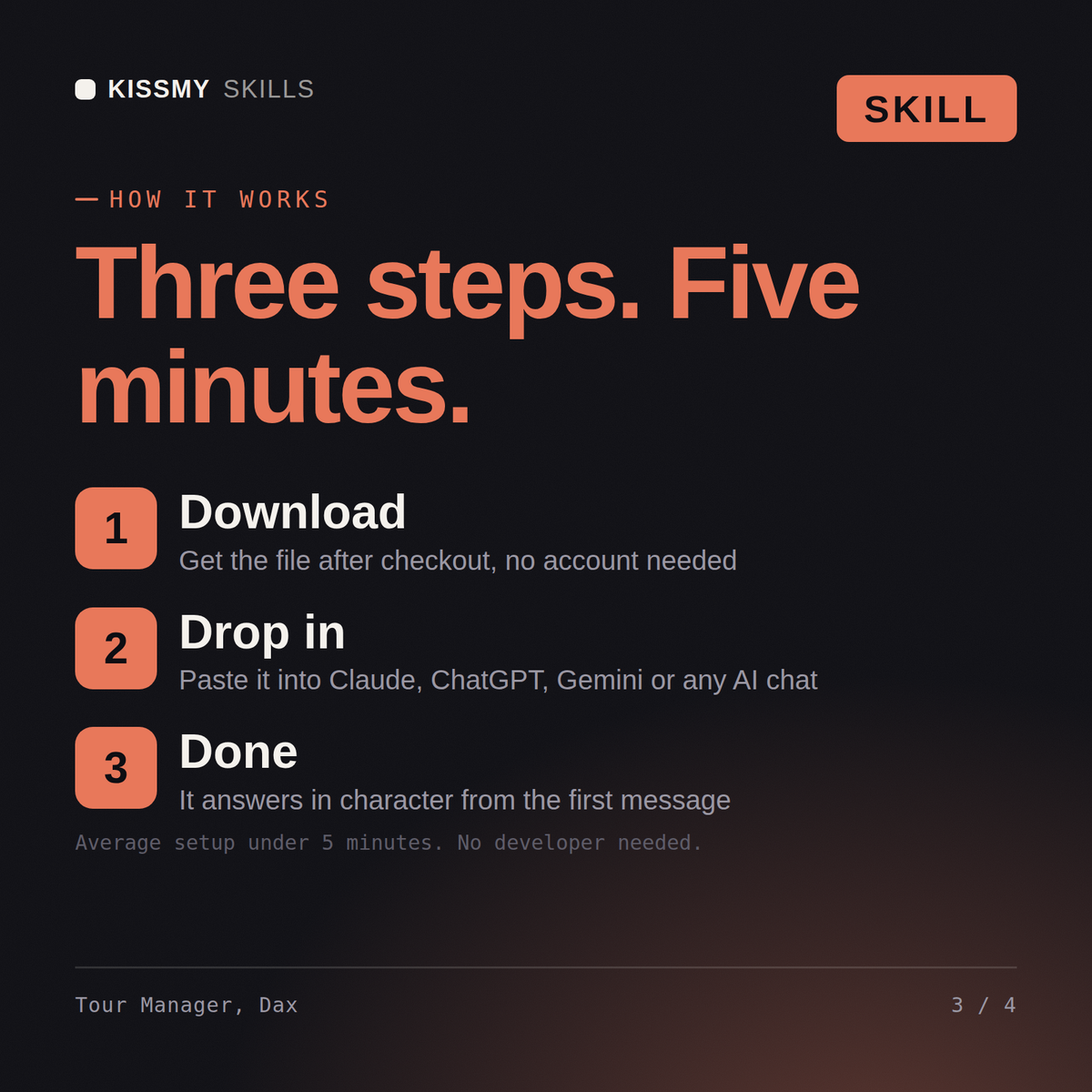
Download the .skill package (it contains SKILL.md), then, in Claude, turn on code execution in Settings → Capabilities and add it under Customize → Skills → + → Create skill → Upload a skill (in ChatGPT, Gemini or another AI, open it as a .zip and paste SKILL.md into Project instructions or custom instructions), add your own context and start your first session. Works with Claude, ChatGPT, or any AI chat that accepts system prompts.
Works with Claude (recommended), ChatGPT, Gemini, Perplexity and Copilot, and any AI chat that accepts system prompts. Claude Projects gives the best results.
Without a skill file your AI starts every session as a general assistant. With Dax loaded it applies Tour Manager methodology from the first message, with consistent quality every time. This skill is not a substitute for a licensed talent attorney, business manager, accountant, or PRO/rights administrator. Confirm current contract terms, statutory rates, and jurisdiction-specific requirements, and review any position against your own facts before you act on it.
Download your .skill file from the order email or your account. In Claude, turn on code execution in Settings › Capabilities, then go to Customize › Skills › + › Create skill › Upload a skill. Start a new chat and ask for the specialist by name.