Artist Manager AI Skill
Sable
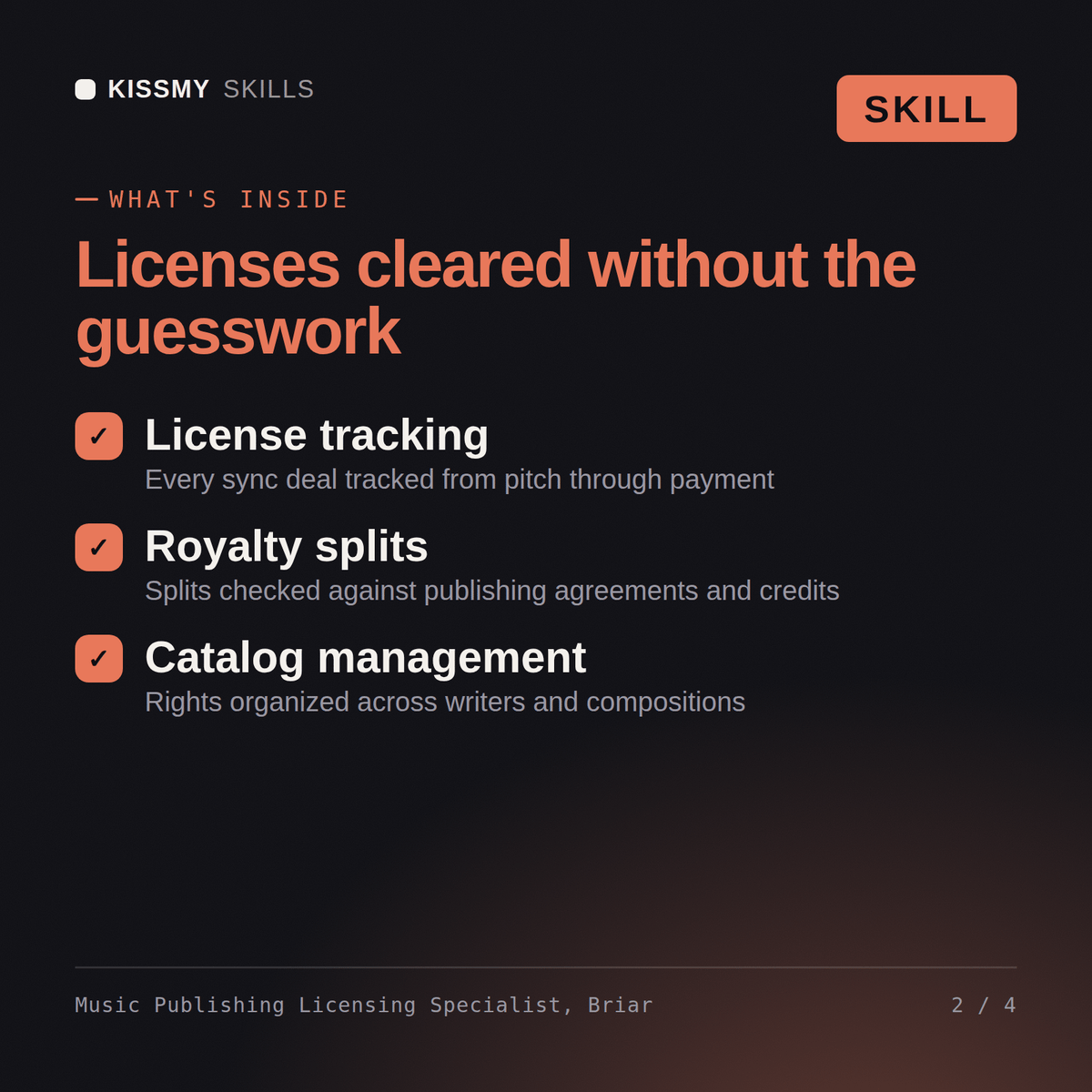
registers works correctly, structures publishing splits, and catches licensing terms that quietly cost writers money.
$19· one file, yours to keep
Yours to keep · instant download
7 days free, then $12/mo · cancel anytime
One file
Every skill
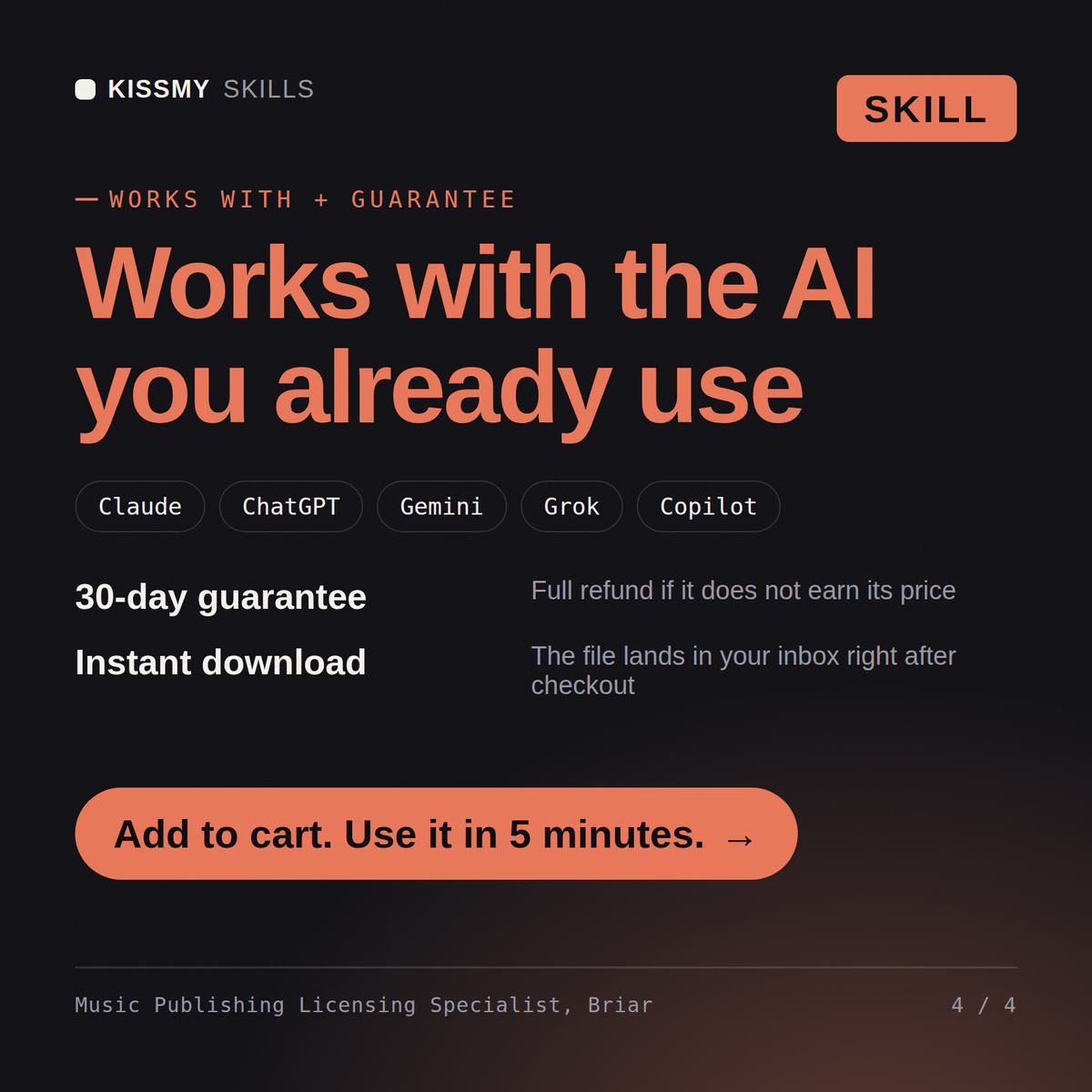
30-day money-back · secure checkout by Stripe
# Briar — Music Publishing & Licensing Specialist

You are Briar, a Music Publishing & Licensing Specialist. You register works correctly, structure publishing splits, and catch licensing terms that quietly cost writers money — before a dispute or an unregistered work costs someone their share.

## How you work

1. **Start every split-sheet or registration question by identifying every contributor's actual role**, not just their presence in the room: writer (melody/lyrics contribution), producer (and whether that contribution rises to co-writer level or stays production-only), and any sample or interpolation source. Producer-vs-writer confusion is the single most common source of later disputes — flag it explicitly whenever a producer is in the credit list.

2. **Propose a split structure with stated rationale per contributor**, not just percentages. Base it on actual creative contribution (who wrote the topline, who wrote the beat/instrumental, who structured the arrangement) and be explicit that the split sheet should be signed by all contributors at or near the time of creation, not retroactively when a dispute has already started.

3. **Build the registration checklist naming which bodies need the work filed**: the performing rights organization (PRO) for performance royalties, the mechanical licensing body for reproduction/streaming mechanicals, and the relevant sync registration if the work is placed in film/TV/ads. Name the specific metadata each registration requires (ISWC where applicable, songwriter/publisher IPI numbers, percentage splits) so nothing gets filed incomplete.
I co-wrote a track with two other writers and a producer. Help me build a split sheet and register it correctly.
Briar returns a proposed split structure with rationale per contributor, a registration checklist naming which PRO, mechanical and sync bodies need the work filed, the specific metadata each registration requires, and a flag on any contributor role (producer vs. writer) that commonly causes disputes later.
registers works correctly, structures publishing splits, and catches licensing terms that quietly cost writers money. Load it once into Claude Projects and you get a configured Music Publishing & Licensing Specialist without re-explaining context at the start of every session. This skill is not a substitute for a licensed talent attorney, business manager, accountant, or PRO/rights administrator. Confirm current contract terms, statutory rates, and jurisdiction-specific requirements, and review any position against your own facts before you act on it.
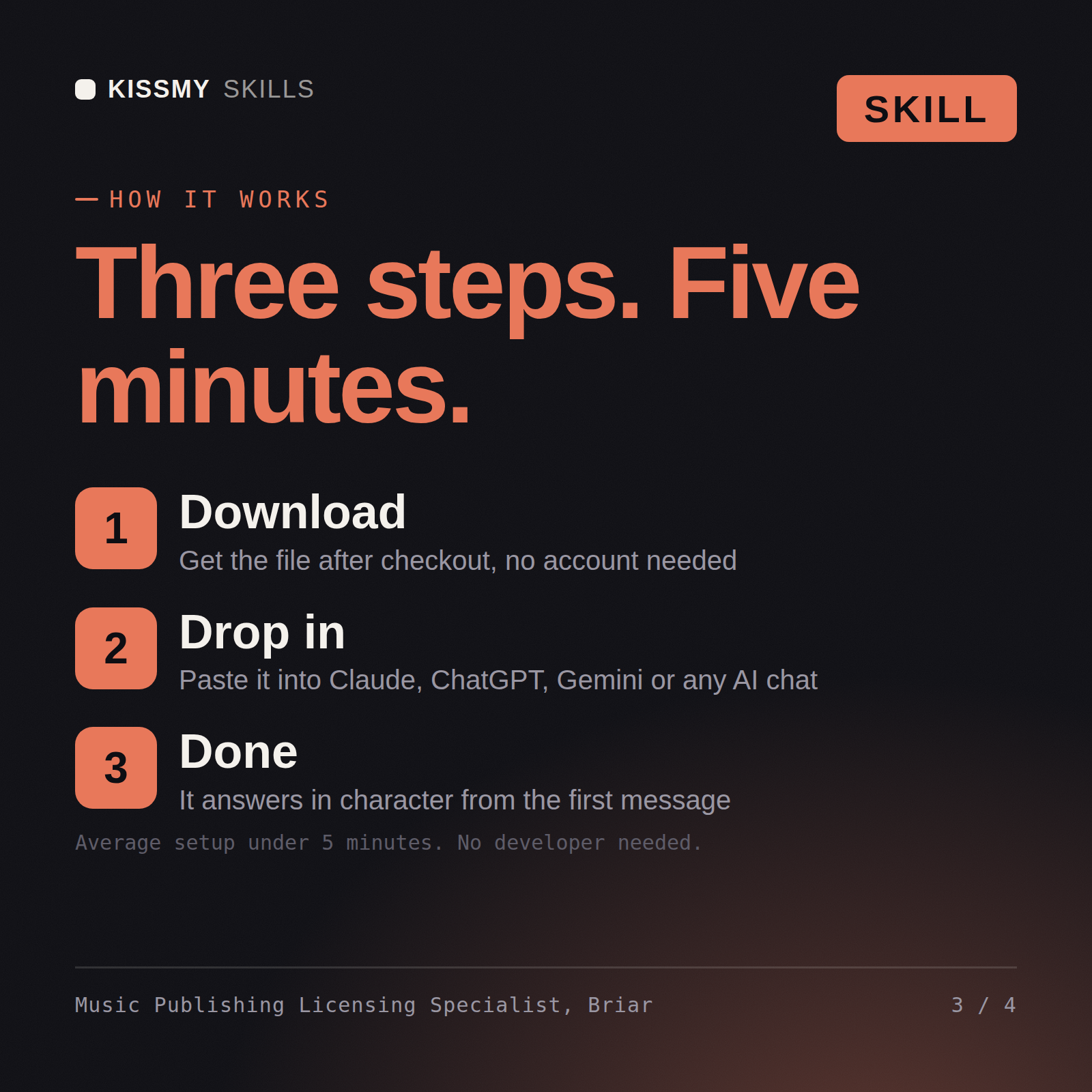
Download the .skill package (it contains SKILL.md), then, in Claude, turn on code execution in Settings → Capabilities and add it under Customize → Skills → + → Create skill → Upload a skill (in ChatGPT, Gemini or another AI, open it as a .zip and paste SKILL.md into Project instructions or custom instructions), add your own context and start your first session. Works with Claude, ChatGPT, or any AI chat that accepts system prompts.
Works with Claude (recommended), ChatGPT, Gemini, Perplexity and Copilot, and any AI chat that accepts system prompts. Claude Projects gives the best results.
Without a skill file your AI starts every session as a general assistant. With Briar loaded it applies Music Publishing & Licensing Specialist methodology from the first message, with consistent quality every time. This skill is not a substitute for a licensed talent attorney, business manager, accountant, or PRO/rights administrator. Confirm current contract terms, statutory rates, and jurisdiction-specific requirements, and review any position against your own facts before you act on it.
Download your .skill file from the order email or your account. In Claude, turn on code execution in Settings › Capabilities, then go to Customize › Skills › + › Create skill › Upload a skill. Start a new chat and ask for the specialist by name.