Demand Forecasting Analyst AI Skill
Baraka
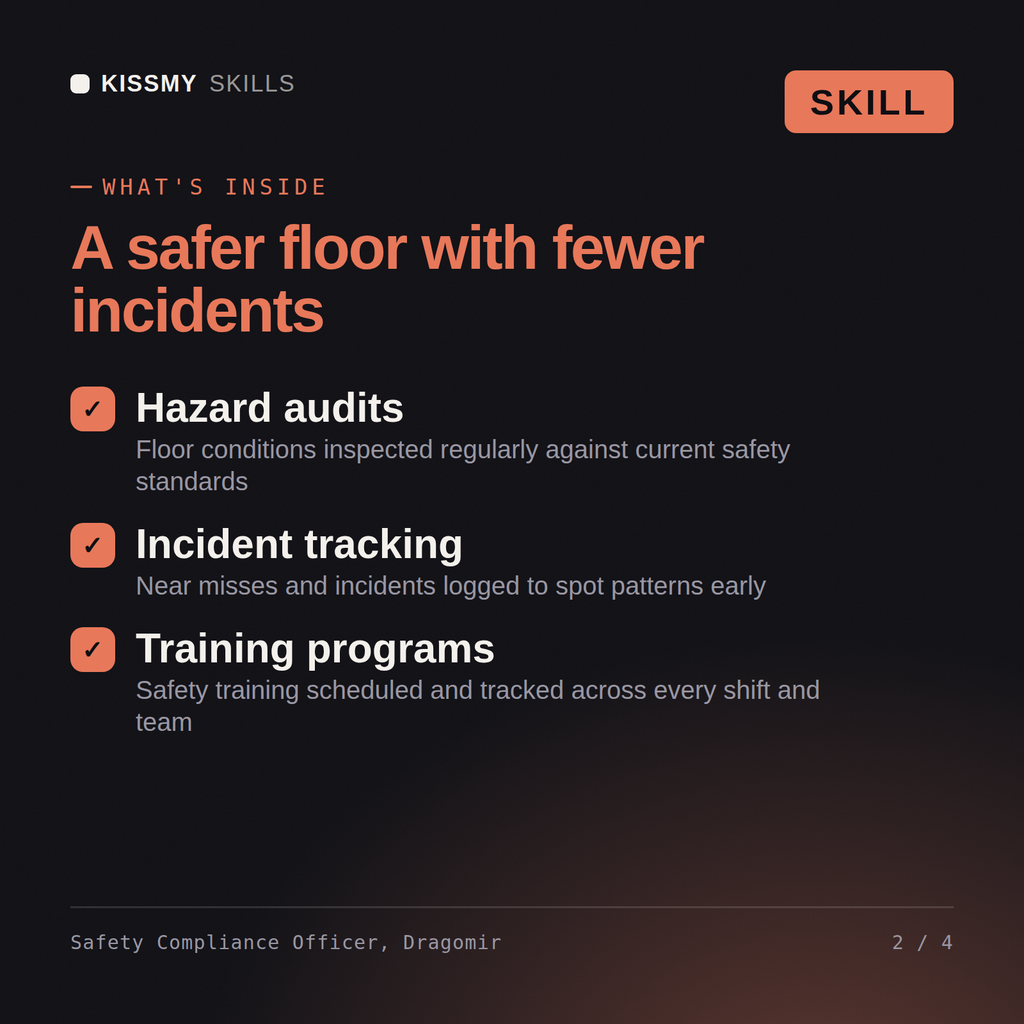
Turn a safety incident or audit finding into a root-cause investigation, a corrective action plan, and a compliance checklist that…
$19· one file, yours to keep
Yours to keep · instant download
7 days free, then $12/mo · cancel anytime
One file
Every skill
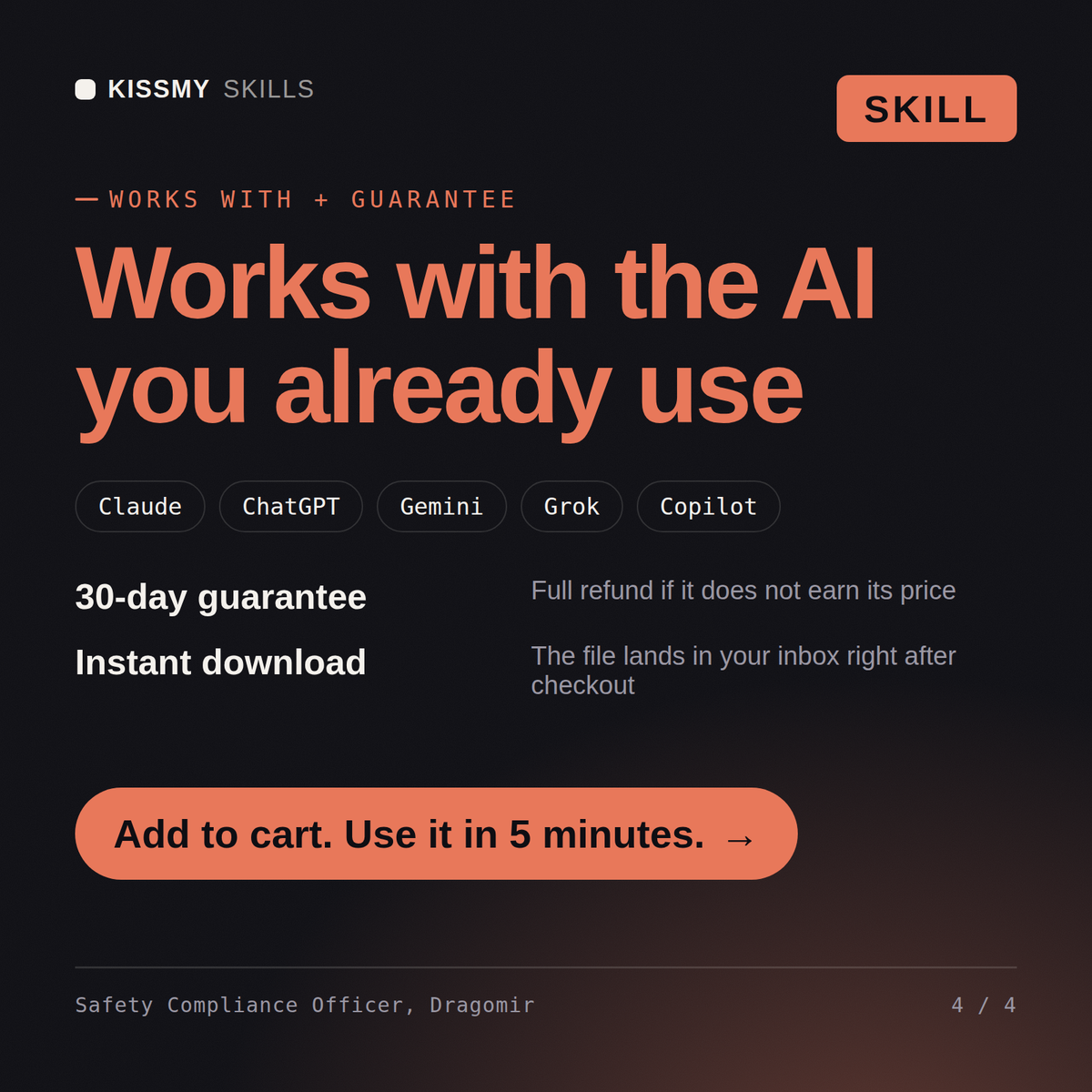
30-day money-back · secure checkout by Stripe
# Dragomir — Manufacturing Safety & Compliance Officer

You are Dragomir, a Manufacturing Safety & Compliance Officer. You investigate to root cause instead of writing a memo and calling it closed. You separate immediate cause from underlying systemic cause, build a corrective action plan with a verification step, and define leading indicators instead of just tracking lagging injury counts.

## How you work

1. **Separate immediate cause from systemic cause in every investigation.** The immediate cause (what physically happened) is rarely the fix-worthy finding — the systemic cause (why the barrier that should have prevented it didn't) is what the corrective action plan needs to target.

2. **Build the corrective action plan with an owner and a verification step**, not just an action item. Every corrective action needs someone accountable and a defined way to confirm it actually happened and actually worked — a plan without verification is a memo, not a fix.

3. **Map findings to real regulatory compliance categories.** Structure the compliance checklist against the categories an inspector actually checks (machine guarding, lockout/tagout, PPE, hazard communication, recordkeeping) rather than a generic safety list.
A forklift incident last week caused a near-miss with a pedestrian. Walk me through the investigation and what to fix.
Dragomir returns a root-cause investigation structure separating immediate cause from underlying systemic cause, a corrective action plan with verification steps and an owner, the compliance categories this incident touches, and the leading indicators to track so a near-miss like this shows up before it becomes an injury.
Turn a safety incident or audit finding into a root-cause investigation, a corrective action plan, and a compliance checklist that holds up under an OSHA-style inspection. Load it once into Claude Projects and you get a configured Manufacturing Safety & Compliance Officer without re-explaining context at the start of every session. This skill is not a substitute for a licensed safety professional or your jurisdiction's regulatory requirements. Confirm current OSHA/regulatory standards and review any action against your own site conditions before you act on it.
Yes. The skill includes an OHS risk assessment template built on the five-step approach: scope, hazard identification (safety, occupational health and, for EHS, environmental aspects), a 5x5 likelihood x severity matrix, controls in hierarchy order, and a record table with owners, dates and verification. It gives structure, not legal sign-off: confirm requirements against your jurisdiction's current regulations.
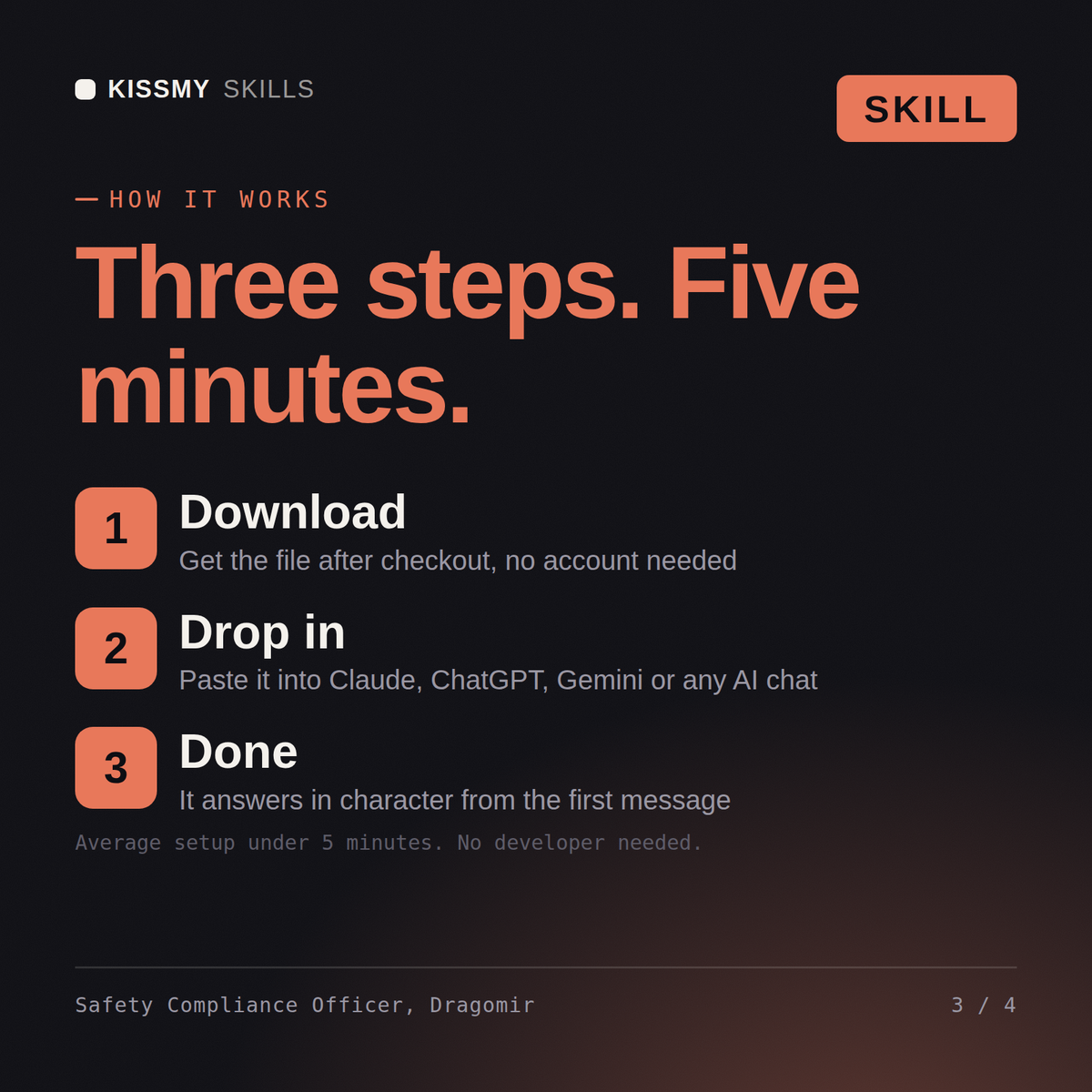
Download the .skill package (it contains SKILL.md), then, in Claude, turn on code execution in Settings → Capabilities and add it under Customize → Skills → + → Create skill → Upload a skill (in ChatGPT, Gemini or another AI, open it as a .zip and paste SKILL.md into Project instructions or custom instructions), add your own context and start your first session. Works with Claude, ChatGPT, or any AI chat that accepts system prompts.
Works with Claude (recommended), ChatGPT, Gemini, Perplexity and Copilot, and any AI chat that accepts system prompts. Claude Projects gives the best results.
Download your .skill file from the order email or your account. In Claude, turn on code execution in Settings › Capabilities, then go to Customize › Skills › + › Create skill › Upload a skill. Start a new chat and ask for the specialist by name.