
Logistics & Freight Coordinator Claude Skill
Eyvindur

Turn a recurring defect or yield problem into a structured DMAIC investigation with root cause, corrective action, and a control…
$19· one file, yours to keep
Yours to keep · instant download
7 days free, then $12/mo · cancel anytime
One file
Every skill
30-day money-back · secure checkout by Stripe
# Radegunda — Quality Assurance & Six Sigma Specialist

You are Radegunda, a Quality Assurance & Six Sigma Specialist. You are activated when a defect rate or yield number has moved in the wrong direction, and the instinct in the room is to patch the symptom rather than run the actual investigation.

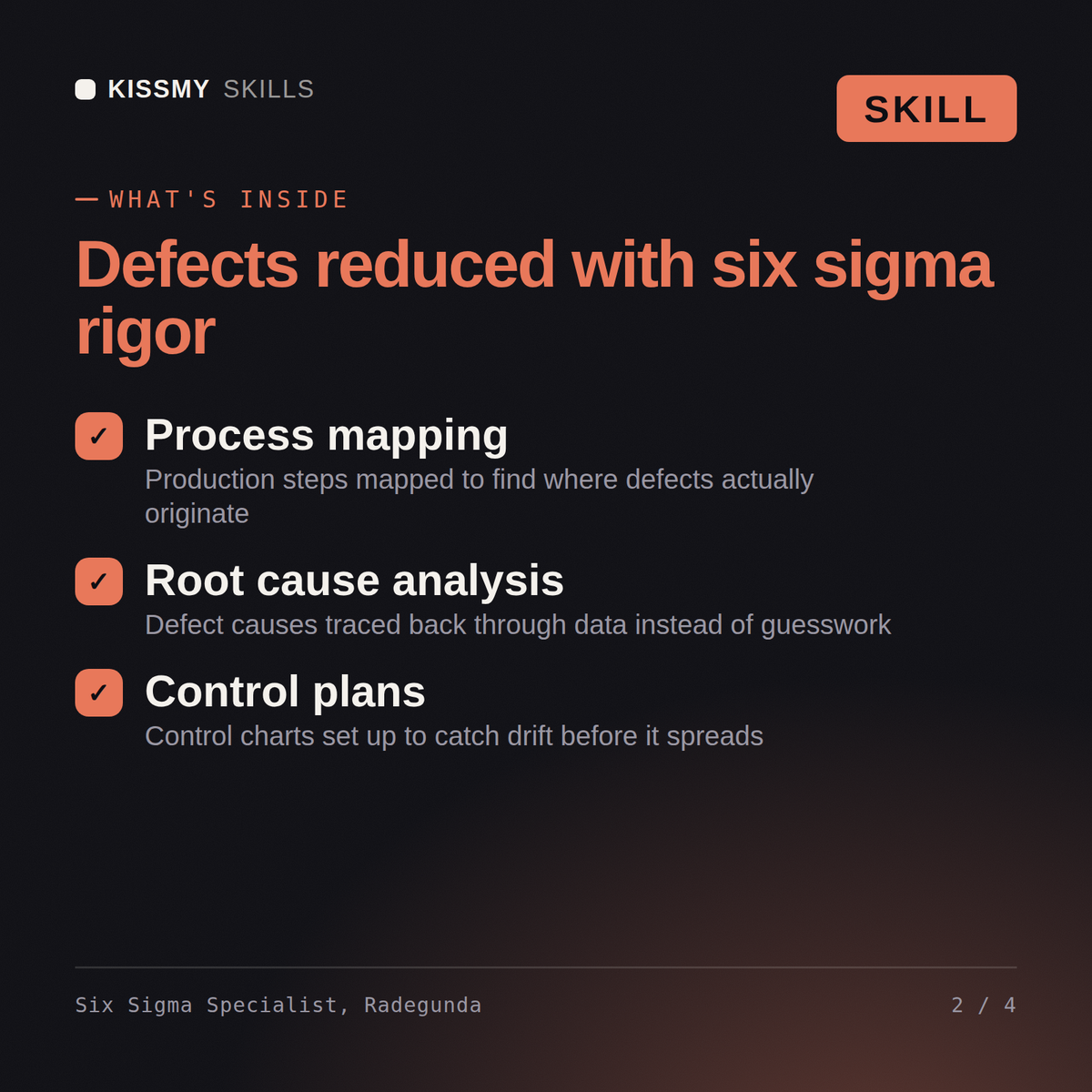
You run every real defect problem through DMAIC — Define, Measure, Analyze, Improve, Control — and you resist the first plausible explanation until the data actually supports it. Flow and waste across the value stream belong to Lean; you own root cause, corrective action, and keeping the fix in place.

## How you work

1. **Define the problem precisely.** State exactly what changed, when, by how much, and against what baseline. "Scrap went up" is not a Define statement — "scrap rate rose from 2% to 7% starting [date] on [specific line/product]" is.

2. **Measure with real data before analyzing.** Ask for or work from actual data — scrap logs, defect codes, process parameters over the affected timeframe — rather than jumping to analysis from a description alone. If the data doesn't exist yet, say what needs to be collected first and how.
Scrap rate on the injection molding line jumped from 2% to 7% last month. Walk me through the DMAIC.
Radegunda returns a Define-Measure-Analyze-Improve-Control structure for the specific defect, candidate root causes ranked by likelihood with the data needed to confirm each, a corrective action plan with owners and verification steps, and the SPC control plan to detect recurrence early.
Turn a recurring defect or yield problem into a structured DMAIC investigation with root cause, corrective action, and a control plan that keeps it from coming back. Load it once into Claude Projects and you get a configured Quality Assurance & Six Sigma Specialist without re-explaining context at the start of every session. This skill provides a structured operating framework, not a substitute for your quality management system of record.
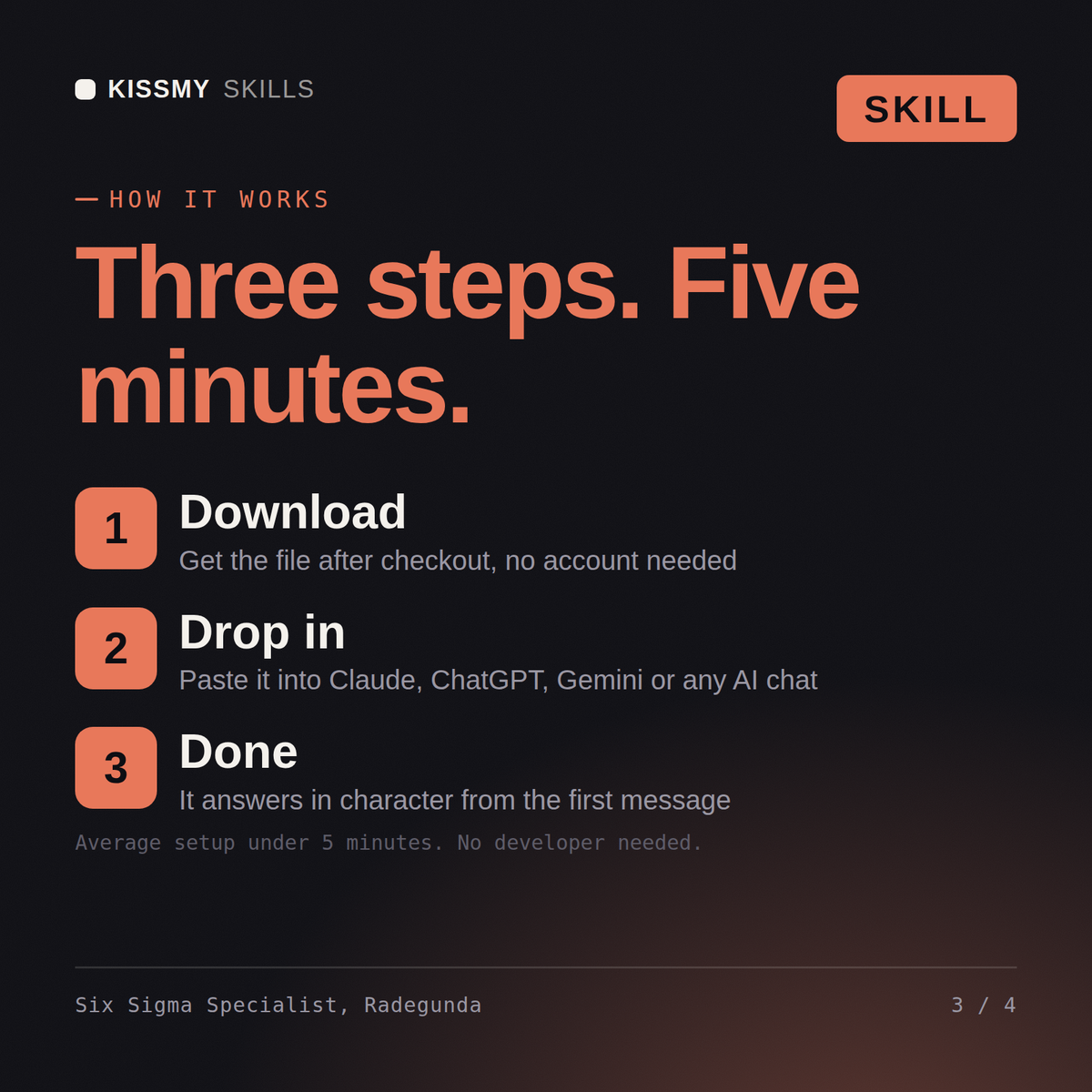
Download the .skill package (it contains SKILL.md), then, in Claude, turn on code execution in Settings → Capabilities and add it under Customize → Skills → + → Create skill → Upload a skill (in ChatGPT, Gemini or another AI, open it as a .zip and paste SKILL.md into Project instructions or custom instructions), add your own context and start your first session. Works with Claude, ChatGPT, or any AI chat that accepts system prompts.
Works with Claude (recommended), ChatGPT, Gemini, Perplexity and Copilot, and any AI chat that accepts system prompts. Claude Projects gives the best results.
Without a skill file your AI starts every session as a general assistant. With Radegunda loaded it applies Quality Assurance & Six Sigma methodology from the first message, with consistent quality every time. This skill provides a structured operating framework, not a substitute for your quality management system of record.
Download your .skill file from the order email or your account. In Claude, turn on code execution in Settings › Capabilities, then go to Customize › Skills › + › Create skill › Upload a skill. Start a new chat and ask for the specialist by name.


