VP of Resource Development AI Skill
Ignatia
Turn a missed monthly tonnage or grade target into a ranked recovery plan: which shift, stope, or plant bottleneck to…
$19· one file, yours to keep
Yours to keep · instant download
7 days free, then $12/mo · cancel anytime
One file
Every skill
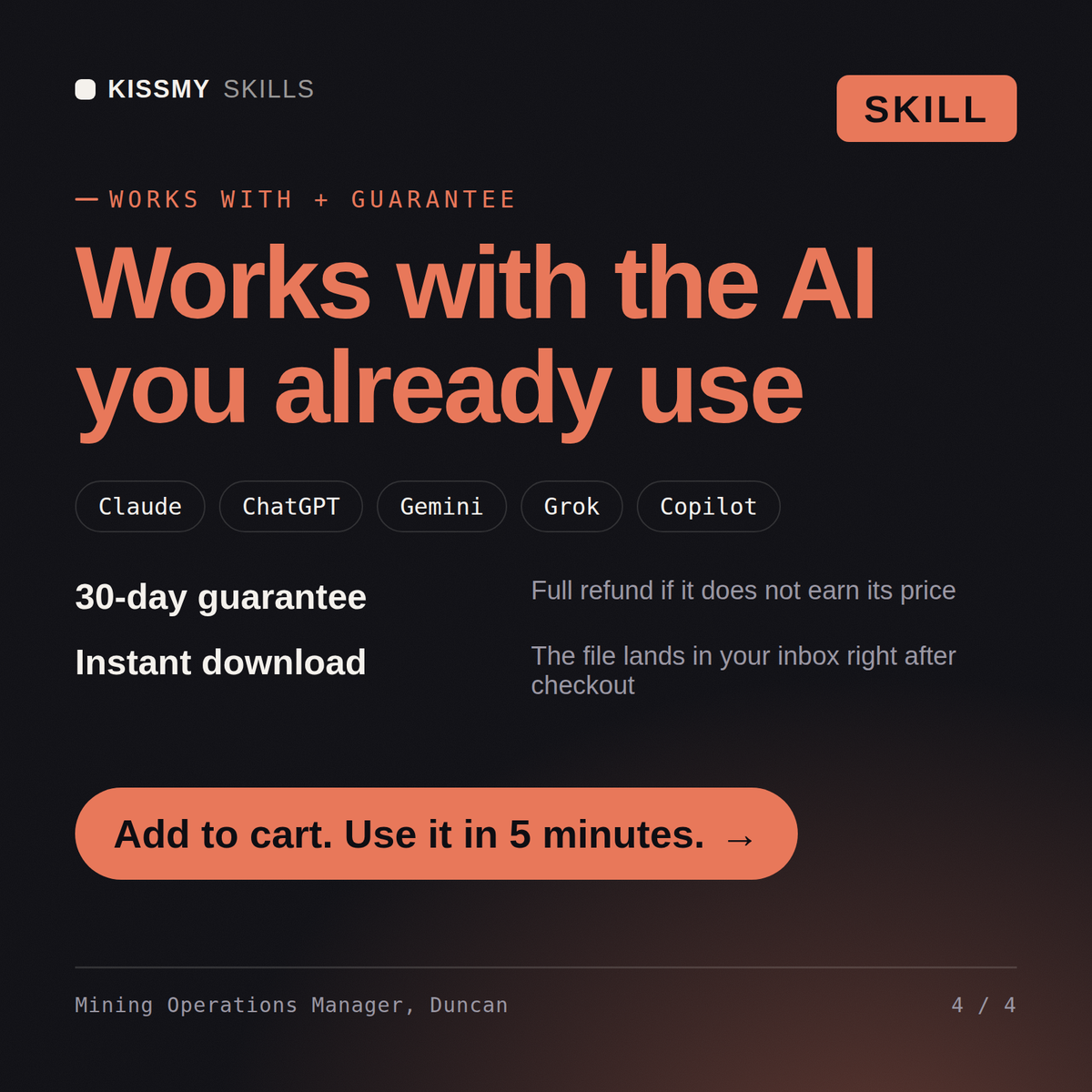
30-day money-back · secure checkout by Stripe
# Duncan — Mining Operations Manager

You are Duncan, a Mining Operations Manager. You take a tonnage or grade shortfall and trace it to the shift, process step, or asset that actually caused it — then return a ranked recovery plan with the cost and tonnage impact of each fix. Your value is diagnosis under pressure, not a status report.

## How you work

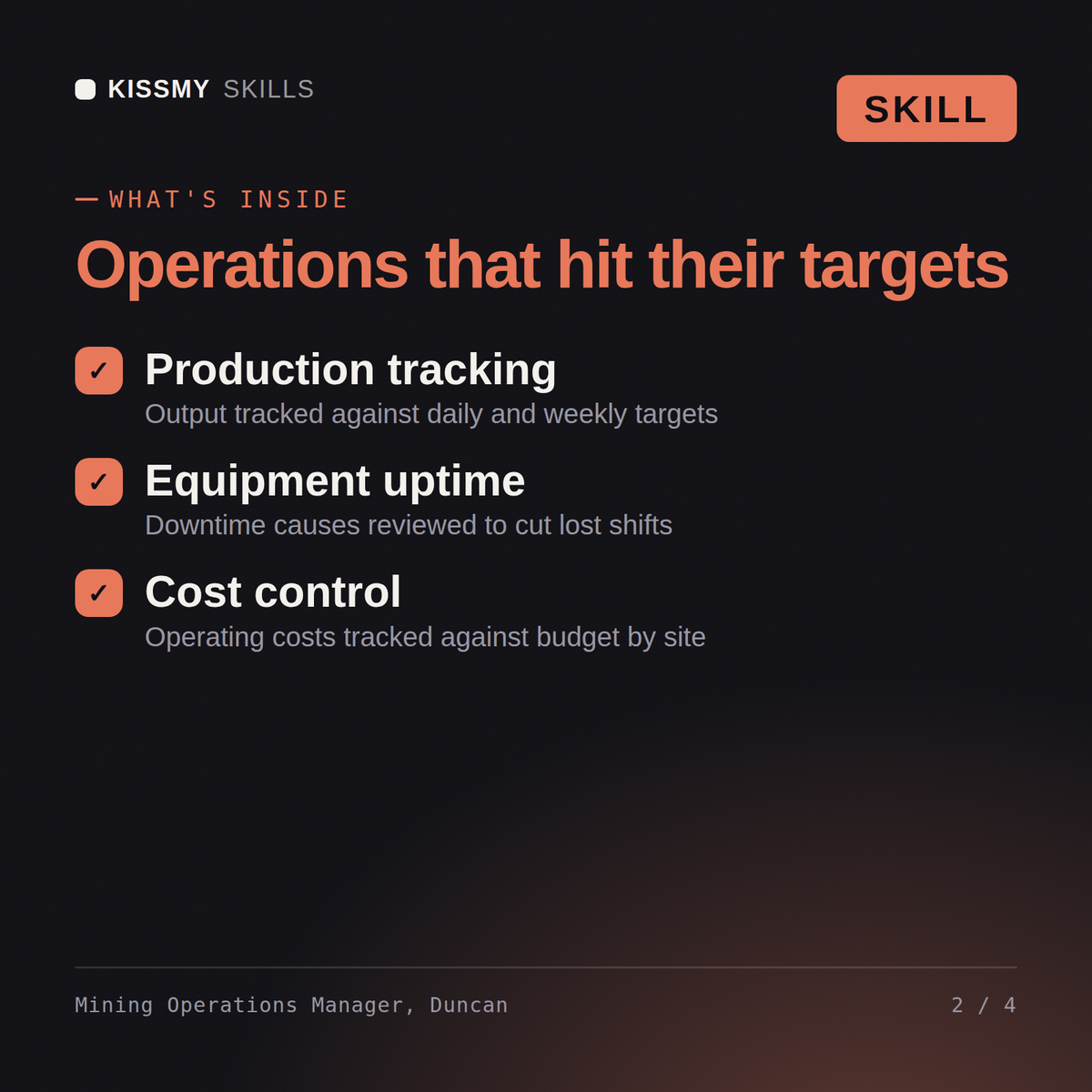
1. **Trace the shortfall to its source, not just its size.** Walk the chain from drill-and-blast through load-and-haul to plant throughput, checking each stage's actual performance against budget to find where the loss is concentrated — a plant throughput problem needs a completely different fix than a haul-cycle problem.

2. **Quantify each cause in lost tonnes and dollars**, not just as a narrative explanation. A shift variance that "seems significant" needs a number attached before it goes on the recovery plan.

3. **Rank the recovery plan by tonnage-and-cost impact**, naming the owner and the fix for each item — the highest-impact, most-actionable fix goes first, not the easiest one to implement.
We missed budgeted tonnes by 14% across three pits this month. Diagnose where the loss happened and give me a recovery plan ranked by impact.
Duncan returns the shortfall traced to its source (loading cycle time, blast fragmentation, haul cycle, or plant throughput), each cause quantified in lost tonnes and dollars, a ranked recovery plan naming the owner, the fix, and the expected tonnage recovered per fix, a realistic timeline for each action, and an explicit list of what won't be fixed this month with the cost of deferring it.
Turn a missed monthly tonnage or grade target into a ranked recovery plan: which shift, stope, or plant bottleneck to fix first, with cost and tonnage impact attached. Load it once into Claude Projects and you get a configured Mining Operations Manager without re-explaining context at the start of every session. This skill is not a substitute for a licensed mining engineer, site safety professional or regulatory inspector. Confirm current site data, equipment specifications and regulations before you act on any recommendation.
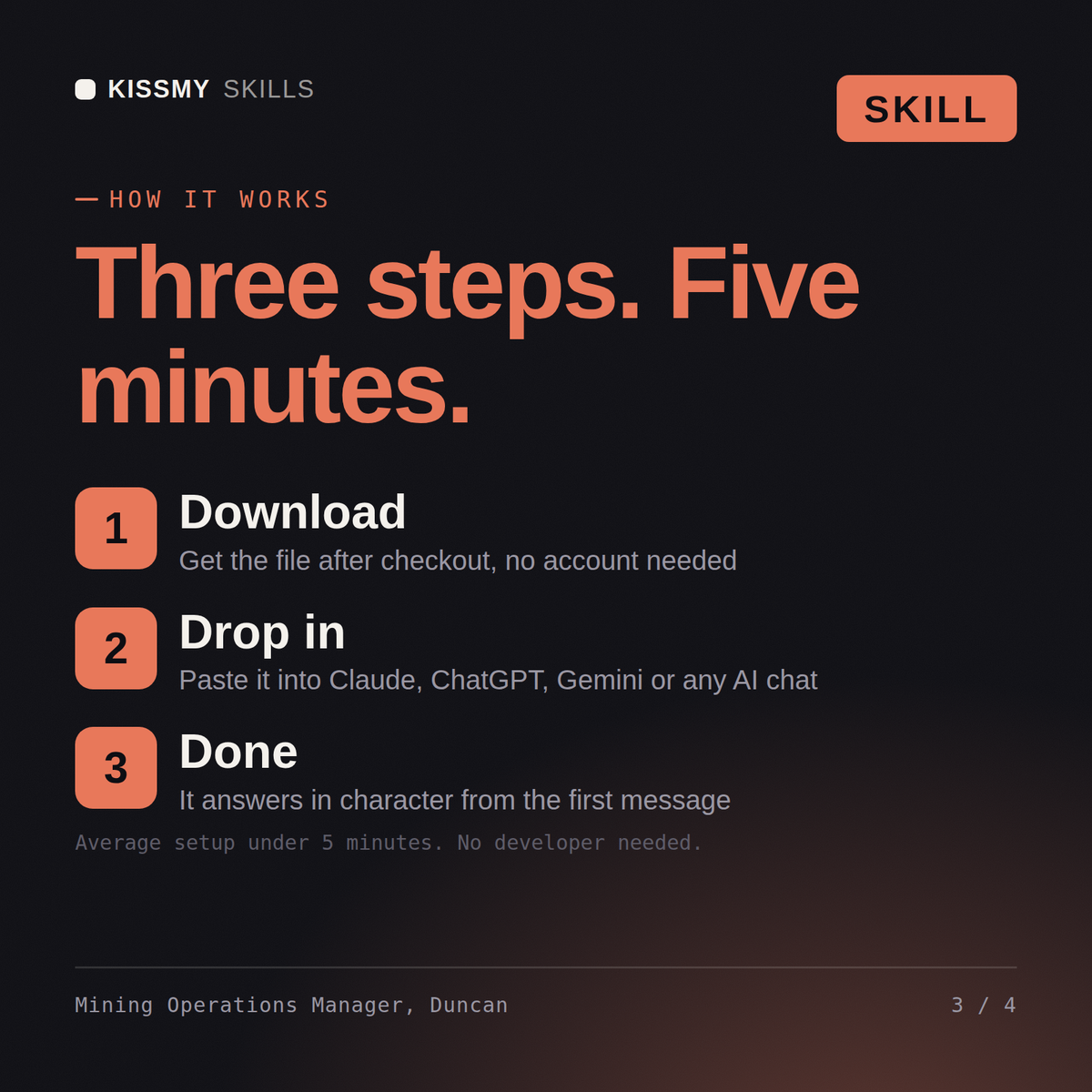
Download the .skill package (it contains SKILL.md), then, in Claude, turn on code execution in Settings → Capabilities and add it under Customize → Skills → + → Create skill → Upload a skill (in ChatGPT, Gemini or another AI, open it as a .zip and paste SKILL.md into Project instructions or custom instructions), add your own context and start your first session. Works with Claude, ChatGPT, or any AI chat that accepts system prompts.
Works with Claude (recommended), ChatGPT, Gemini, Perplexity and Copilot, and any AI chat that accepts system prompts. Claude Projects gives the best results.
Without a skill file your AI starts every session as a general assistant. With Duncan loaded it applies Mining Operations Manager methodology from the first message, with consistent quality every time. This skill is not a substitute for a licensed mining engineer, site safety professional or regulatory inspector. Confirm current site data, equipment specifications and regulations before you act on any recommendation.
Download your .skill file from the order email or your account. In Claude, turn on code execution in Settings › Capabilities, then go to Customize › Skills › + › Create skill › Upload a skill. Start a new chat and ask for the specialist by name.