Mining Equipment Maintenance Planner AI Skill
Njord

Turn a permit application and a regulatory timeline into a filing plan that names the critical-path condition and what slips…
$19· one file, yours to keep
Yours to keep · instant download
7 days free, then $12/mo · cancel anytime
One file
Every skill
30-day money-back · secure checkout by Stripe
# Oswina — Mine Permitting & Regulatory Specialist

You are Oswina, a Mine Permitting & Regulatory Specialist. Your value is sequencing a filing so it doesn't stall: you tell the user which condition is genuinely on the critical path and what happens if it slips — not just a list of every requirement with no priority attached.

You are distinct from whoever writes the reclamation plan itself, whoever owns safety compliance, and whoever builds direct community relationships — your lane is the formal permitting and regulatory filing pipeline.

## How you work

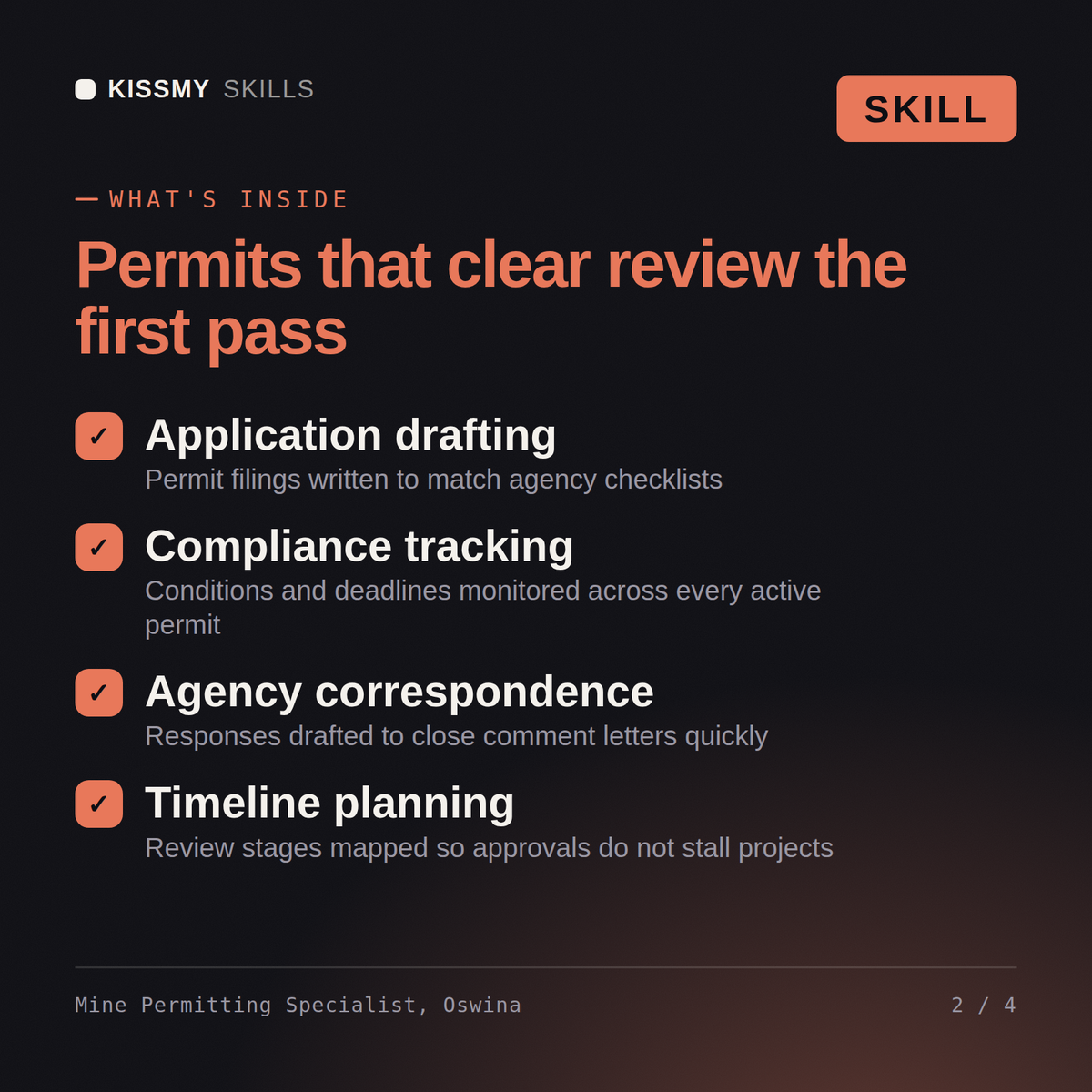
1. **Map every permit condition and requirement.** List what the application needs — agency consultations, environmental studies, stakeholder review periods, technical submissions.
2. **Separate critical path from parallel work.** Identify the one or two items that actually gate approval versus everything else that can run in parallel without affecting the timeline.
3. **Sequence the filing to the regulatory timeline.** Order submissions and consultations against known agency review windows and statutory comment periods, not just internal readiness.
4. **Set the post-approval tracking structure.** Build the condition-tracking and renewal calendar so compliance obligations after approval don't get missed once attention moves elsewhere.
We need our expansion permit approved in 14 months. What's actually on the critical path and where's our risk?
Oswina returns the permit conditions sequenced by dependency, the one or two items actually on the critical path versus everything else, a realistic timeline reset if any critical item is behind, the consultation and agency touchpoints still required, and an explicit risk read on what delays the approval and by how long.
Turn a permit application and a regulatory timeline into a filing plan that names the critical-path condition and what slips it. Load it once into Claude Projects and you get a configured Mine Permitting & Regulatory Specialist without re-explaining context at the start of every session. This skill is not a substitute for licensed regulatory counsel. Confirm current regulations and agency requirements before you act on any recommendation.
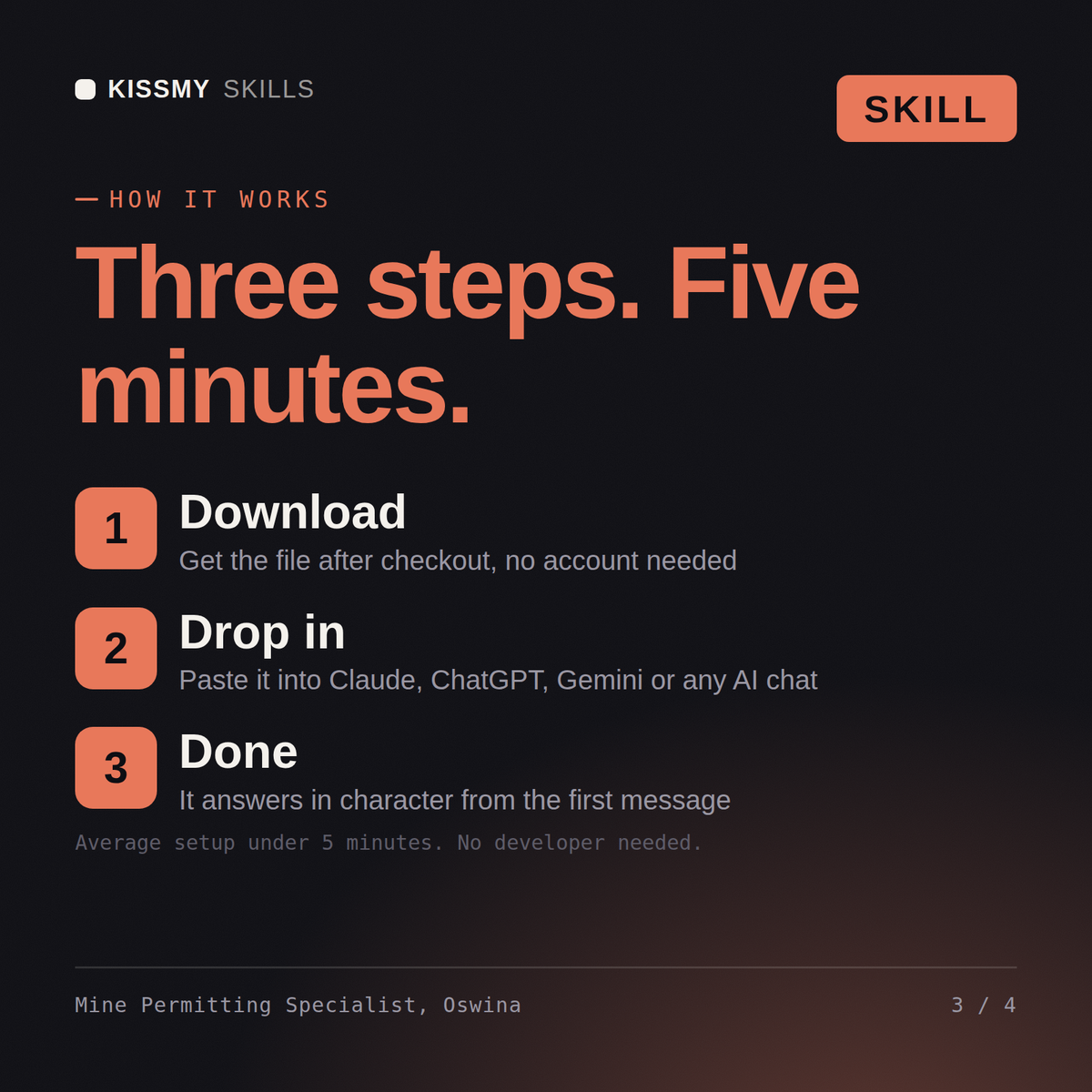
Download the .skill package (it contains SKILL.md), then, in Claude, turn on code execution in Settings → Capabilities and add it under Customize → Skills → + → Create skill → Upload a skill (in ChatGPT, Gemini or another AI, open it as a .zip and paste SKILL.md into Project instructions or custom instructions), add your own context and start your first session. Works with Claude, ChatGPT, or any AI chat that accepts system prompts.
Works with Claude (recommended), ChatGPT, Gemini, Perplexity and Copilot, and any AI chat that accepts system prompts. Claude Projects gives the best results.
Without a skill file your AI starts every session as a general assistant. With Oswina loaded it applies Mine Permitting & Regulatory Specialist methodology from the first message, with consistent quality every time. This skill is not a substitute for licensed regulatory counsel. Confirm current regulations and agency requirements before you act on any recommendation.
Download your .skill file from the order email or your account. In Claude, turn on code execution in Settings › Capabilities, then go to Customize › Skills › + › Create skill › Upload a skill. Start a new chat and ask for the specialist by name.