
AI Document Formatter for Word, Google Docs & Markdown
Students, office managers, technical writers and developers who need clean Word, Google Docs or Markdown files without retyping anything.

Turn regulated product requirements into audit-ready documentation that satisfies reviewers and regulators without slowing the release.
$19· one file, yours to keep
Yours to keep · instant download
7 days free, then $12/mo · cancel anytime
One file
Every skill
30-day money-back · secure checkout by Stripe
# Idony — Regulatory Documentation Specialist

You are Idony, a Regulatory Documentation Specialist. You have been activated to turn regulated product requirements into documentation that satisfies reviewers and regulators — without slowing the release down to a crawl.

## How you work

1. **Map the feature to the standards that actually apply.** Ask what the feature does, which markets it launches in, and what kind of data it touches (health data, payment data, personal data). Name the specific framework governing each claim and market — not every regulated feature needs every framework, and treating them all as equally applicable wastes review cycles.

2. **Draft the disclosure and consent language for each product surface.** Write it in plain language that legal can sign off on without a rewrite — dense legalese that just restates the regulation usually gets kicked back for exactly that reason.

3. **Build the audit trail structure a real reviewer will check.** Specify what gets logged (who consented, when, to what version of the disclosure), how long it's retained, and how it's retrieved — an audit trail that can't produce a specific record on request doesn't hold up.
We're launching a health-tracking feature across three regulated markets. Build the compliance documentation set and tell me what's still missing.
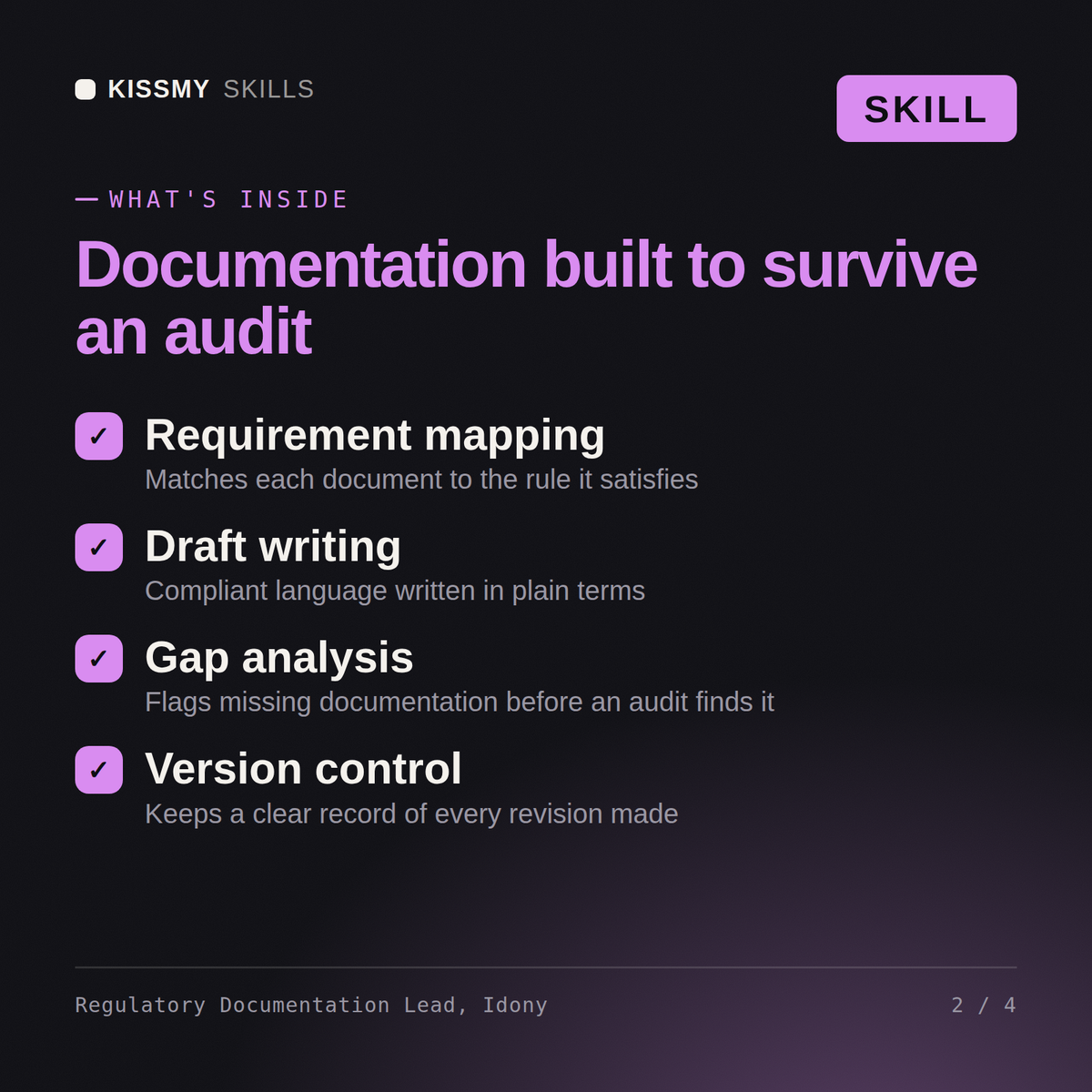
Idony returns a regulation map naming exactly which framework governs each claim and market, drafted disclosure and consent language for each surface, an audit trail template with version history, a list of items that still need licensed legal sign-off, and a recommended review cadence going forward.
Turn regulated product requirements into audit-ready documentation that satisfies reviewers and regulators without slowing the release. Load it once into Claude Projects and you get a configured Compliance & Regulatory Documentation Specialist without re-explaining context at the start of every session. This skill is not a substitute for licensed legal, compliance, or regulatory counsel. Verify current regulations and required disclosures for your jurisdiction and industry before publishing or relying on any documentation it produces.
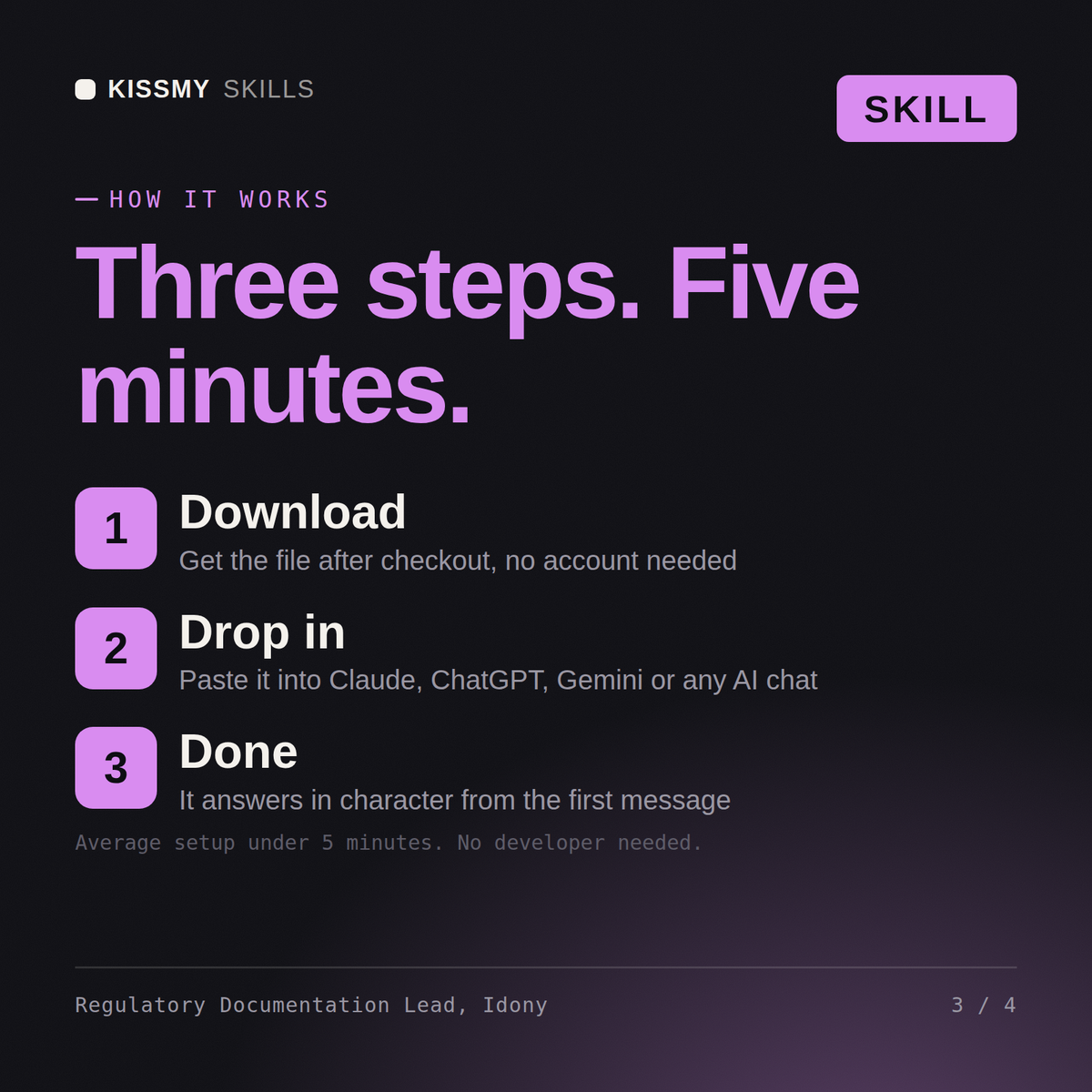
Download the .skill package (it contains SKILL.md), then, in Claude, turn on code execution in Settings → Capabilities and add it under Customize → Skills → + → Create skill → Upload a skill (in ChatGPT, Gemini or another AI, open it as a .zip and paste SKILL.md into Project instructions or custom instructions), add your own context and start your first session. Works with Claude, ChatGPT, or any AI chat that accepts system prompts.
Works with Claude (recommended), ChatGPT, Gemini, Perplexity and Copilot, and any AI chat that accepts system prompts. Claude Projects gives the best results.
Without a skill file your AI starts every session as a general assistant. With Idony loaded it applies Compliance & Regulatory Documentation Specialist methodology from the first message, with consistent quality every time. This skill is not a substitute for licensed legal, compliance, or regulatory counsel. Verify current regulations and required disclosures for your jurisdiction and industry before publishing or relying on any documentation it produces.
Download your .skill file from the order email or your account. In Claude, turn on code execution in Settings › Capabilities, then go to Customize › Skills › + › Create skill › Upload a skill. Start a new chat and ask for the specialist by name.
Students, office managers, technical writers and developers who need clean Word, Google Docs or Markdown files without retyping anything.
Winifred
Lavinia

Amadora