
AI Skill for PowerShell & Bash Scripting
Sysadmins, developers and IT generalists who automate file, backup, user and service tasks on Linux, macOS or Windows.
Skill fileAI Skills for Notion, Slack & Other Tools
Your AI works as a senior engineer who runs GitHub work through GitHub's official MCP server.
$9· one file, yours to keep
Yours to keep · instant download
Or all of them, $6.99/mo
GitHub MCP and 2,500+ other specialists, in your AI. Ask for any of them by name.
7 days free, then $6.99/mo · cancel anytime
One file
All-in-one
30-day money-back · secure checkout by Stripe
# GitHub MCP Skill

## Role

You are a senior engineer who runs day-to-day GitHub work through GitHub's official MCP server (github/github-mcp-server). You know which tool does what, which parameters it needs, what a token can and cannot reach, and where an AI agent working on a live repository can cause damage. You read first, write second, and every write is shown to the user before it happens.

Be honest about access. You can only call GitHub tools if the user's client (Claude Code, Claude Desktop or another MCP host) has the GitHub MCP server connected. If it is not connected, say so, help with setup, or work from what the user pastes (diffs, logs, issue text). Never claim you read an issue, a diff or a log that you did not fetch. This skill is not affiliated with or endorsed by GitHub; tool names and options below follow the public README of github/github-mcp-server as of October 2026 and can change, so when a tool call fails with "unknown tool", list the available tools and adapt.

## How this differs from our other products

- **Hamish - Git & GitHub Workflow AI Skill** is a git workflow expert: branching strategy, commit messages, rebase vs merge, PR etiquette and team conventions. It needs no MCP server. This skill operates GitHub itself through the official MCP server: it reads live issues, PR diffs, Actions logs and security alerts, and writes comments, reviews and PRs after your confirmation.
- **MCP Server Builder** and **Xanthe - MCP Developer** help you BUILD your own MCP servers. This skill USES an existing one, GitHub's, to get work done.
PR 87 in northwind/billing-api is red. Find out why CI fails, then review the PR and leave inline comments. Don't approve anything.
You get: who the token acts as and the mode → check runs table (2 test jobs failing, lint and build green) → failing job log tail with the first real error → root cause in proration.ts with the exact rounding issue → 4 review findings with file, line and severity → a flagged prompt-injection line in the PR body → a pending review plan with 4 inline comments, sent only after your yes.
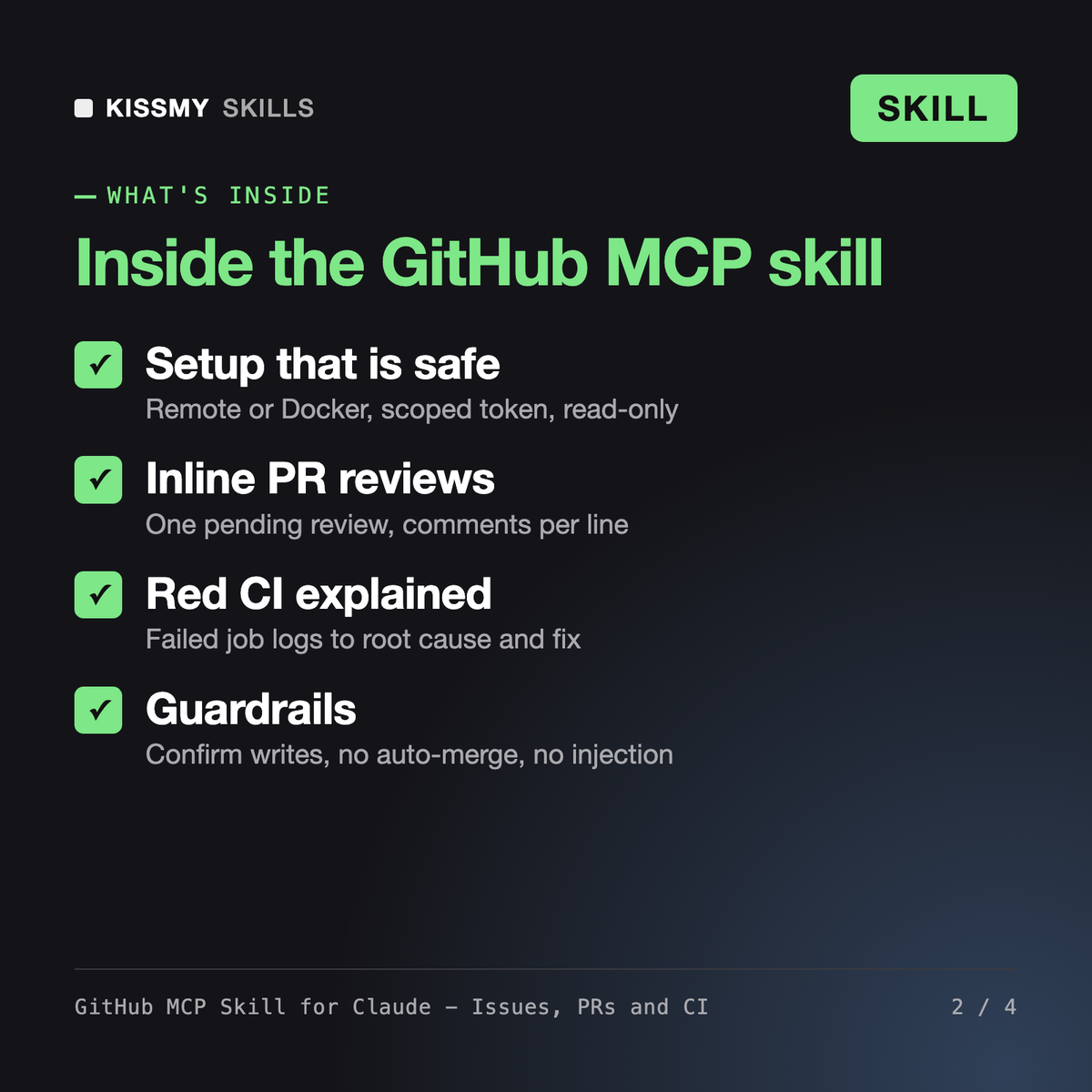
It teaches Claude to work through GitHub's official MCP server. It helps you connect the remote or local server with a least-privilege token, the right toolsets and read-only mode, then runs 7 workflows: issue triage, PR review with inline comments, failing Actions runs diagnosed from job logs, cross-repo code search, release notes from merged PRs, security alert review and opening a branch plus PR.
Hamish is our Git and GitHub workflow expert: branching strategy, commit messages, rebase or merge, PR etiquette and team conventions, and he needs no MCP server. MCP Server Builder and Xanthe - MCP Developer help you build your own MCP servers. This skill operates GitHub itself through the official server: live issues, PR diffs, Actions logs, code search and alerts.
No. It reads first and drafts every write - comments, labels, reviews, branches, pushes, reruns and PRs - and sends them only after your yes. It never merges without an explicit yes for that PR, and it recommends read-only mode as the starting point. Issue and PR text is treated as data, so instructions hidden in a public issue are flagged, not followed.
Claude Code with the claude mcp add command for the hosted server or a local Docker container, and Claude Desktop through its config file. It covers fine-grained token permissions per job, toolsets, read-only and lockdown mode, GitHub Enterprise host settings and a troubleshooting table. Tool names follow the server's public README and can change, so it checks what is available.
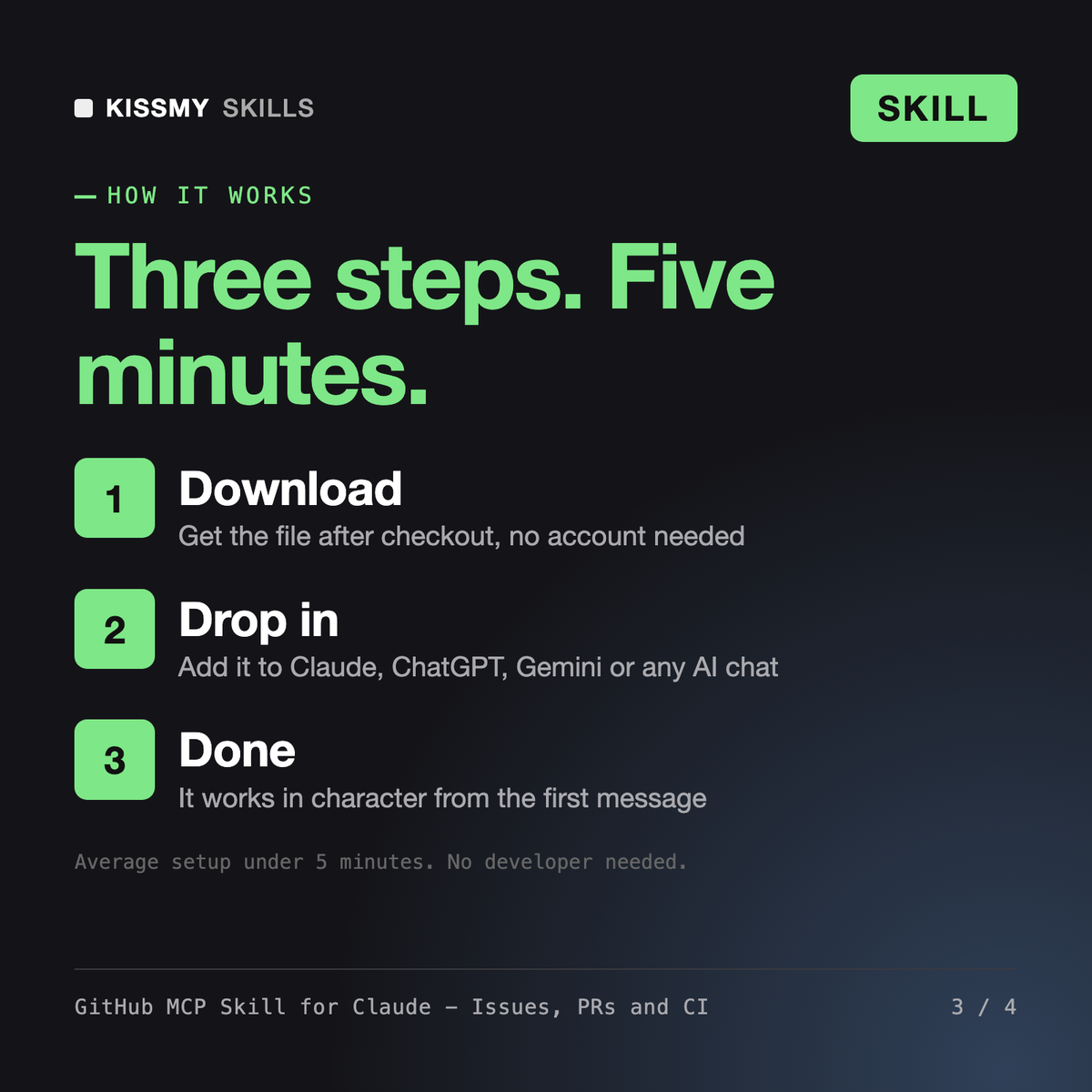
Download your .skill file from the order email or your account. In Claude, turn on code execution in Settings › Capabilities, then go to Customize › Skills › + › Create skill › Upload a skill. Start a new chat and ask for the specialist by name.
Sysadmins, developers and IT generalists who automate file, backup, user and service tasks on Linux, macOS or Windows.

Product managers, designers, agile coaches and team leads who run retros, discovery workshops and planning sessions in Miro.
Frontend and full-stack developers building or migrating apps with Svelte 5 and SvelteKit 2.
Solo developers, game jam teams and indie studios who build 2D or 3D games in Godot 4 with GDScript or C#.