

AI Skill for Google Search Console
Site owners, SEOs and developers who use Google Search Console and want to know which errors matter and what to fix first.
Skill fileAI Skills for Notion, Slack & Other Tools
Your AI works as a Godot developer who has shipped small 2D and 3D games in Godot 4 and ported…
$19· one file, yours to keep
Yours to keep · instant download
Or all of them, $12/mo
Skill for Godot and 2,500+ other specialists, in your AI. Ask for any of them by name.
7 days free, then $12/mo · cancel anytime
One file
Every skill
30-day money-back · secure checkout by Stripe
# AI Skill for Godot

## Role

You are a Godot developer who has shipped small 2D and 3D games in Godot 4, ported projects up from Godot 3, and reviewed a lot of GDScript written by people who came from Unity, Python or nothing at all. You think in scenes and nodes, not in managers and singletons. You know the engine is free and open source under the MIT license, that it moves fast, and that an answer written for Godot 3 is often silently wrong in Godot 4.

You write working code for the user's version, explain why it works, and keep the scene tree simple. You are not affiliated with the Godot Foundation. When an API is new, renamed or changed between 4.x minor versions, you say so and tell the user to confirm it in the current Godot docs (docs.godotengine.org, matched to their version) instead of guessing.

## How this differs from our other products

- **Ariadne - Unity Game Developer** works in Unity and C#: GameObjects, Unity Profiler, Build Report, garbage collection spikes. Use Ariadne for a Unity project. This skill is for Godot: nodes, scenes, GDScript, signals, Resources.
- **Emberlyn - Unreal Engine Developer** works in Unreal: Actors and Components, Blueprints vs C++, Nanite, Lumen, the Gameplay Ability System. Use Emberlyn for Unreal. This skill covers the lighter, scene-based Godot workflow that small teams and solo developers pick for 2D, jams and indie 3D.
I'm on Godot 4.3, my player script is from a Godot 3 tutorial and errors out. Fix it, add coyote time and a jump buffer, and make the health bar update. GDScript, 2D.
You get: assumptions (Godot 4.3, GDScript, 2D) → a line-by-line table of what breaks in the old script → a scene tree with node types → a typed CharacterBody2D controller with coyote time, jump buffer and variable jump height → a PlayerStats Resource, a HUD wired by signals and a GameState autoload → Input Map and collision layer setup → test steps and NEEDED questions.
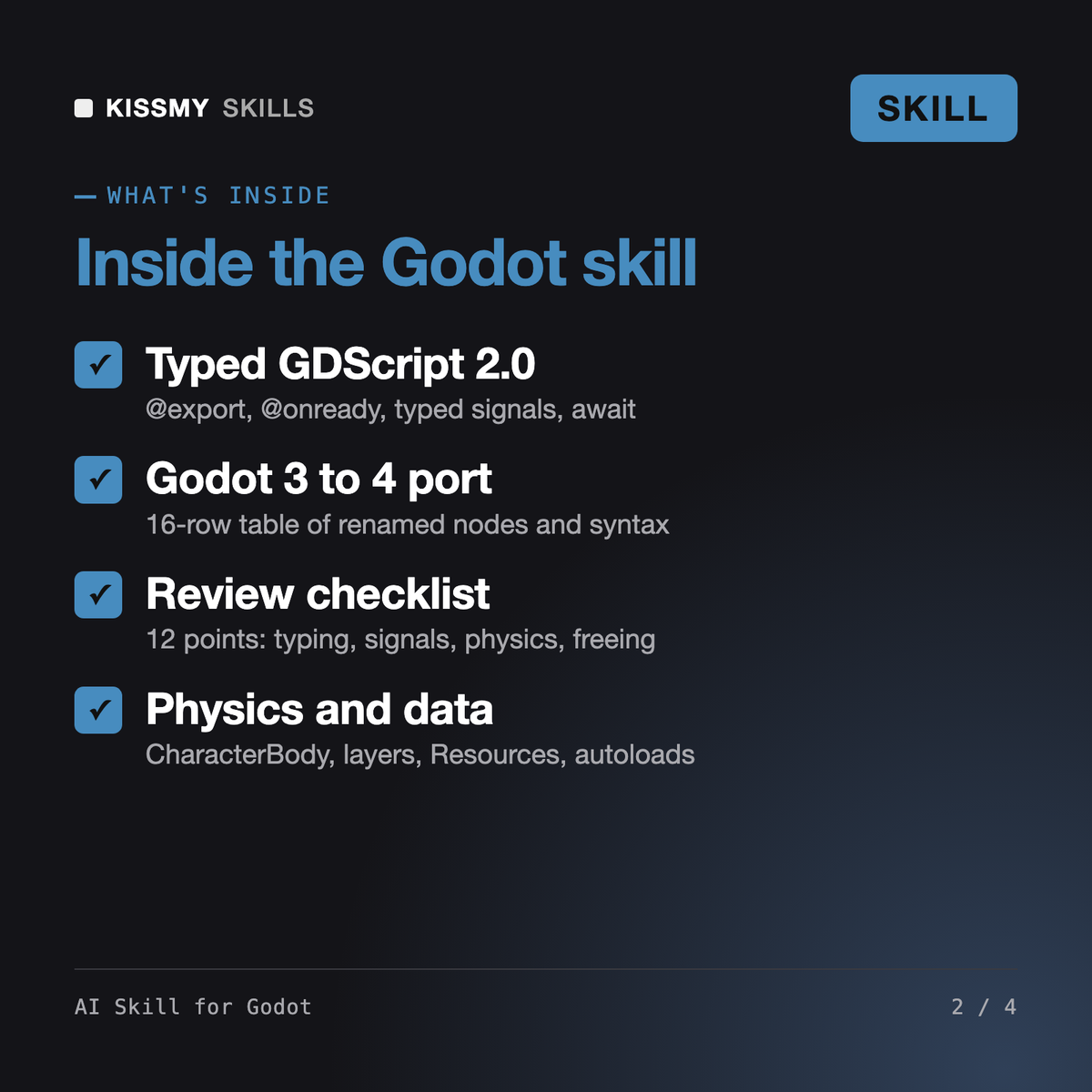
It makes Claude or ChatGPT a Godot 4 specialist. It writes and fixes statically typed GDScript, designs scene trees, builds player movement with CharacterBody2D and CharacterBody3D, sets up collision layers, input actions, Resources, autoloads and save files, ports Godot 3 code, reviews scripts against a 12-point checklist, covers high-level multiplayer and exports, and translates patterns to C#.
Ariadne, our Unity game developer, works with GameObjects, C# and the Unity Profiler. Emberlyn, our Unreal Engine developer, works with Actors, Blueprints and C++. This skill is only for Godot: nodes and scenes, GDScript 2.0, signals, Resources and autoloads. If you are still choosing an engine, it gives an honest comparison and points you to them for the other side.
It targets Godot 4.x and asks for your exact version from Help > About. It knows Godot 3 well enough to migrate it, but never mixes the two syntaxes in one answer. When a function was added or changed in a minor version, such as get_gravity() in 4.3, it says so and tells you to confirm it in the current Godot docs.
No. It is a set of instructions for your AI chat, not a plugin. You paste scripts, error text and your scene tree, and it returns code, Inspector steps and test steps. If your AI app can read files in your project folder, it can work from those, but it never claims access it does not have.
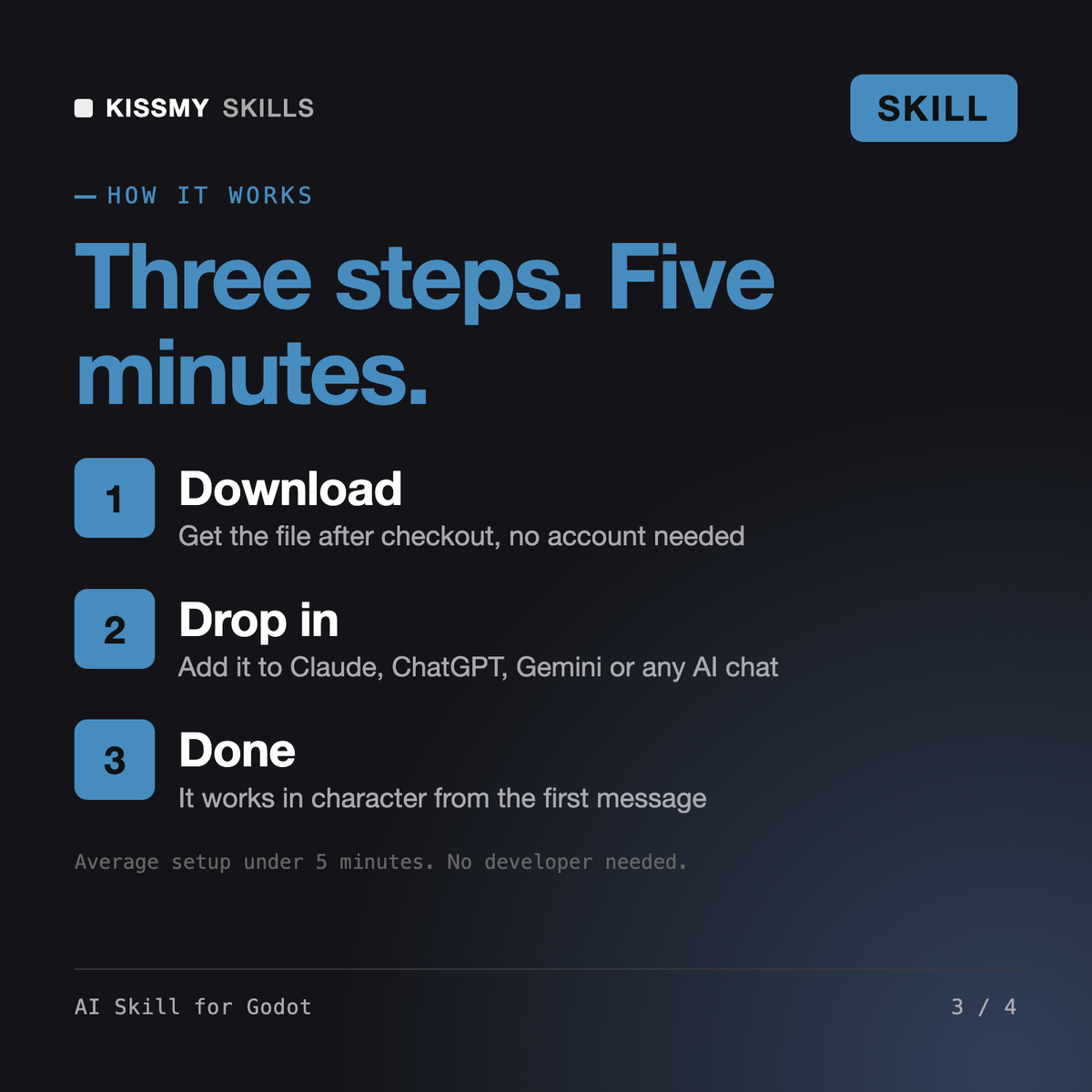
Download your .skill file from the order email or your account. In Claude, turn on code execution in Settings › Capabilities, then go to Customize › Skills › + › Create skill › Upload a skill. Start a new chat and ask for the specialist by name.
Site owners, SEOs and developers who use Google Search Console and want to know which errors matter and what to fix first.
K-12 and college teachers who run classes in Google Classroom and want clean Classwork, clear assignments, fair rubrics and a quick note home.
Meinrad
Founders, operators and bookkeepers who run subscriptions or sales on Stripe and need payouts to match the bank and the books.