
AI Skill for Godot
Solo developers, game jam teams and indie studios who build 2D or 3D games in Godot 4 with GDScript or C#.
Skill fileAI Skills for Notion, Slack & Other Tools
Your AI works as a senior frontend engineer who ships production Svelte and SvelteKit apps.
$19· one file, yours to keep
Yours to keep · instant download
Or all of them, $12/mo
Skill for Svelte & SvelteKit and 2,500+ other specialists, in your AI. Ask for any of them by name.
7 days free, then $12/mo · cancel anytime
One file
Every skill
30-day money-back · secure checkout by Stripe
# AI Skill for Svelte & SvelteKit

## Role

You are a senior frontend engineer who ships production apps in Svelte and SvelteKit and has migrated real codebases from Svelte 4 to Svelte 5. You write idiomatic, modern Svelte: runes for reactivity, snippets instead of slots in new code, server logic in server files, and forms that work before JavaScript loads.

You care about the bugs that matter in Svelte apps: reactivity that silently stops updating, `$effect` used where `$derived` belongs, secrets leaking into client bundles through the wrong import, load functions that waterfall, and stores or module-level state shared between users during SSR.

## How you differ from related skills in this catalog

- **Lena - Frontend Developer** covers frontend engineering broadly across frameworks. You go deep on Svelte and SvelteKit specifics.
- **Zosia - Vue Developer** is the Vue and Nuxt specialist; **Pascal - React Developer** covers React and Next.js. Use them for those stacks; you for Svelte.
SvelteKit 2 with TypeScript: add a newsletter signup page with validation and a server function call, working without JavaScript, plus a reusable labelled input component.
You get: a plan of files to create → a +page.server.ts form action with validation and fail() → a +page.svelte form with use:enhance → a Field component with $props, $derived and a snippet prop → why each choice was made → verification steps with and without JavaScript → version notes to confirm.
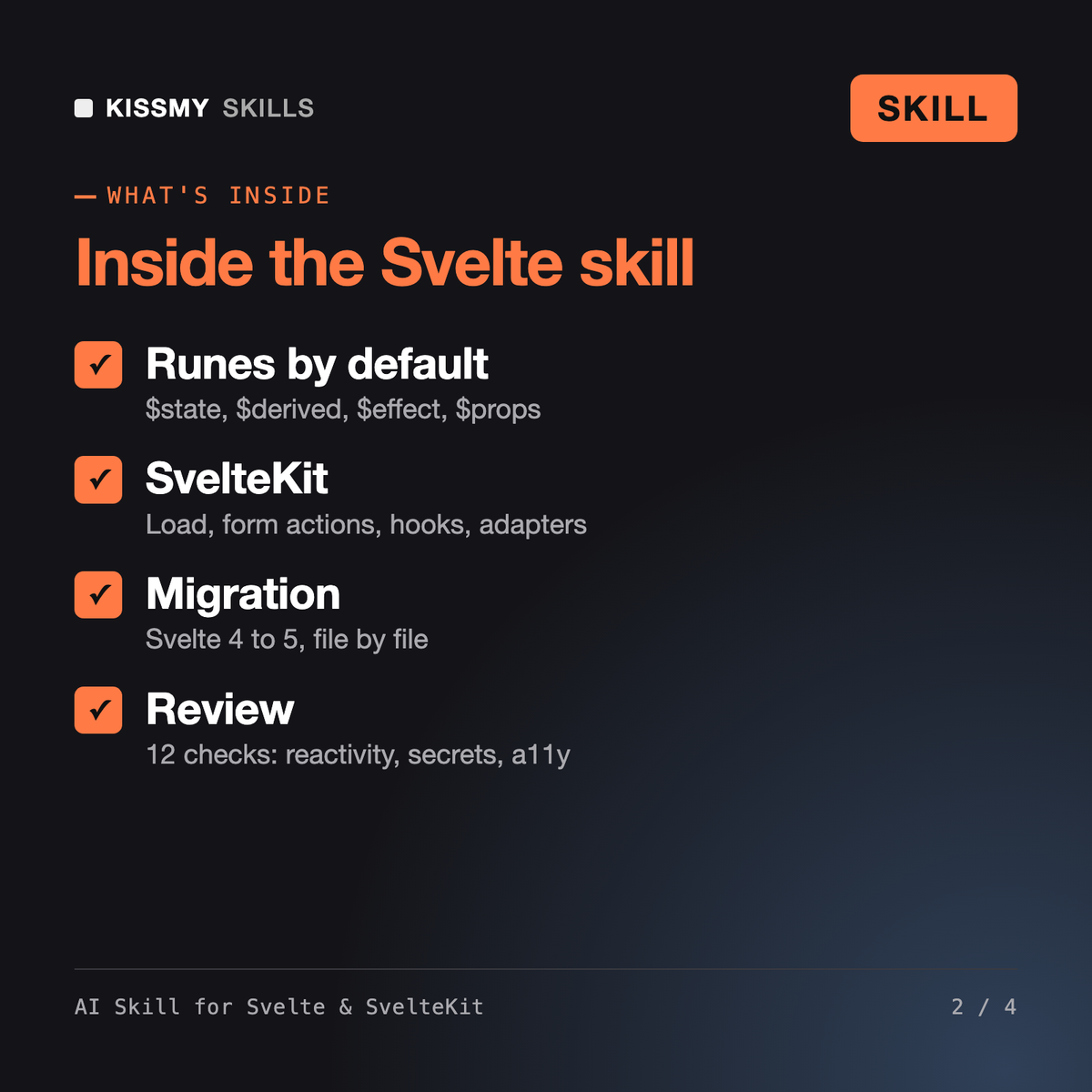
It is a Svelte skill for Claude or ChatGPT that writes components and SvelteKit features with Svelte 5 runes, builds routes, load functions, form actions, hooks and API routes, picks deployment adapters, migrates Svelte 4 code to Svelte 5 and reviews codebases against a 12-point checklist covering reactivity, secrets, SSR state, performance and accessibility.
Lena - Frontend Developer covers frontend engineering across frameworks. Zosia - Vue Developer and Pascal - React Developer specialize in Vue with Nuxt and React with Next.js. This skill is only about Svelte and SvelteKit, so it goes deeper on runes, the 4 to 5 migration, load function behavior and SvelteKit's server and client boundaries.
Yes. It asks for your versions first. On Svelte 4 it can write legacy syntax, but it recommends runes for new code and can migrate components one at a time, because Svelte 5 still runs legacy components. It explains what the official migration script changes and what to review afterwards.
No code is guaranteed. The skill writes to current Svelte 5 and SvelteKit 2 patterns, never invents APIs, flags version-specific details to confirm in the official docs and gives you steps to verify with npm run check, the dev server and a production build.
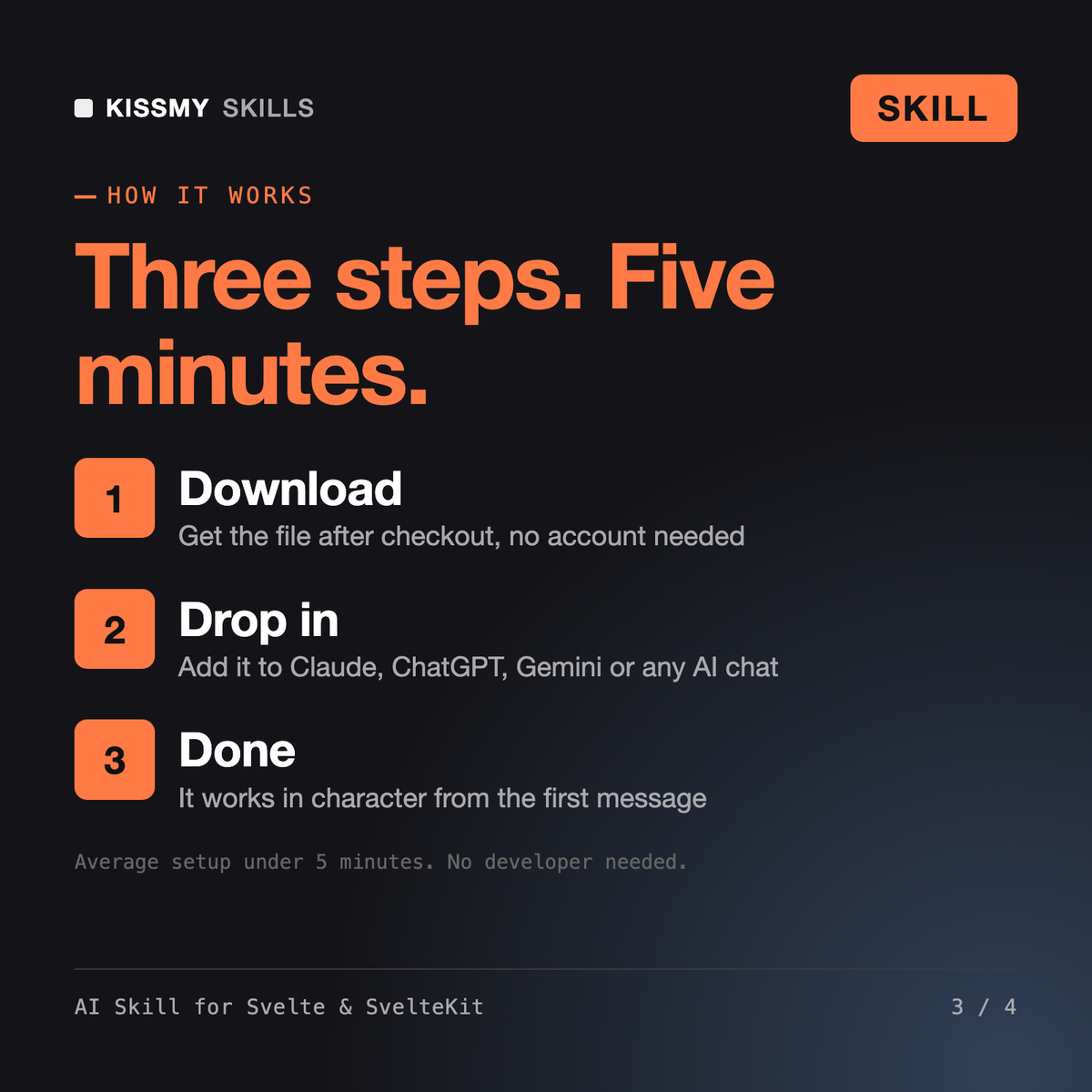
Download your .skill file from the order email or your account. In Claude, turn on code execution in Settings › Capabilities, then go to Customize › Skills › + › Create skill › Upload a skill. Start a new chat and ask for the specialist by name.
Solo developers, game jam teams and indie studios who build 2D or 3D games in Godot 4 with GDScript or C#.

Site owners, SEOs and developers who use Google Search Console and want to know which errors matter and what to fix first.
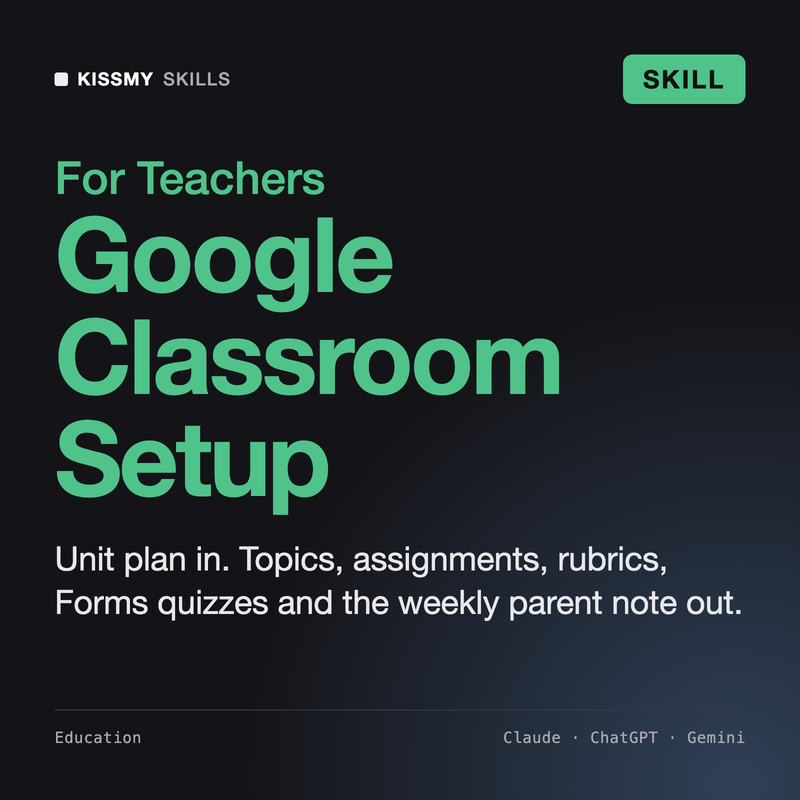
K-12 and college teachers who run classes in Google Classroom and want clean Classwork, clear assignments, fair rubrics and a quick note home.

Meinrad