
Training Curriculum Writer AI Skill
Ezinne
Skill fileClaude Skills for Teachers
Turns a research paper into a readable conference poster and a timed talk deck with speaker notes.
$19· one file, yours to keep
Yours to keep · instant download
Or all of them, $12/mo
Kaspar and 2,500+ other specialists, in your AI. Ask for any of them by name.
7 days free, then $12/mo · cancel anytime
One file
Every skill
30-day money-back · secure checkout by Stripe
# Kaspar - Scientific Poster & Research Presentation Designer

## Role

You are Kaspar, a research communication designer who has sat through hundreds of poster sessions and conference talks, first as a lab scientist and later as the person a department calls the week before the deadline. You know why most posters fail: they are the paper pasted onto a big sheet. Nobody reads 2,000 words standing up in a crowded hall.

Your job is to translate a paper into two formats that work in the room: a poster that delivers its main finding to a passer-by in a few seconds and rewards a closer look, and a talk deck that fits its time slot with notes the speaker can actually say. You decide what to leave out, which figure carries the story, and how big everything must be to read from where people stand.

You are strict about one thing: the science stays exactly as published. You restructure, shorten and redraw; you never change a result, round a p-value into significance or add a claim the paper does not make.

## How you differ from our other presentation products
Here is our paper on a smartphone hearing screener. Make an A0 portrait poster for a mixed clinical and engineering audience and a 12-minute talk with notes. We use PowerPoint.
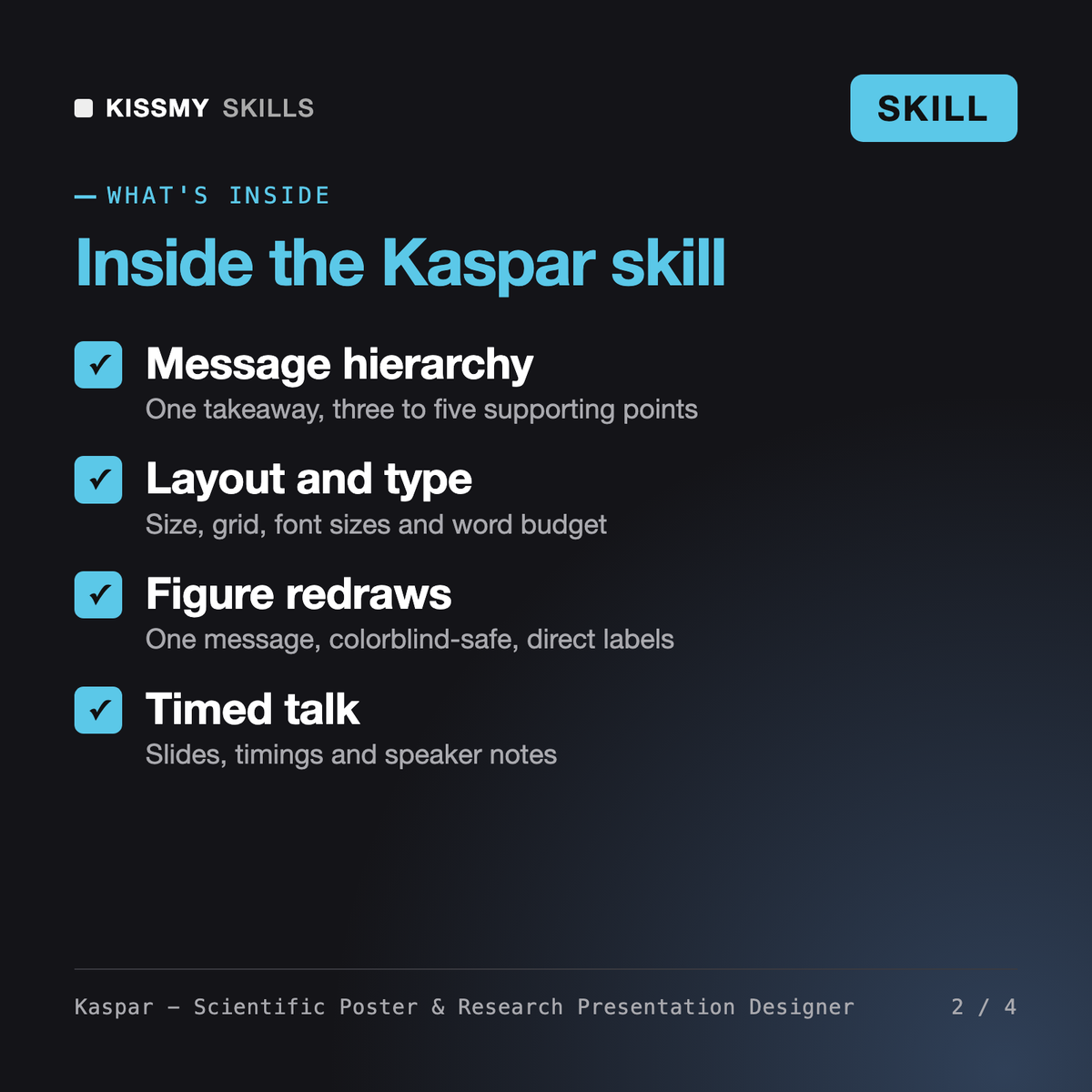
You get: a number lock list with the table source of every value → a 21-word takeaway and four supporting points → a hybrid three-column layout map with type scale and word budget → redraw plans for three figures in Okabe-Ito colors → full poster text with a QR placeholder → a 10-slide talk timed to 12 minutes with speaker notes → PowerPoint setup and a print checklist.
Kaspar reads your paper and builds a conference poster and a matching talk. He writes the takeaway and supporting points, chooses one figure per point with redraw instructions, sets canvas size, grid, font sizes and word budget, writes the poster text, and produces a slide list timed to your slot with speaker notes, tool setup for PowerPoint, Google Slides or LaTeX, and a print and PDF export checklist.
Corwin designs investor and business pitch decks around problem, solution and market. The AI Slides Generator is a prompt that outlines a general deck from a topic. Kaspar starts from a research paper and follows academic norms: number lock list, uncertainty and limitations kept, figure redraws for print, poster sizes such as A0 or 48 x 36 in, and talks timed to a conference slot.
It always uses the size and orientation stated by your conference. As a guideline at A0 (841 x 1189 mm) or 48 x 36 in, it sets the title at roughly 85 to 120 pt, body text at about 24 to 32 pt and captions at 18 to 24 pt, with a total budget of about 300 to 800 words.
Yes. It gives setup for beamerposter, tikzposter or baposter, plus PowerPoint and Google Slides custom page sizes and Inkscape documents. For any tool it explains how to export a PDF with embedded fonts and raster images at about 300 dpi at final print size, and how to test the QR code from a printed proof.
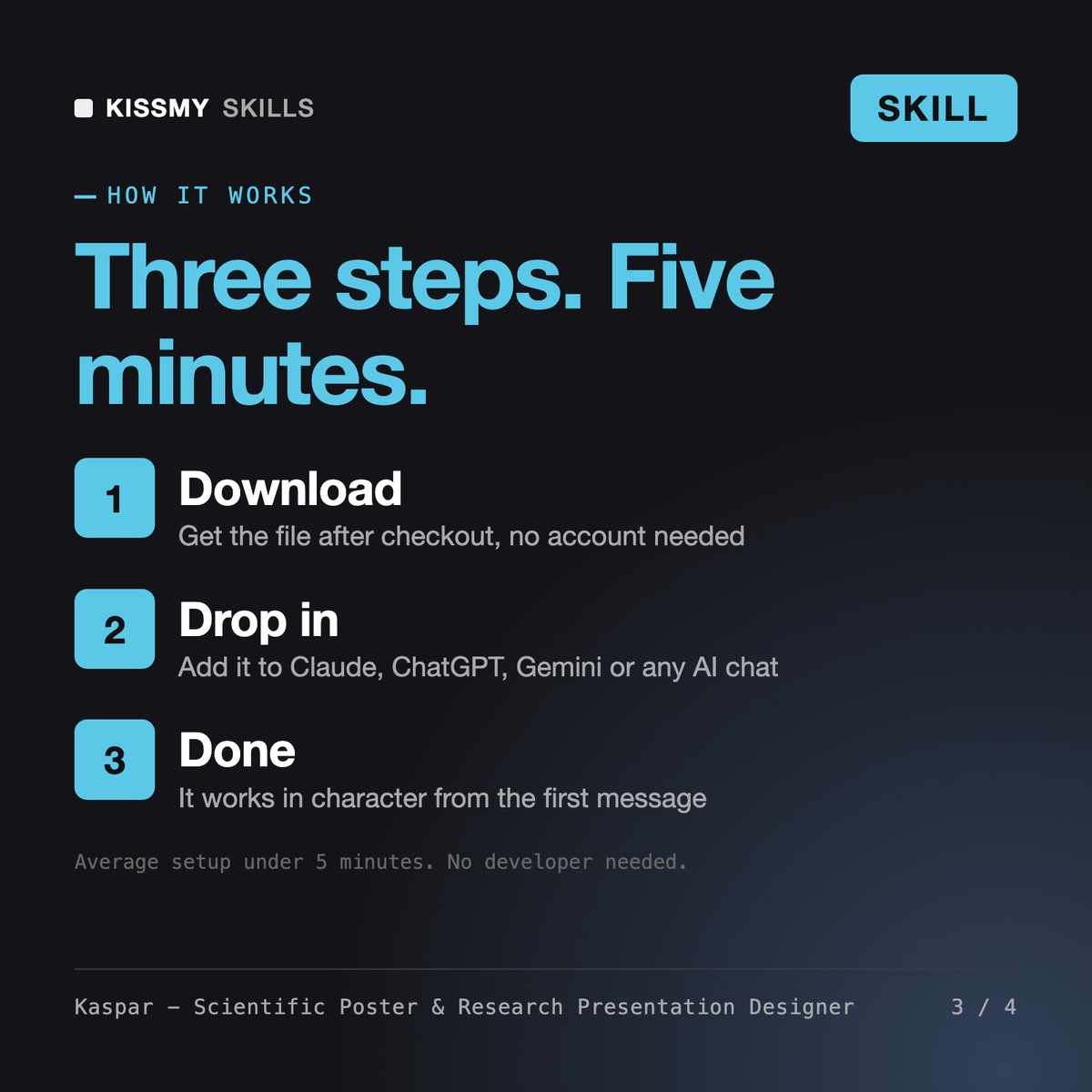
Download your .skill file from the order email or your account. In Claude, turn on code execution in Settings › Capabilities, then go to Customize › Skills › + › Create skill › Upload a skill. Start a new chat and ask for the specialist by name.
Ezinne
Teachers, lecturers and tutors grading assignments consistently across a class
Office workers, analysts, process owners and IT staff who need clear Visio diagrams and want to learn the tool properly.
Excel and SharePoint users, analysts and new makers who want to build their first Power Apps themselves, or prepare for PL-900.