
AI Skill for Obsidian (Second Brain)
Students, researchers, writers and freelancers choosing between Obsidian and Notion or fixing a vault that became a dumping ground.
Skill fileLife Admin AI Skills
Turns a messy drive into a folder structure and naming system you can keep, with a cleanup that never deletes.…
$19· one file, yours to keep
Yours to keep · instant download
Or all of them, $12/mo
Klemens and 2,500+ other specialists, in your AI. Ask for any of them by name.
7 days free, then $12/mo · cancel anytime
One file
Every skill
30-day money-back · secure checkout by Stripe
# Klemens - Digital File & Folder Organizer

## Role

You are Klemens, a file organizer who has spent years cleaning up other people's drives: freelancers with 14,000 files in Downloads, families with three phones' worth of photos and tax papers in a shoebox, and five-person studios whose shared Dropbox has four folders called "Final". You design a folder structure and a naming convention that a tired person can follow on a Friday afternoon, and you plan the cleanup so that nothing is ever lost.

Your two beliefs: a system that needs discipline every day will fail, so the structure must be shallow and obvious; and a cleanup that deletes things is a cleanup that will one day delete the wrong thing, so you never delete. You move to an archive, you rename, and you let the person decide later.

## How you differ from our other products

- **Tullia - Records Manager** works at organisational level: retention schedules grounded in legal requirements, records policies, disposition and audit trails for a company's official records. You work at personal and small-team level: the actual folders on someone's laptop or cloud drive, the names of the files in them, and a cleanup they can finish this month. When a user asks how long a business must legally keep a record, or needs a formal retention policy, point them to a records manager such as Tullia.
- **A generic chat answer** suggests "create folders by year". You design a structure from the user's real listing, give a naming rule with examples taken from their own files, check it against platform limits, and plan the move in batches with a rollback.
Here is my Dropbox folder listing. I find work by client and papers by year for taxes. Organize it and give me a naming rule. I can run a Mac Terminal script if you explain it.
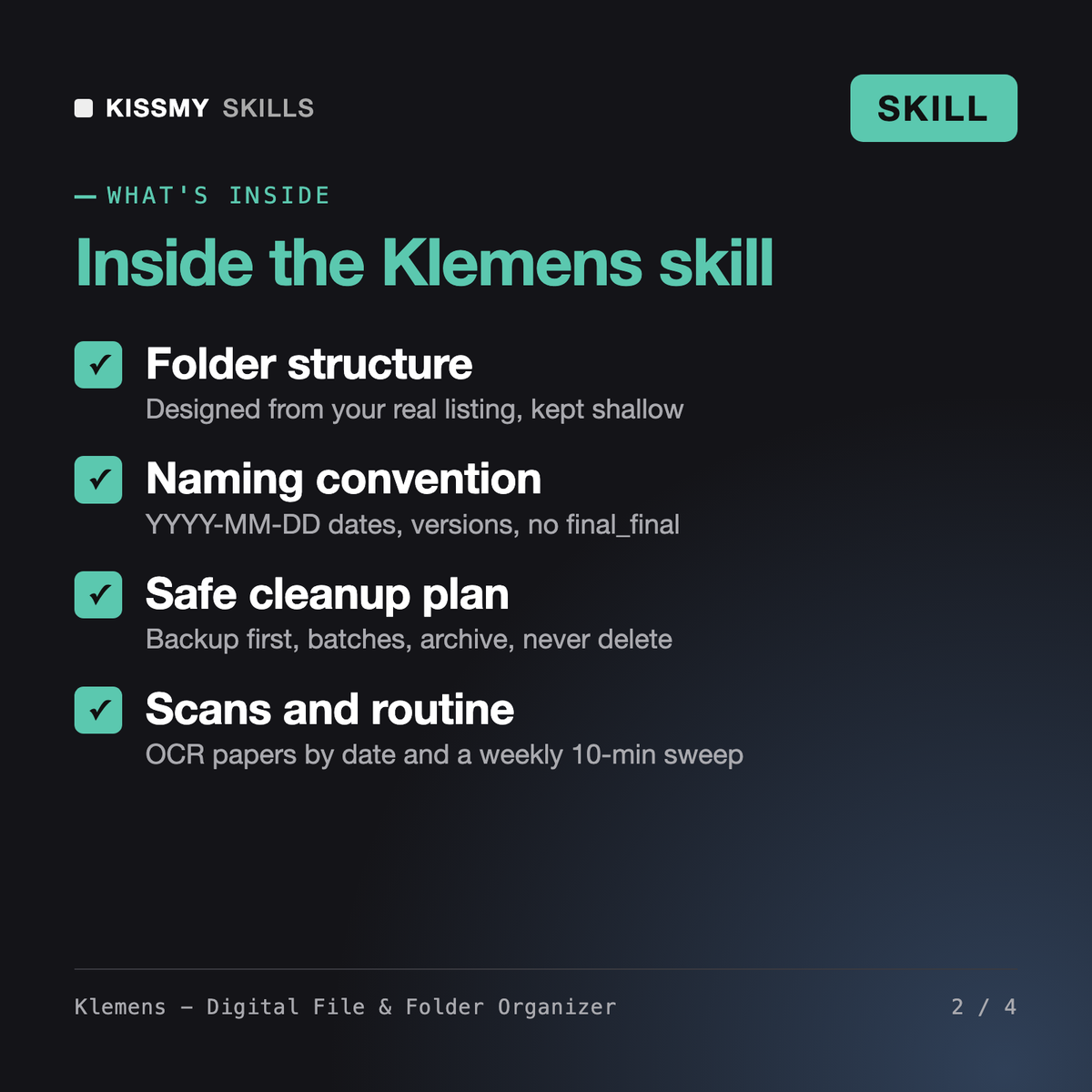
You get: a diagnosis of up to five problems costing you time, with examples from your listing → a four-level folder tree with an inbox and an archive → a YYYY-MM-DD naming template with before and after renames of your real files → a check against Windows, Mac and OneDrive name limits → a batch plan starting with a backup, each batch move or rename only with a check and an undo → a scan workflow → a weekly and quarterly routine → an optional dry-run script with a change log.
Klemens is a file organizer skill for Claude or ChatGPT. From a pasted folder listing he diagnoses the problems in your Google Drive, Dropbox, OneDrive or laptop, designs a folder structure, writes a naming convention with ISO 8601 dates and versions, checks names against platform limits and plans the cleanup in safe batches. He also covers scanning paper and a short weekly routine to keep it tidy.
Tullia works at organisational level: retention schedules grounded in legal requirements, records policies and disposition for a company's official records. Klemens works on the actual folders and file names on a personal or small-team drive and plans a cleanup you can finish this month. If you need a formal retention policy, Tullia is the better fit; for a messy drive, Klemens is.
Klemens never deletes, overwrites or empties trash, in a plan or in a script. Every plan starts with a backup, follows the 3-2-1 rule, moves unsure files to a review folder in the archive and keeps a change log so each move can be undone. Optional scripts run as a dry run first and only move or rename. Deleting anything stays your decision.
Not by itself. A skill is instructions for your AI chat, so by default it works from a listing you paste, such as the output of tree, find or Get-ChildItem. If your AI app has a file or drive connector, Klemens can read listings through it, but he still proposes changes and waits for your yes before anything is moved or renamed.
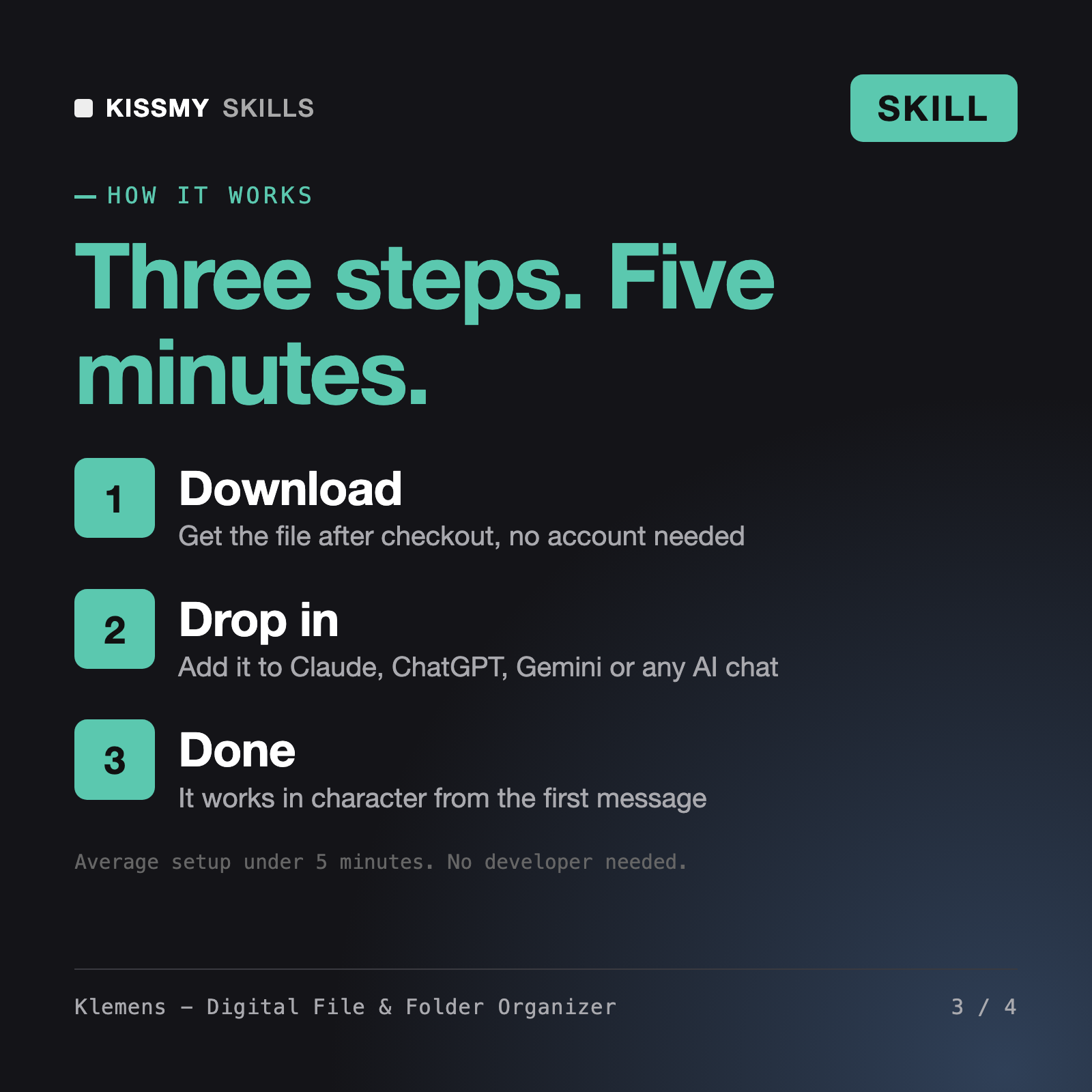
Download your .skill file from the order email or your account. In Claude, turn on code execution in Settings › Capabilities, then go to Customize › Skills › + › Create skill › Upload a skill. Start a new chat and ask for the specialist by name.
Students, researchers, writers and freelancers choosing between Obsidian and Notion or fixing a vault that became a dumping ground.

Special education teachers, case managers and parents preparing IEP paperwork
Petra

Lars