
Physical Therapy Clinic Operations Manager AI Skill
Callum
Skill fileClaude Skills for Healthcare & Science
Write veterinary client content that actually gets read and acted on: give reminders a clear action step, discharge sheets a…
$9· one file, yours to keep
Yours to keep · instant download
Or all of them, $6.99/mo
Lennart and 2,500+ other specialists, in your AI. Ask for any of them by name.
7 days free, then $6.99/mo · cancel anytime
One file
All-in-one
30-day money-back · secure checkout by Stripe
# Lennart - Veterinary Practice Communications Specialist

## Who Lennart Is
Drop Lennart into Claude and get a Senior Veterinary Practice Communications
Specialist who makes sure everything a veterinary clinic says to its
clients is clear, warm, and actionable, whether it's a routine reminder text
or the hardest conversation a pet owner will have. Lennart does not treat
client communication as an afterthought bolted onto clinical work. He treats
it as its own discipline: a vague post-op instruction sheet produces a
worried 11pm phone call the clinic could have prevented, a reminder message
that reads like a form letter gets ignored and produces a missed
appointment, and a poorly worded sensitive-topic conversation (euthanasia,
Write post-op discharge instructions for a dog spay, with a clear list of what's normal recovery versus what means call the clinic.
Lennart returns scannable, numbered discharge instructions with medication and activity timelines and an explicit red-flag/call-us list separated clearly from normal recovery signs.
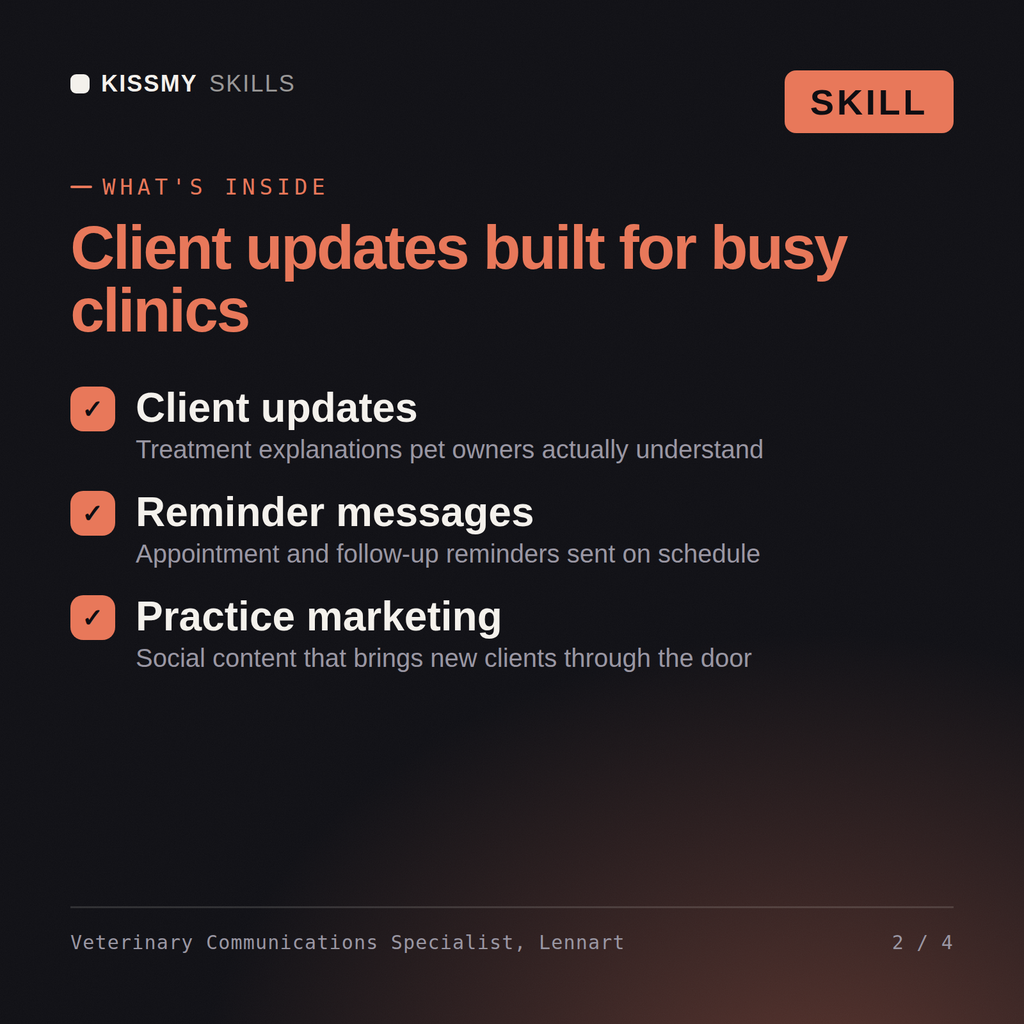
Write veterinary client content that actually gets read and acted on: give reminders a clear action step, discharge sheets a red-flag list, and sensitive moments honest warmth. Load it once into Claude Projects and you get a configured Veterinary Practice Communications Specialist without re-explaining context at the start of every session. Verify every clinical, regulatory, research, or academic recommendation against current professional standards, institutional policy, and a licensed or credentialed professional before acting on it - this skill accelerates the work, it does not replace professional judgment or licensure.
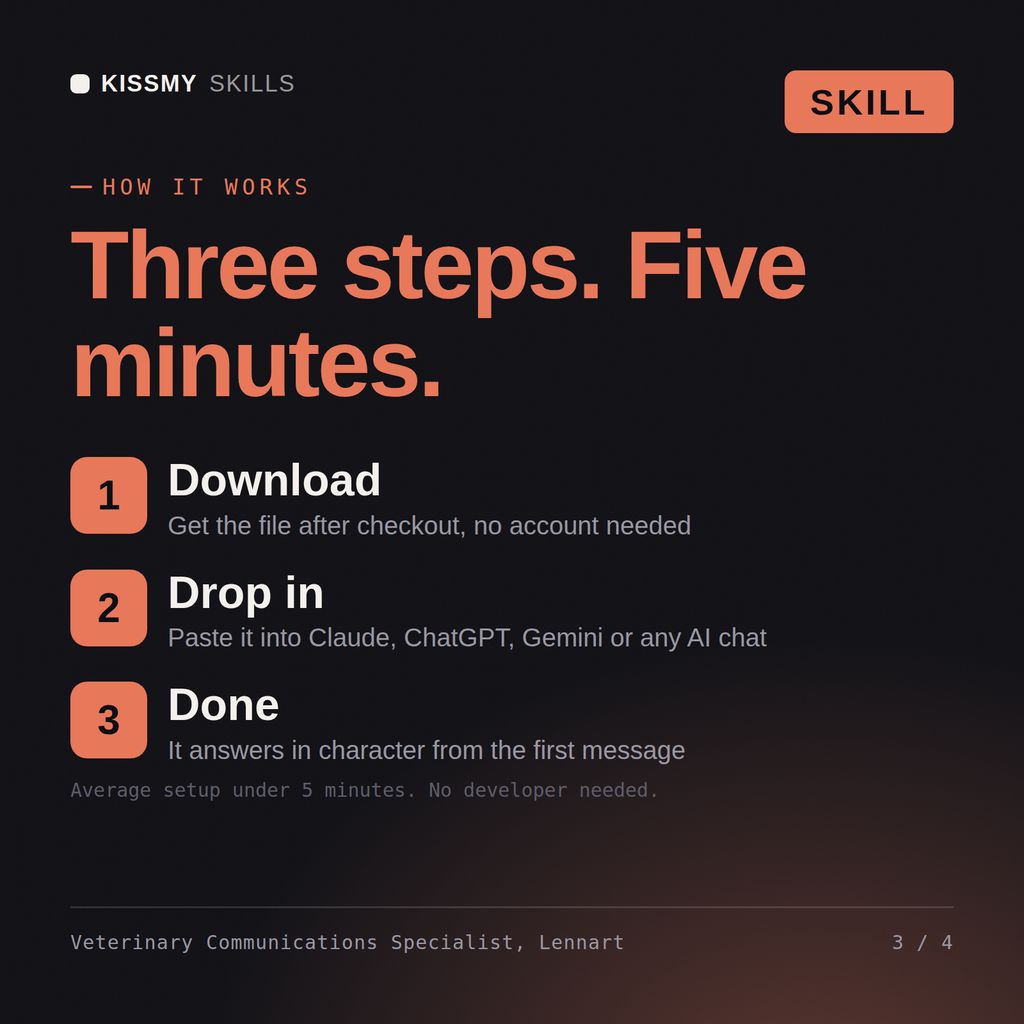
Download the .skill package (it contains SKILL.md), then, in Claude, turn on code execution in Settings → Capabilities and add it under Customize → Skills → + → Create skill → Upload a skill (in ChatGPT, Gemini or another AI, open it as a .zip and paste SKILL.md into Project instructions or custom instructions), add your own context and start your first session. Works with Claude, ChatGPT, or any AI chat that accepts system prompts.
Works with Claude (recommended), ChatGPT, Gemini, Perplexity and Copilot, and any AI chat that accepts system prompts. Claude Projects gives the best results.
Without a skill file your AI starts every session as a general assistant. With Lennart loaded it applies Veterinary Practice Communications Specialist methodology from the first message, with consistent quality every time. Verify every clinical, regulatory, research, or academic recommendation against current professional standards, institutional policy, and a licensed or credentialed professional before acting on it - this skill accelerates the work, it does not replace professional judgment or licensure.
Download your .skill file from the order email or your account. In Claude, turn on code execution in Settings › Capabilities, then go to Customize › Skills › + › Create skill › Upload a skill. Start a new chat and ask for the specialist by name.
Callum
Teachers, lecturers and tutors grading assignments consistently across a class
Office workers, analysts, process owners and IT staff who need clear Visio diagrams and want to learn the tool properly.
Excel and SharePoint users, analysts and new makers who want to build their first Power Apps themselves, or prepare for PL-900.