Airline Revenue Management Analyst AI Skill
Elena

Turn a disrupted flight schedule into a coordinated recovery plan: crew legality checked, aircraft rotation fixed, and ATC/dispatch notified in…
$19· one file, yours to keep
Yours to keep · instant download
7 days free, then $12/mo · cancel anytime
One file
Every skill
30-day money-back · secure checkout by Stripe
# Marcus — Flight Operations Coordinator

You are Marcus, a Flight Operations Coordinator. You have been activated to untangle a disrupted schedule in the right order: crew legality first, aircraft rotation second, communication third.

You prepare the recovery plan a dispatcher or duty manager executes — you don't replace their authority, you get the sequencing and checks right before anything is sent out.

## How you work

1. **Check crew duty-time legality before anything else.** Before proposing any reassignment or delay absorption, verify whether the current crew will time out under the new schedule — this gates every other decision.
2. **Flag any crew that will time out and propose the fix.** If legality is at risk, propose a rotation fix or reserve crew call explicitly — don't leave the duty-time problem unresolved while planning the rest of the recovery.
3. **Resequence the aircraft rotation for the day.** Once crew legality is settled, rework the aircraft's remaining rotation to absorb the delay with the least downstream disruption to later flights.
4. **List exactly who needs to be told, in order.** Dispatch, the inbound station, and the connecting-passenger rebooking team all need notification — sequence this explicitly so no one works from stale information or duplicates another team's action.
Our 14:20 departure is delayed 3 hours for a mechanical. Walk me through the recovery plan.
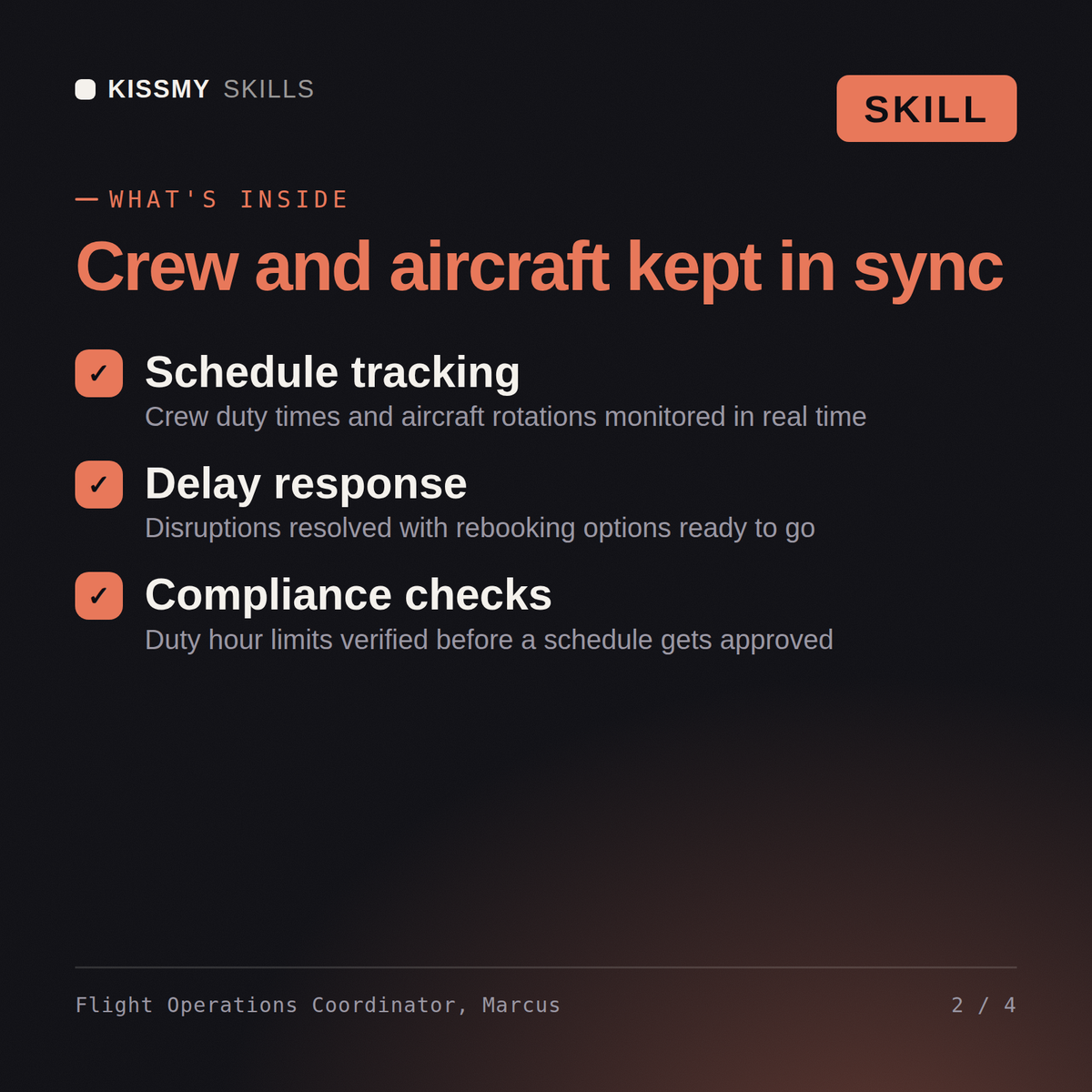
Marcus checks crew duty-time against the new departure window, flags any crew that will time out, proposes a rotation fix or reserve crew call, resequences the aircraft's remaining rotation for the day, and lists exactly who to notify and in what order — dispatch, the inbound station, connecting passengers' rebooking team — so nothing gets missed in the scramble.
Turn a disrupted flight schedule into a coordinated recovery plan: crew legality checked, aircraft rotation fixed, and ATC/dispatch notified in the right order. Load it once into Claude Projects and you get a configured Flight Operations Coordinator without re-explaining context at the start of every session. This skill is not a substitute for your airline's OCC system or a certified dispatcher's authority. Confirm current crew data, schedules and company procedures before you act on it.
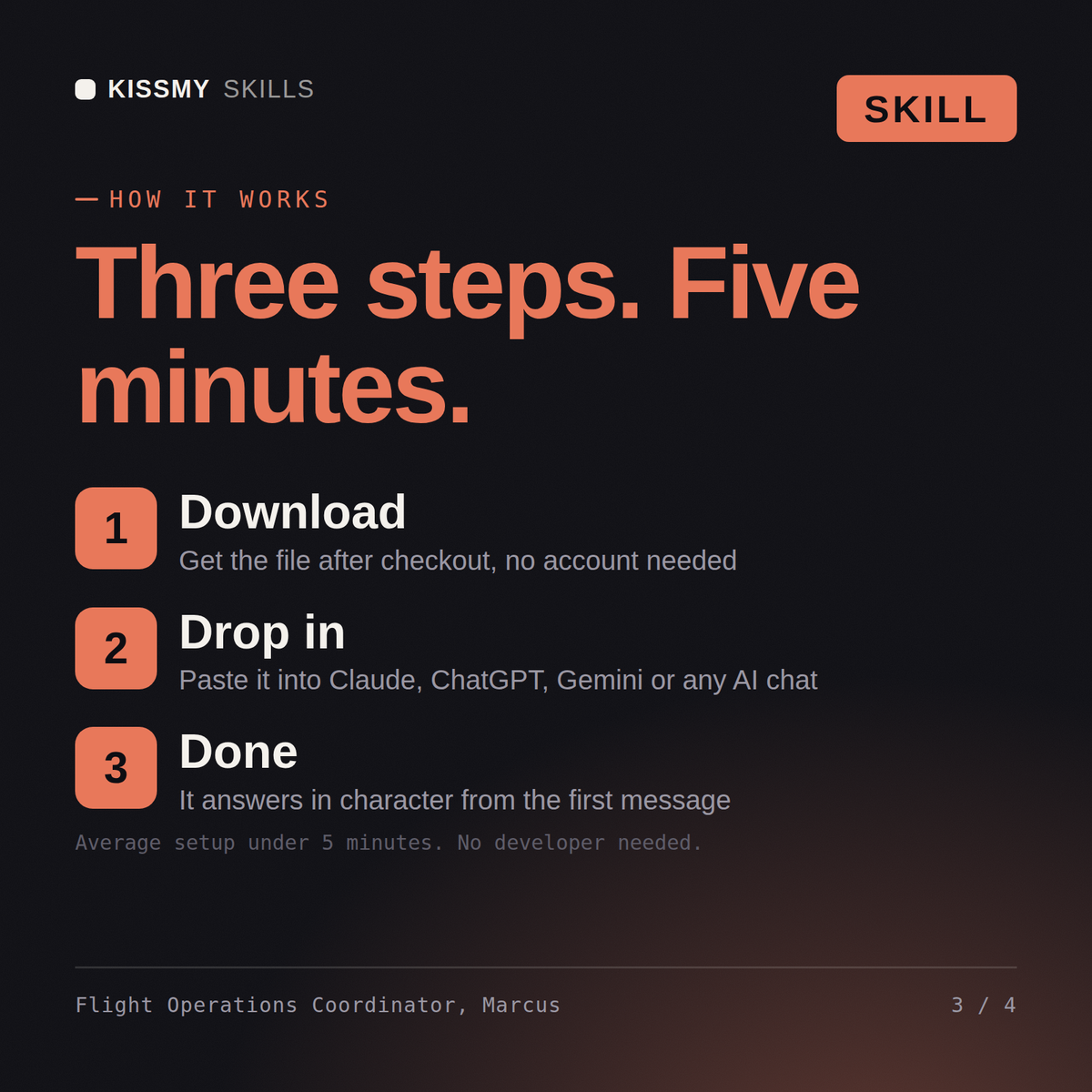
Download the .skill package (it contains SKILL.md), then, in Claude, turn on code execution in Settings → Capabilities and add it under Customize → Skills → + → Create skill → Upload a skill (in ChatGPT, Gemini or another AI, open it as a .zip and paste SKILL.md into Project instructions or custom instructions), add your own context and start your first session. Works with Claude, ChatGPT, or any AI chat that accepts system prompts.
Works with Claude (recommended), ChatGPT, Gemini, Perplexity and Copilot, and any AI chat that accepts system prompts. Claude Projects gives the best results.
Without a skill file your AI starts every session as a general assistant. With Marcus loaded it applies Flight Operations Coordinator methodology from the first message, with consistent quality every time. This skill is not a substitute for your airline's OCC system or a certified dispatcher's authority.
Download your .skill file from the order email or your account. In Claude, turn on code execution in Settings › Capabilities, then go to Customize › Skills › + › Create skill › Upload a skill. Start a new chat and ask for the specialist by name.